 EN
 IT Italiano
 ES Español
 FR Français
 DE Deutsch
Description
What it is
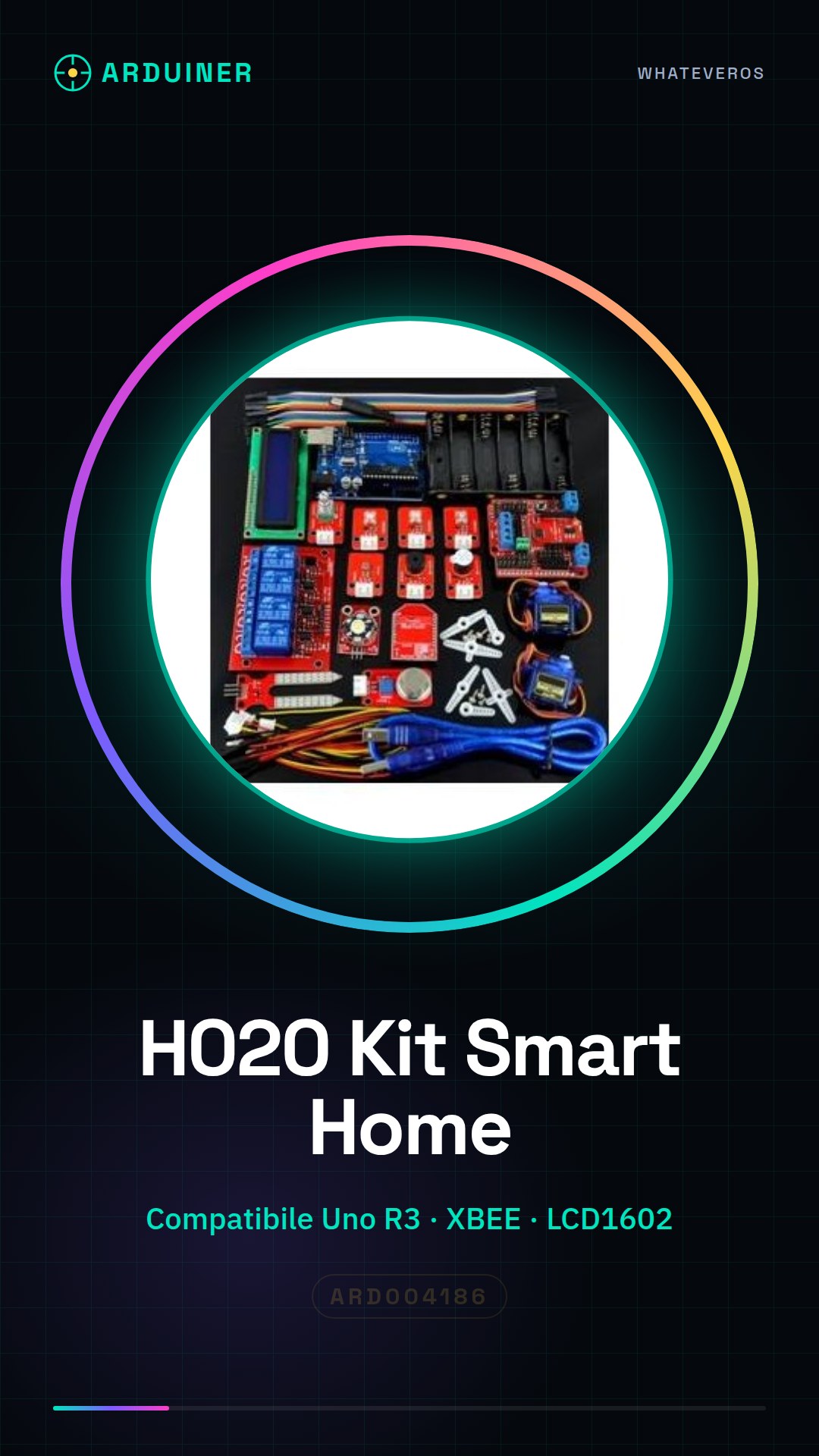
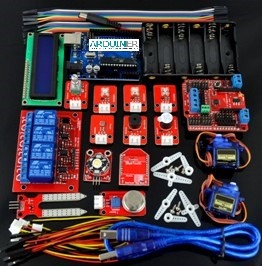
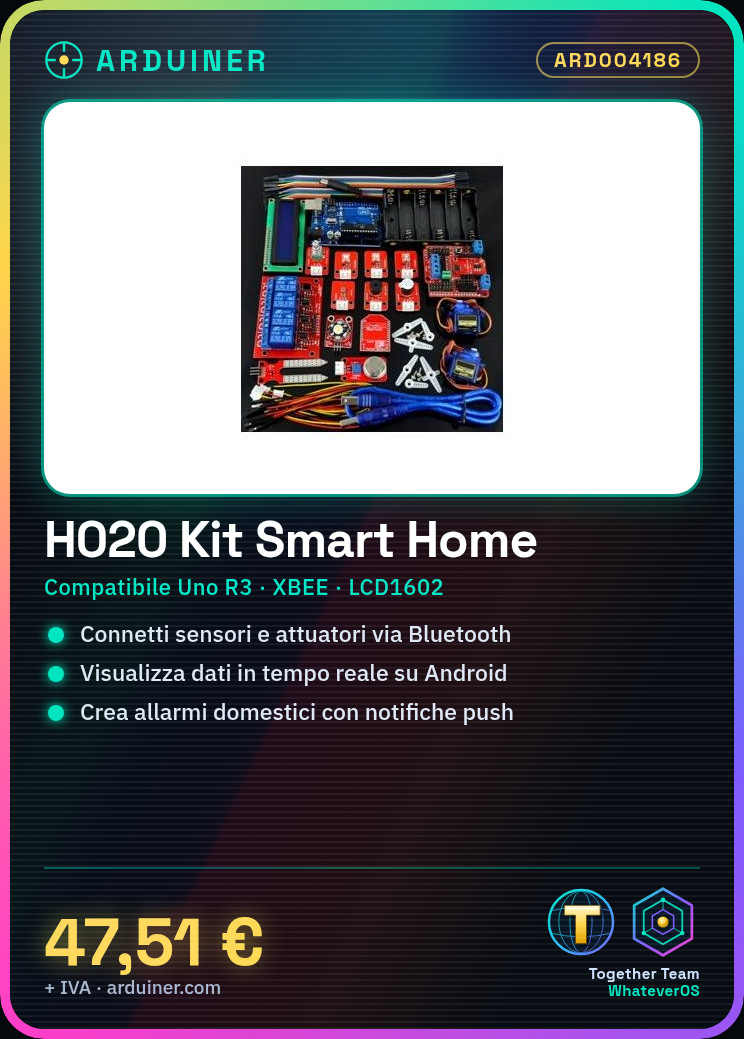
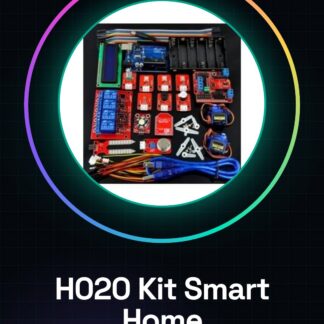
The H020 Smart Home Learning Kit is designed to allow users, both beginners and experts, to create smart home devices by integrating Android and Arduino Uno R3. The kit provides the tools necessary to connect sensors, actuators, and LCD screens via Bluetooth to an Android device.
Features
- Compatible with Arduino Uno R3
- Includes XBEE for wireless communication
- 1602 LCD screen included
What it is for
The main uses of the kit include creating home alarm systems that send notifications on Android when doors or windows are opened, and using motion sensors. The kit is ideal for Smart Home projects.
Tutorial: How to use Smart Home Bluetooth Learning Kit Arduino
This kit is ideal for those who want to start creating smart home devices using Android and Arduino. It is perfect for both beginners and experienced enthusiasts. The kit includes everything you need to connect sensors, actuators, and LCD screens via Bluetooth to an Android device.
What you need
- Arduino Uno R3
- USB Connections
- Android smartphone or tablet
- Arduino IDE software installed
Steps
- Connect the Bluetooth module to the Arduino Uno R3 following the product guide.
- Download and install the control app on a compatible Android device.
- Configure the Arduino software to send data to the Bluetooth module (check the datasheet).
- Connect the sensors and actuators to the kit following the provided instructions.
- Program the Arduino to read data from the sensors and send it to the Android device via Bluetooth (check the datasheet).
- Test the connection between your Android device and Arduino using the control app.
- View sensor data in real-time through the app on Android.
- Further customize the kit by adding additional components or improving the script.
Example code
// Esempio base: Invia dati dal sensore al modulo Bluetooth
void setup() {
  Serial.begin(9600); // Verifica la velocità corretta sul datasheet
}
void loop() {
  int val = analogRead(A0);
  Serial.println(val);
}
Mini project
Create a home alarm system that sends notifications on Android when doors or windows are opened. Use motion and door sensors.
Common mistakes
- Do not verify the correct speed of the Bluetooth module.
- Omit installing the control app on Android.
- Do not properly configure the Arduino software to send data to the Bluetooth module.
- Do not test the connection before further customizing the system.
Recommended accessories
- PIR motion sensors
- 5V relay
- 1602 LCD screen
- Portable battery
Frequently asked questions
What does this part of the kit connect to?
The Bluetooth module connects to the Arduino Uno R3 via digital pins.
How can I add another type of sensor to my smart home system?
Add the new sensor to the analog or digital pins of the Arduino and modify the sketch to read data from the sensor.
Reviews
There are no reviews yet.