 EN
 IT Italiano
 ES Español
 FR Français
 DE Deutsch
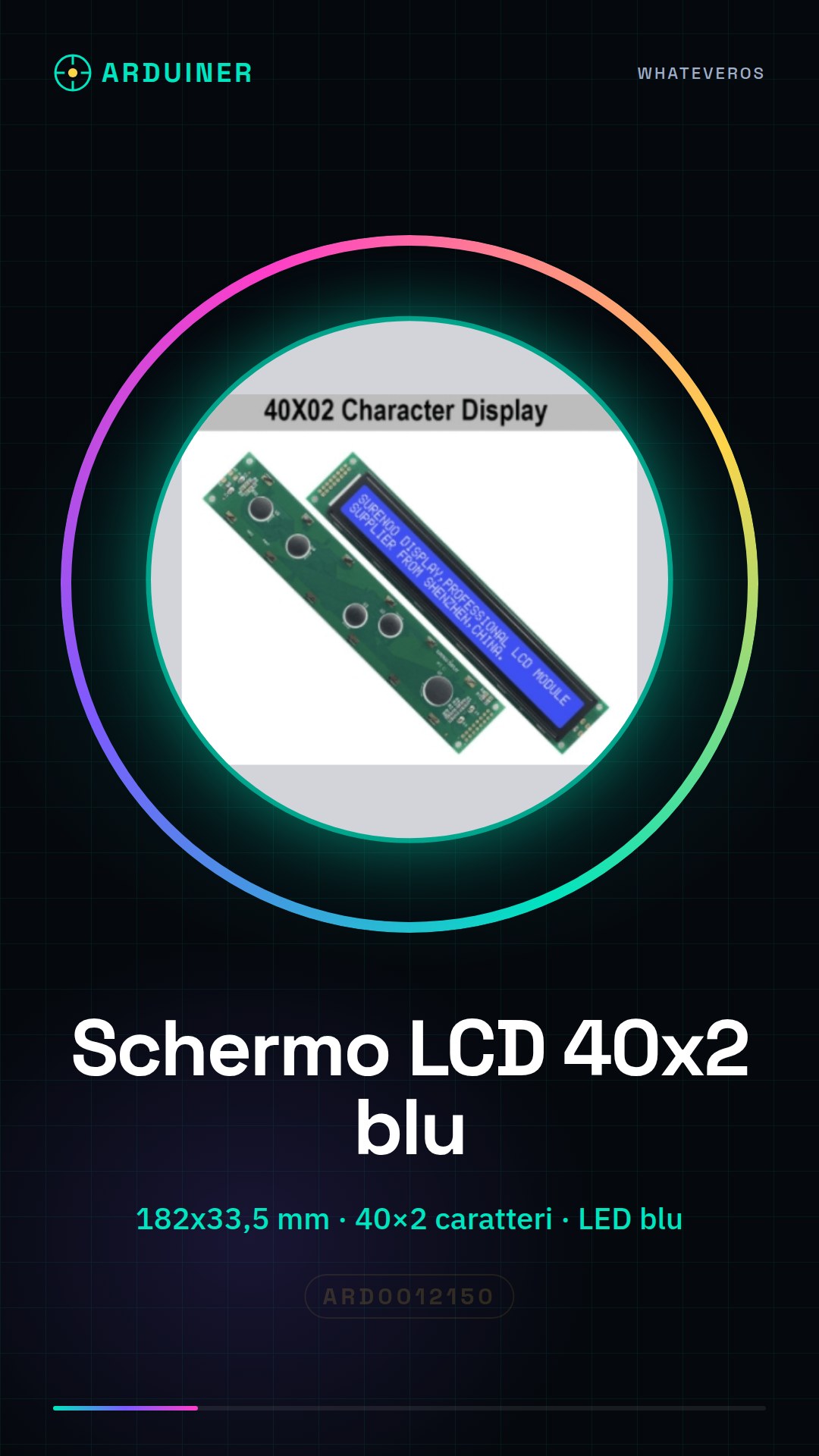
Description
What it is
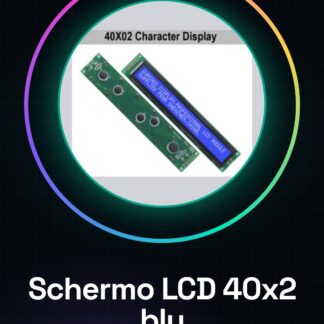
Blue LED backlit LCD module, ideal for displaying messages and information on electronic projects. Offers a resolution of 40×2 characters, totaling 4002 characters.
Features
- Dimensions: 182×33.5 mm
- Resolution: 40×2 characters (4002 characters total)
- Color: Blue
- Backlighting: LED
What it is for
This LCD screen is perfect for displaying information on Arduino projects, such as a simple stopwatch or a sensor data display. Its size and backlighting make it visible even in low-light conditions.
Tutorial: How to use LCD 40X2 Screen
This LCD 40X2 screen is ideal for displaying messages and information on Arduino projects. Useful for beginners and intermediates.
What you need
- Arduino
- Power cable
- 10kΩ resistor
- Connection cable
Steps
- 1. Installation: Download the LiquidCrystal driver for Arduino.
- 2. Connection: Connect VCC to 5V, GND to GND, RS to D12, EN to D11, D4 to D5, D5 to D4, D6 to D3, D7 to D2.
- 3. Insert a 10kΩ resistor between VCC and GND.
- 4. Load the code:
“`cpp
#includeLiquidCrystal lcd(D12, D11, D5, D6, D7, D4);
void setup() {
lcd.begin(40, 2);
}void loop() {
lcd.clear();
lcd.print(“Welcome to Arduino”);
}
“` - 5. Check the datasheet: Screen dimensions.
- 6. Try changing the displayed text.
- 7. Add a button to update the information.
- 8. Check the connections to ensure everything works correctly.
Example code
```cpp
#include <LiquidCrystal.h>

LiquidCrystal lcd(D12, D11, D5, D6, D7, D4);

void setup() {
  lcd.begin(40, 2);
}

void loop() {
  lcd.clear();
  lcd.print("Benvenuto su Arduino");
}
```
Mini project
Create a simple stopwatch to show elapsed time.
Common mistakes
- Connect VCC to 3.3V instead of 5V.
- Omit the 10kΩ resistor.
- Use the wrong pins for communication.
- Do not verify the code before uploading it.
Recommended accessories
- Push button
- 100Ω resistor
- 7-segment digital display
Frequently asked questions
How can I customize the appearance of my LCD screen?
Modify the code to change the color or appearance of the text.
Why doesn’t my screen turn on?
Check that the power cable is properly connected and that the power supply is stable.
Can I use this screen with a microcontroller other than Arduino?
Yes, but it may require modifications to the code.
Reviews
There are no reviews yet.