 EN
 IT Italiano
 ES Español
 FR Français
 DE Deutsch
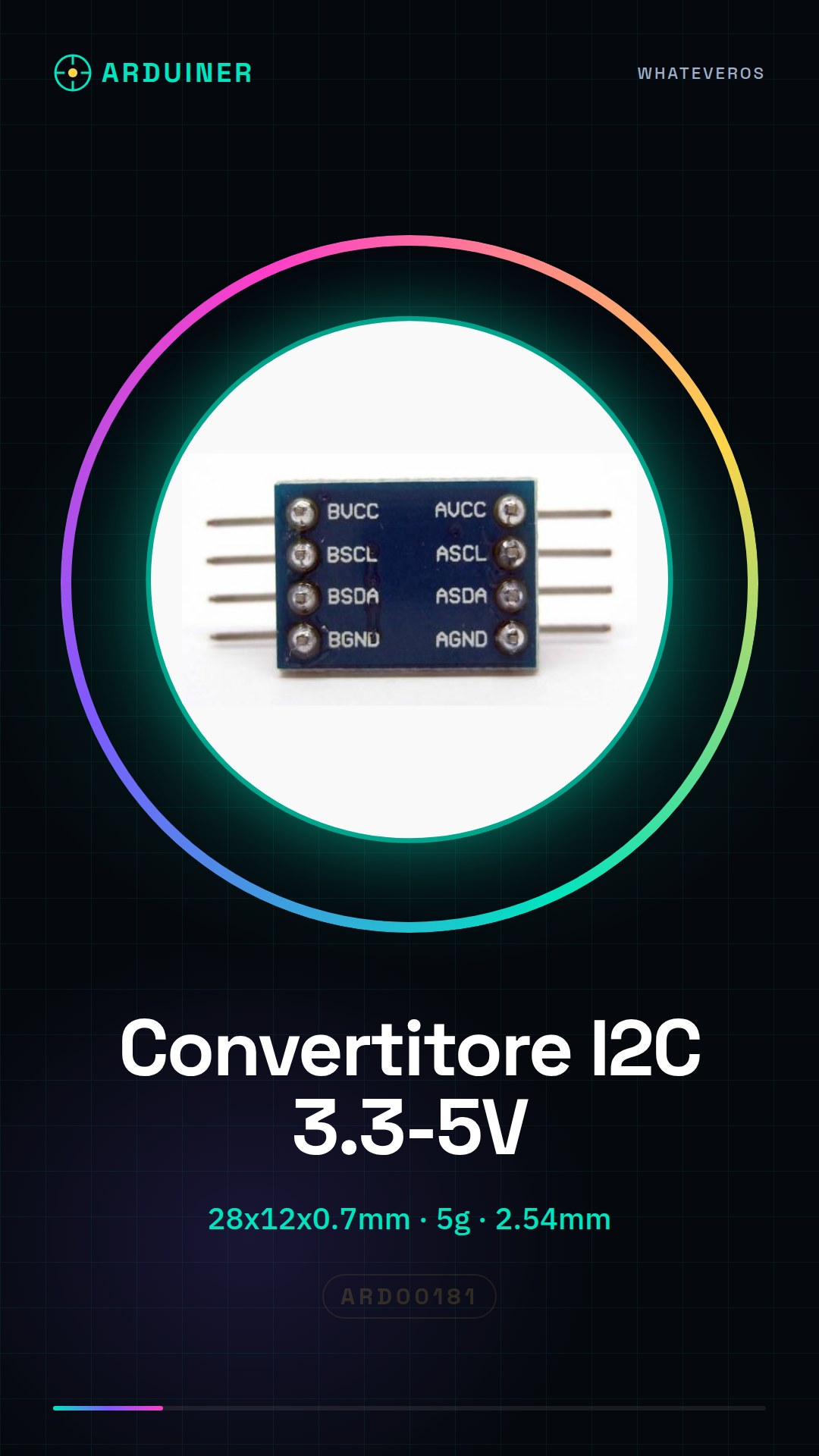
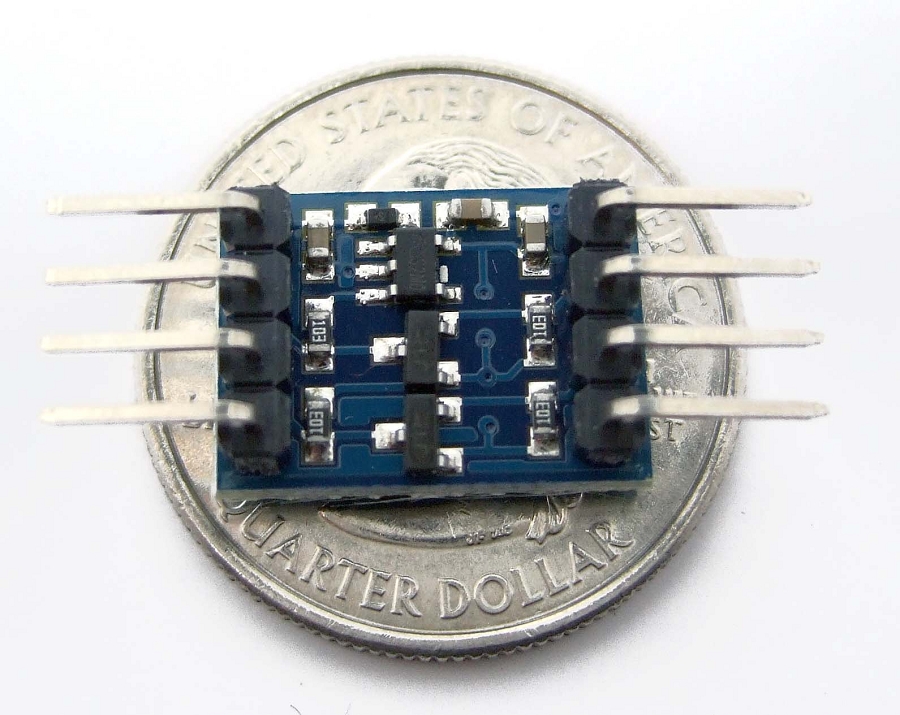
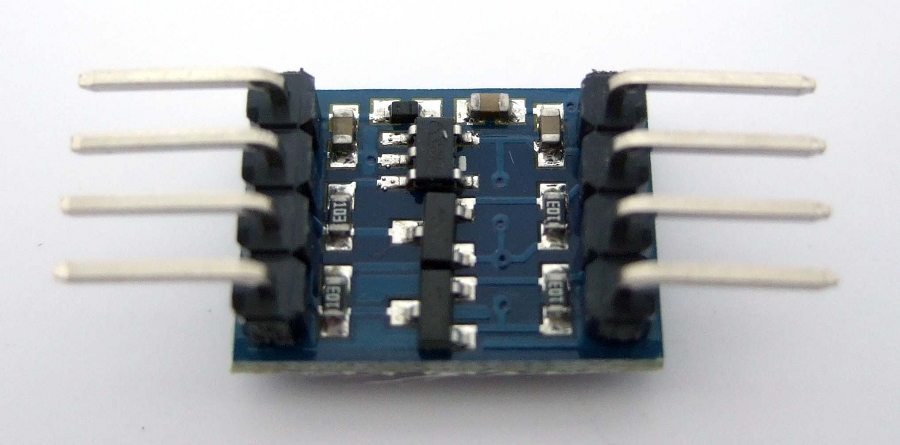
Description
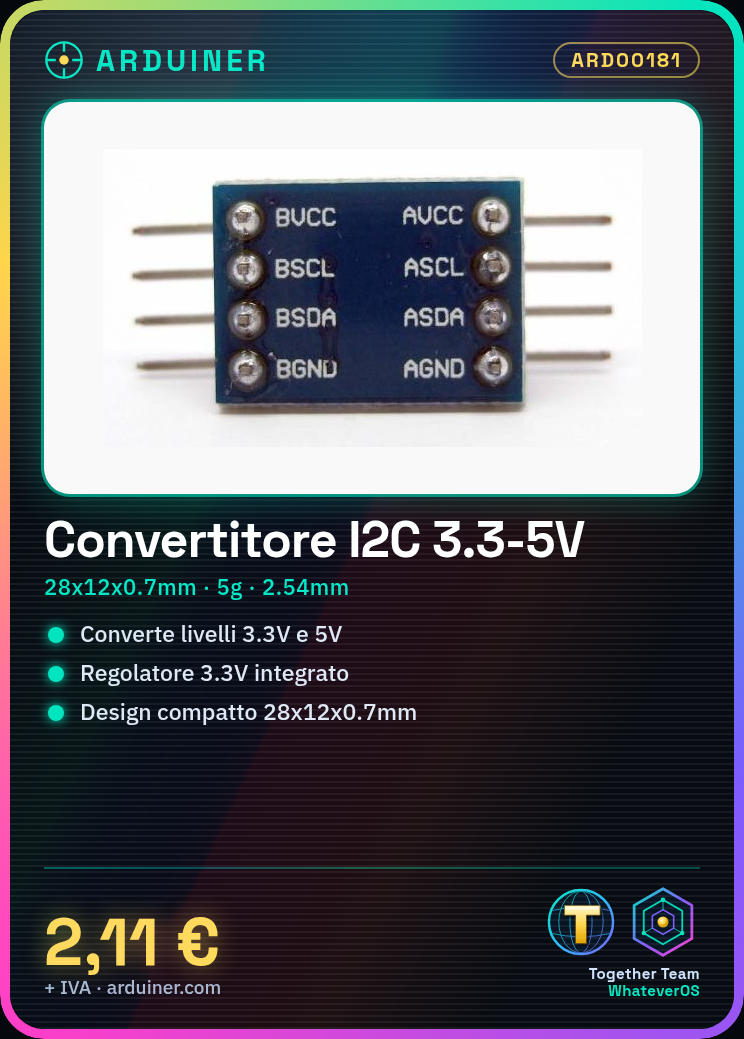
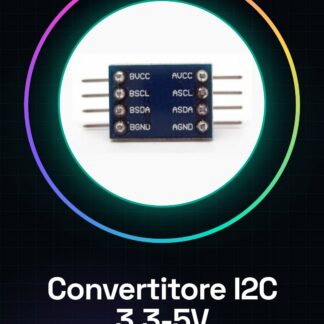
Bidirectional Logic Level Converter IIC I2C 3.3-5Vcc for Arduino
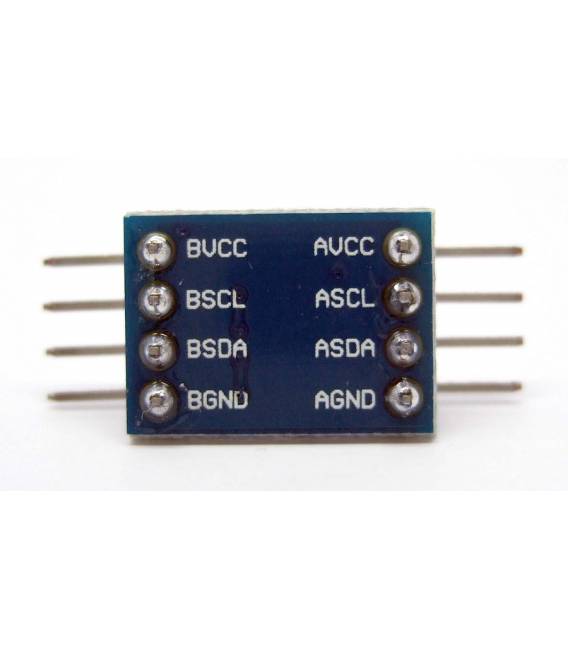
A compact bidirectional module that allows connecting devices requiring 3.3Vcc power supply and using the I2C protocol to Arduino or systems managing 5Vcc devices. It integrates a 3.3Vcc voltage regulator and is ideal for quick prototyping on a breadboard as the strip lines have a 2.54mm pitch between contacts.
Technical specifications:
Compatible voltages: 3.3Vcc, 5Vcc
Integrated 3.3Vcc voltage regulator
Protocol: I2C
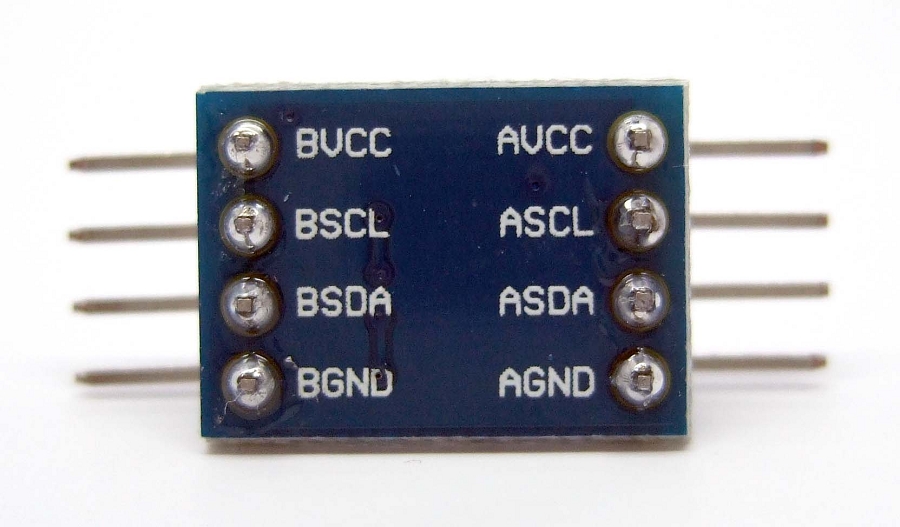
AVCC, ASCL, ASDA, AGND: 5Vcc
BVCC, BSCL, BSDA, BGND: 3.3Vcc
Connection methods:
1. BVCC 5. AVCC
2. BSCL 6. ASCL
3. BSDA 7. ASDA
4. BGND 8. AGND
Connection strip pitch: 2.54mm
Dimensions: 28 x 12 x 0.7 mm
Weight: 5 g
We have datasheets available for all components; if not present in the product download sheet, send us a message through the contact us form and we will publish it as soon as possible on our website.
Tutorial: How to use Bidirectional Logic Level Converter IIC I2C 3.3-5Vcc
The bidirectional logic level converter IIC I2C is essential for connecting electronic devices operating at different voltages (3.3V vs 5V) to your Arduino board without damaging them. Ideal for beginner and intermediate makers working with I2C sensors or displays of different logic levels.
What you need
- Arduino Uno/Nano
- USB cable
- I2C sensors or displays
- Bidirectional logic level converter
Steps
- Connect the bidirectional converter between the Arduino and the I2C device you need to adapt.
- Check the SDA and SCL pins of the Arduino with those of the converter (SDA -> A4, SCL -> A5).
- Connect VCC to 3.3V if your device operates at 3.3V or to 5V for devices operating at 5V.
- Check GND between Arduino and converter.
- If necessary, connect the interrupt pins (INT) of the converter to the digital pins on the Arduino.
- Upload the test sketch to Arduino using the Wire.h library.
- Check that the device behaves correctly with the converter active.
- Test other features of your project.
Example code
void setup() {
 Wire.begin();
 Serial.begin(9600);
}

void loop() {
 // Comunicazione I2C con dispositivo collegato
}
Mini project
Create a 3.3V LCD display that communicates with Arduino Uno at 5V using the bidirectional logic level converter.
Common mistakes
- Connect VCC to 3.3V when the device operates at 5V.
- Fail to correctly connect SDA and SCL between Arduino and converter.
- Ignore the use of the Wire.h library for I2C communication.
- Omit checking GND between Arduino and converter.
Recommended accessories
- 3.3V LCD display
- Arduino Uno/Nano
- 5V compatible I2C sensors
Frequently asked questions
Is this a library or a physical module?
It is a physical module to connect to the Arduino pins.
Can it be used for other protocols besides IIC/I2C?
No, it is specific for bidirectional logical level communication on IIC/I2C.
Reviews
There are no reviews yet.