 EN
 IT Italiano
 ES Español
 FR Français
 DE Deutsch
Description
What it is
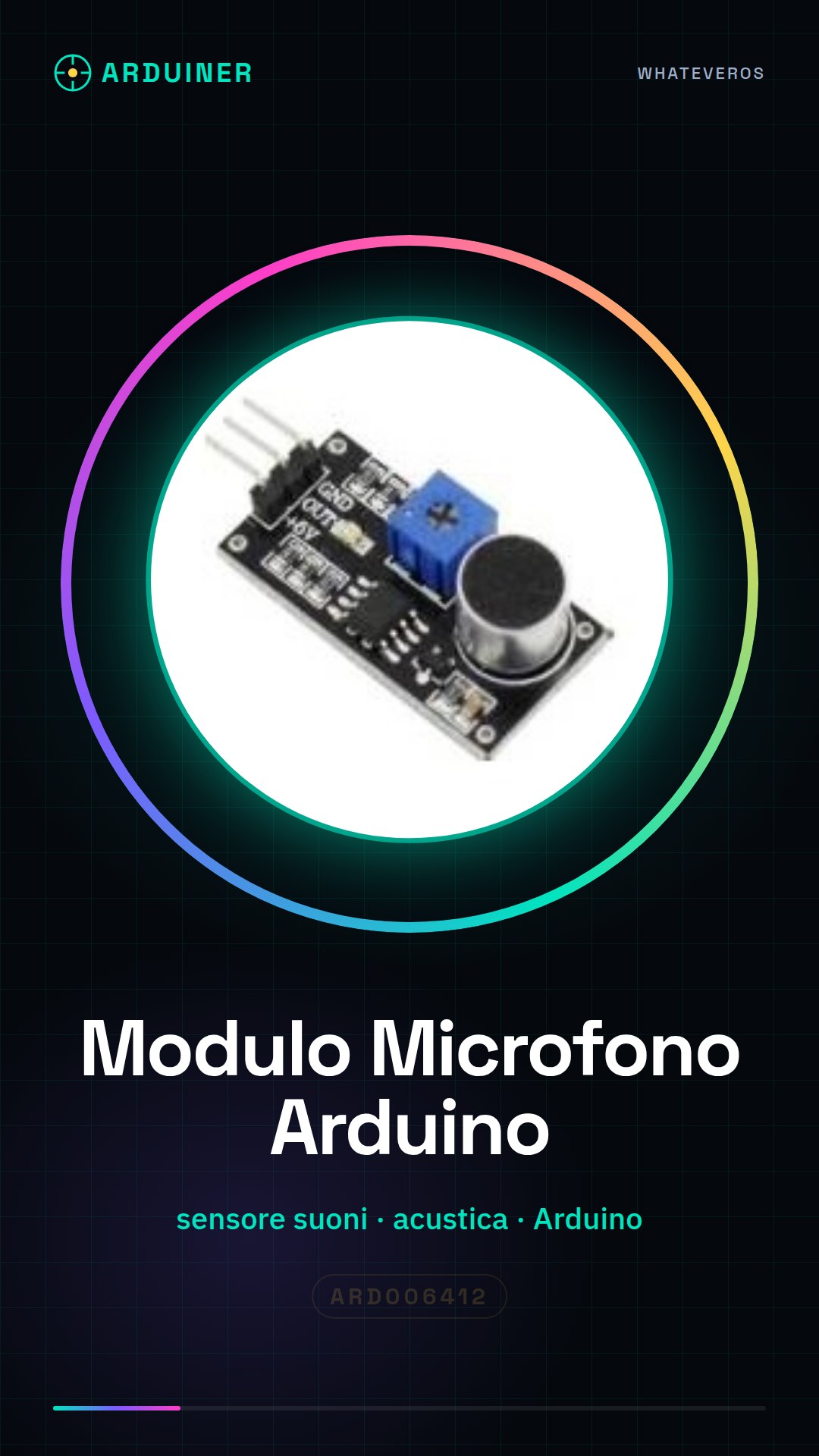
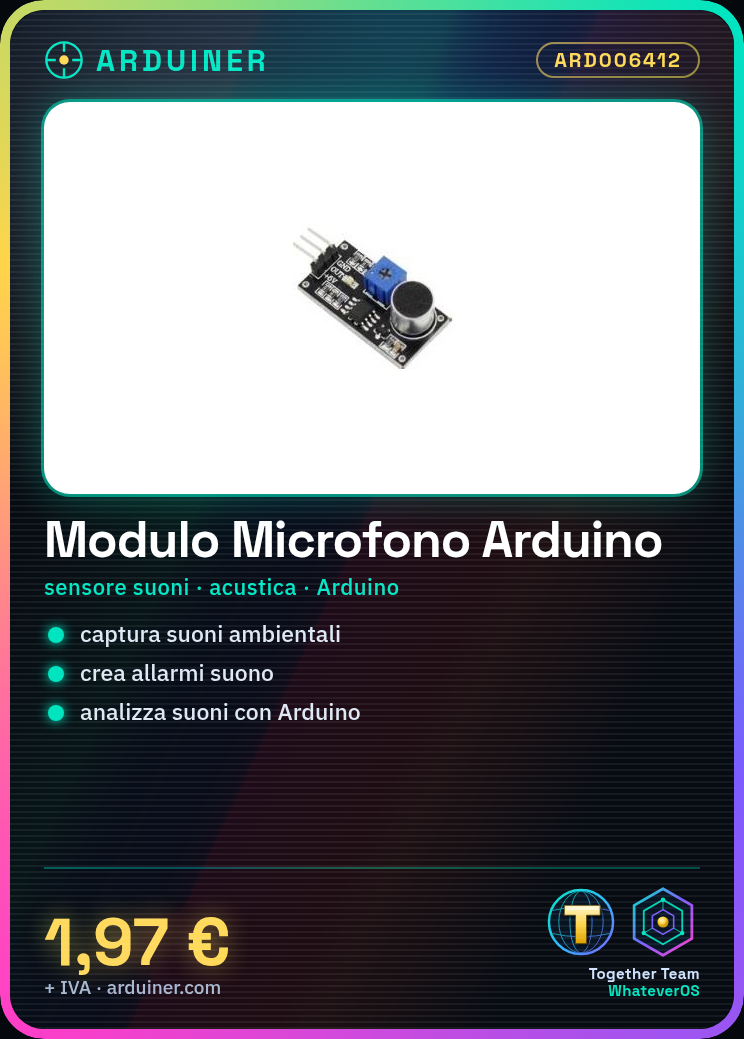
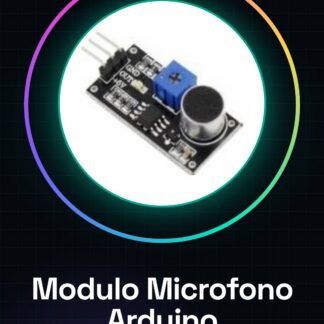
The Arduino Microphone Module ARD006412 is a device for capturing sounds and noises. This module allows integrating audio functionalities in Arduino-based electronic projects, enabling the recording and analysis of ambient sounds.
Features
- Sensor to capture sounds and noises
- Ideally suited for acoustic projects and ambient sound monitoring
What it is for
This module is ideal for creating alarm systems based on specific sound values, monitoring the acoustic environment, or developing applications that require sound detection. It is compatible with Arduino and can be used in various electronic projects.
Tutorial: How to use Arduino Microphone Module
This module allows you to record and analyze sounds with your Arduino. Ideal for acoustic and ambient sound projects.
What you need
- Arduino
- Power supply cable
- Multimeter (optional)
- Microphone
Steps
- 1. Installation: Download the USB driver for Arduino.
- 2. Connection: Connect the module to the Arduino via power and data pins.
- 3. Check the datasheet: Verify the power and data pins.
- 4. Code: Load the base code to read sound values.
- 5. Test: Check functionality with a sound.
- 6. Configuration: Adjust the microphone sensitivity parameters.
- 7. Test: Listen and analyze ambient sounds.
- 8. Save: Save data to an external device (optional).
Example code
```int soundPin = A0; int soundValue = 0; void setup() {} void loop() { soundValue = analogRead(soundPin); Serial.println(soundValue); delay(100); } ```Mini project
Create a sound-based alarm based on specific sound values.
Common mistakes
- Correctly connect the power and data pins.
- Verify the proper power supply of the module.
- Check for electrical interference.
Recommended accessories
- Arduino UNO
- USB cable
- LCD display
- 9V battery
Frequently asked questions
How can I adjust the microphone sensitivity?
Check the datasheet for specific values. Adapt the Arduino code parameters.
Does the module work with Arduino Nano?
Yes, but check the required current.
Can I use this module with a Raspberry Pi?
No, it is designed for Arduino.
How can I save data to an external device?
Add an SD module to save data to an SD card.
Reviews
There are no reviews yet.