 EN
 IT Italiano
 ES Español
 FR Français
 DE Deutsch

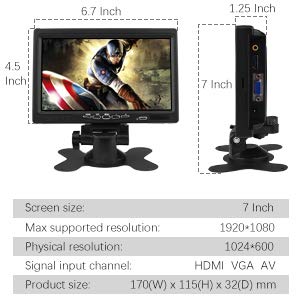
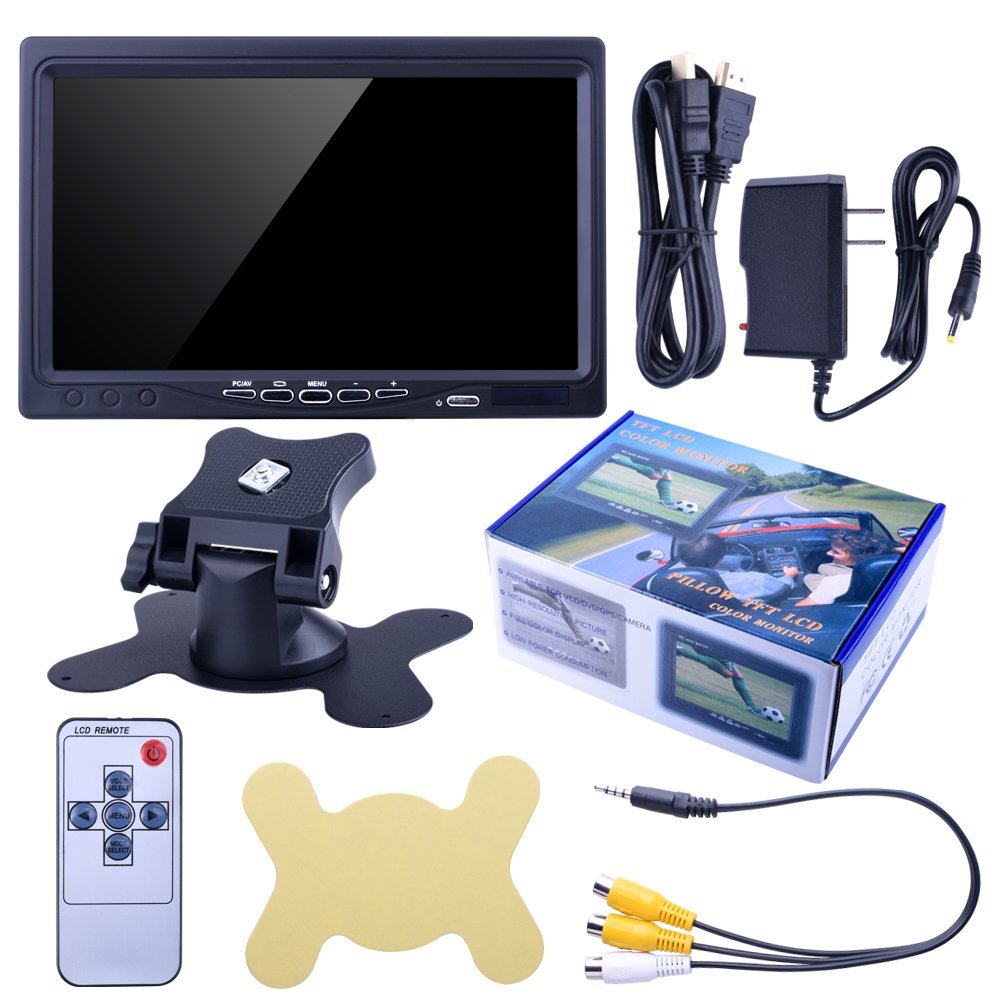
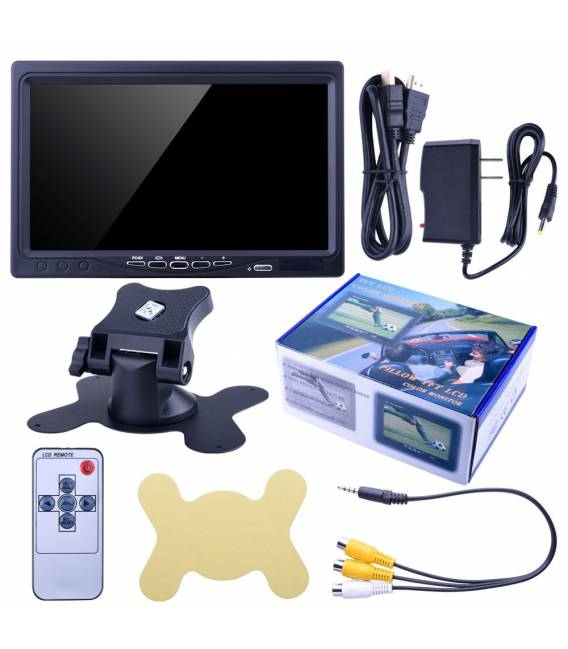
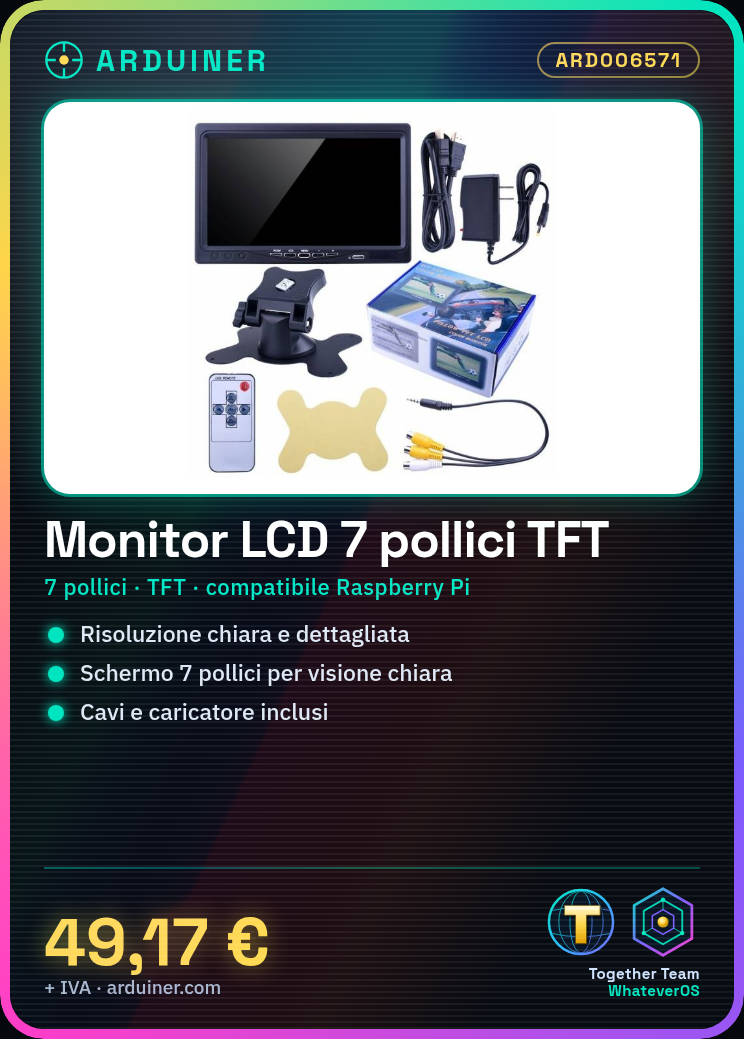
Description
What it is
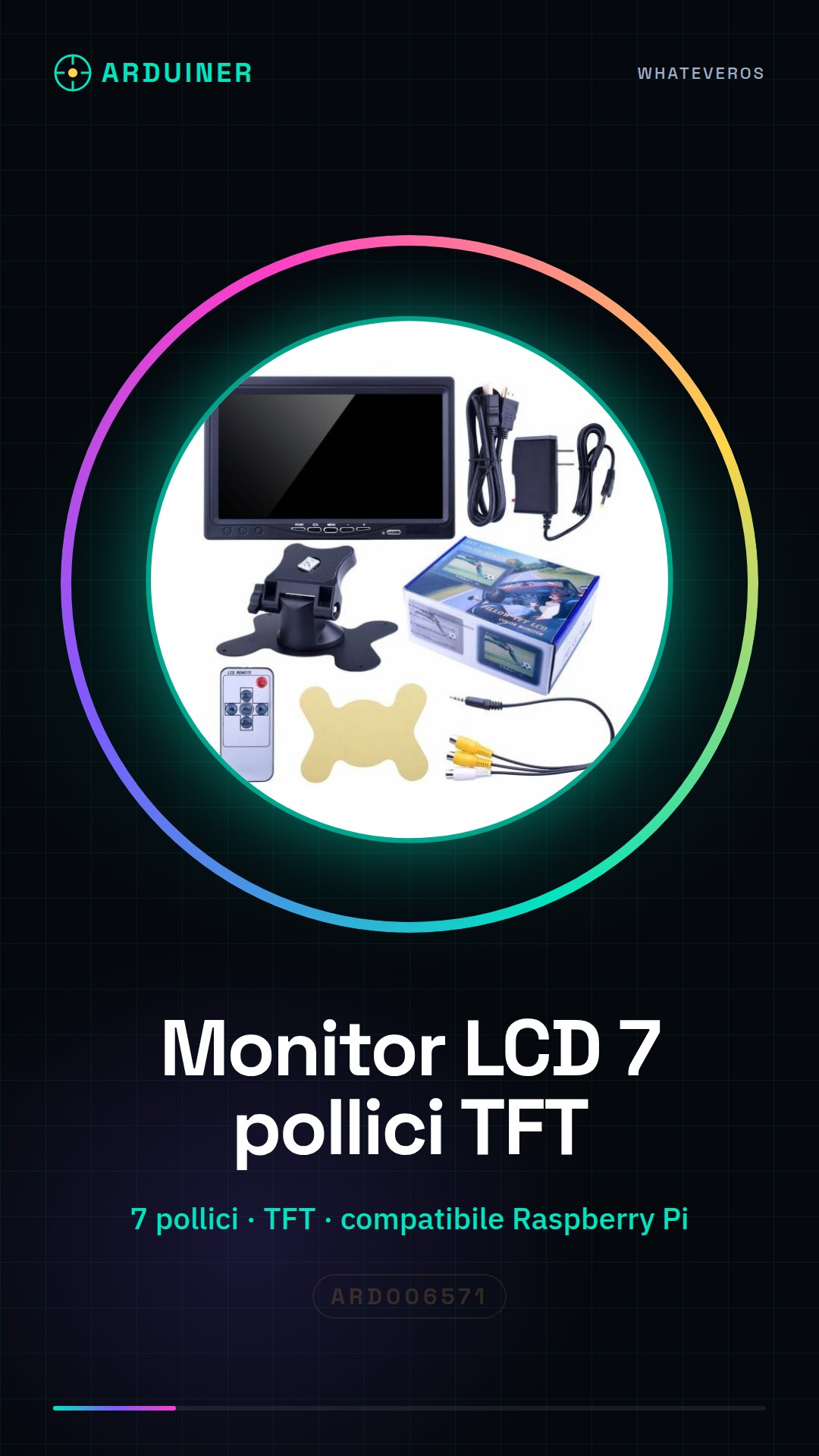
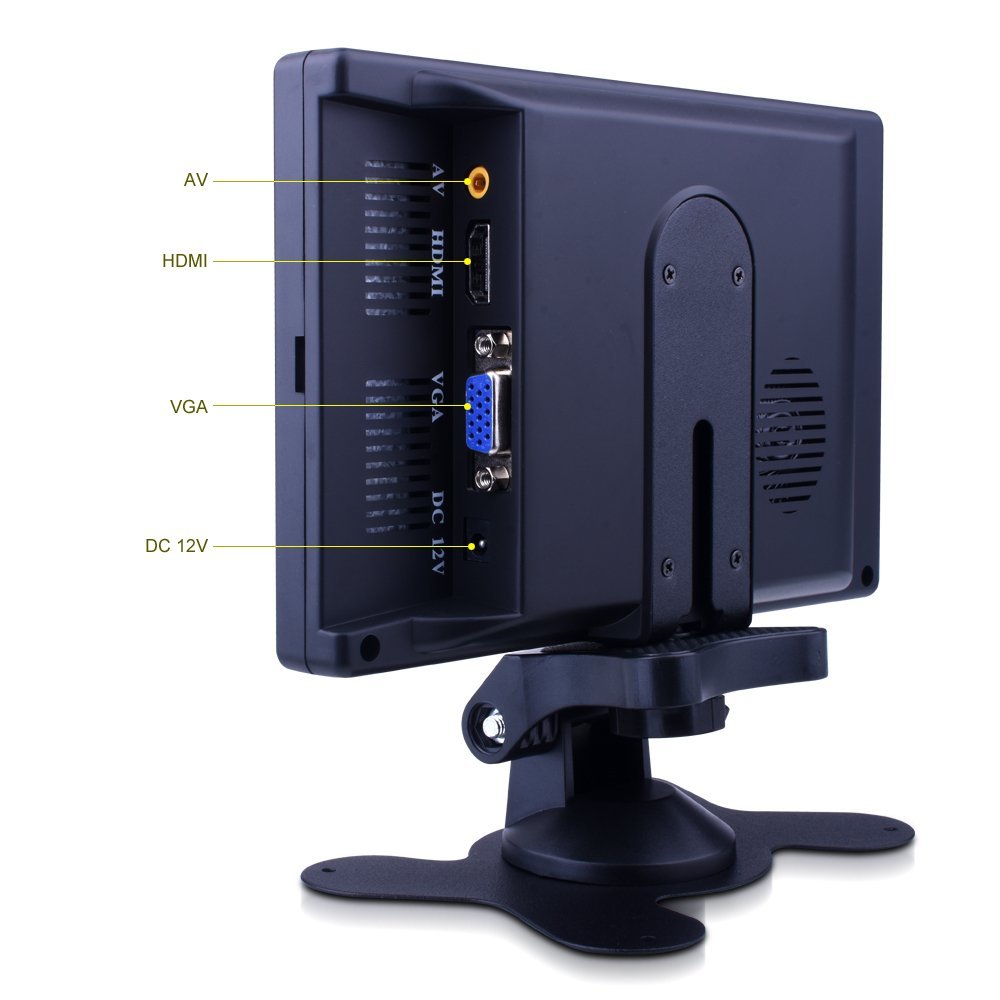
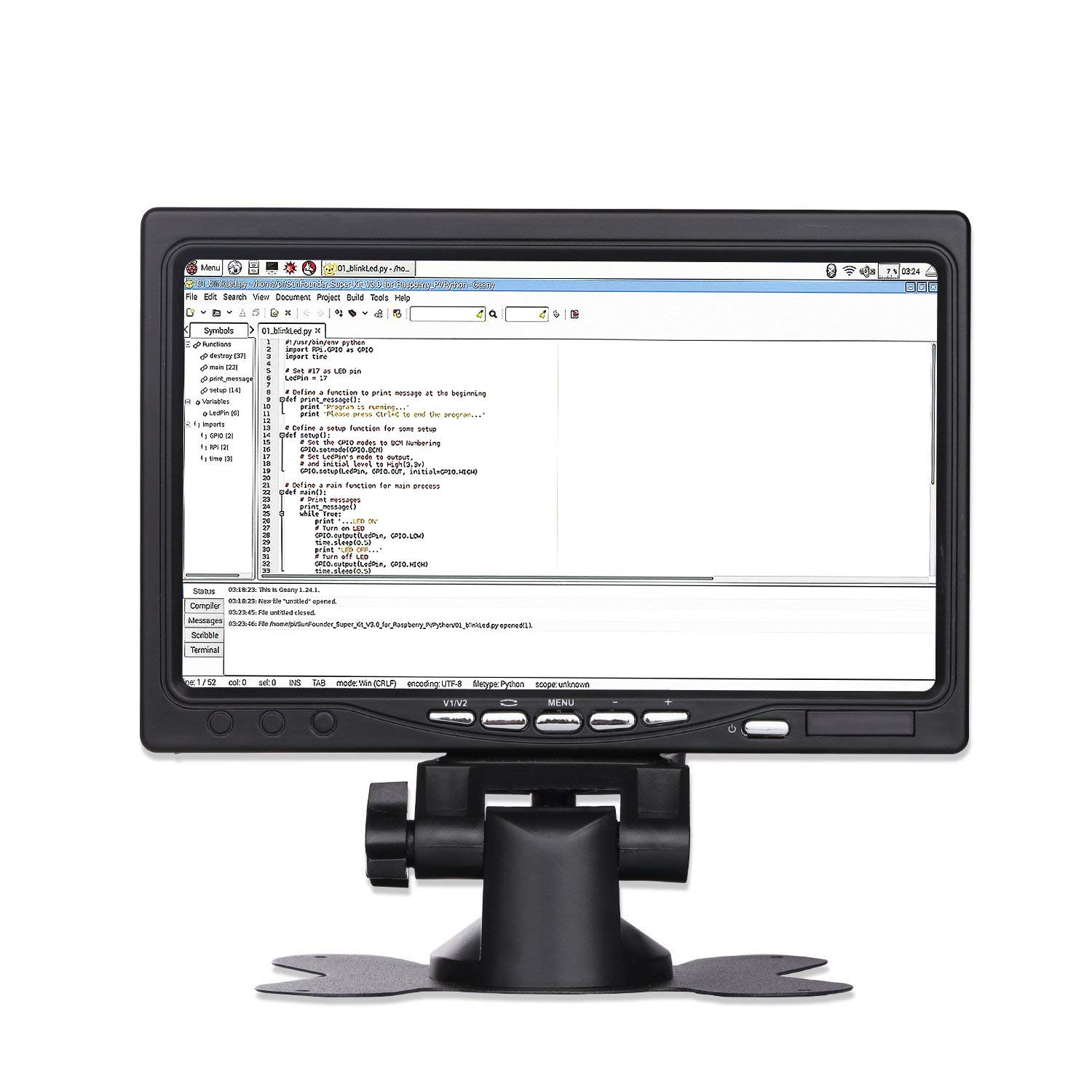
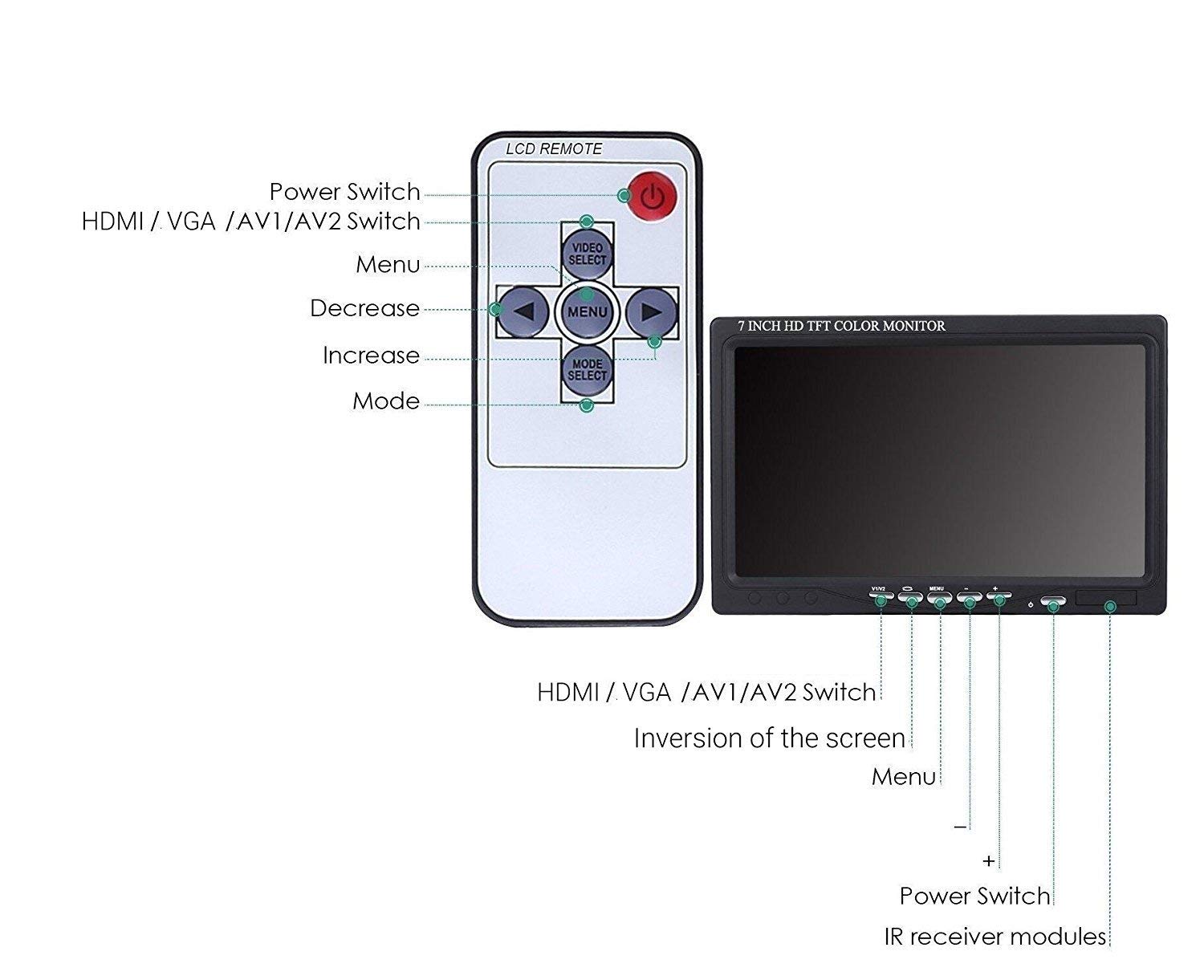
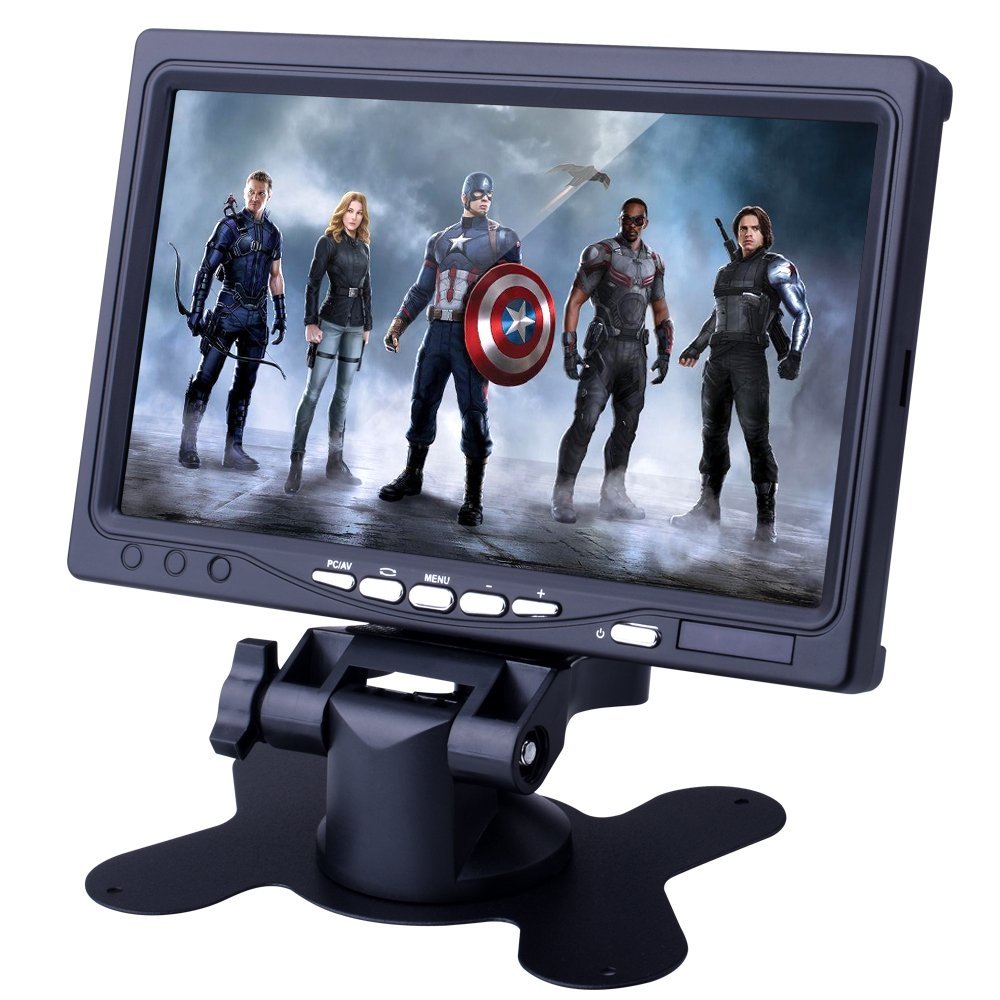
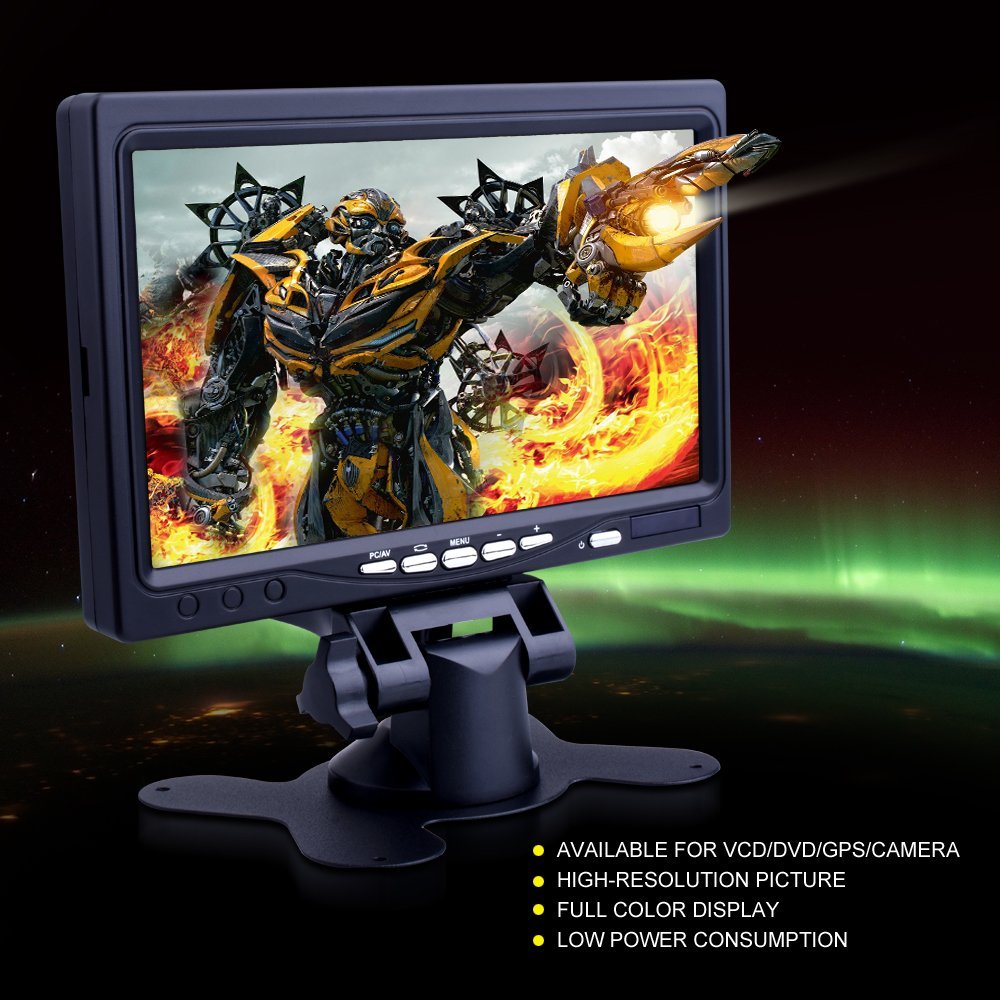
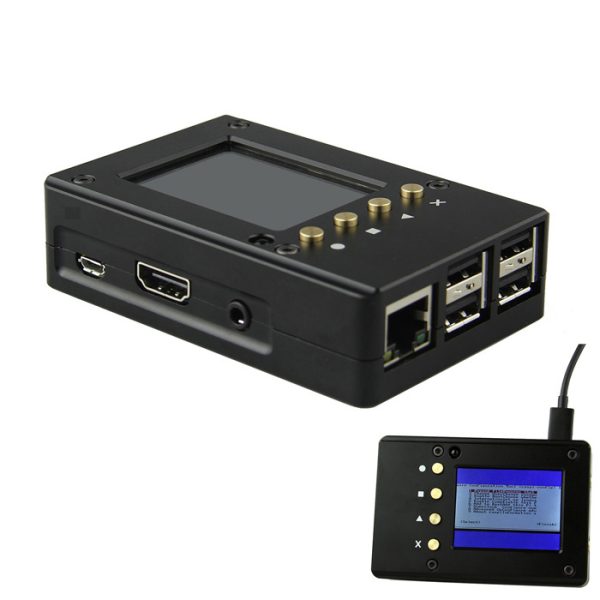
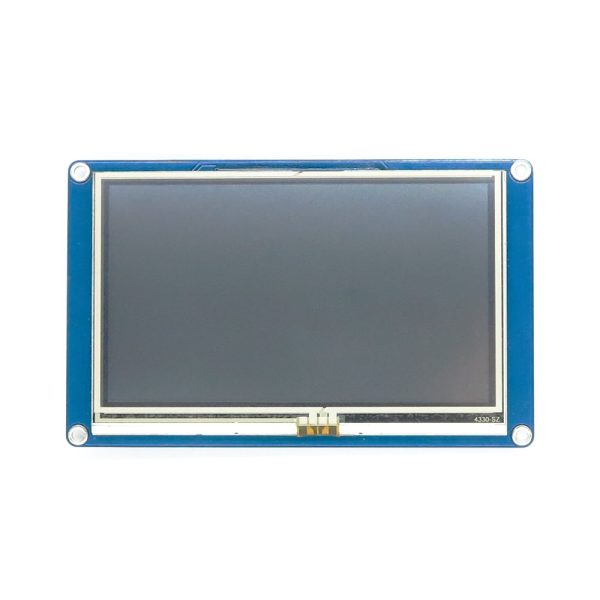
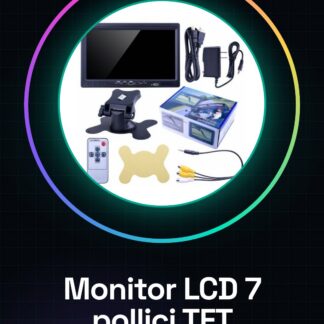
The 7 Inch TFT LCD Screen with Cables and Charger for Raspberry PI is a graphic display device specifically designed for use with Raspberry Pi-based systems. This screen offers a clear and detailed resolution, making it ideal for various types of applications that require visual data presentation.
Features
- 7 Inch TFT LCD Screen
- Cable and charger included
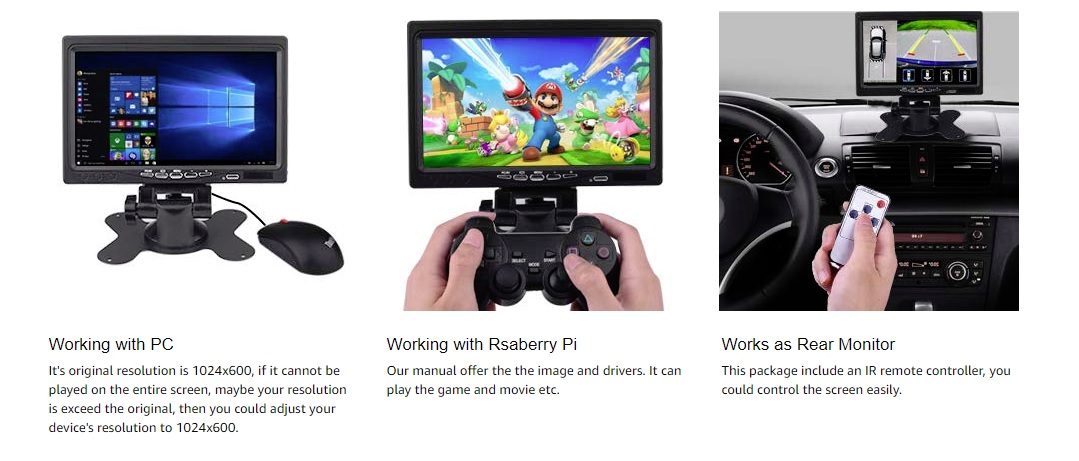
- Compatible with Raspberry Pi
What it is for
This monitor is suitable for projects that require graphic display, such as creating a temperature display using a DHT11 sensor and an Arduino sketch. It is ideal for both beginners and intermediate users.
Tutorial: How to use 7 Inch TFT LCD Monitor
This 7 inch TFT screen is ideal for Raspberry Pi projects that require graphic display. Suitable for beginners and intermediates.
What you need
- 7 Inch TFT LCD Monitor
- Raspberry Pi
- Connection Cables
- Charger
Steps
- Check the datasheet for your Raspberry Pi specifications.
- Plug the charger into the Raspberry Pi power input.
- Connect the data cables (VCC, GND, SDA, SCL) to the Raspberry Pi.
- Connect the power cable (VCC, GND) to the monitor.
- Start the Raspberry Pi.
- Install the LCD driver on Raspberry Pi using the command: sudo apt-get install tft-config
- Configure the LCD driver with the command: sudo tft-config
- Verify the connection with the command: sudo tft-test
Mini project
Create a simple temperature display using a DHT11 sensor and an Arduino sketch.
Common mistakes
- Do not check the specifications of the Raspberry Pi.
- Connect the data cables to the Raspberry Pi without attention.
- Omit the charger.
- Do not configure the LCD driver correctly.
Recommended accessories
- DHT11 Sensor
- USB Cable
- Temperature sensor
Frequently asked questions
The monitor does not turn on.
Check the electrical connection and charger.
The LCD driver does not configure correctly.
Make sure you have installed the driver correctly and followed the instructions.
How can I connect the DHT11 sensor?
Connect the VCC, GND, SDA and SCL pins of the sensor to the Raspberry Pi and the LCD monitor.
Reviews
There are no reviews yet.