 EN
 IT Italiano
 ES Español
 FR Français
 DE Deutsch
Description
What it is
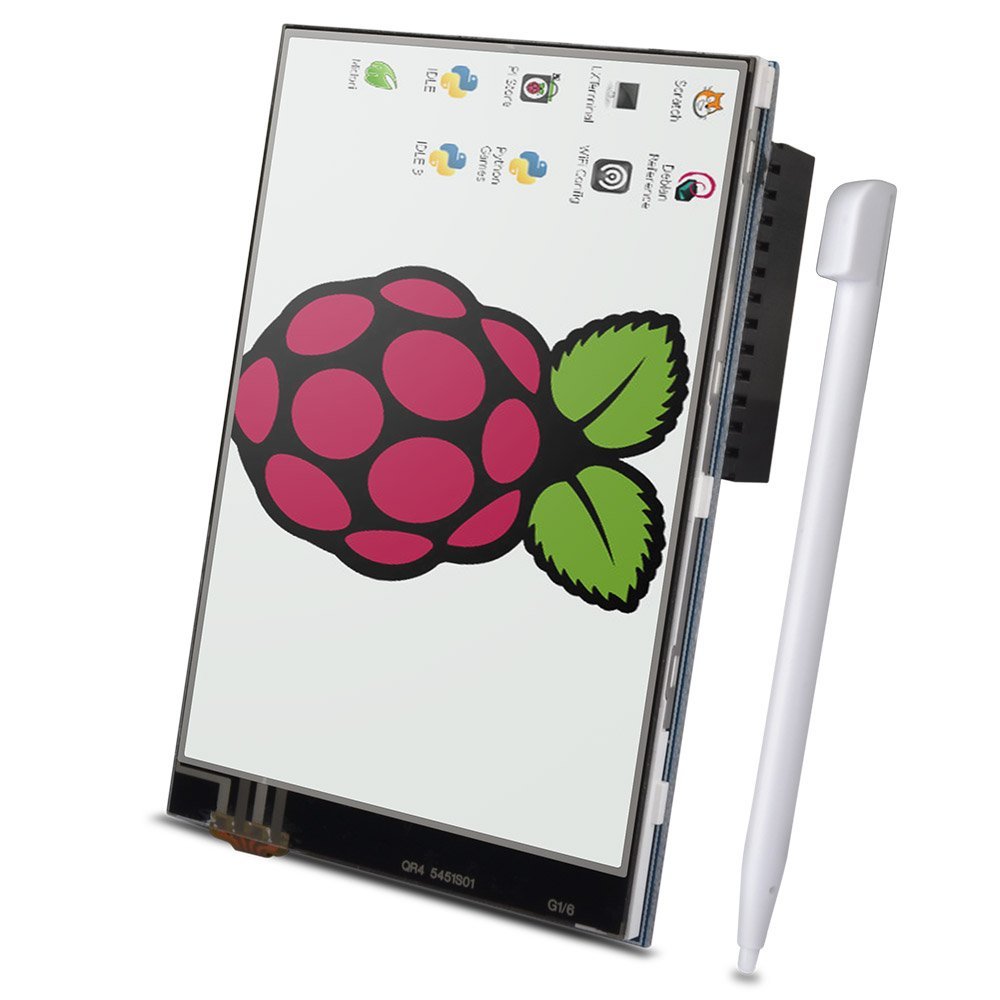
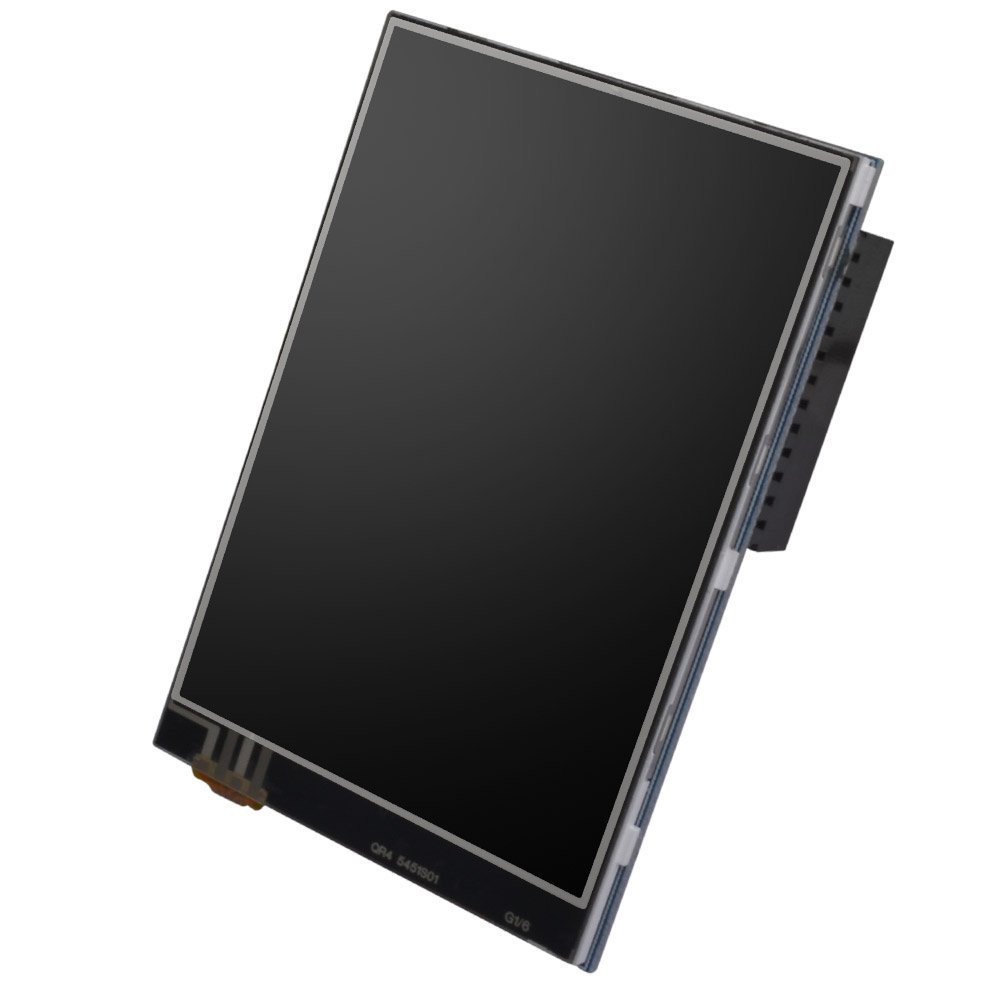
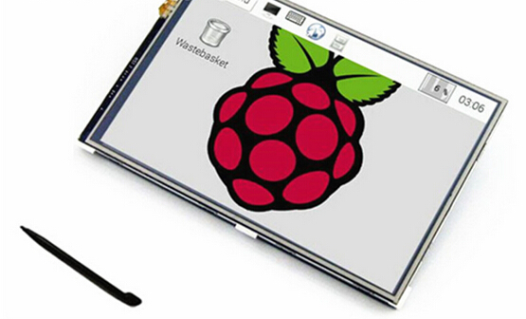
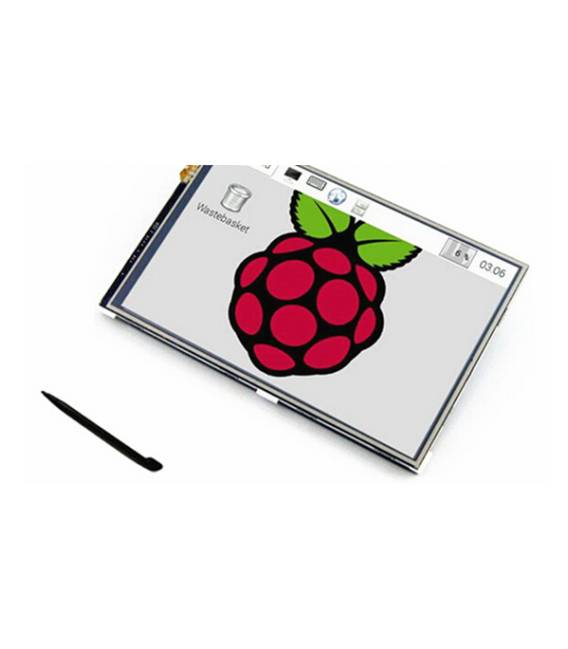
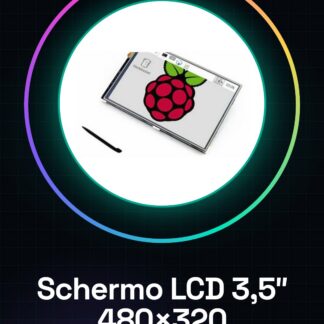
The 3.5″ TFT Touch Screen LCD with 480×320 resolution is an ideal display device for the Raspberry Pi, allowing for greater interactivity and clarity of information.
Features
- Resolution: 480×320 pixels
- Screen type: TFT LCD with touch screen
- Screen size: 3.5 inches
What it is for
Great for projects requiring an interactive and clear display, such as home monitoring systems or small desktop applications.
Tutorial: How to use 3.5 inch 480×320 MP4 TFT Touch Screen for Raspberry PI
The touch screen LCD for Raspberry Pi is an ideal accessory for anyone who wants to turn their Raspberry Pi into a small desktop computer or an interactive display tool. This tutorial will guide you through the necessary steps to connect and use it.
What you need
- Raspberry PI
- HDMI cable (if needed)
- MicroSD adapter with pre-installed operating system
- Connect the touch screen potentiometer
Steps
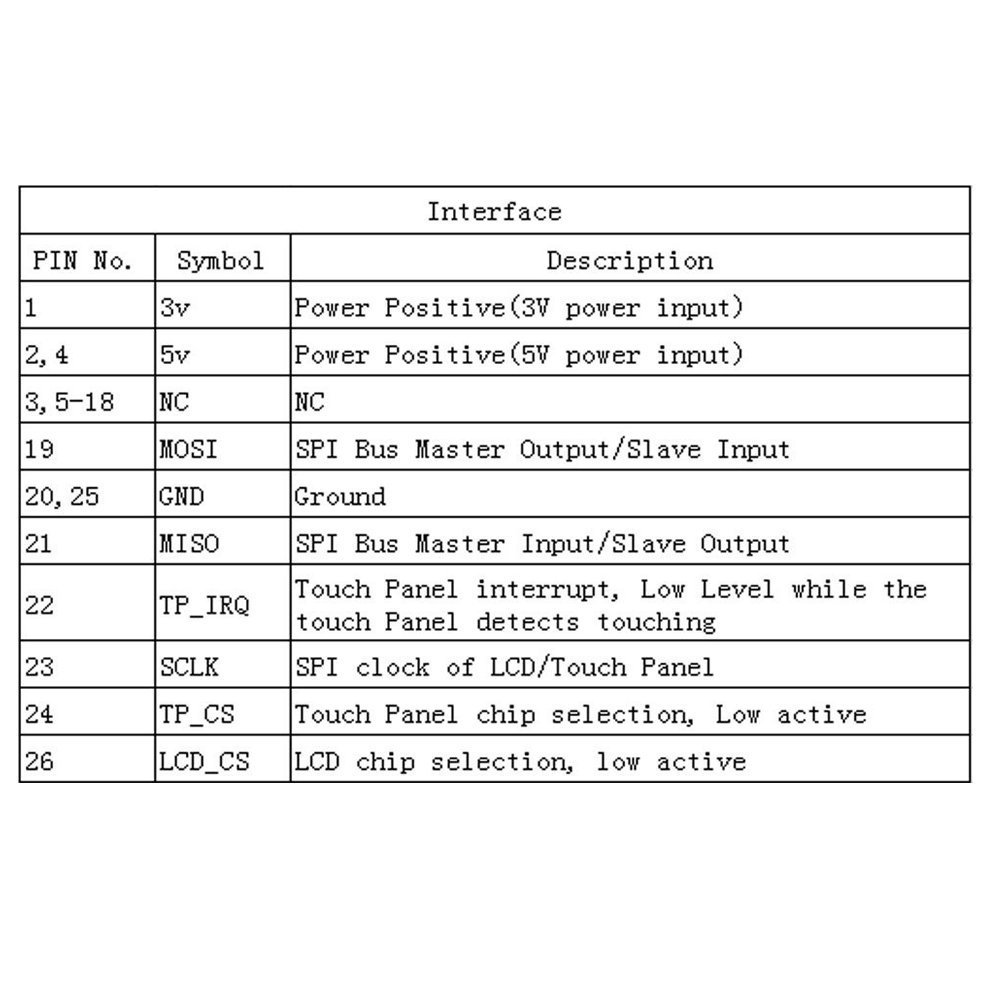
- Connect the 3.5 inch LCD screen to the Raspberry Pi using the appropriate connectors.
- Check the proper power supply of the connected components.
- Configure the touch screen control interface, following the instructions provided by the manufacturer or the datasheet.
- Install any necessary drivers for display and touch screen support. Check the datasheet for additional specifications.
- Configure the graphical environment (e.g., LXDE) on Raspberry Pi to use the new screen.
- Test the basic functionality of the touch screen, verifying that commands are recognized correctly.
Mini project
Create a home monitoring system with a graphical interface in 30 minutes. Use the Raspberry Pi and this LCD screen to display information.
Common mistakes
- Ensure that all connections are secure before powering on the Raspberry Pi.
- Check that the display drivers are installed correctly.
- Verify that the touch screen is configured and functioning as expected.
Recommended accessories
- Raspberry PI Starter Kit
- HDMI Cable
- Raspberry Pi Prototyping Kit
- Touch Screen Calibration Software
Frequently asked questions
How can I install the drivers for this screen?
Follow the manufacturer’s instructions or consult the device datasheet.
The touch screen is not working properly.
Check the configuration and installation of the drivers. Also verify that the connectors are secure.
Reviews
There are no reviews yet.