 EN
 IT Italiano
 ES Español
 FR Français
 DE Deutsch
Description
What it is
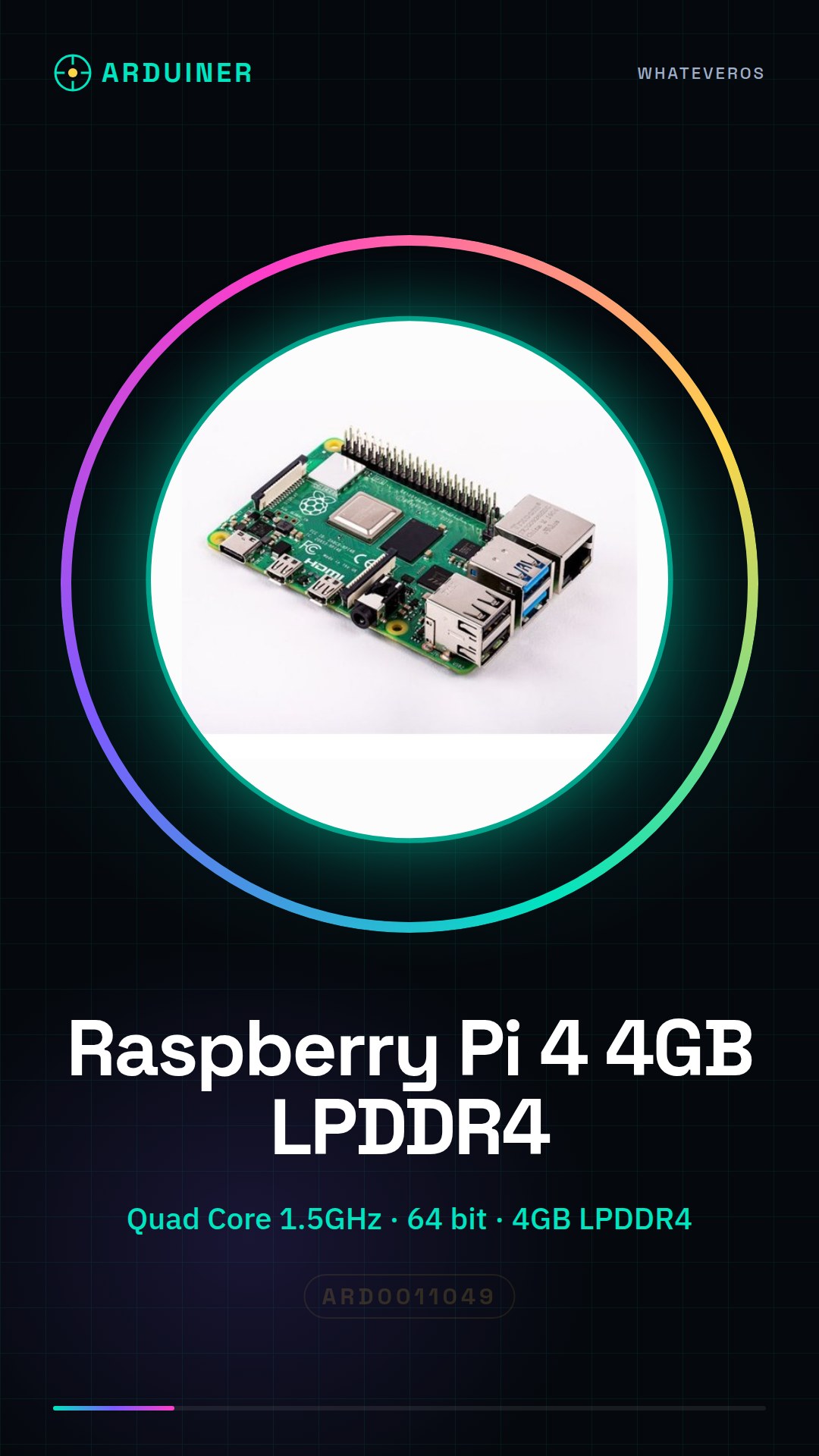
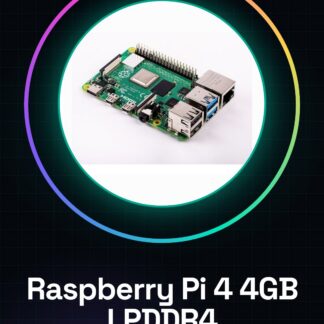
The Raspberry Pi 4 1.5GHz Quad Core 64 bit 4GB RAM LPDDR4 is a low-cost, powerful, and versatile small computer for programming, electronics, and Internet of Things (IoT) projects.
Features
- Processor: 1.5GHz Quad Core 64 bit
- RAM: 4GB LPDDR4
- Architecture: 64 bit
What it is for
The Raspberry Pi 4 is ideal for electronic projects and software development, creating home servers, and IoT solutions. You can use it to set up a local web server with Apache and Python, configure custom web applications, and experiment with various programming languages.
Tutorial: How to use Raspberry Pi 4 1.5GHz Quad Core 64 bit 4GB
The Raspberry Pi 4 is a low-cost, powerful, and versatile small computer for programming, electronics, and IoT projects. It is ideal for beginners and experts who want to create custom applications.
What you need
- Raspberry Pi 4
- SD Card with Raspbian installed
- Network adapter
- USB-C power supply
- Monitor or TV with HDMI connector
- Mouse and keyboard
Steps
- Check that the SD Card has Raspbian installed. If not, download and install Raspbian on your computer and transfer it to the SD Card.
- Insert the SD Card into the Raspberry Pi 4.
- Connect the Raspberry Pi 4 to the USB-C power supply.
- Connect the Raspberry Pi 4 to the monitor or TV via the HDMI connector.
- Connect the mouse and keyboard.
- Press the power button to turn on the Raspberry Pi 4.
- Follow the instructions on the screen to configure the system.
- Install any system updates through the terminal or graphical interface.
Mini project
Create a local web server with Apache and Python. Configure the Raspberry Pi 4 as a web server using Apache and Python to create a simple web application.
Common mistakes
- Do not connect the Raspberry Pi 4 to the USB-C power supply before inserting the SD card.
- Do not configure the operating system correctly.
- Do not install operating system updates.
- Do not install a web browser to browse online.
Recommended accessories
- Raspberry Pi 4 Starter Kit
- Raspberry Pi Protection Kit
- Raspberry Pi Wi-Fi Connectivity Kit
- Raspberry Pi 3D Printing Kit
Frequently asked questions
How can I access the Raspberry Pi 4?
Use SSH or VNC to remotely access the Raspberry Pi 4.
What software can I install?
You can install any Linux software, such as Python, Node.js, or Apache.
How can I protect the Raspberry Pi 4?
Use a Raspberry Pi protection kit to protect your device.
Reviews
There are no reviews yet.