 EN
 IT Italiano
 ES Español
 FR Français
 DE Deutsch
Description
What it is
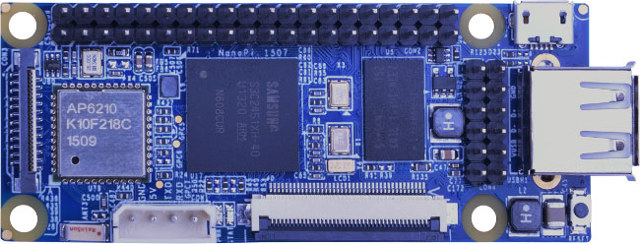
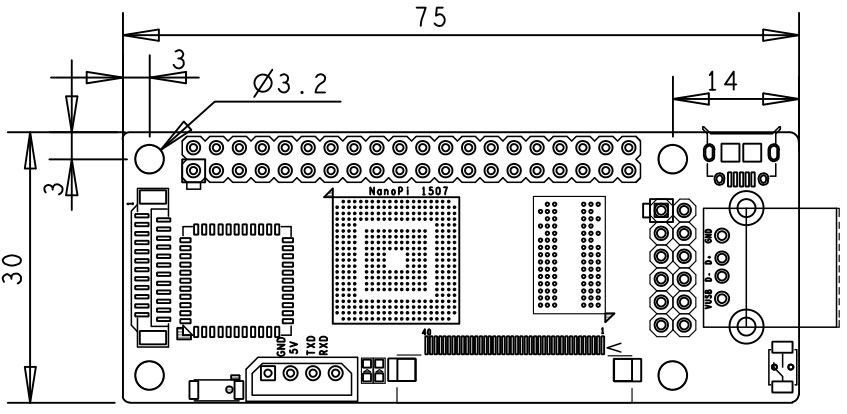
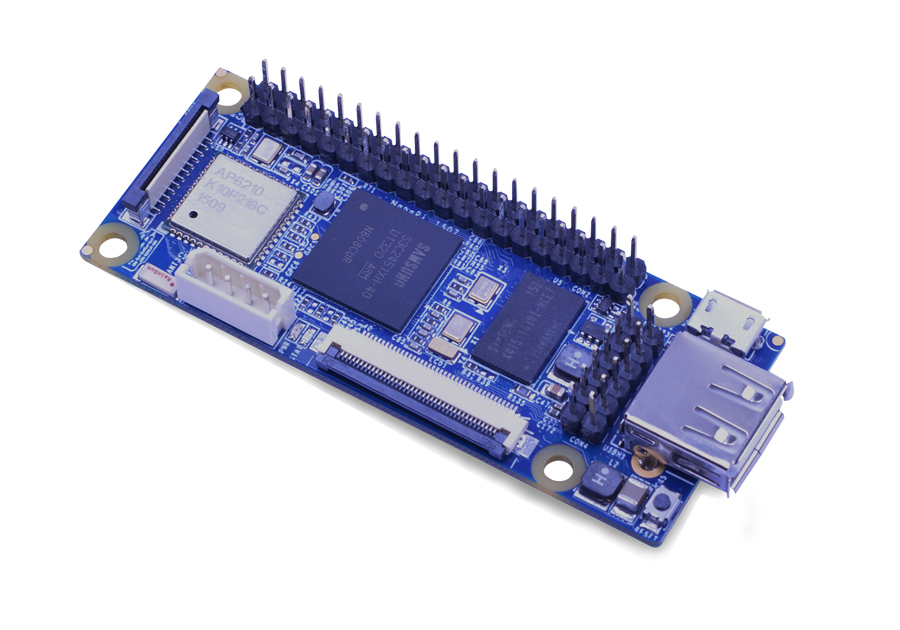
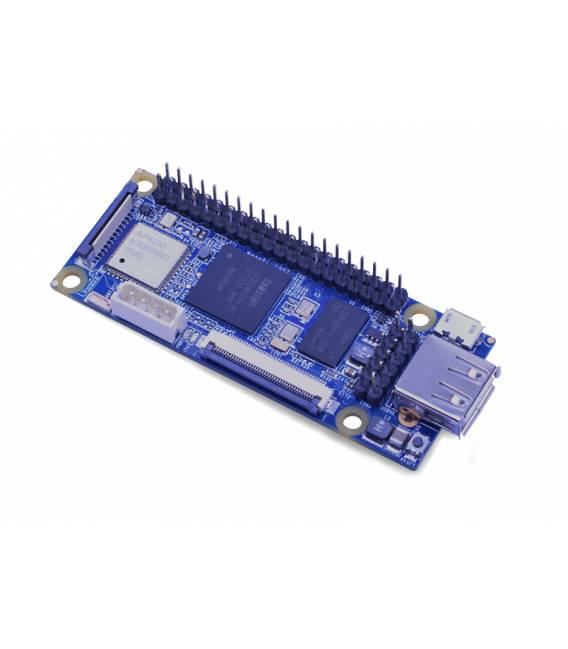
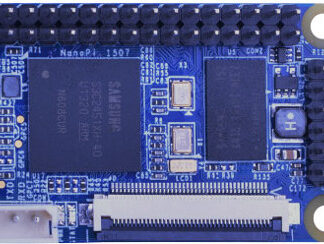
The NanoPi is an open-source microcomputer that offers a versatile solution for makers and electronic project developers. It is compatible with Raspberry Pi GPIO, allowing integration with various existing components and accessories on the market.
Features
- Compatibility with Raspberry Pi GPIO
- Integrated WiFi
- Integrated Bluetooth
What it is for
Illuminate projects that require a Linux operating system or the execution of Arduino on a Raspberry Pi-compatible platform. It can be used to configure HTTP servers like Apache and expose web pages.
Tutorial: How to use NanoPi
The NanoPi is an open-source microcomputer compatible with Raspberry Pi GPIO, ideal for electronic projects and software development. It is suitable for those who want to run Linux operating systems or Arduino on a Raspberry Pi-compatible device.
What you need
- NanoPi
- USB Power Supply
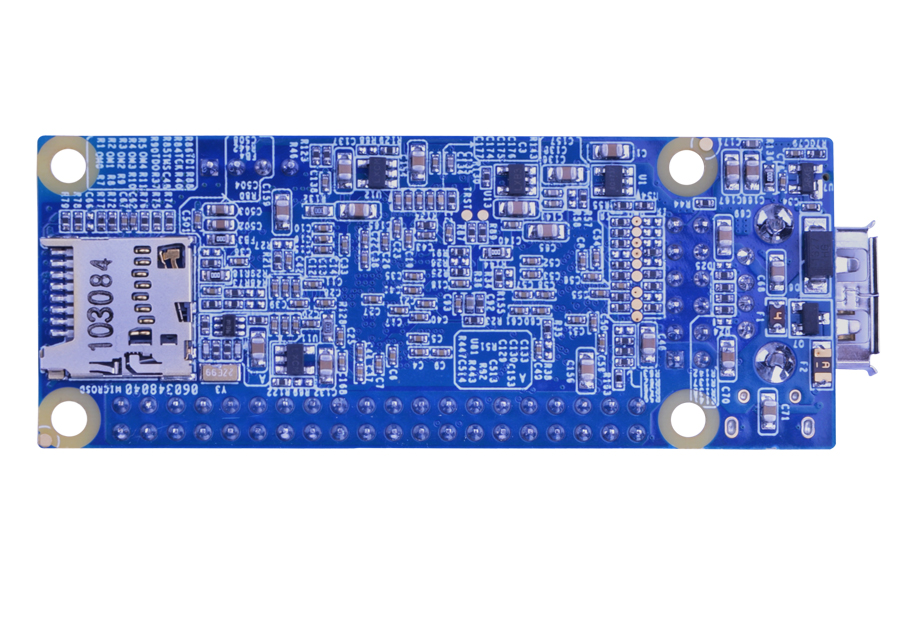
- MicroSD with installed operating system
- Optional Ethernet Connection
- USB cable for power supply
Steps
- 1. Install a Linux operating system on a MicroSD card.
- 2. Connect the NanoPi to a computer with a USB cable for the first startup.
- 3. Start the NanoPi and install the WiFi driver.
- 4. Connect the NanoPi to a WiFi network.
- 5. Connect the GPIO pins for external interfaces.
- 6. Install desired software via a terminal or desktop environment.
- 7. Configure WiFi and Bluetooth settings.
- 8. Test Bluetooth connection with an external device.
Mini project
Configure an HTTP server with Apache and expose a web page.
Common mistakes
- Do not connect the NanoPi to a USB power supply without first starting it with a computer.
- Do not install the WiFi driver if you do not have a WiFi module.
- Do not use a MicroSD card with an unsupported operating system.
- Do not forget to install the Bluetooth driver if you intend to use it.
Recommended accessories
- MicroSD card with installed operating system
- Electric USB Power Supply
- WiFi Module
- Bluetooth Module
Frequently asked questions
Can I use the NanoPi with an operating system other than Linux?
The NanoPi is designed to work with Linux operating systems, but it may be compatible with others in the future. Check the datasheet.
How long does the NanoPi battery last?
The NanoPi does not have an integrated battery. Check the datasheet for USB power supply duration.
Can I connect the NanoPi directly to a monitor?
The NanoPi has an HDMI port, but it requires a VNC adapter or desktop to display the screen. Check the datasheet.
Can I use the NanoPi like a Raspberry Pi?
The NanoPi is compatible with Raspberry Pi GPIO, but it is not a Raspberry Pi. Check the datasheet for detailed specifications.
Reviews
There are no reviews yet.