 EN
 IT Italiano
 ES Español
 FR Français
 DE Deutsch
Description
What it is
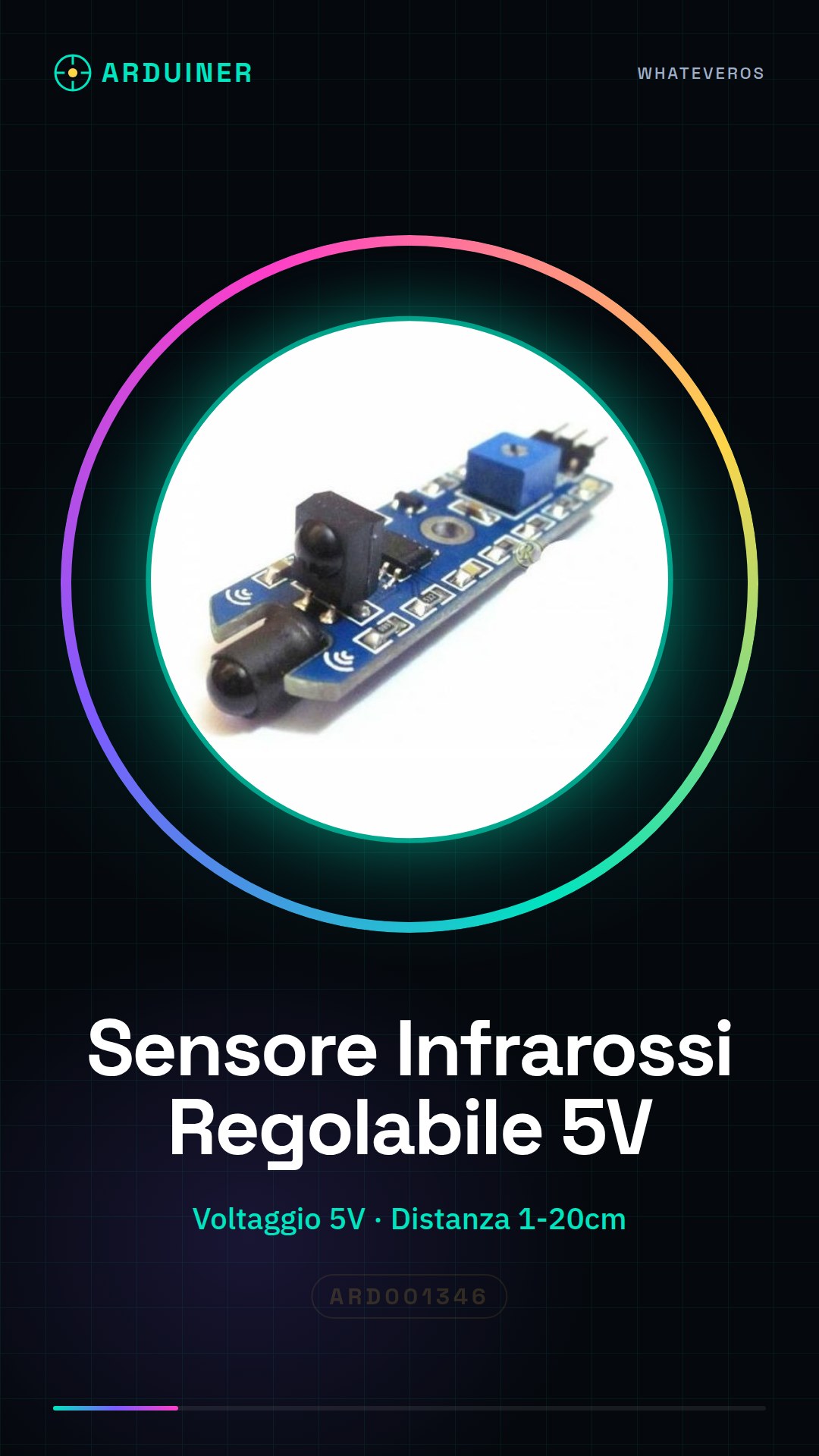
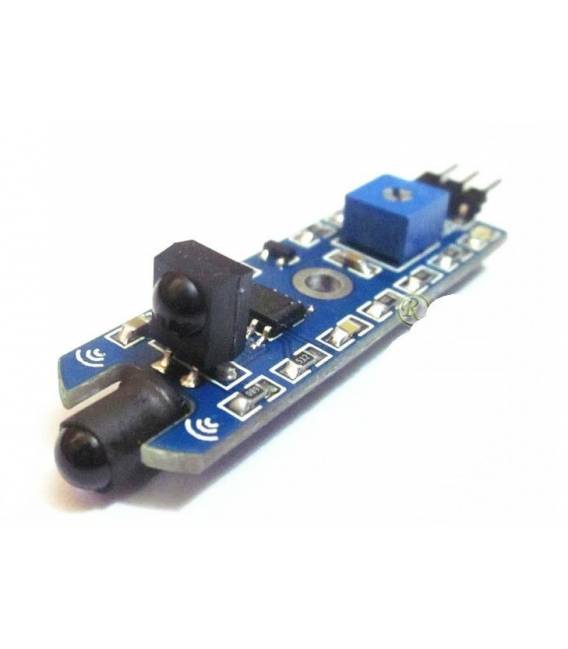
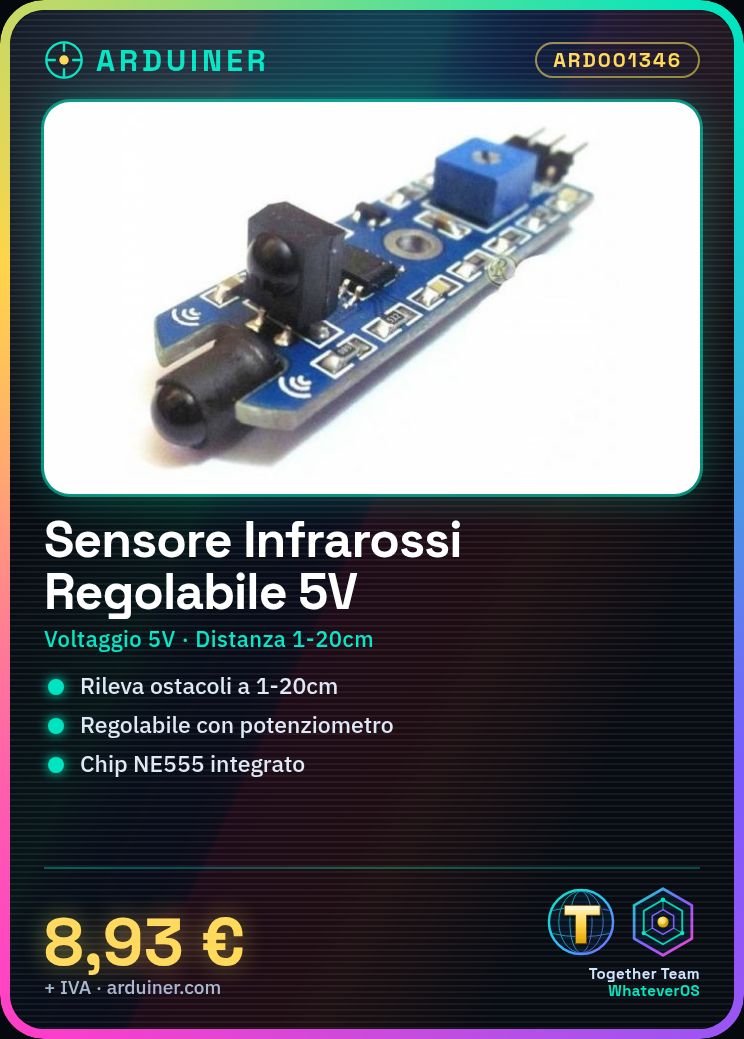
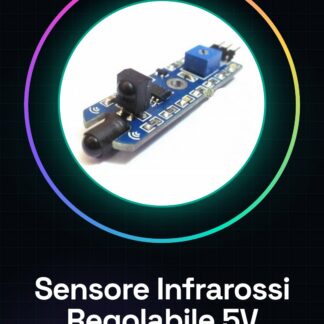
The adjustable infrared obstacle detection sensor is a device that allows electronic projects, such as robots or home systems, to detect the surrounding environment. This sensor is particularly useful for applications that require the detection of obstacles at close range.
Features
- Operating Voltage: 5V
- Detection Range: 1-20cm
- Integrated Chip: NE555
What it is for
This sensor is ideal for projects such as obstacle-avoiding robots, home security systems, and any other device that requires environmental detection. It is compatible with Arduino and other microcontrollers.
Tutorial: How to Use Infrared Obstacle Detection Sensor
This infrared sensor is ideal for projects that require environmental detection, such as obstacle-avoiding robots or home security systems. It is suitable for both beginners and intermediate makers.
What you need
- Arduino Uno
- USB Cable
- Connect to PC
Steps
- Connect the following pins of the sensor to the corresponding pins of the Arduino: VCC to 5V, GND to GND, OUT to a digital pin.
- Open Arduino IDE and upload the example sketch for the infrared sensor.
- Check the distance detected by the sensor by modifying the sketch code.
- Adjust the potentiometer on the sensor to fit your configuration.
- Test the system by connecting the Arduino to an LCD display or PC monitor.
- Optimize the detection range of the sensor by adjusting the potentiometer values.
- Implement your final project, for example, an obstacle-avoiding robot.
- Check the specifications on the datasheet for further details.
Example code
const int trigPin = 7; // collega l'OUT del sensore a questo pin
void setup() {
  pinMode(trigPin, INPUT);
}

void loop() {
  int val = digitalRead(trigPin);
  Serial.println(val);
}
Mini project
Create an obstacle-avoiding robot with the infrared sensor and two DC motors. The goal is to move the robot to avoid obstacles it detects.
Common mistakes
- Connect the sensor to the wrong voltage (always use 5V).
- Do not properly adjust the potentiometer for the desired detection distance.
- Ignore the specifications in the datasheet, causing operational issues.
- Use unoptimized code that causes interference with other sensors.
Recommended accessories
- Arduino Uno
- DC Motors for Robots
- 16×2 LCD Display
- Beginner’s Kit for Arduino
Frequently asked questions
What is the detection range of the sensor?
The range varies from 1 to 20 cm, check the datasheet.
How can I connect the sensor to an LCD display?
Connect the sensor pins to a digital pin on the Arduino and use a library like LiquidCrystal to display the distance on an LCD display.
Does the sensor work with Arduino Mega?
Yes, the sensor is compatible with any type of Arduino that supports 5V and digital pins.
Reviews
There are no reviews yet.