 EN
 IT Italiano
 ES Español
 FR Français
 DE Deutsch

Description
What it is
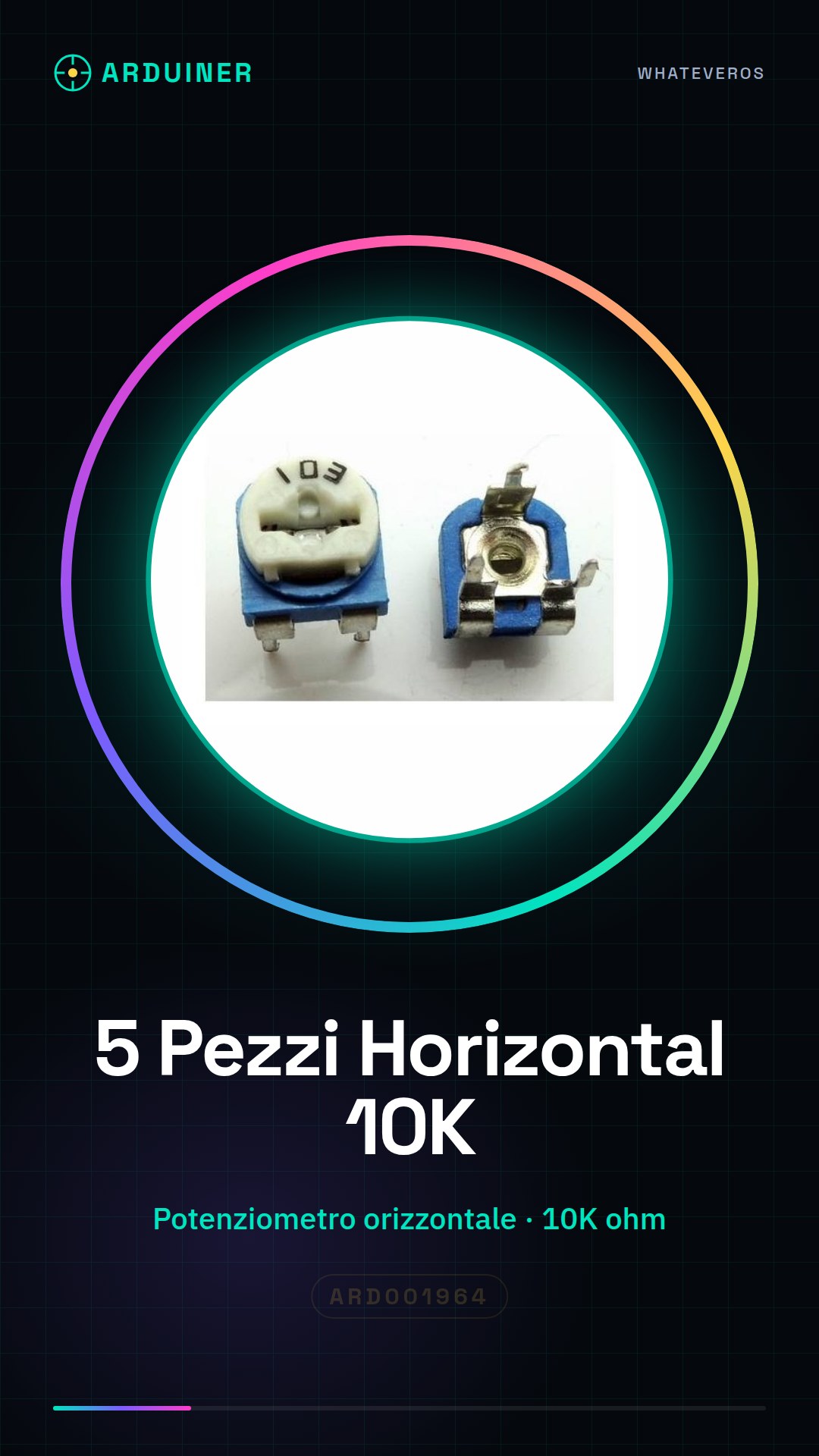
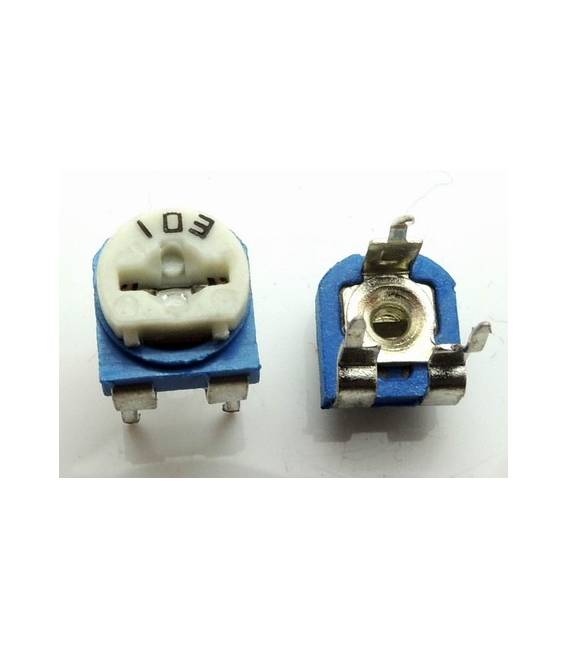
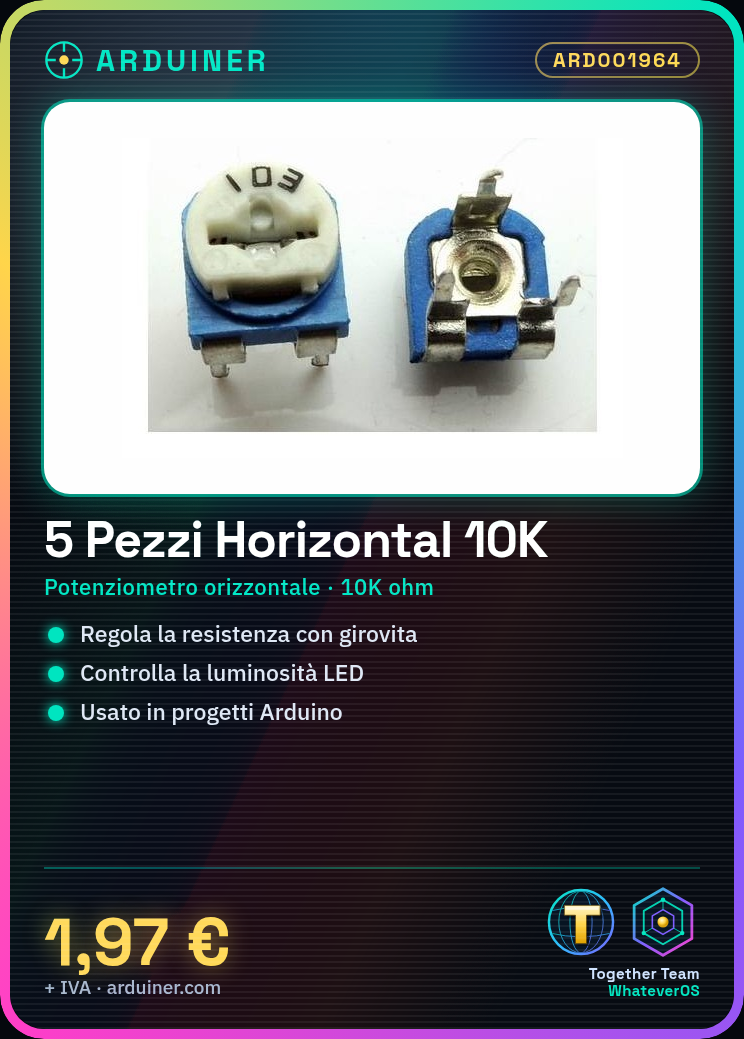
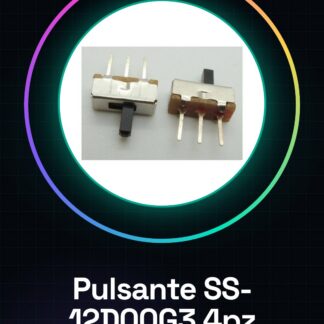
Our horizontal 10K potentiometers are passive components used to adjust resistance based on the position of the shaft. This type of component is essential for projects that require analog user interface control.
Features
- Type: Horizontal Potentiometer
- Resistance Value: 10K ohms
- Quantity Available: 5 pieces
What it is for
10K potentiometers are useful for varying the brightness of an LED or adjusting other analog parameters in Arduino projects. They are compatible with various platforms, including Arduino and ESP.
Tutorial: How to Use 10K Horizontal Rotary Potentiometer Kit (5 Pieces)
The potentiometer is a passive component that regulates resistance according to the position of the shaft. Useful for controlling analog variables in Arduino projects.
What you need
- 10K horizontal potentiometers (5 pieces)
- Arduino
- Power cable
- Multimeter
Steps
- 1. Check that the potentiometers are functioning with the multimeter.
- 2. Connect the VCC of the potentiometer to the 5V of Arduino.
- 3. Connect the GND of the potentiometer to the GND of Arduino.
- 4. Connect one of the center pins of the potentiometer to pin A0 of Arduino.
- 5. Connect the remaining center pin to the GND of Arduino for protection.
- 6. Load the following code onto Arduino.
- 7. Verify the potentiometer reading with Serial Monitor.
- 8. Test the functionality of the potentiometer.
Example code
void loop() {
  int val = analogRead(A0);
  Serial.println(val);
}
Mini project
Create an analog control for an LED by varying the brightness with the potentiometer.
Common mistakes
- Incorrectly connecting the pins.
- Forgetting to check the resistance with the multimeter.
- Connecting the center pin directly to VCC without protection.
- Switching the VCC and GND pins.
Recommended accessories
- Arduino UNO
- LED
- 220 Ohm resistor
- 5V cable
Frequently asked questions
How can I verify if the potentiometer is working?
Connect the VCC and GND pins to the multimeter and measure the resistance between the central pins. The resistance should vary with the position of the shaft.
Can I use this potentiometer with Arduino Nano?
Yes, the potentiometer is compatible with Arduino Nano. Make sure to connect the pins correctly.
What is the difference between a potentiometer and a trimpot?
The potentiometer has a manual shaft, while a trimpot is adjustable only with a tool.


Reviews
There are no reviews yet.