 EN
 IT Italiano
 ES Español
 FR Français
 DE Deutsch
Description
What it is
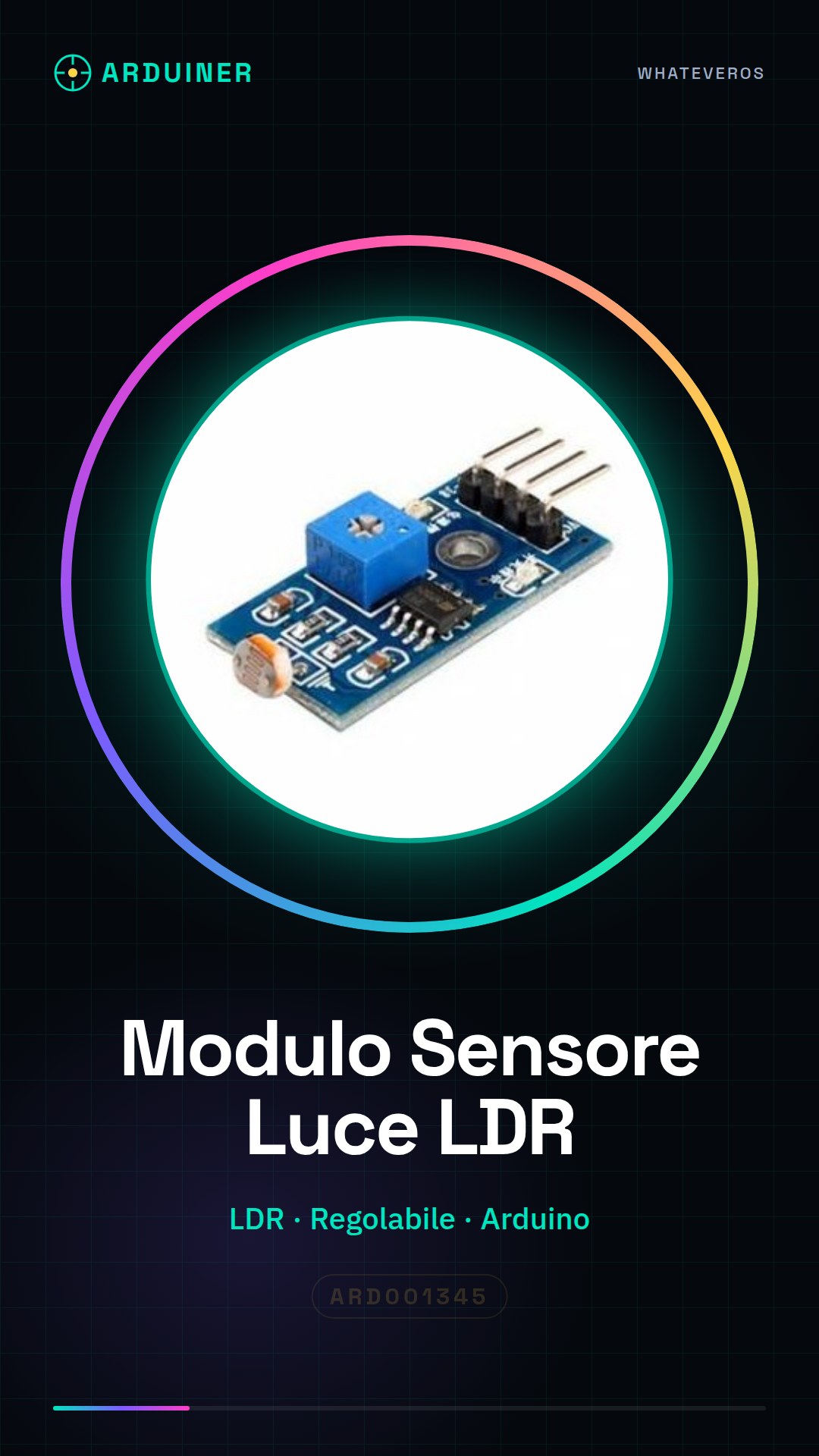
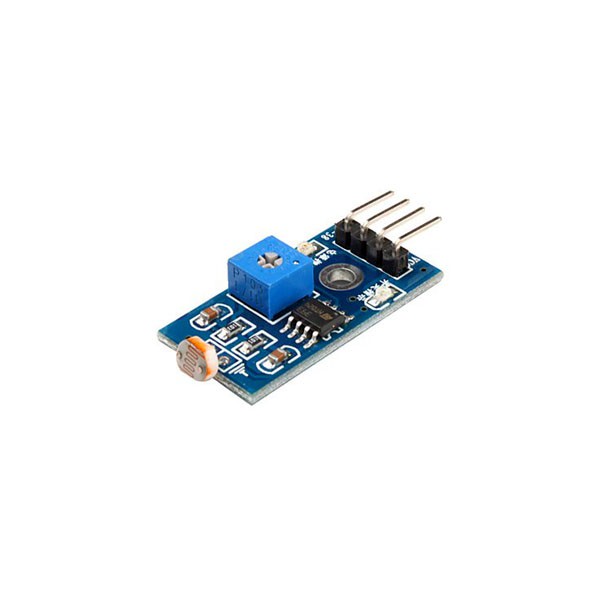
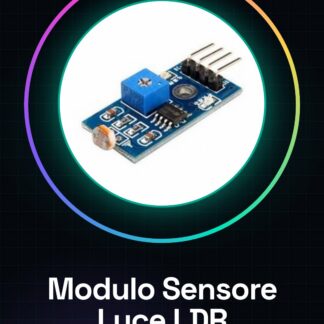
The adjustable photoresistor light sensor module for Arduino is a simple and versatile device that allows automatic light management based on the ambient light level. This module is ideal for DIY projects such as twilight systems, where you want to turn a light source on or off based on the amount of natural light present.
Features
- Adjustable Photoresistor Light Sensor (LDR)
- Compatible with Arduino and other microcontrollers
What it is for
This module is perfect for automatic lighting projects, such as creating a twilight system that turns on a lamp when the light level drops below a certain threshold and turns it off when there is enough light. It is particularly useful for beginners and intermediates in electronics.
Tutorial: How to Use Twilight Light Sensor Module
The twilight light sensor module with photoresistor (LDR) is ideal for projects that require automatic light management based on ambient light levels. It is particularly useful for beginners and intermediates.
What you need
- Arduino Uno or compatible
- USB cable to connect Arduino to PC
- External power supply (5V)
- Test lamp
Steps
- Connect the LDR module to an analog interface of Arduino.
- Check the polarity of the module: red side (+) and black side (-).
- Write a sketch to read the values of the photoresistor.
- Configure the light thresholds on which the sensor should act (check the datasheet).
- Test the project in an environment with variable light.
- Manually adjust the sensitivity of the sensor if necessary.
- Implement a function to turn on or off an external device based on the values read from the sensor.
- End.
Example code
void setup() {
  Serial.begin(9600);
}

void loop() {
  int ldrValue = analogRead(A0); // Leggi il valore della fotoresistenza
  Serial.println(ldrValue);
}
Mini project
Create a simple twilight system that turns on a lamp when the light is low and turns it off when there is enough light.
Common mistakes
- Do not properly check the polarity of the connectors.
- Set the light thresholds too rigidly without considering the context.
- Omit testing the project in real conditions before final implementation.
- Use a sensor that is not suitable for the required application.
Recommended accessories
- Relay Module
- Test Lamp
- External Power Supply for Arduino
- Power Cable
Frequently asked questions
How do you adjust the sensitivity of the sensor?
Use a potentiometer connected to the LDR module to manually adjust the light threshold.
Can I use this sensor with other microcontrollers besides Arduino?
Yes, but make sure to adapt the code and connectors according to the specifications of your microcontroller.
Reviews
There are no reviews yet.