 EN
 IT Italiano
 ES Español
 FR Français
 DE Deutsch
Description
What it is
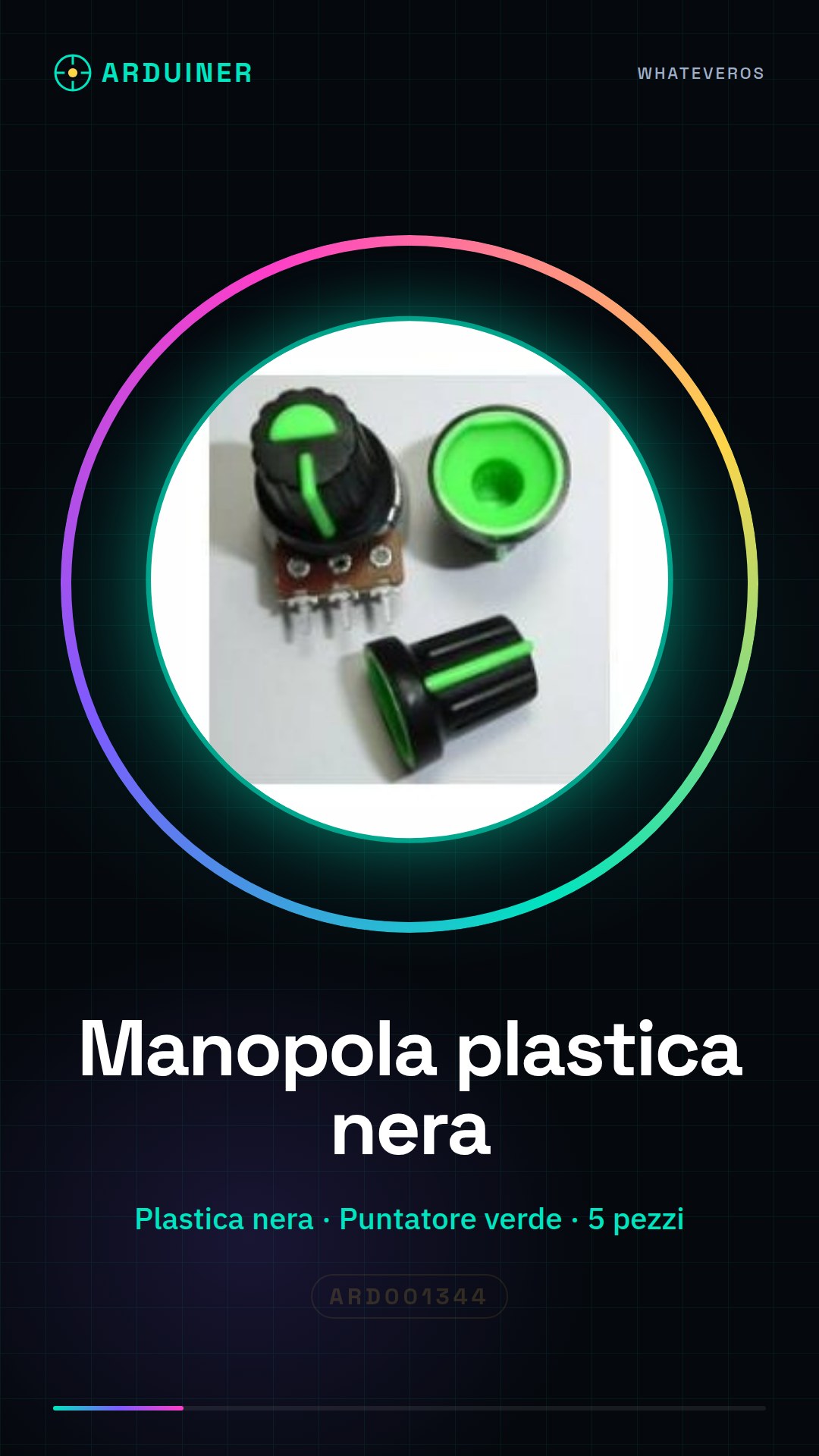
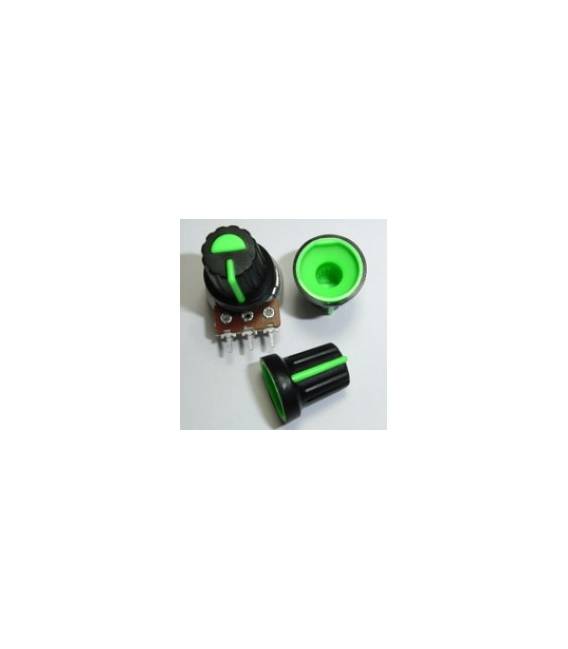
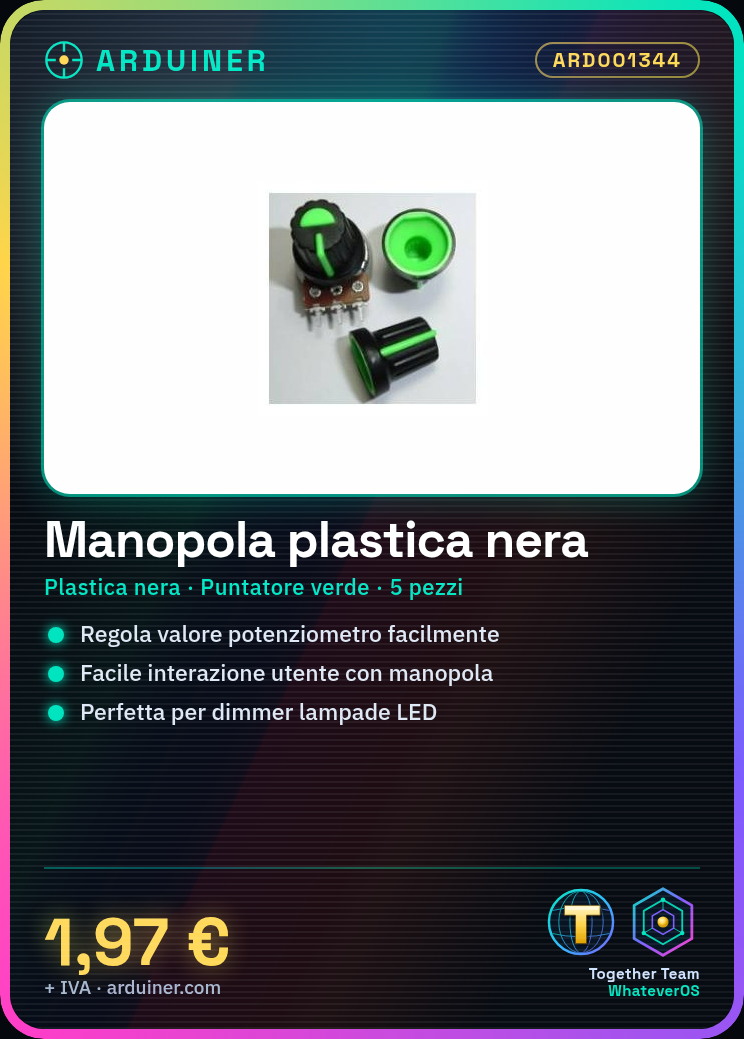
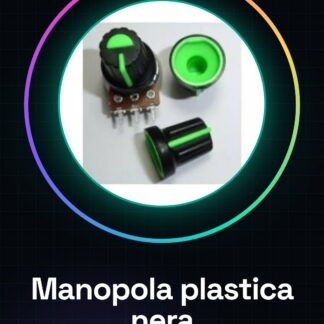
The black plastic knob with a green pointer is a fundamental component for projects using potentiometers. This element allows users to easily interact with the device, adjusting the potentiometer value by rotating the knob.
Features
- Material: black plastic
- Pointer: green
- Quantity: 5 pieces
What it is for
The knob is ideal for projects requiring the use of potentiometers, such as LED lamp dimmers or other electronic devices. It is compatible with a wide range of Arduino and ESP components.
Tutorial: How to use Black Plastic Knob with Green Pointer
The black plastic knob with a green pointer is an essential component for projects that require the use of potentiometers. This element allows for easy user interaction in adjusting the potentiometer value, making it ideal for both beginners and experts.
What you need
- Arduino
- potentiometer
- USB power supply
- jumper wires
- dot matrix printer (optional)
Steps
- Connect the potentiometer to pins A0, GND, and VCC of the Arduino.
- Install the knob on the shaft of the potentiometer, ensuring that the green pointer is clearly visible.
- Write an Arduino sketch to read values from the potentiometer.
- Check that the Arduino output correctly displays the variation of potentiometer values when the knob is moved.
Example code
// Esempio di codice per leggere i dati dal potenziometro
int pin = A0;
void setup() {
  Serial.begin(9600);
}
void loop() {
  int val = analogRead(pin);
  Serial.println(val);
}
Mini project
Create a dimmer for an LED lamp using the potentiometer with knob. Connect the lamp to a MOSFET controlled by the Arduino and adjust the light intensity by moving the knob.
Common mistakes
- Do not correctly connect the potentiometer pins to the Arduino.
- Use an inappropriate knob for the diameter of the potentiometer.
- Ignore the verification of Arduino output values during configuration.
Recommended accessories
- Jumper wires
- Dot matrix printer (for labeling components)
- MOSFET to control electrical loads
- Variable RGB LED
Frequently asked questions
How can I install the knob on the potentiometer?
Ensure that the diameter of the knob base matches that of the potentiometer. Insert the base into the top of the potentiometer and turn until it is securely in place.
Which Arduino pins should I connect to the potentiometer?
Connect pin A0 to the potentiometer’s analog output, GND to ground, and VCC to the power supply voltage.

Reviews
There are no reviews yet.