 EN
 IT Italiano
 ES Español
 FR Français
 DE Deutsch
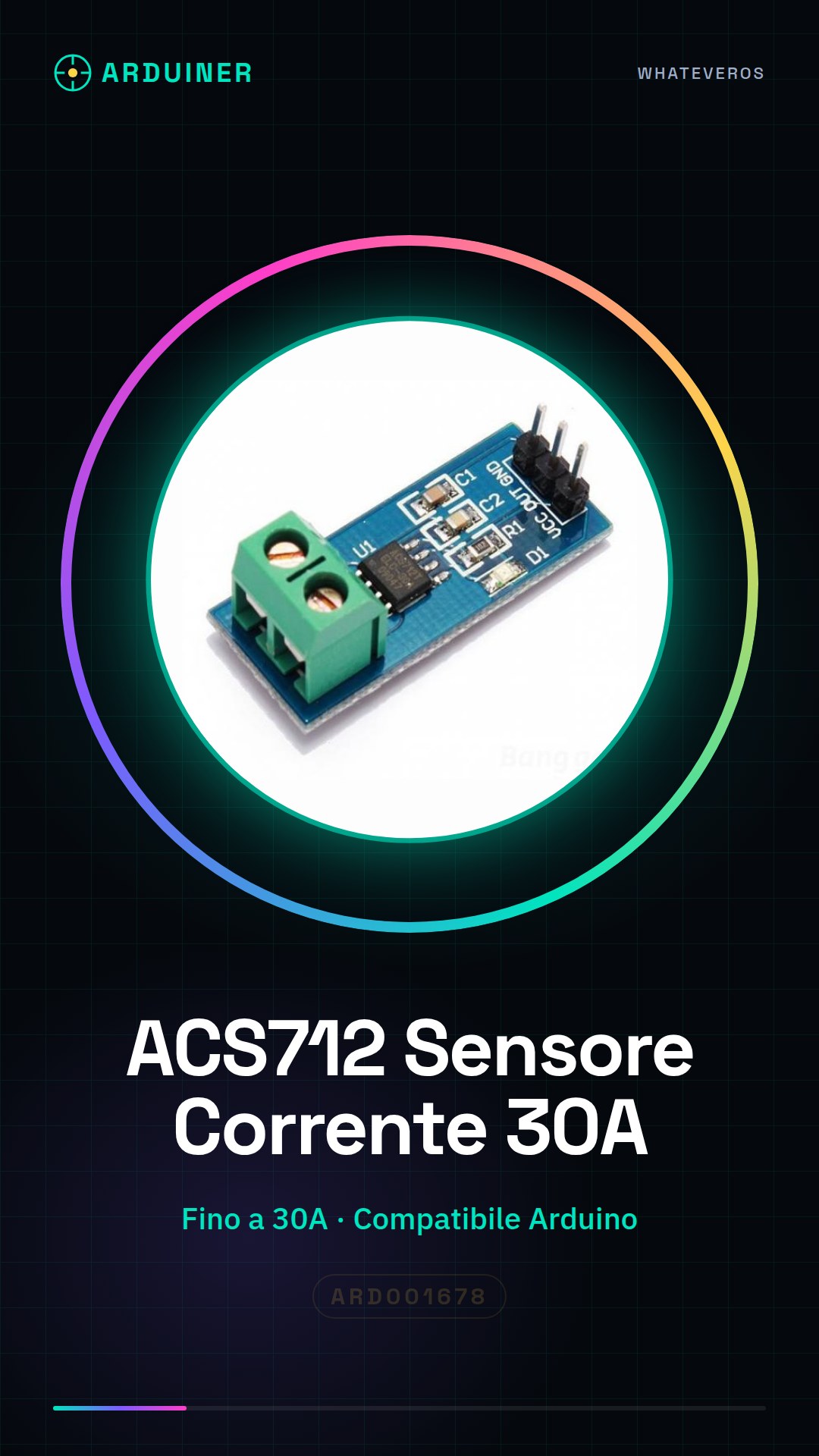
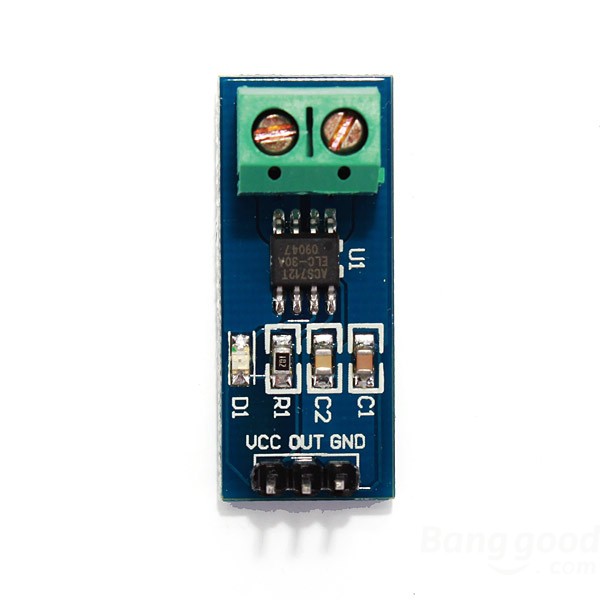
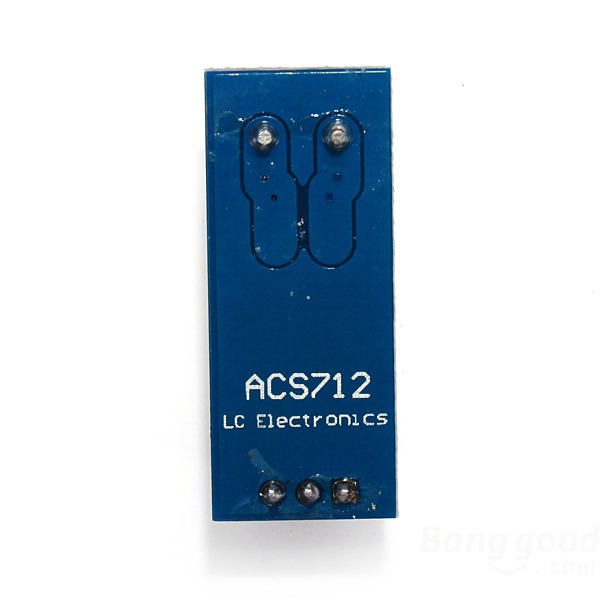
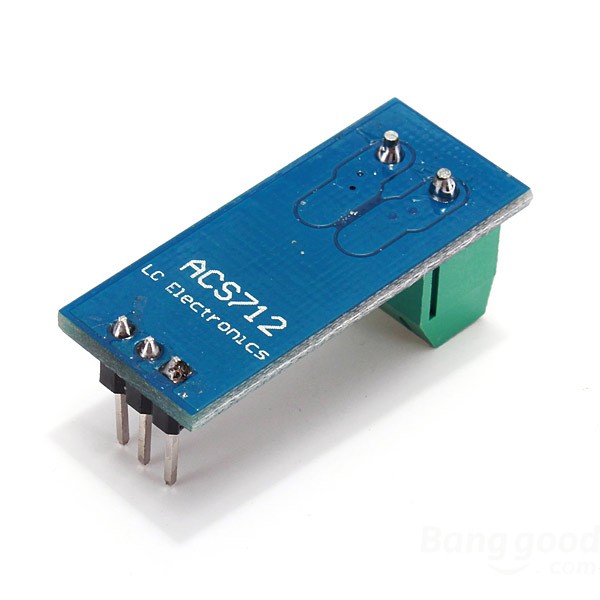
Description
What it is
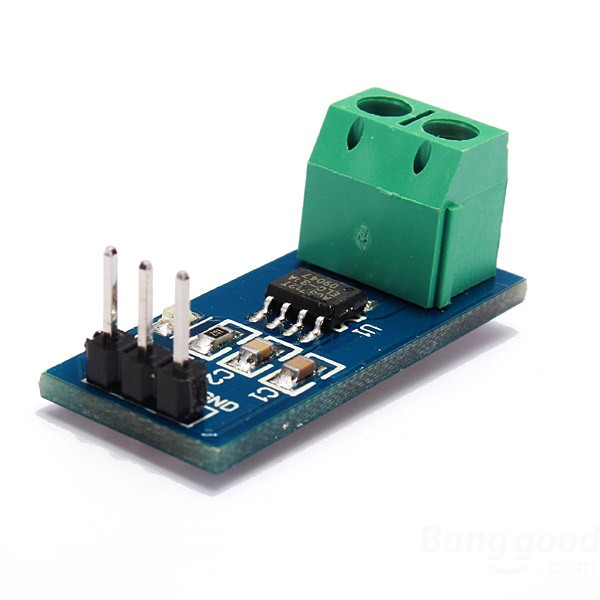
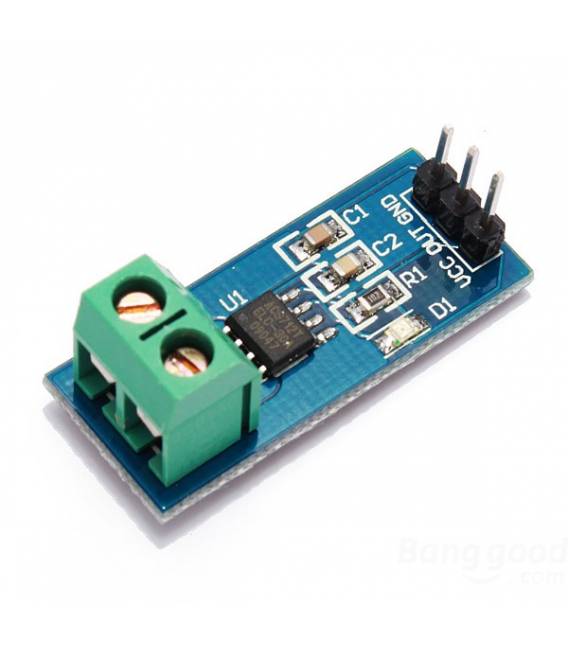
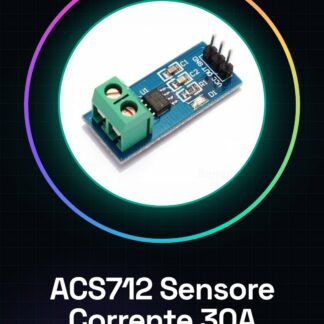
The ACS712 module is an ammeter for Arduino designed to measure currents up to 30A. This current sensor allows makers and students to monitor the flow of current in various electronic circuits, providing precise data that can be used for system management or performance optimization.
Features
- Measures currents up to 30A
- Compatible with Arduino and other microcontrollers
What it is for
The ACS712 is ideal for projects that require current monitoring, such as DC motor control or power supply systems. It can be easily integrated with Arduino to display data on a display or send it to a local network.
Tutorial: How to use ACS712 Current Sensor Module
The ACS712 is a current sensor that allows makers and students to measure the flow of current in electronic circuits. It is ideal for Arduino projects where monitoring or controlling current is necessary.
What you need
- Arduino Uno
- USB cable to connect the Arduino to the computer
- Head connections (jumpers)
- External power supply
Steps
- Connect the ACS712 module to the Arduino using jumper cables. Check the pinout table in the module’s datasheet for correct connections.
- Install the Arduino SDK and load the example sketch provided in the current sensor library.
- Open the serial monitor in the Arduino IDE to view real-time current data.
- Check the module’s datasheet for the current measurement scale and offset to calculate the exact current intensity.
- If necessary, add a software or hardware low-pass filter to reduce noise in the measurement data.
- Explore further projects such as creating an energy counter or an overload protection by integrating the ACS712 with other sensors and Arduino devices.
Example code
const int currentSensorPin = A0; // pin da cui leggere il sensore
float voltage, current;
void setup() {
  Serial.begin(9600);
}
void loop() {
  voltage = analogRead(currentSensorPin) * (5.0 / 1023); // converti i valori analogici in volt
  current = ((voltage - 2.5) / (0.05)); // verifica la scala di misurazione sul datasheet del sensore ACS712 per l'offset e il coefficiente di conversione
  Serial.print("Corrente: ");
  Serial.println(current);
  delay(1000); // attendi un secondo prima della prossima lettura
}
Mini project
Create a current monitoring system for a DC motor. Connect the motor to the ACS712 module and the Arduino, then use the Arduino SDK to display the current on a display or on a local network.
Common mistakes
- Do not connect the sensor correctly to the Arduino pins.
- Ignore the measurement scale of the ACS712 sensor and do not correctly calculate the current intensity.
- Omit a low-pass filter to reduce noise in the measurement data.
- Do not update the Arduino firmware or install the necessary libraries to read the ACS712 sensor values.
Recommended accessories
- 16×2 LCD Module to display the data
- Portable battery for external power supply
- Relay Module 5V for current control
- Temperature and humidity sensors
Frequently asked questions
How can I calculate the current exactly?
Check the datasheet of the ACS712 sensor to find the conversion factor between analog values and current intensity.
Which projects can use this module?
The ACS712 modules are perfect for energy counters, power consumption monitoring, or overcurrent protection in electronic circuits.
Reviews
There are no reviews yet.