 EN
 IT Italiano
 ES Español
 FR Français
 DE Deutsch
Description
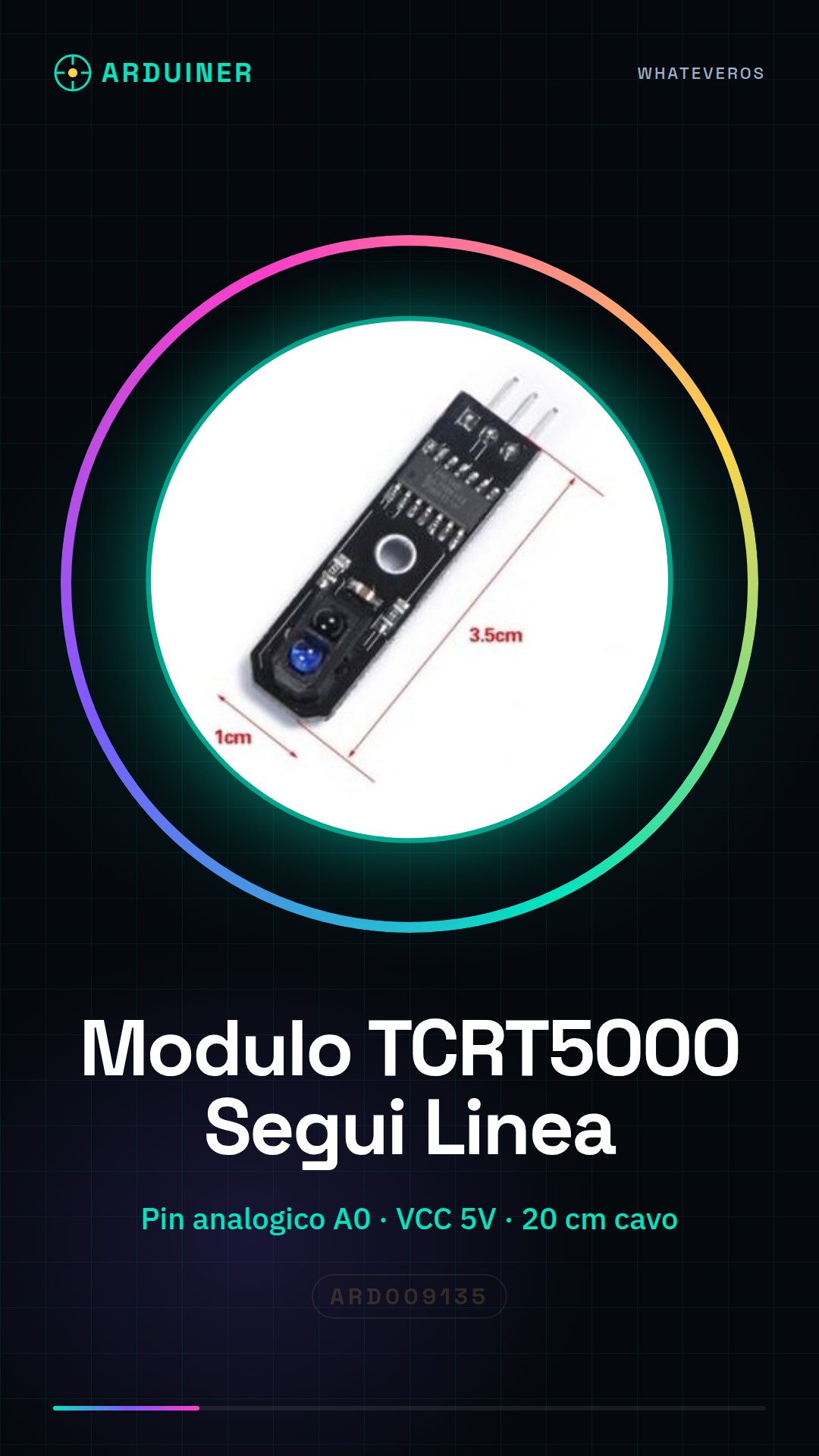
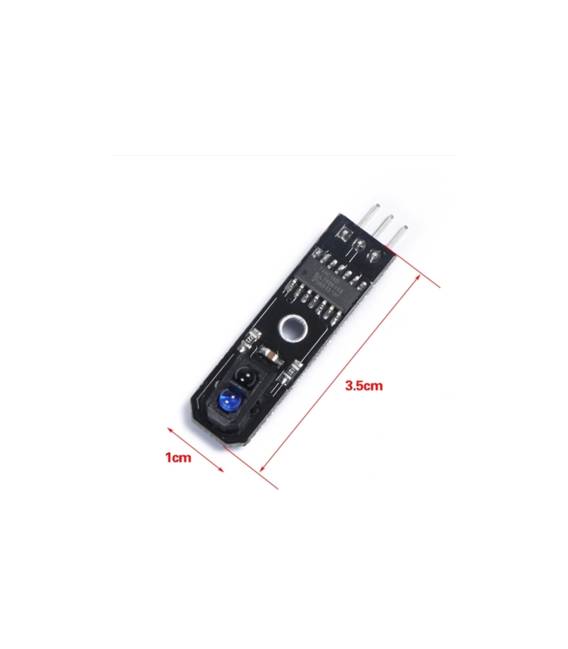
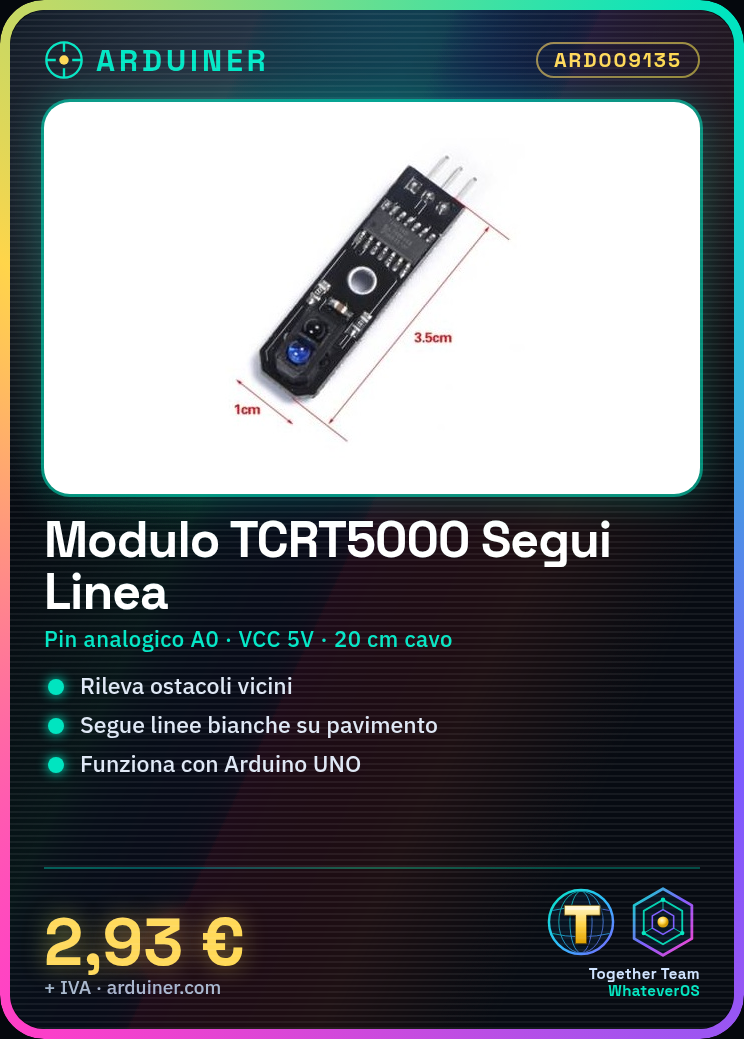
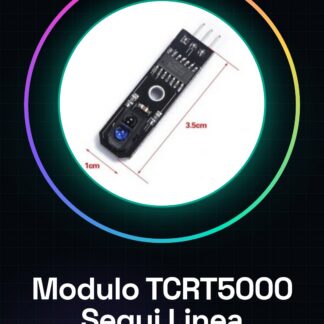
IR sensor module TCRT5000, useful for obstacle detection nearby or line following on white lines, sensitivity threshold not adjustable
Tutorial: How to use Line Following Module TCRT5000
The Line Following Module TCRT5000 is ideal for automation and robotics projects that require line following. Useful for beginners and intermediates, it simplifies the creation of autonomous robots.
What you need
- Arduino UNO or compatible
- 20 cm cable
- 10 kΩ resistor
- Check the datasheet
Steps
- 1. Connect the module to pin A0 of Arduino.
- 2. Connect the resistor between VCC and GND.
- 3. Load the following code onto Arduino.
- 4. Verify that the module functions correctly.
- 5. Adapt the code to your needs.
- 6. Test line following.
- 7. Check the stability of the line following.
- 8. Adapt the module to your project.
Example code
```int sensorPin = A0; int sensorValue = 0; void setup() { Serial.begin(9600); } void loop() { sensorValue = analogRead(sensorPin); Serial.println(sensorValue); delay(100); } ```Mini project
Create a robot that moves on a black line on a white floor. Verify that the robot moves correctly following the line.
Common mistakes
- Connect the VCC to the 5V pin of Arduino, not to GND.
- Forget to connect the resistor.
- Set the wrong pin for the sensor.
- Omit the calibration code.
Recommended accessories
- DC Motors for Arduino
- Robot Chassis
- Black line to follow
- White floor
Frequently asked questions
How can I calibrate the sensor?
Calibrate the sensor with various levels of brightness on the line and on a black plane. Record the values and adjust the code.
Does the sensor work with Arduino Mega?
Yes, but check compatibility in the datasheet.
Does the sensor work well on curved lines?
The sensor works well on curved lines, but accuracy may vary.
Can I use a different power supply than 5V?
Check the datasheet for power supply compatibility.
Reviews
There are no reviews yet.