 EN
 IT Italiano
 ES Español
 FR Français
 DE Deutsch
Description
What it is
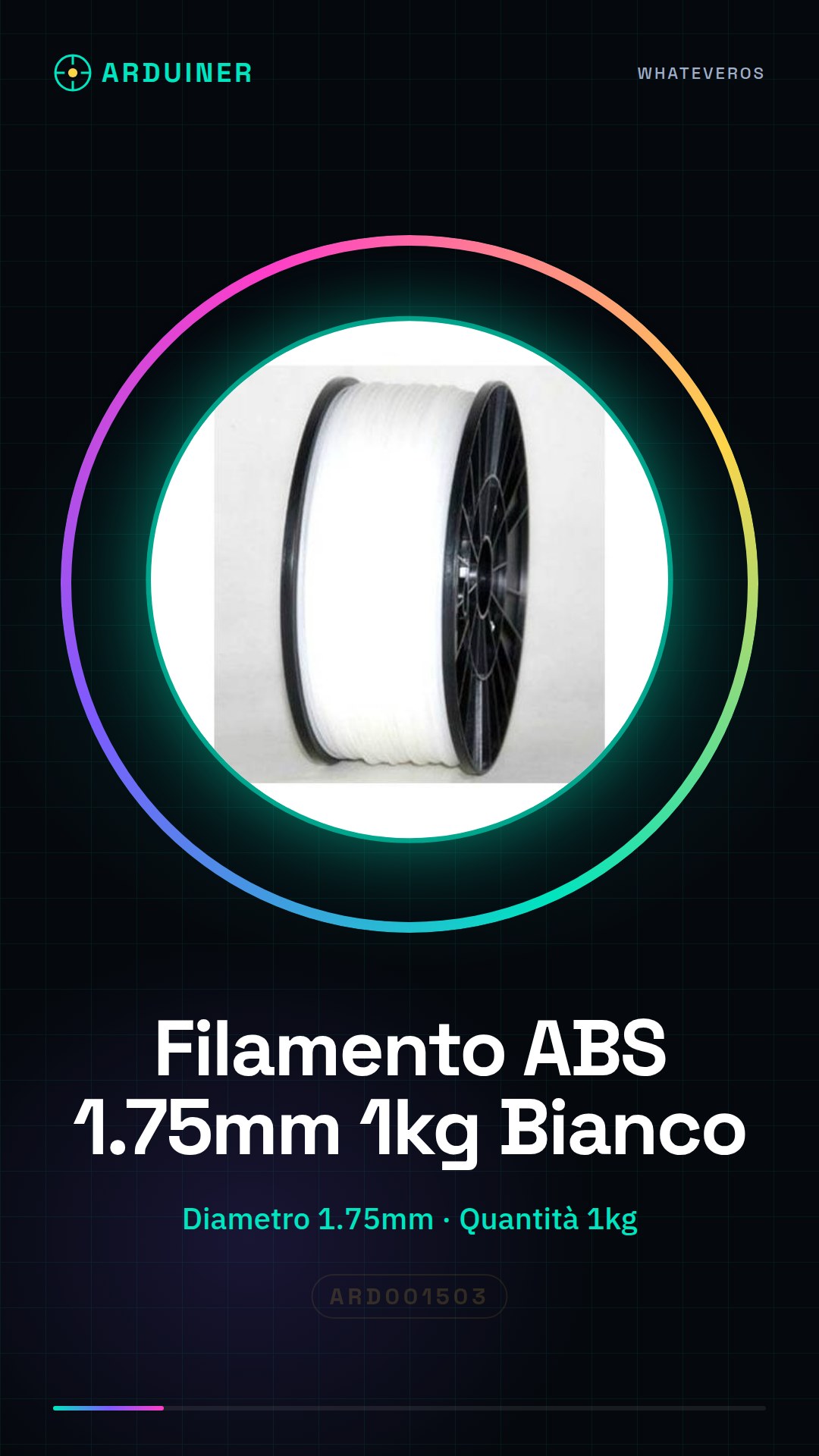
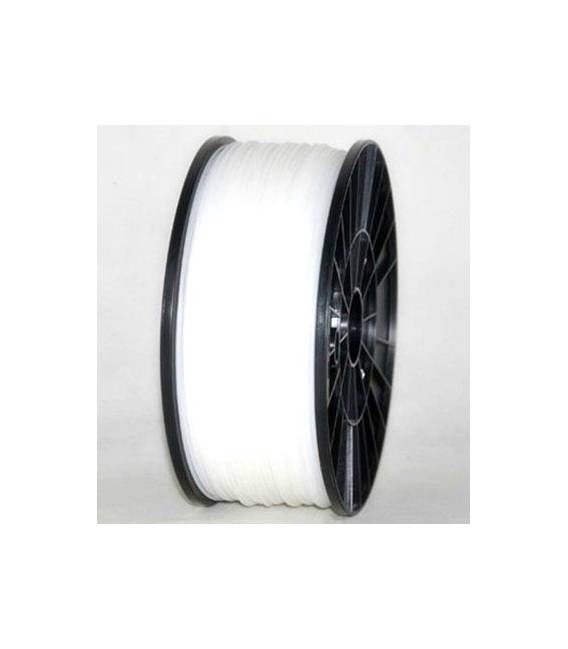
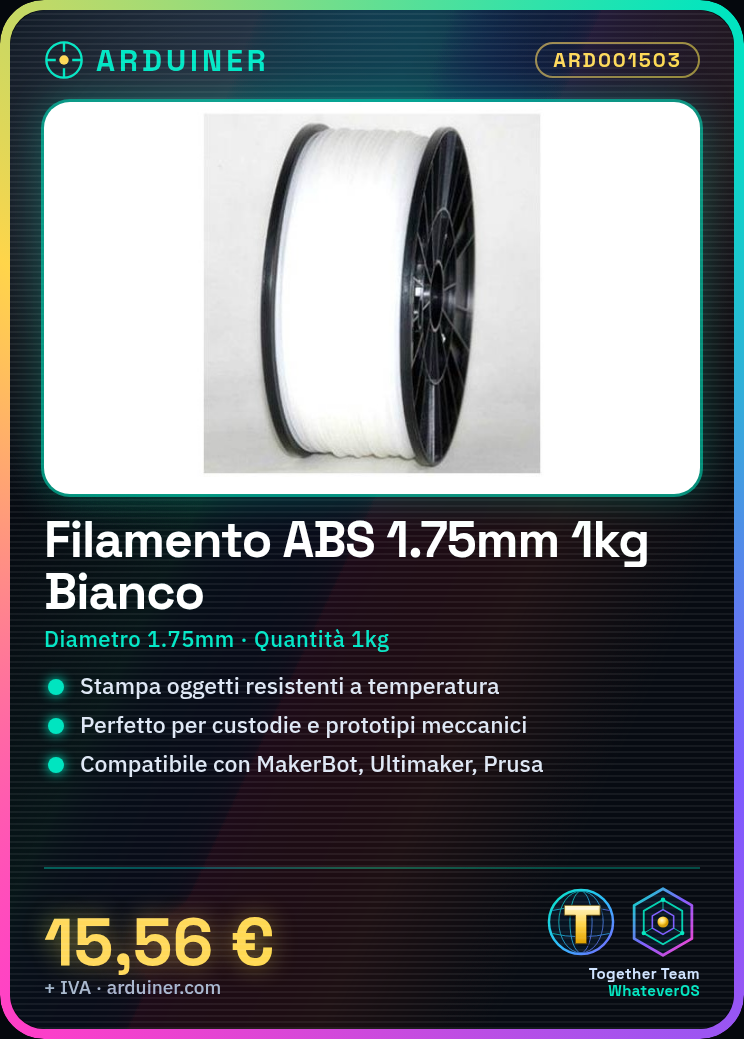
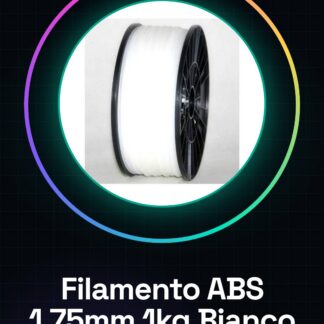
High-quality 1.75mm ABS filament in white, 1kg spool. Ideal for 3D printers requiring mechanical and thermal strength.
Features
- Diameter: 1.75mm
- Material: ABS
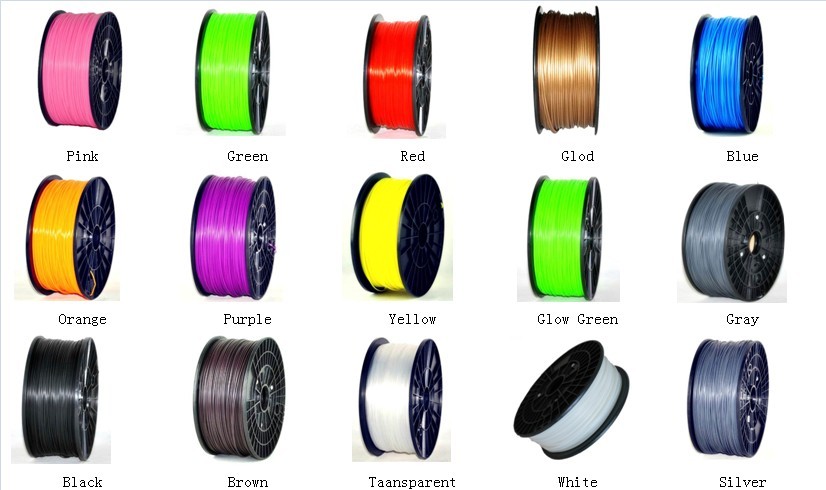
- Color: White
- Quantity: 1kg
What it is for
Perfect for printing objects that require strength, such as electronic device cases, mechanical prototypes, and models. Compatible with 3D printers like MakerBot, Ultimaker, Prusa, and RepRap.
Tutorial: How to Use 1.75mm White ABS Filament
ABS filament is an ideal material for 3D printers requiring mechanical and thermal strength. This tutorial will guide you through the use of high-quality 1.75mm white ABS filament from Arduiner, suitable for printers like MakerBot, Ultimaker, Prusa, and RepRap.
What you need
- 3D Printer Compatible with ABS Filament
- Squeegee for removing overhang
- Scotch tape or adhesive tape for the print bed
- Wire gauge (if needed for filament diameter)
- Sealable bag to store filament
- Hot air gun or aseptic tool (optional, to remove any residues)
Steps
- Check the specifications of your printer and set them correctly in the slicing software configuration.
- Load the ABS filament into the printer container in a way that it does not get damaged or bent.
- Set the melting temperature between 230°C and 250°C, checking the datasheet of your printer model.
- Set the extrusion speed between 60 mm/s and 80 mm/s, based on the printer manufacturer’s recommendations.
- Start the slicing process with a software like Cura or Simplify3D to convert CAD files into G-code.
- Load the model you are working on into the software and start the print.
- Regularly check that the filament is being extruded correctly during the print.
- Once completed, carefully remove the overhang with a putty knife.
Mini project
Print a custom test box for your next Arduino or sensor project.
Common mistakes
- Too high temperatures settings causing deformation of the printed part
- Extrusion speed too high causing adhesion and surface quality issues
- Lack of good adhesion to the print bed, causing the first layers to fall off
- Bent or damaged filament during loading into the printer
Recommended accessories
- Hot air gun to remove overhang and residue from the print bed
- Scotch tape or adhesive tape to improve part adhesion to the print bed
- Caliper to check the correct diameter of the ABS filament
- Ziplock bag for safe storage of the filament
Frequently asked questions
How much does the ABS filament cost?
The price is 15.56€ for a kilogram of filament.
What are the characteristics of the ABS filament?
This filament has superior mechanical and thermal resistance compared to PLA, suitable for parts that require longevity.
How do you clean the print bed before printing?
Use tape or scotch to improve the part’s adhesion to the print bed. Remove any residues with a heat gun.
Reviews
There are no reviews yet.