 EN
 IT Italiano
 ES Español
 FR Français
 DE Deutsch
Description
What it is
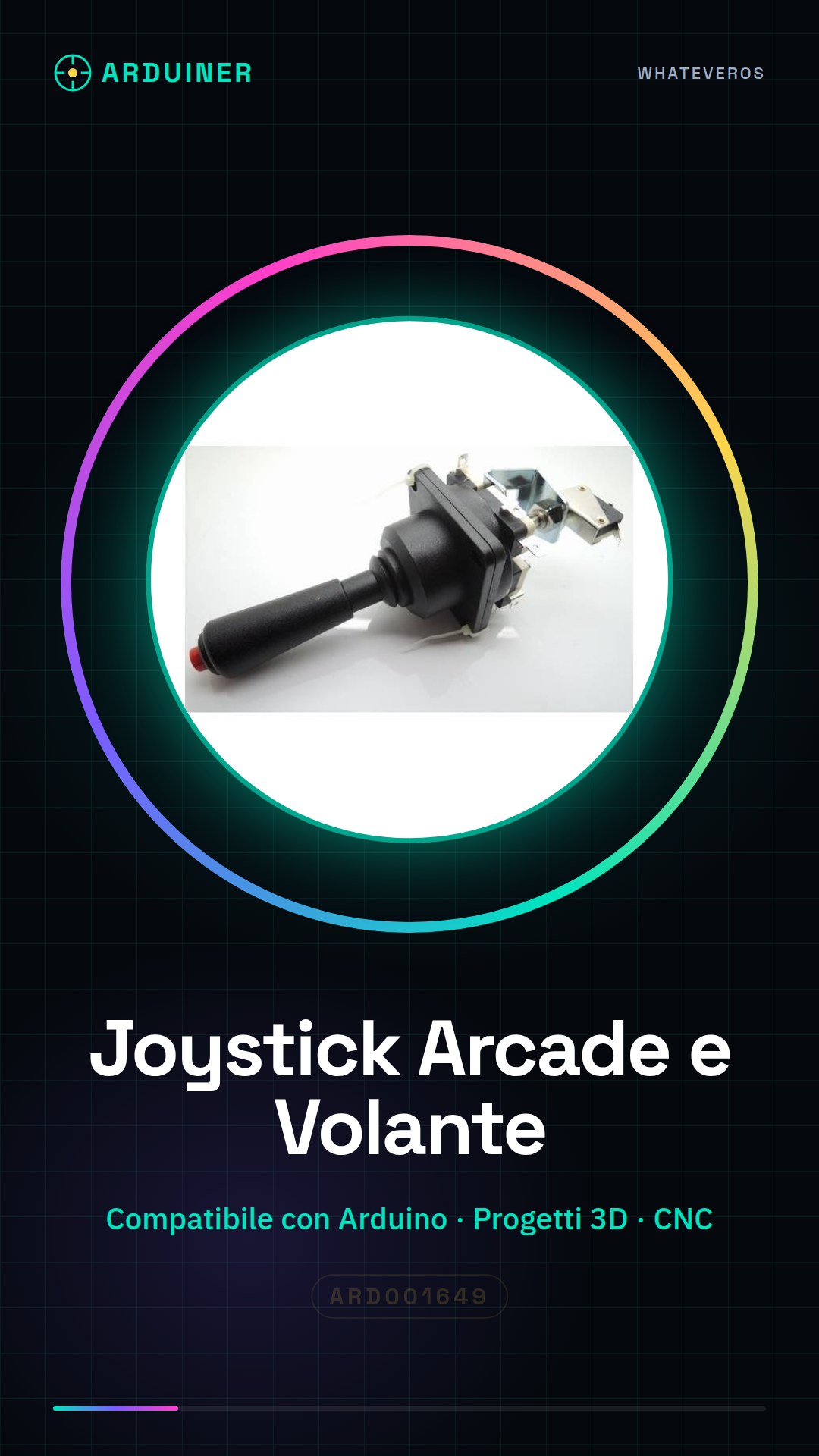
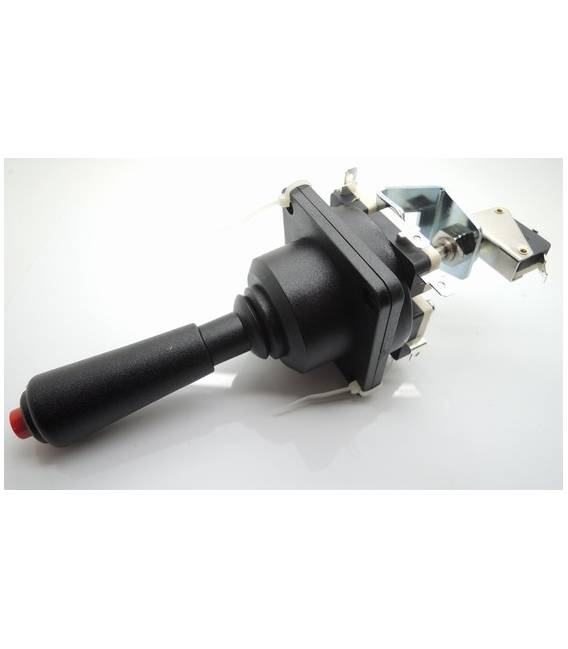
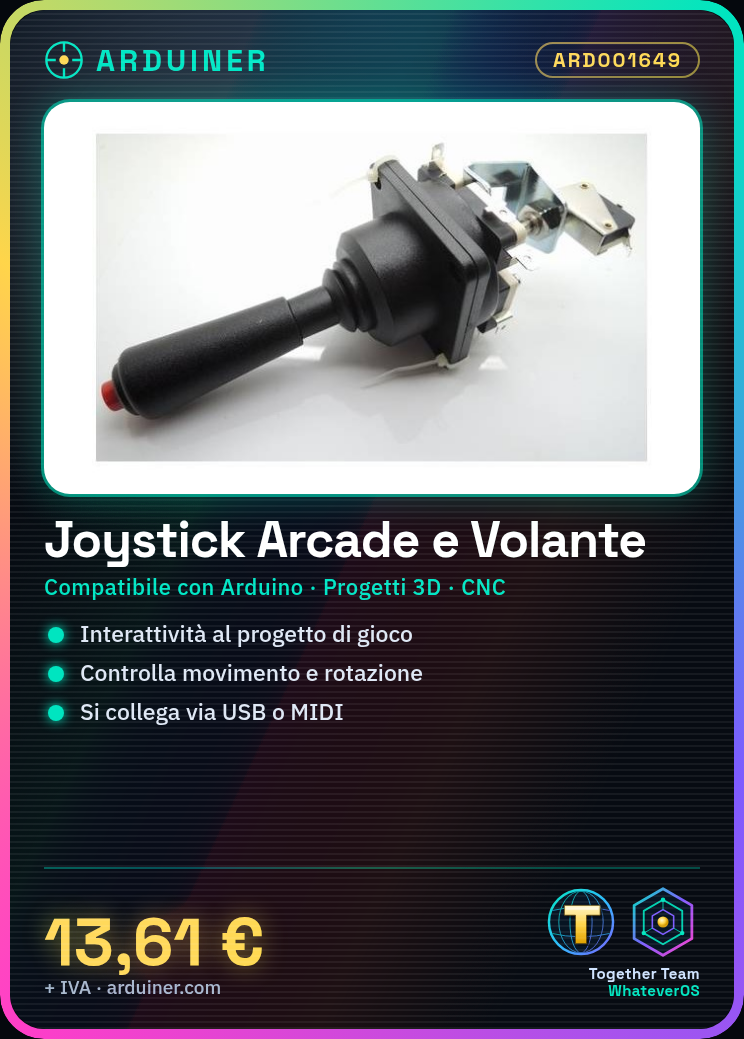
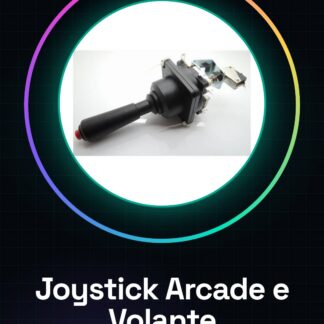
The arcade joystick and steering wheel ARD001649 is a versatile component for 3D printing projects, CNC models, and other systems. This joystick is ideal for anyone who wants to add greater interactivity to their game or simulation projects.
Features
- Compatible with Arduino and other systems
- Ideally suited for 3D printing projects and CNC models
What it is for
Create a small air or car simulation game using the joystick as the main control. You can implement simple movement and rotation mechanisms to make the simulation more engaging.
Tutorial: How to use Arcade Joystick and Steering Wheel
The arcade joystick or steering wheel is an ideal component for anyone who wants to add greater interactivity to their game, air or car simulation projects. This tutorial will guide you through the installation and configuration of the joystick.
What you need
- Arduino Uno
- USB cable
- Arcade Joystick/Racing Joystick
Steps
- Connect the joystick to the Arduino serial communication interface using a MIDI cable or a USB cable depending on the type of connector present on the joystick.
- Install the Adafruit_MIDI library on Arduino IDE to properly handle the signals sent by the joystick.
- Load the provided sketch onto the Arduino. Verify that the joystick is recognized by the Arduino IDE.
- Test the joystick functionalities, such as rotation and button movement, to ensure everything works correctly.
- If necessary, modify the sketch based on your specific requirements.
Example code
// Includi la libreria MIDI
#include <Adafruit_MIDI.h>
// Configura il joystick e i suoi pin di input.
void setup() {
  // Inizializza la comunicazione seriale con il joystick.
}
// Ciclo principale che gestisce gli eventi del joystick.
void loop() {
}
Mini project
Create a small air or car simulation game using the joystick as the main control. You can implement simple movement and rotation mechanisms to make the simulation more engaging.
Common mistakes
- The joystick is not recognized by the Arduino
- The signals sent by the joystick are incorrect or inconsistent.
- Connectivity issues between the joystick and the Arduino.
Recommended accessories
- USB Type B cable
- MIDI to Serial adapter
- Arduino prototyping kit
Frequently asked questions
My joystick does not work with Arduino.
Check that the library is correctly installed and that the joystick is correctly connected to the Arduino.
How can I customize the functions of the joystick?
Modify the sketch loaded on the Arduino according to your specific needs.
Reviews
There are no reviews yet.