 EN
 IT Italiano
 ES Español
 FR Français
 DE Deutsch
Description
What it is
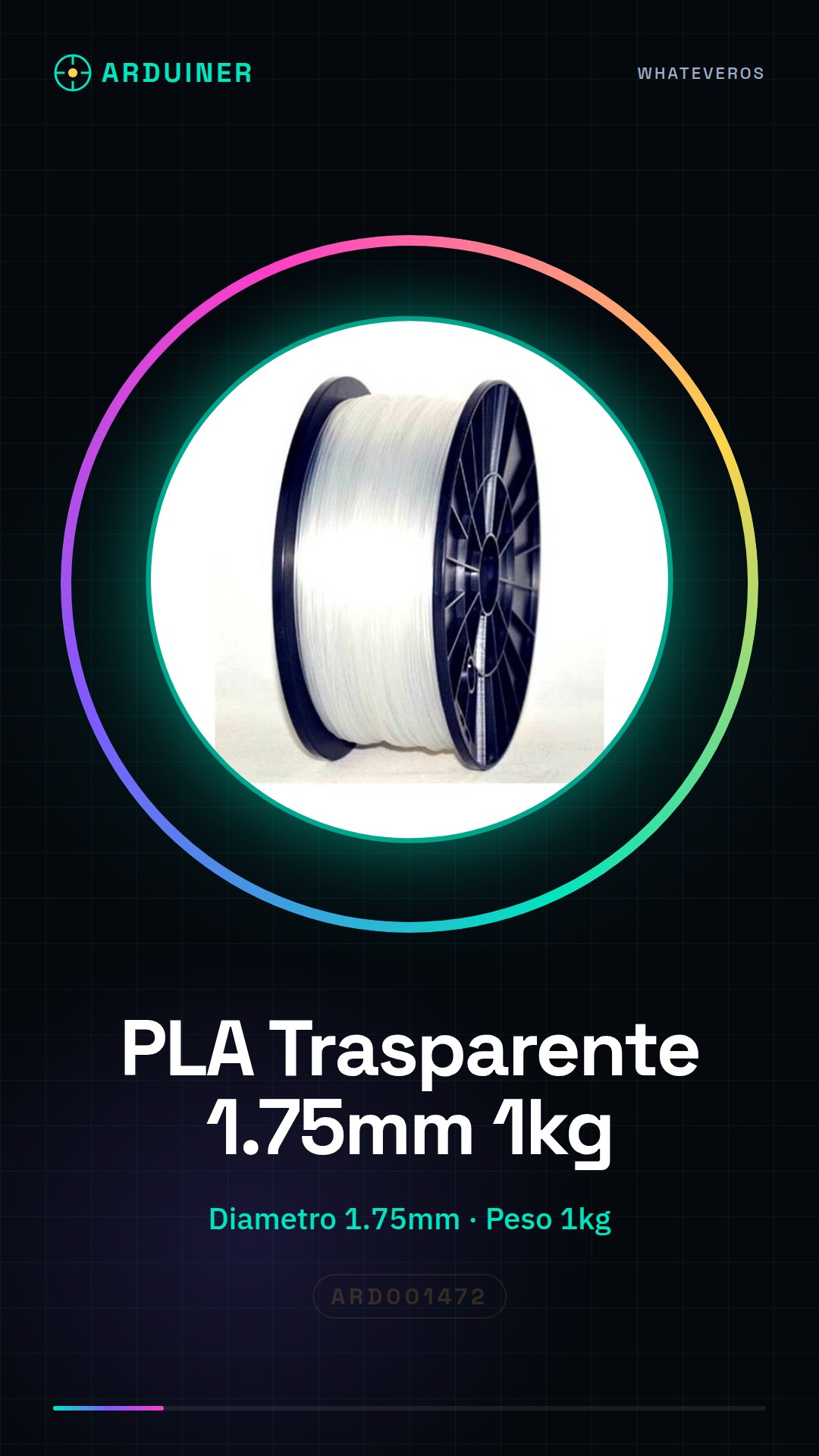
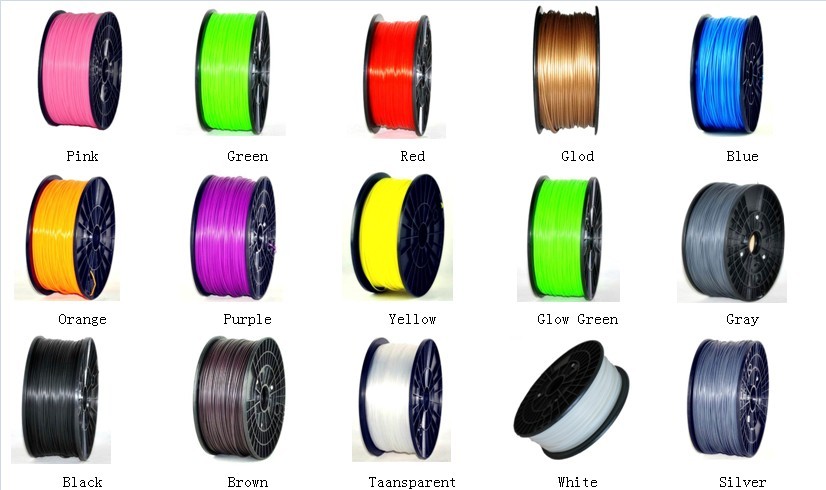
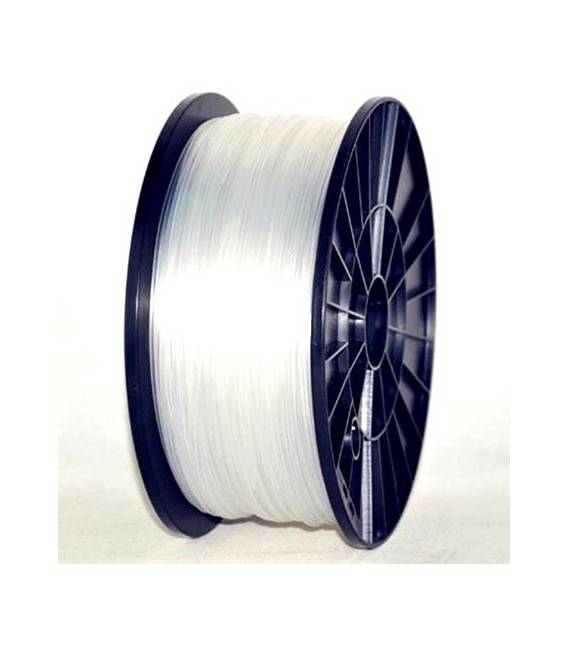
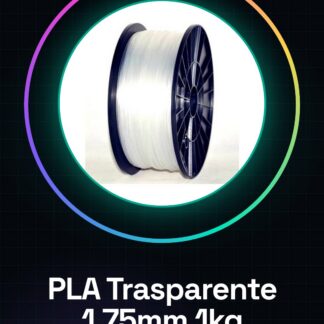
High-quality transparent PLA filament is a consumable for 3D printers used in various types of equipment such as MakerBot, Multimaker, Ultimaker, Reprap, and Prusa. This material offers precision and strength to three-dimensional models.
Features
- Diameter: 1.75mm
- Weight: 1kg
- Filament Type: PLA (Polylactic Acid)
- Color: Transparent
What it is for
This filament is ideal for creating transparent three-dimensional models suitable for both customized projects such as decorative shields or small toys and more complex work. It is compatible with a wide range of 3D printers and offers an easy-to-work material for beginners and experts.
Tutorial: How to Use 1kg Transparent PLA Filament 1.75mm
Transparent PLA filament is ideal for 3D printers that require high quality and precision in the creation of three-dimensional models. This filament is suitable for both beginners and more experienced makers, offering a material that is easy to work with and visually appealing results.
What you need
- 3D Printer
- Filament drawer or closed container
Steps
- Check the compatibility of your 3D printer model with the 1.75mm transparent PLA filament.
- Install the feed roller correctly and load the filament following your printer’s instructions.
- Set the extruder temperature parameters (check the datasheet) and filament push speed in your printer’s configuration.
- Download a 3D model from a platform like Thingiverse or Tinkercad to start printing.
- Load the STL file into the slicing software (e.g., Cura, PrusaSlicer) and customize the layer and quality settings.
- Start the print and monitor the progress until the operation is complete.
- Once completed, carefully remove the model from the printer bed.
- Finish the irregular edges manually with carpentry tools or a nail file.
Mini project
Create a simple decorative piece such as a transparent emblem or a small toy to start familiarizing yourself with PLA filament.
Common mistakes
- The extruder temperature is not set correctly (check the datasheet).
- The filament tangles or sticks during the print.
- The edges of the model are irregular or have small imperfections.
Recommended accessories
- Filament Drawer – ARD001473
- 3D Printer Maintenance Kit – ARD001475
Frequently asked questions
What is the ideal temperature for transparent PLA filament?
The temperature varies by printer model, but generally it is recommended between 190°C and 230°C (check the datasheet).
Can I use this filament with all 3D printers?
PLA filament is compatible with most 3D printers, but always check the specific compatibility of your model.
Reviews
There are no reviews yet.