 EN
 IT Italiano
 ES Español
 FR Français
 DE Deutsch
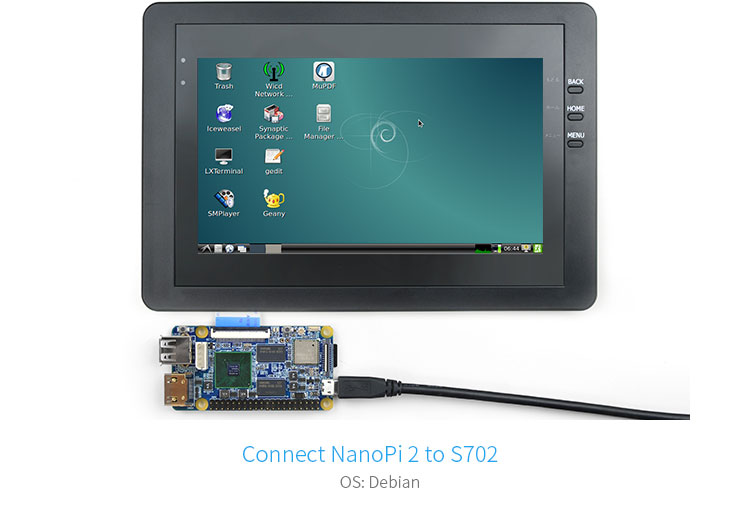
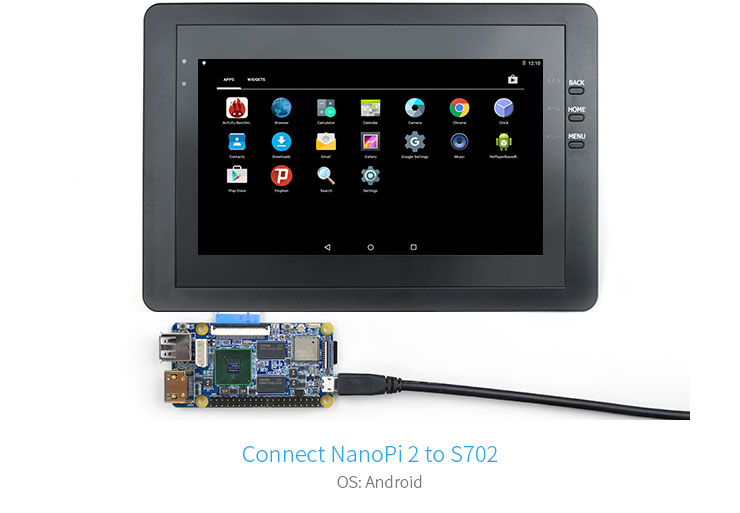
Description
What it is
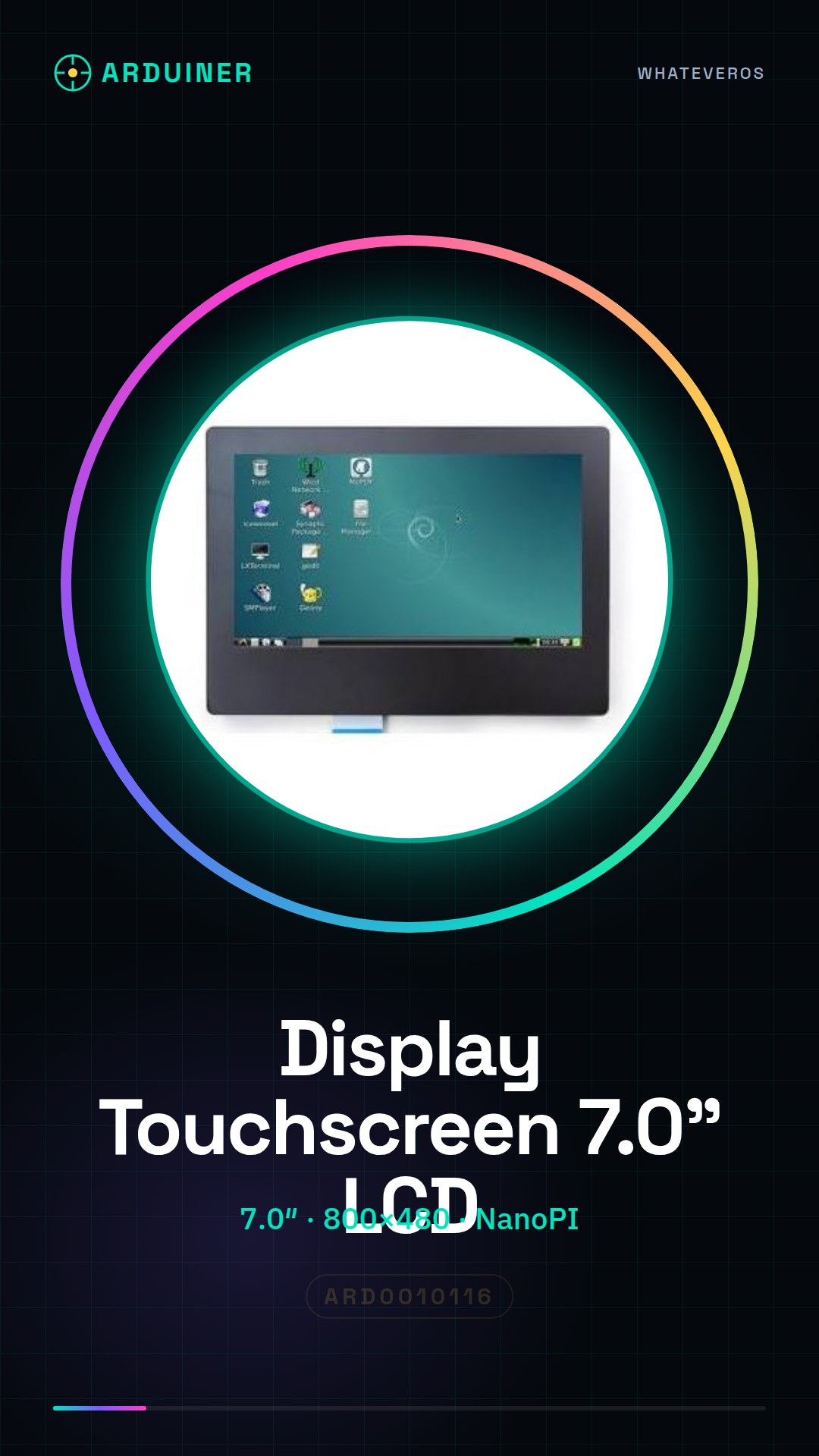
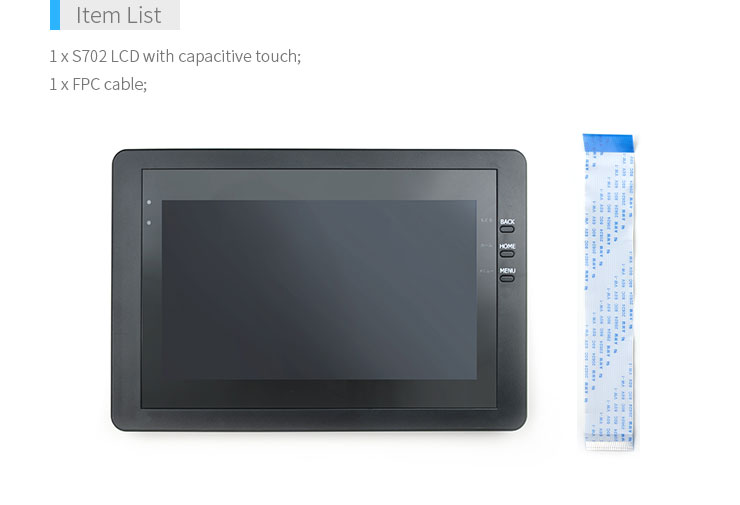
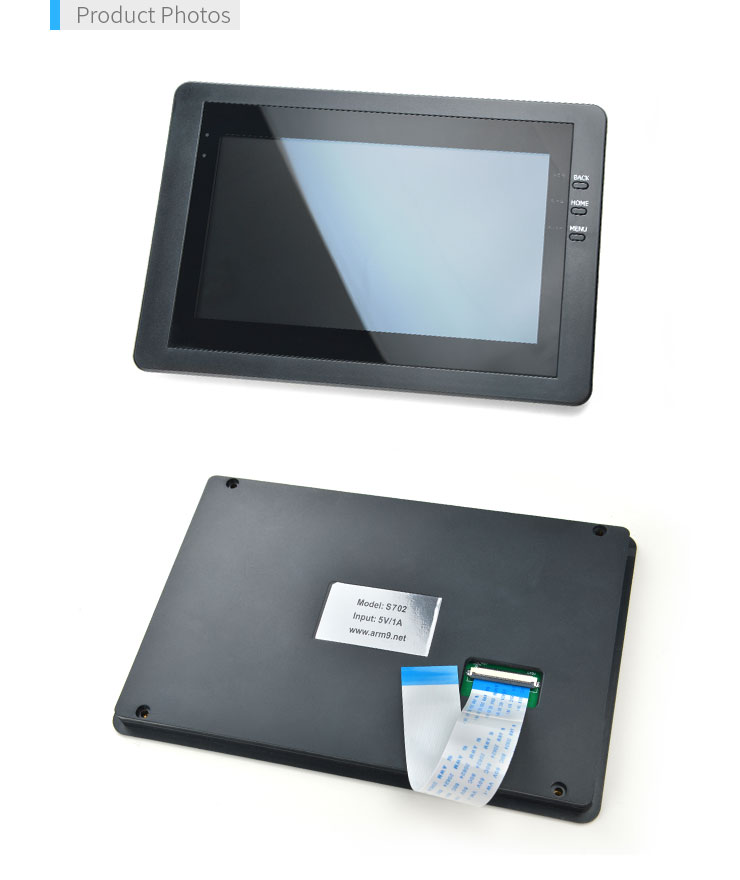
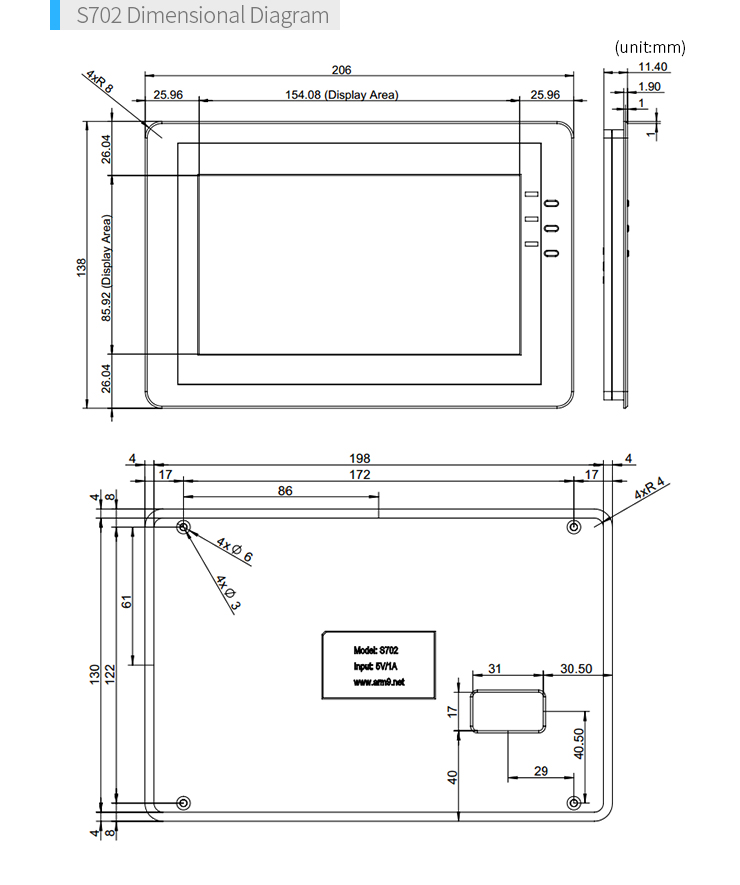
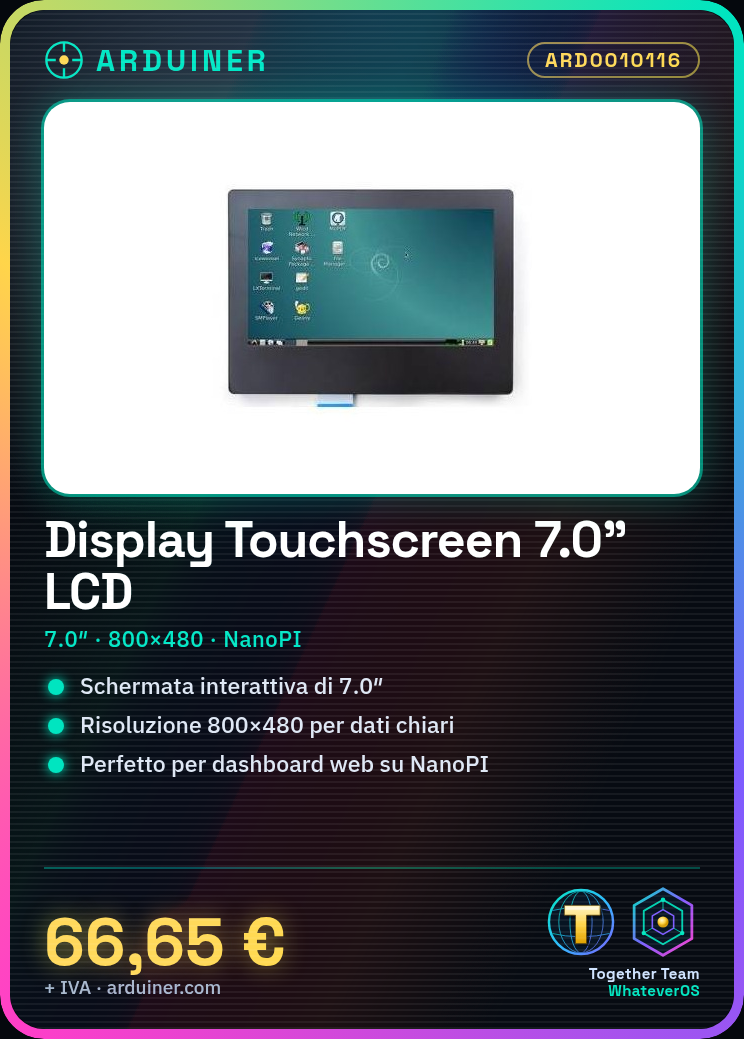
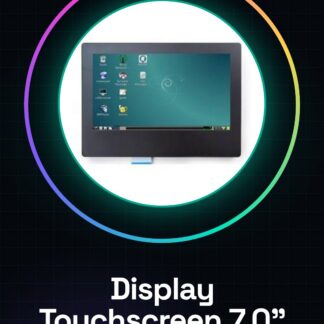
The 7.0″ Touchscreen LCD TFT Friendly S702 display is a video device with a resolution of 800×480, ideal for projects requiring an interactive and visible screen.
Features
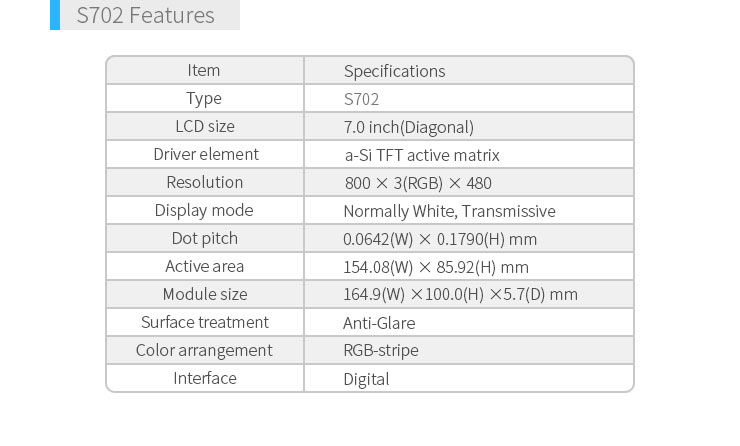
- Type: 7.0″ Touchscreen LCD TFT Friendly S702 Display
- Resolution: 800×480
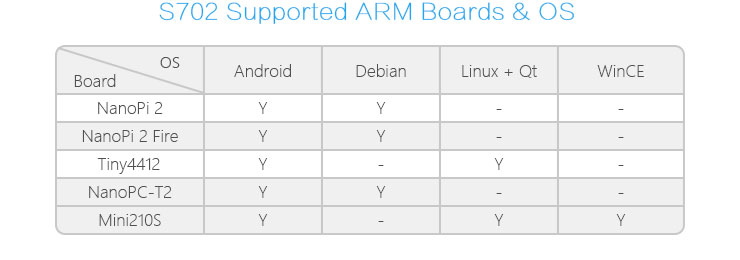
- Ideally compatible with NanoPI
What it is for
This display is perfect for projects that require an interactive and large screen, such as creating small dashboards that display data from the web or other devices. It is ideal for both beginners and experts.
Tutorial: How to Use Touchscreen LCD TFT Friendly S702 Display
The 7.0″ Touchscreen LCD TFT Friendly S702 display with a resolution of 800×480 is perfect for projects that require a large and interactive screen. Ideal for makers of all levels, from beginners to experts.
What you need
- NanoPI
- USB mini/micro B cable
- 5V power supply / power adapter / adapter
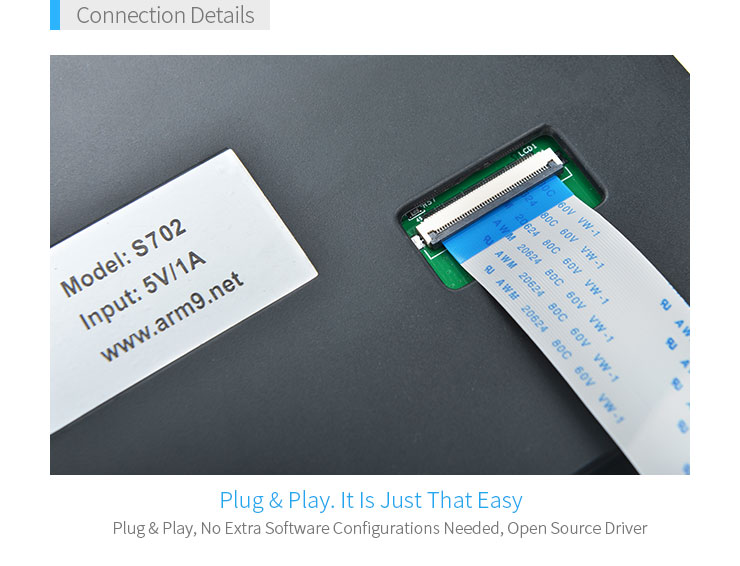
- Data connection
Steps
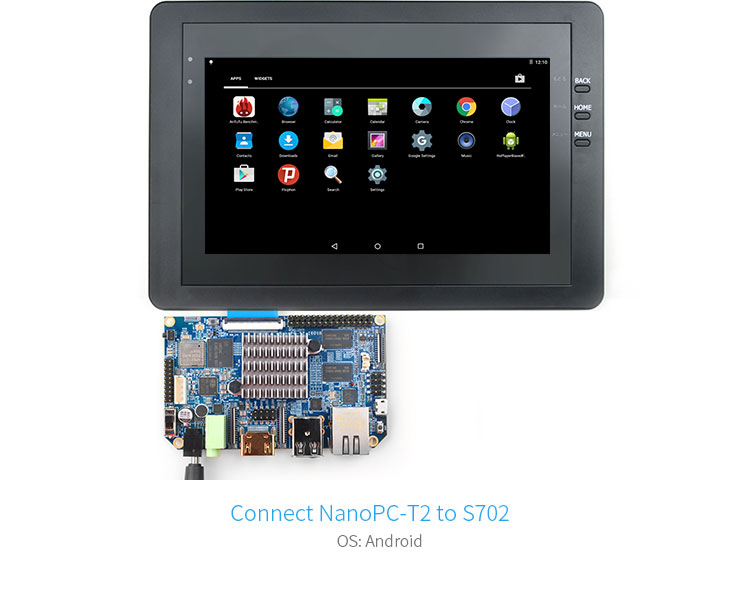
- Connect the display to the NanoPI following the product documentation.
- Verify that the display is recognized by the NanoPI operating system (Linux).
- Install the necessary libraries to interface with the display. Check the datasheet for technical specifications.
- Configure the touchscreen interface following the manufacturer’s guide.
- Experiment with a simple sketch or script to display text and images on the screen.
- Further customize your project by adding functionality such as external input sensors.
Example code
// Esempio di codice in Python per inizializzare il display
import TFT_eSPI
display = TFT_eSPI.TFT()
Mini project
Create a small dashboard that displays data from the web and allows interaction via touchscreen. Estimated time: 30 minutes.
Common mistakes
- Display recognition issues.
- Incorrect touchscreen interface configuration.
- Missing library required for display control.
Recommended accessories
- Temperature and humidity sensors
- 5V power supply with micro USB jack
- 3D printer to design a custom case
Frequently asked questions
My display is not recognized.
Check the physical connection between the display and NanoPI. Make sure the libraries are installed correctly.
How can I control the touchscreen?
Configure the touchscreen interface following the steps in the manufacturer’s documentation.
Reviews
There are no reviews yet.