 EN
 IT Italiano
 ES Español
 FR Français
 DE Deutsch
Description
What it is
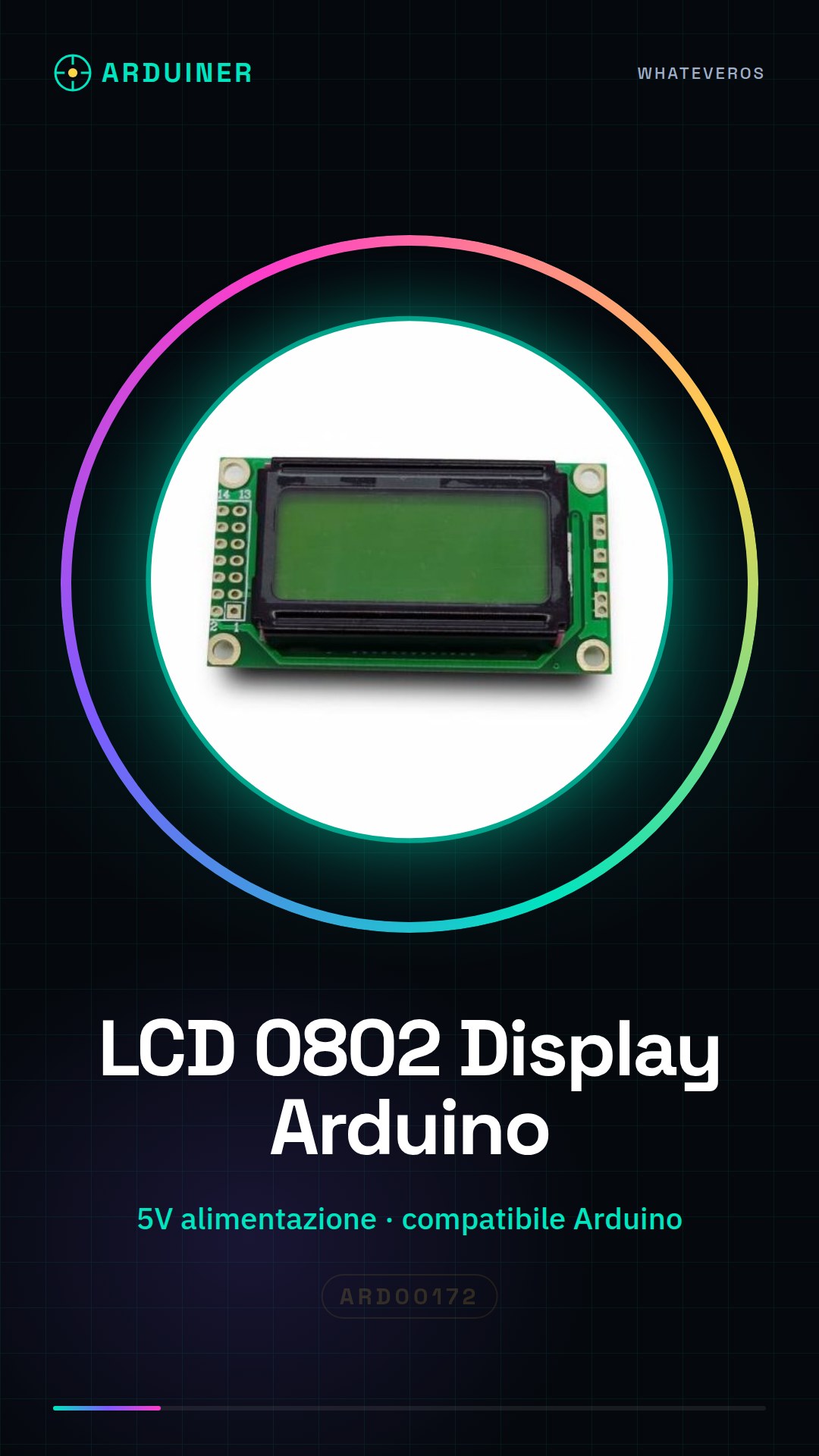
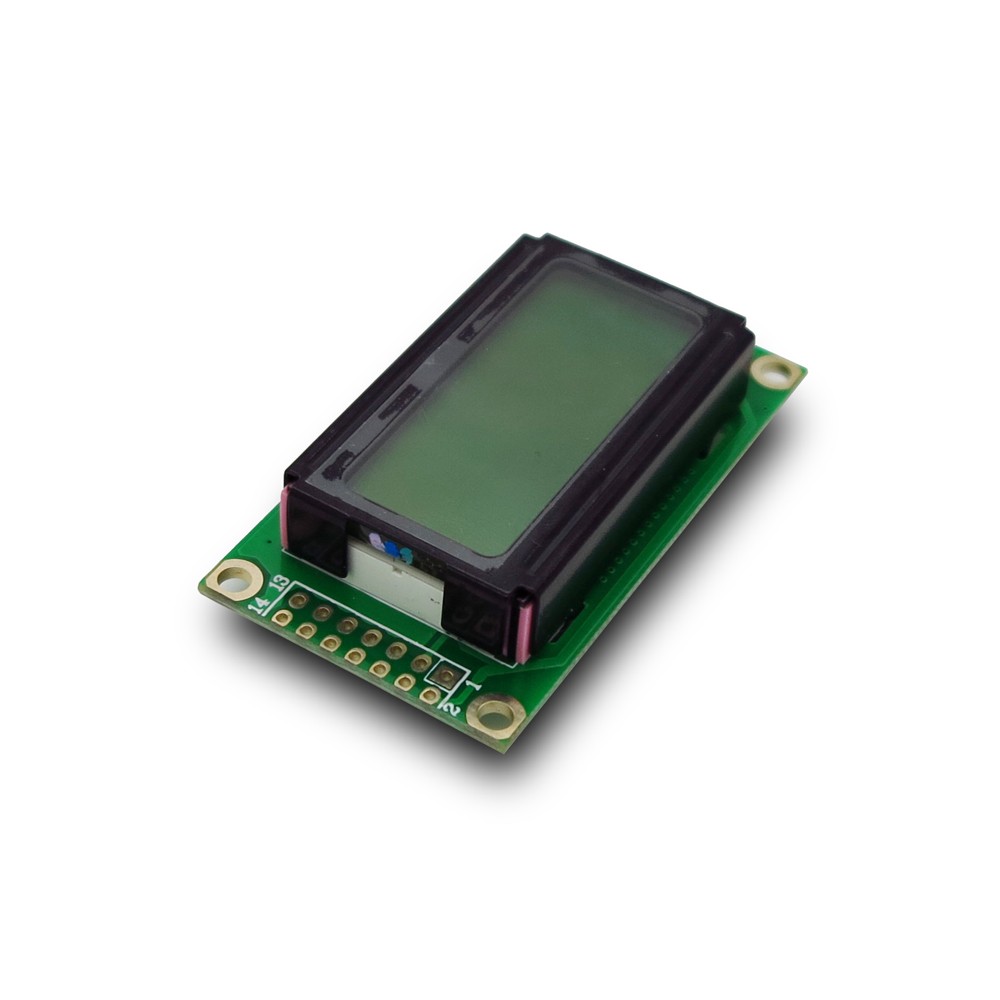
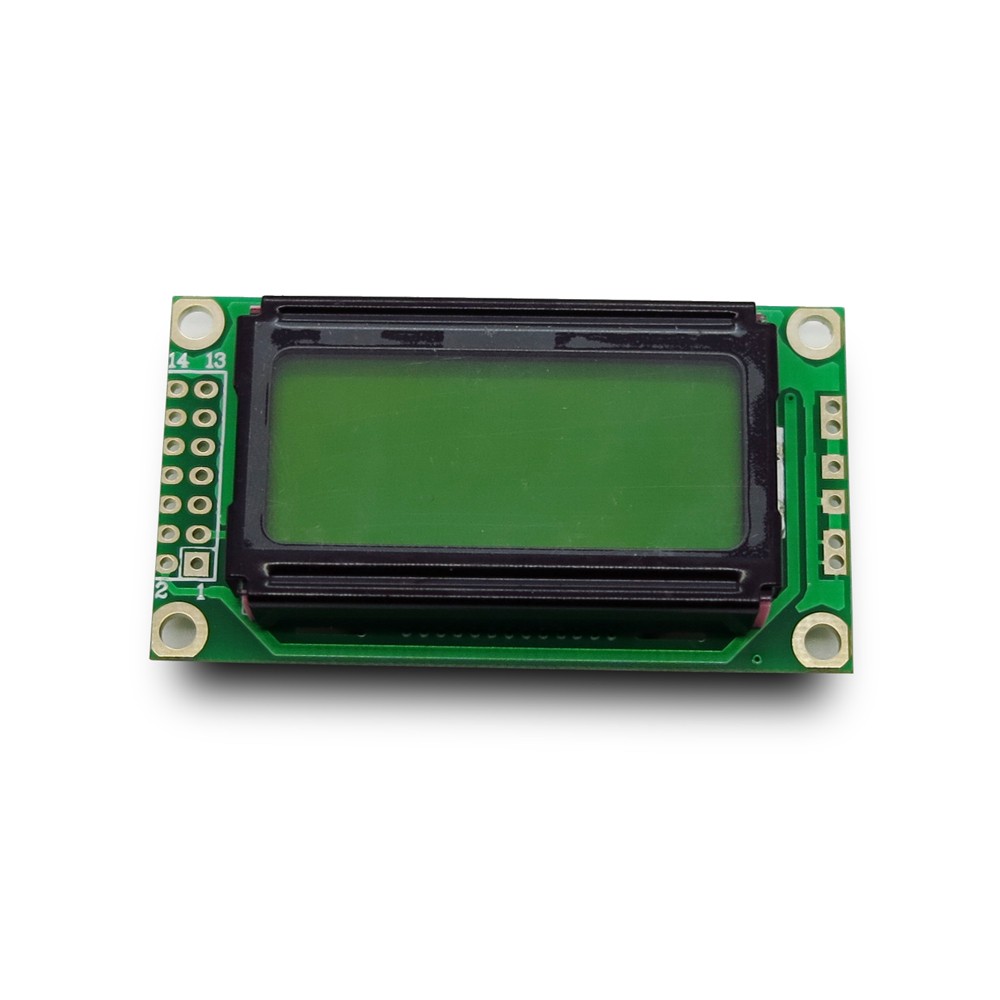
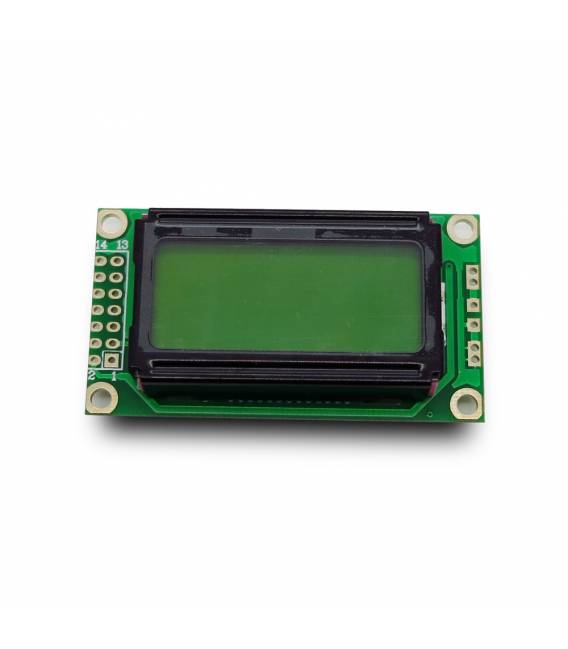
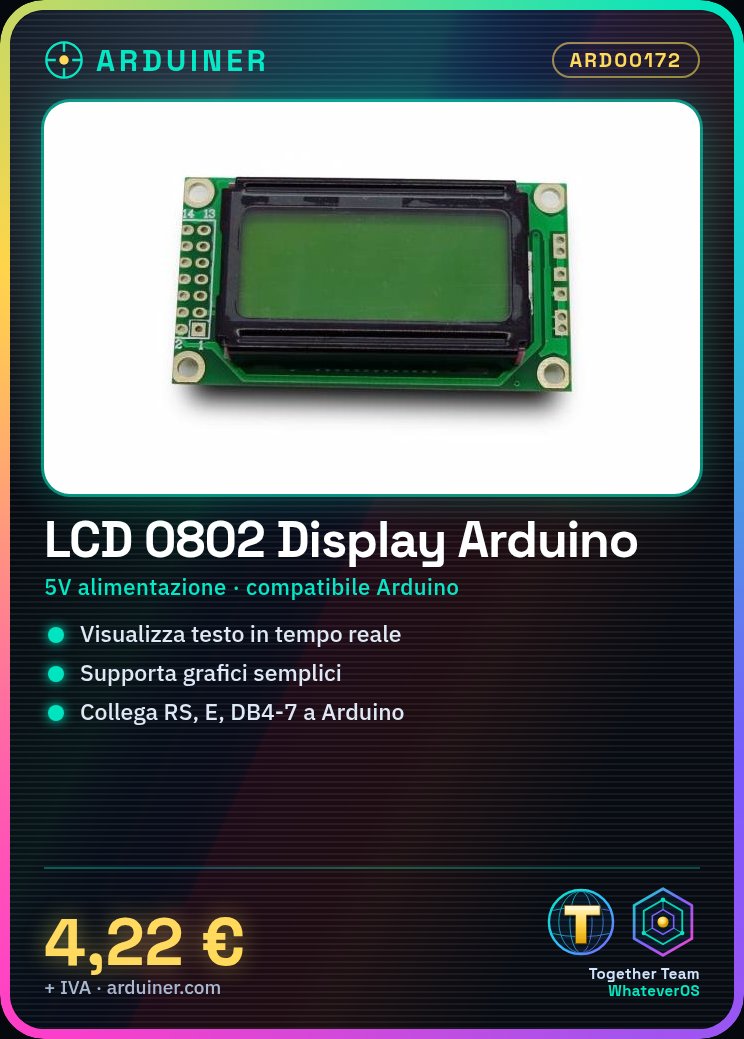
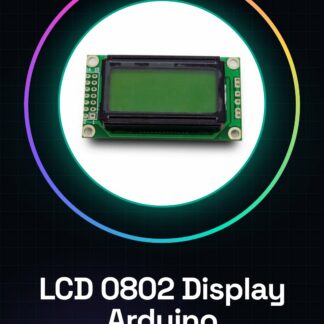
The LCD 0802 module is a display compatible with Arduino designed for text and data visualization in various electronic projects. This component allows developers and makers to create simple and effective user interfaces.
Features
- LCD 0802 display compatible with Arduino
- Ideally suited for text and simple graph display
What it is for
The LCD 0802 is ideal for projects requiring data monitoring, such as temperature and humidity control with a DHT11 sensor. It is compatible with Arduino.
Tutorial: How to use LCD 0802 Module Compatible LCD Display Arduino
The LCD 0802 module is an Arduino-compatible display that allows text and simple graph visualization. Ideal for monitoring, control, and user interface projects.
What you need
- Arduino Uno or similar
- USB A-MicroB cable
- 5V power connection
Steps
- Connect the LCD module to the VCC pin with a 5V power supply.
- Connect the GND of the LCD module to the Arduino ground.
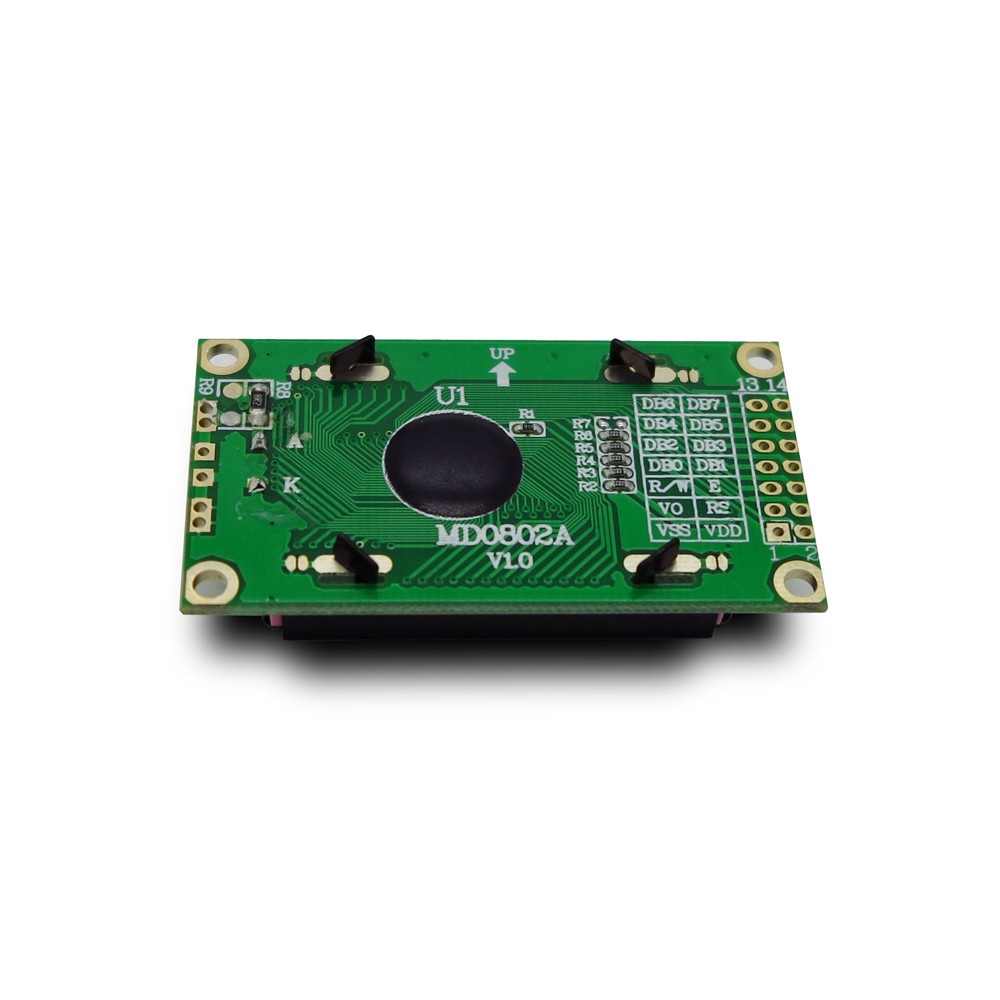
- Connect the following pins: RS, E, DB4-DB7 to the Arduino as required by your project (check the datasheet).
- Download the LiquidCrystal_I2C library from the Arduino Library Manager or from the official website.
- Insert the following code into your Arduino IDE.
- Compile and upload the sketch to Arduino. Check that the LCD turns on correctly.
- Modify the text to display the desired information on the LCD screen.
- Try adding features such as text scrolling or real-time data display.
Example code
//Includi la libreria LiquidCrystal_I2C
#include <Wire.h>
#include <LiquidCrystal_I2C.h>
//Definisci il display LCD
LiquidCrystal_I2C lcd(0x27,2,1,0x04,5,4,3,2);
void setup() {
  //Inizializza il display LCD
  lcd.begin(8,2);
  //Stampa un messaggio di benvenuto sul display
  lcd.print("Benvenuti!");
}
void loop() {
}
Mini project
Create a simple interface to monitor temperature and humidity with a DHT11 sensor.
Common mistakes
- Do not check the LCD module datasheet.
- Use a voltage different from 5V.
- Connect the RS, E, DB4-DB7 pins incorrectly.
- Forget to install the LiquidCrystal_I2C library.
Recommended accessories
- DHT11 Sensor
- DS3231 RTC Module
- 3.7V LiPo Batteries
- Optocoupled Relay
Frequently asked questions
What is the power consumption of the LCD module?
Check the datasheet to obtain precise data.
The display turns off after a short time.
Check the voltage and correct power supply. An RC filter or pull-up resistor may be necessary.
Reviews
There are no reviews yet.