 EN
 IT Italiano
 ES Español
 FR Français
 DE Deutsch
Description
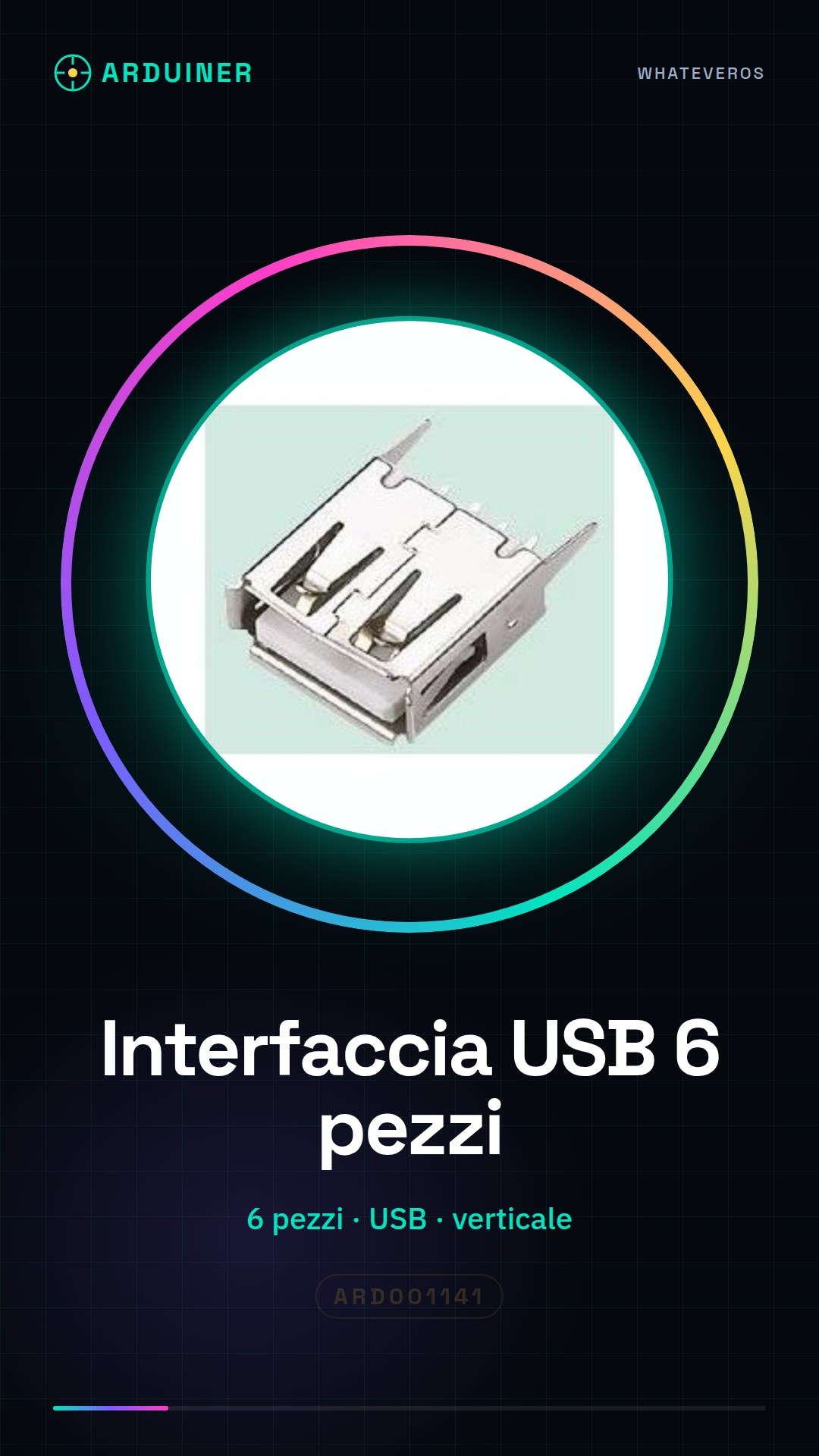
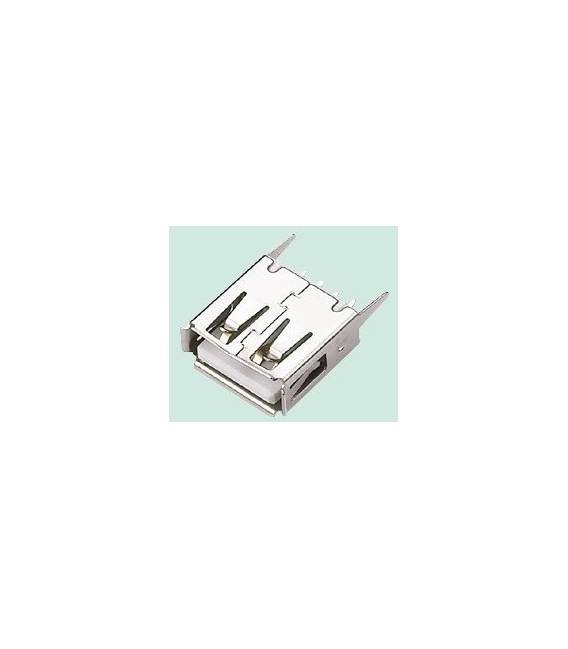
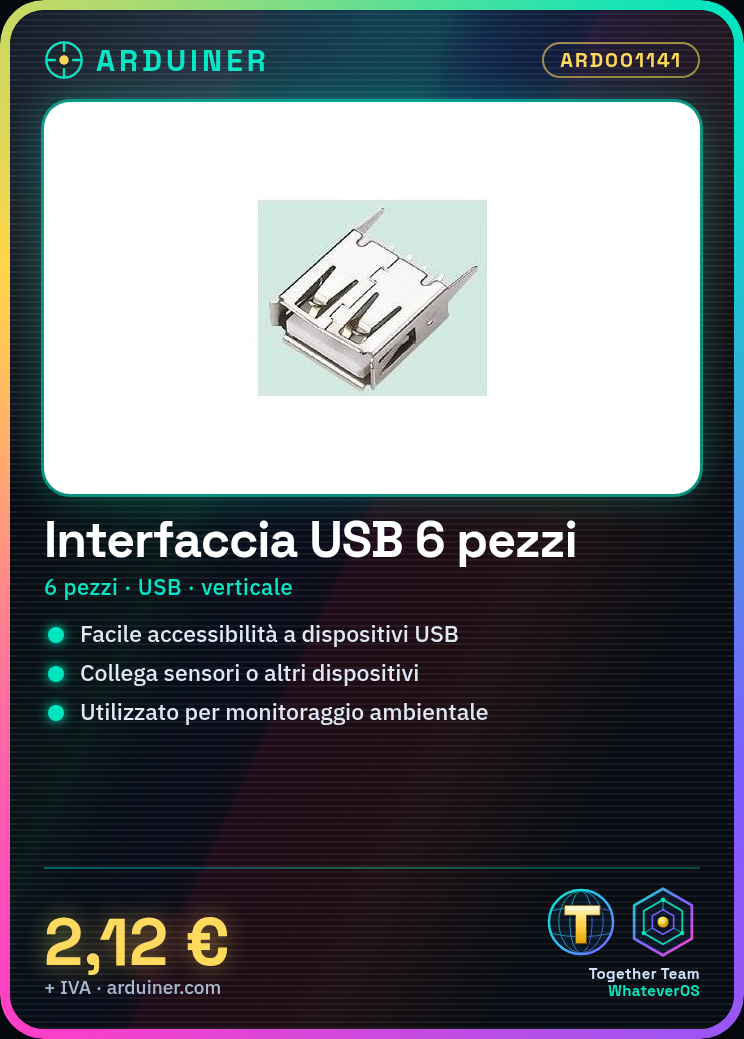
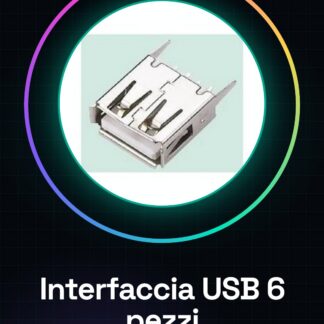
USB Interface 6PCS, 180, USB, Vertical USB Block
Tutorial: How to Use Vertical USB Interface
The Vertical USB Interface is a useful connector for electronic projects that require easy access to USB devices. Ideal for beginner and intermediate makers, this component allows for easy connection of sensors or other devices.
What you need
- Arduino Uno
- USB A-B Cable
- Sensors
Steps
- Check that the connector is compatible with your electronic projects.
- Connect the vertical USB interface to the printed circuit board using the correct pins (refer to the datasheet).
- Use a USB A-B cable to connect the connector to the Arduino or another device.
- If necessary, solder the wires to the PCB connection points.
- Ensure that the connector is securely attached and free of short circuits.
- Test connectivity with a simple Arduino sketch (see below).
- Insert the connector into a box or enclosure to improve the appearance of the project.
- Use sensors or other USB compatible devices with this connector.
Example code
void setup() {
  Serial.begin(9600);
}

void loop() {
  // Inserire il codice per testare la connessione al dispositivo USB.
}
Mini project
Create a small environmental monitoring system using the vertical USB interface, an Arduino, and sensors such as temperature and humidity. Connect the sensors to the Arduino via the USB connector and send the data via Serial.
Common mistakes
- Poor soldering or short circuits between the connector pins.
- The USB cable is not compatible with the interface.
- Connected sensors are not recognized by Arduino.
- Insufficient power supply issues.
Recommended accessories
- Arduino Uno
- USB A-B cable
- DHT11 sensors for temperature and humidity
- Soldering kit
Frequently asked questions
What is the difference between a horizontal and vertical connector?
The vertical connector has the pins aligned vertically relative to the PCB, while the horizontal connector has the pins in line with the PCB.
Can I use this connector to power a device?
Yes, but make sure the power supply is adequate and does not exceed the current limits of your Arduino or other device.
Reviews
There are no reviews yet.