 EN
 IT Italiano
 ES Español
 FR Français
 DE Deutsch
Description
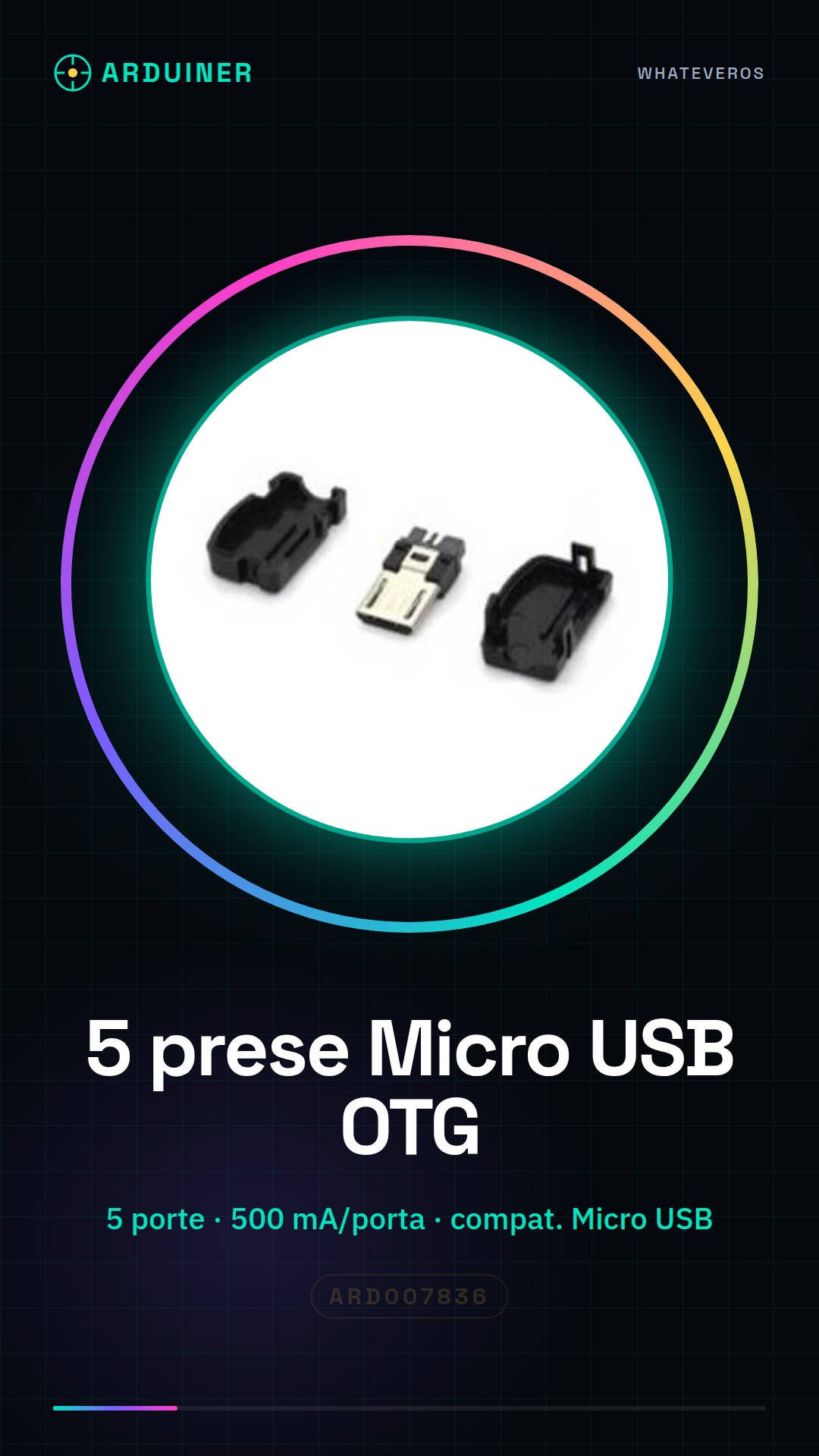
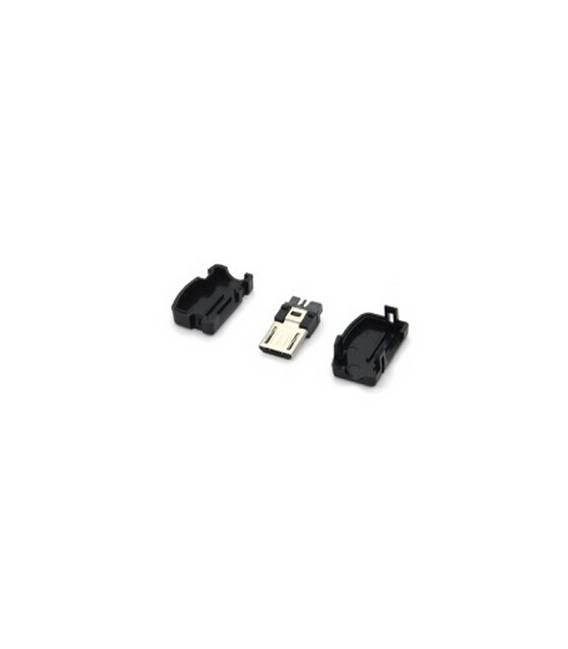
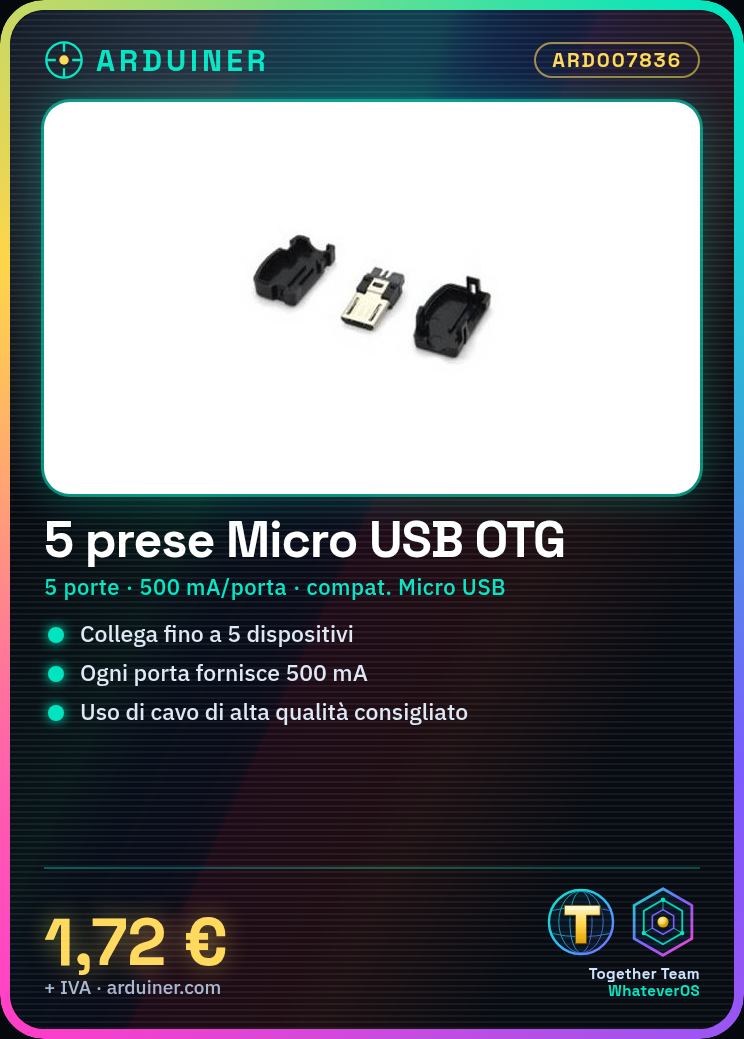
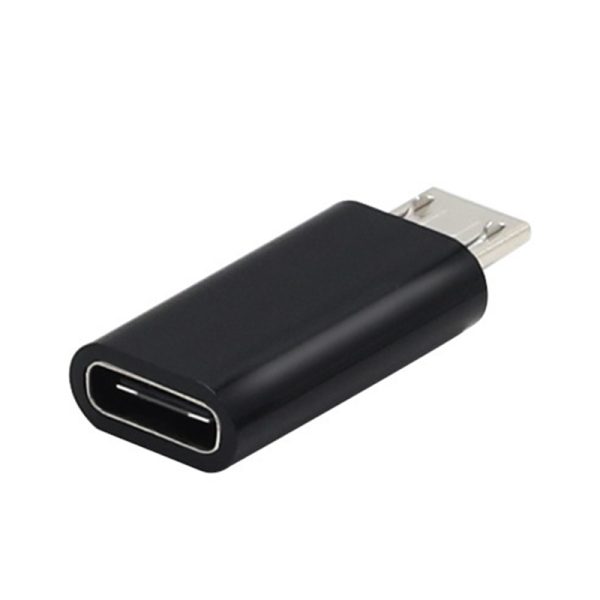
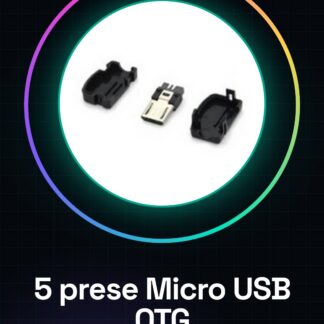
Micro USB OTG Connector 5PCS
Tutorial: How to use 5 Micro USB OTG Connectors
This component is used to connect various microcomputers or mobile devices to a computer or another USB device. Ideal for those who have multiple devices to connect.
What you need
- 5 Micro USB OTG Connectors
- Devices with Micro USB Connector
Steps
- Check the datasheet for device compatibility with Micro USB OTG connectors.
- Connect devices to one of the 5 available connectors.
- Ensure that the devices are properly connected and visible on your computer.
- If necessary, check the available power: each connector provides 500 mA.
- For long-term connections, use a high-quality cable to avoid connectivity issues.
- If you are using a device that requires a load greater than 500 mA, consider using a multi-port USB charger.
Mini project
Create a mobile device network for an event: connect 5 phones or tablets to a computer to share files.
Common mistakes
- Connect devices with different connectors from Micro USB.
- Ignore device compatibility with the connector.
- Use low-quality connectors that may cause unstable connectivity.
- Do not check the available power on each connector.
Recommended accessories
- High-quality Micro USB cables
- Multi-use USB charger
- Devices with Micro USB connector
- Computer or other USB device
Frequently asked questions
The devices do not connect properly.
Check device compatibility with the Micro USB connector and ensure the cable is of high quality.
How can I use more than 500 mA on a single connector?
Use a multi-use USB charger to provide more current.
How many devices can I connect?
You can connect up to 5 devices, but make sure the power is sufficient for all.
Reviews
There are no reviews yet.