 EN
 IT Italiano
 ES Español
 FR Français
 DE Deutsch
Description
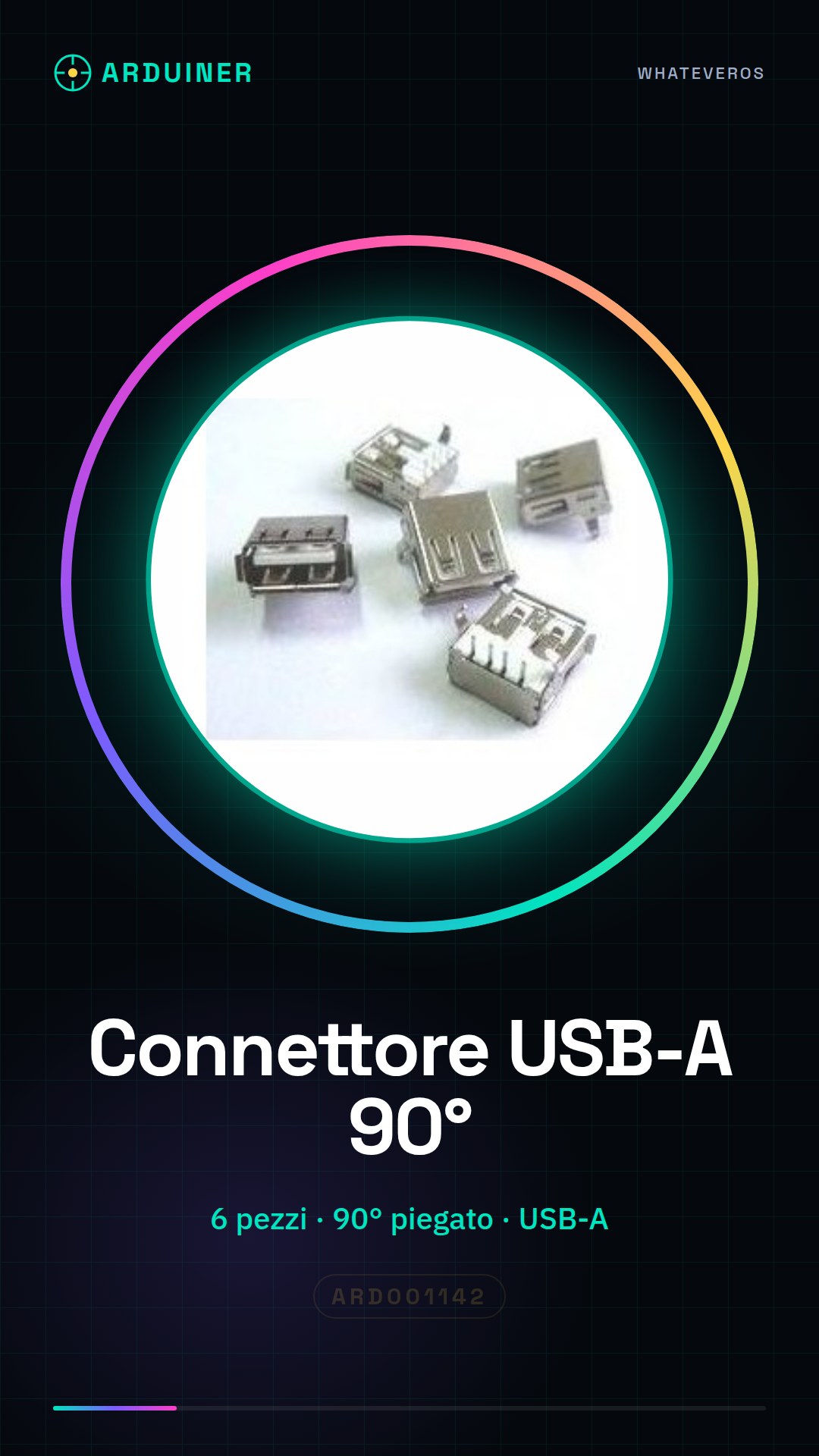
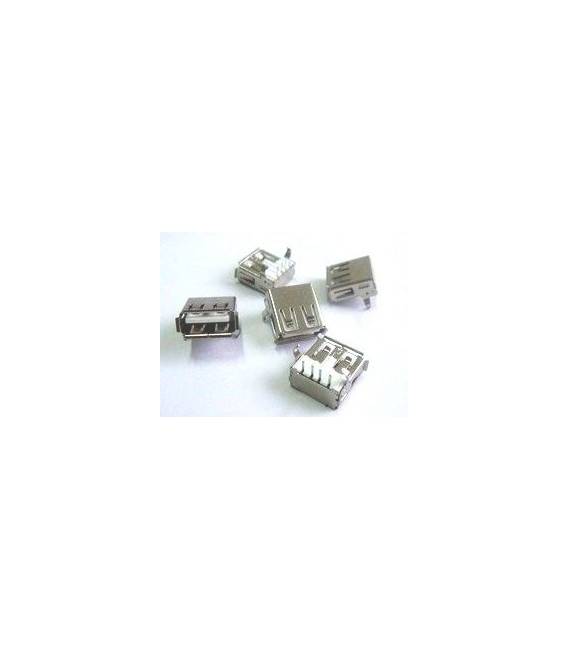
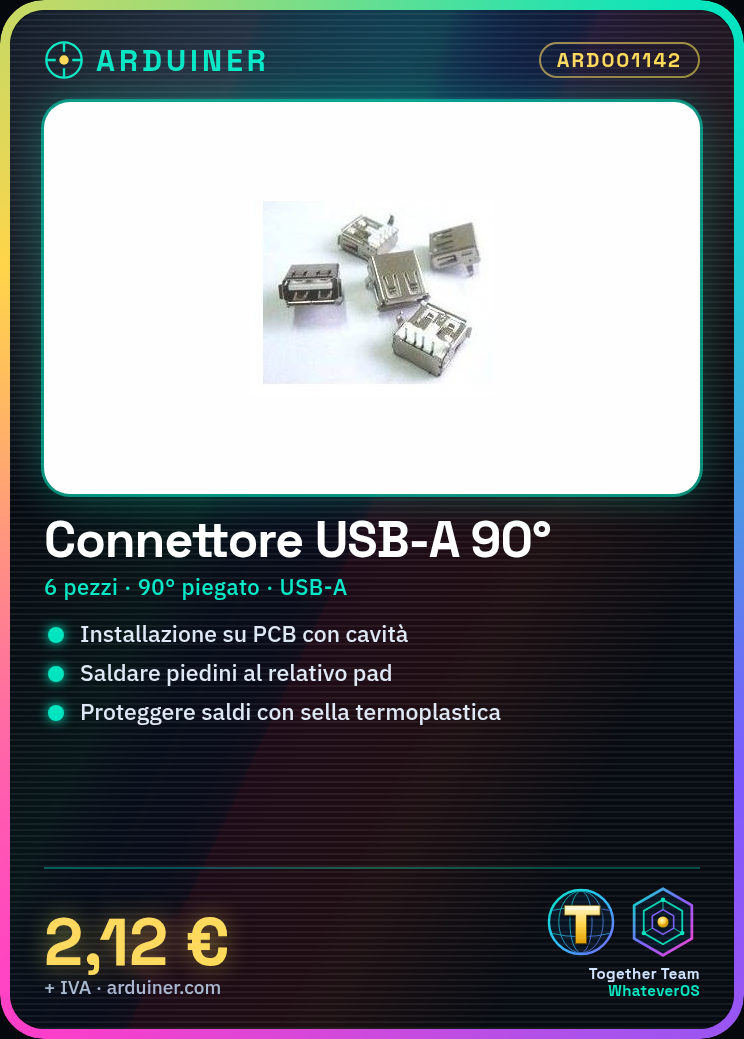
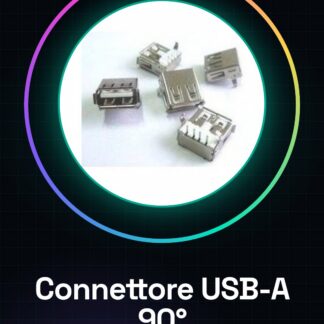
6 Female USB-A Connector 90 Degree Bent
Tutorial: How to Use 90 Degree Bent Female USB-A Connector
This 90 degree bent female USB-A connector is ideal for electronic projects where a more comfortable and cleaner connection interface is desired. It is suitable for makers working with Arduino, Raspberry Pi, or any other device that uses the USB format.
What you need
- A printed circuit board (PCB) on which to install the connector
- Soldering wire
- Soldering iron or soldering tweezers
- Male USB cable
Steps
- Prepare the PCB with cavities for the connector’s pins.
- Position the connector correctly on the PCB, ensuring it is well aligned.
- Solder each pin of the connector carefully to its corresponding pad on the PCB, checking the position before proceeding.
- Check the installation by carefully examining the solder joints for any short circuits or breaks.
- If necessary, apply a small drop of plastic solder to protect the solder joints.
Mini project
Build a USB charger with Arduino and this connector. The project takes about 30 minutes.
Common mistakes
- Insufficient or excessive solder on a pin of the connector
- Bent pins during installation, preventing proper soldering
- Connector positioned incorrectly on the PCB before soldering
Recommended accessories
- USB Type A male to micro-USB female cable
- Professional soldering kit
- Connector crimping pliers
- Spray gun with plastic solder
Frequently asked questions
Where can I find the product datasheet?
The datasheet can be requested from the supplier or found on the manufacturer’s website.
Can I use this connector with other types of cable besides USB-A?
Check the datasheet to confirm compatibility with different types of cable.

Reviews
There are no reviews yet.