 EN
 IT Italiano
 ES Español
 FR Français
 DE Deutsch
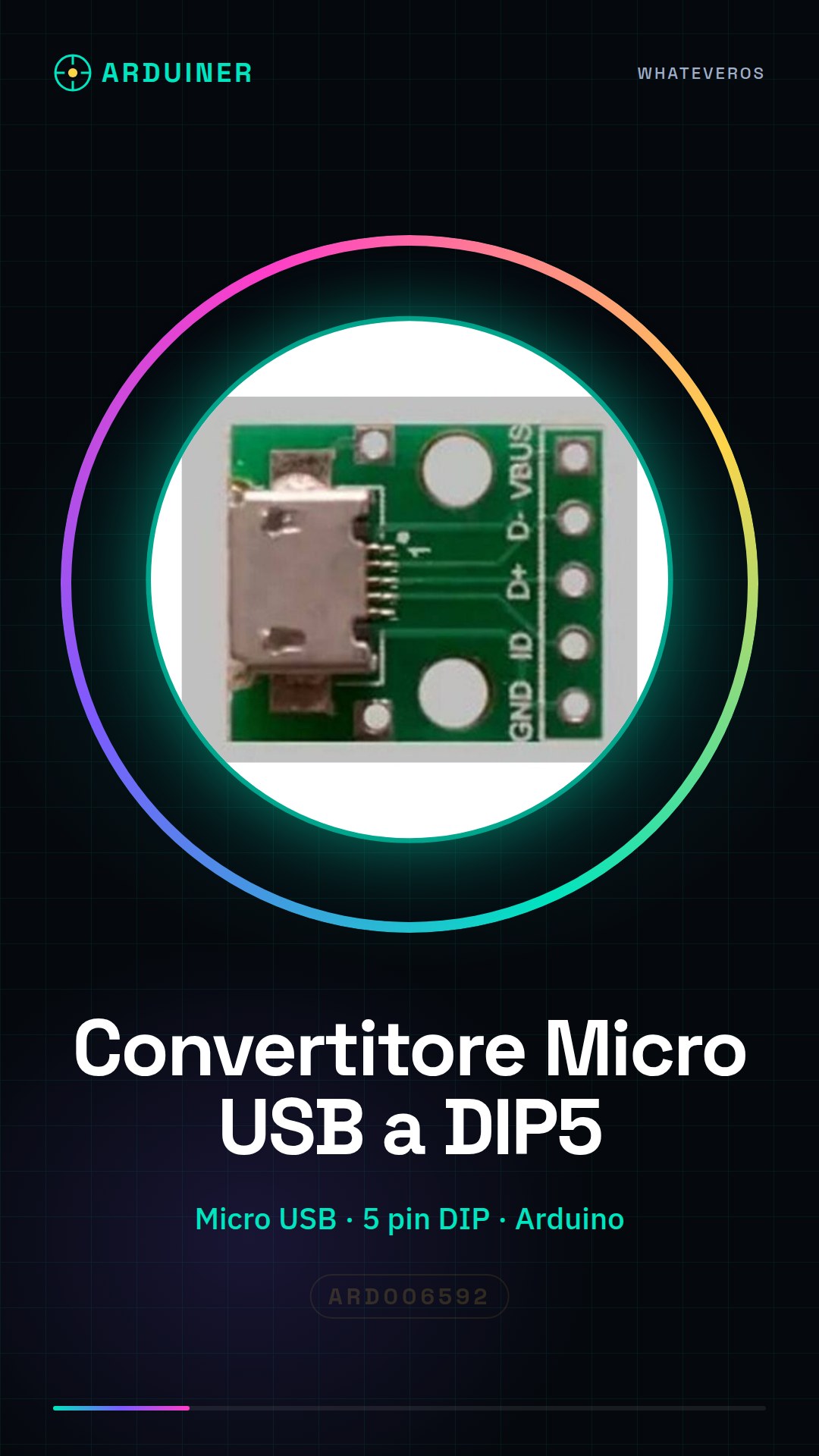
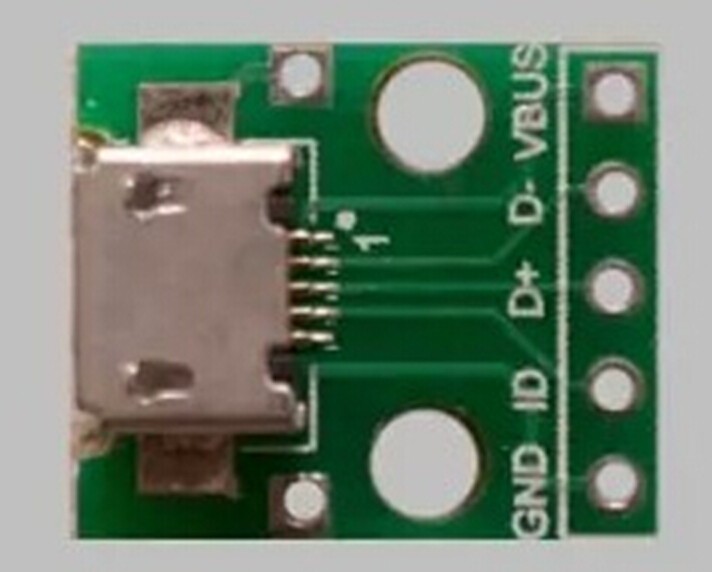
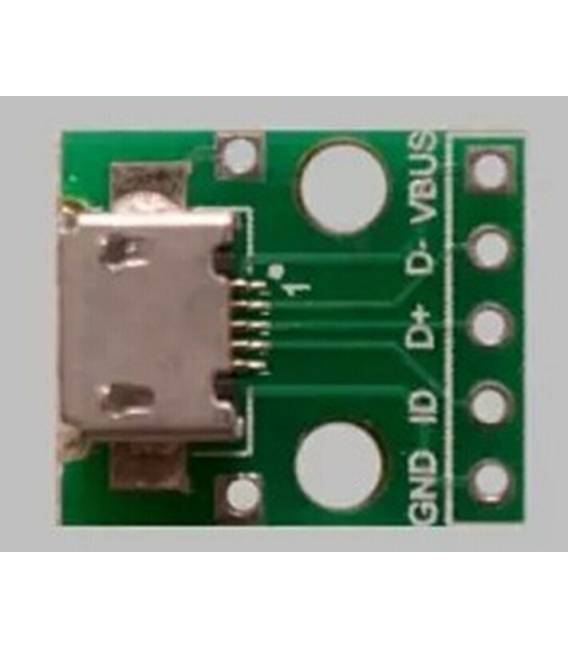
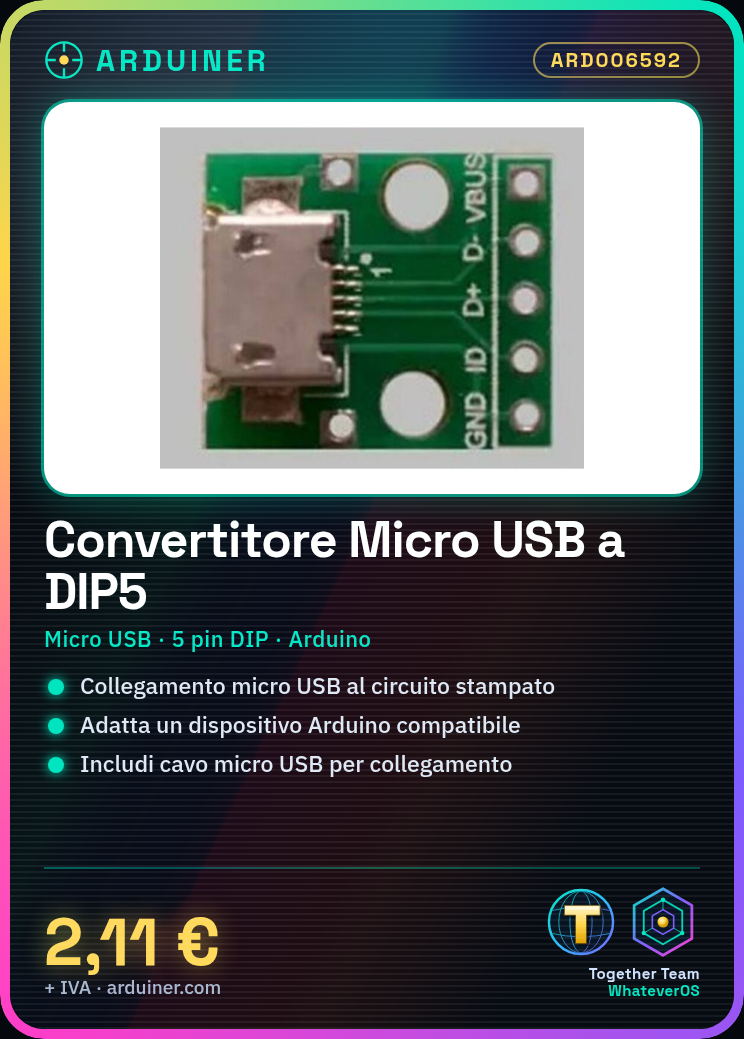
Description
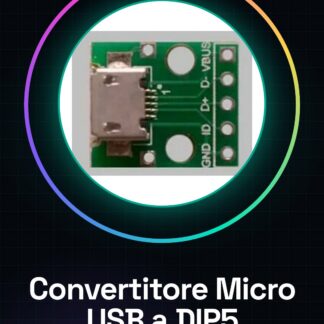
Micro USB to DIP 5 Pin Adapter
Tutorial: How to Use Micro USB to DIP 5 Pin Adapter
This adapter allows you to connect a micro USB connector to a printed circuit board with a DIP 5 pin connector. It is useful for Arduino projects and other devices that require this type of interconnection.
What you need
- Micro USB to DIP 5 Pin Adapter
- Arduino or compatible device
- Micro USB cable
Steps
- Check the compatibility of the DIP 5 pin connector with your printed circuit board.
- Connect the adapter to the micro USB cable.
- Connect the other end of the adapter to the printed circuit board using the corresponding pins (check the datasheet).
- Ensure that the connector is well soldered and stable.
- Connect the micro USB cable to the Arduino or compatible device.
- If necessary, solder any additional connections to achieve the desired configuration.
Mini project
Create a small user interface prototype with LEDs and buttons that communicates with Arduino through this adapter.
Common mistakes
- Incorrect pin connection
- Poorly soldered DIP connector
- Use of an incompatible micro USB cable
Recommended accessories
- Micro USB cable
- Arduino Uno R3
- Basic kit for electronic prototypes
- Breadboard
Frequently asked questions
Can the DIP connector be replaced?
Yes, but make sure it is compatible with your printed circuit board.
Can it connect multiple devices?
No, it is designed for a single device.

Reviews
There are no reviews yet.