 EN
 IT Italiano
 ES Español
 FR Français
 DE Deutsch
Description
What it is
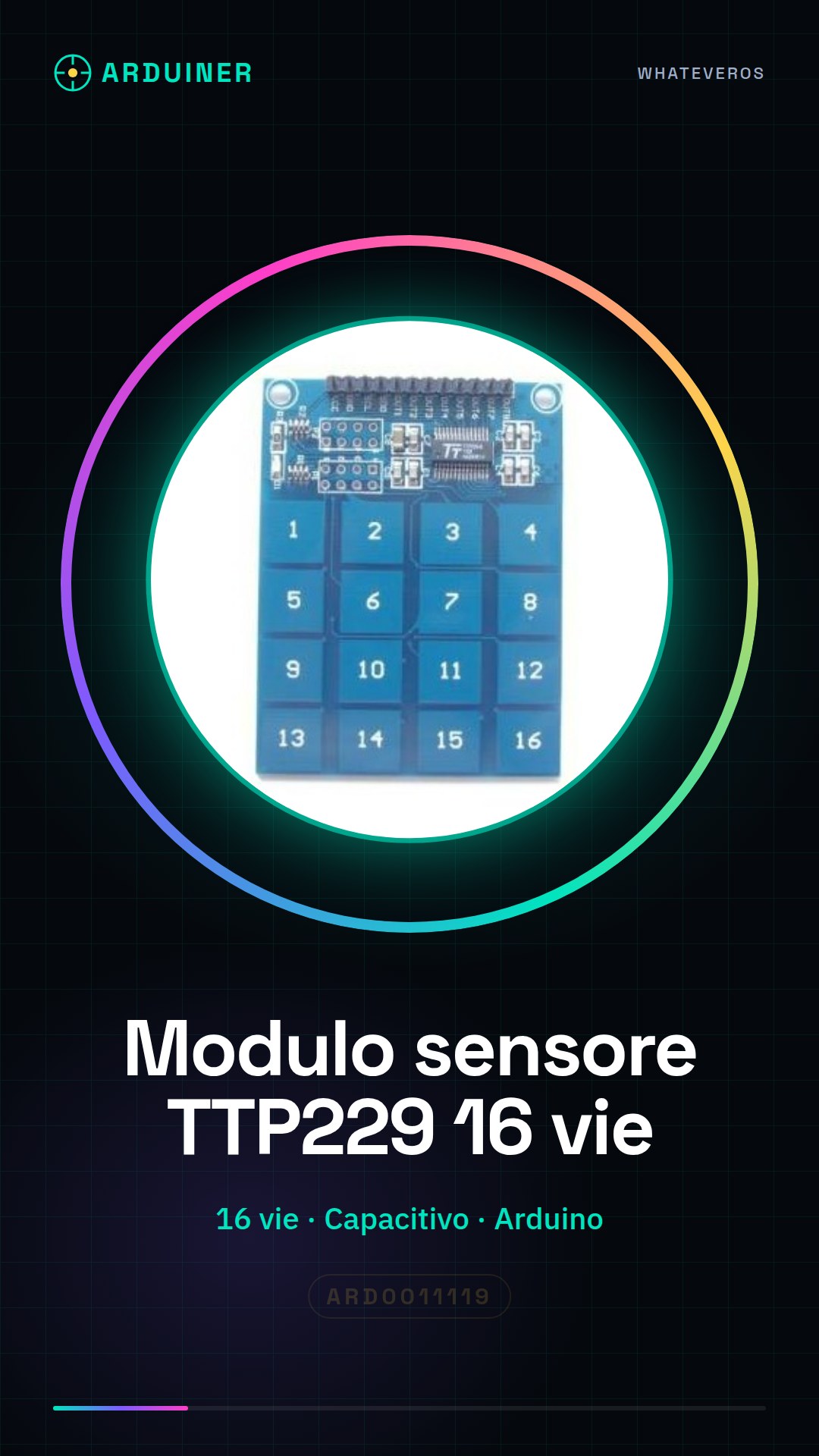
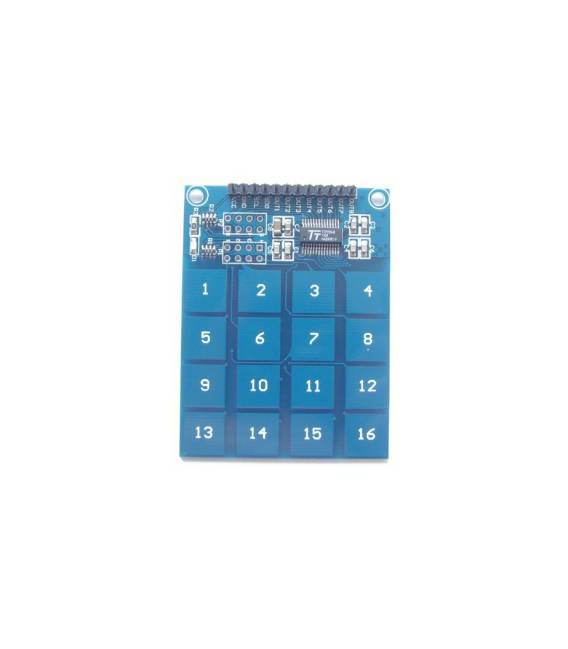
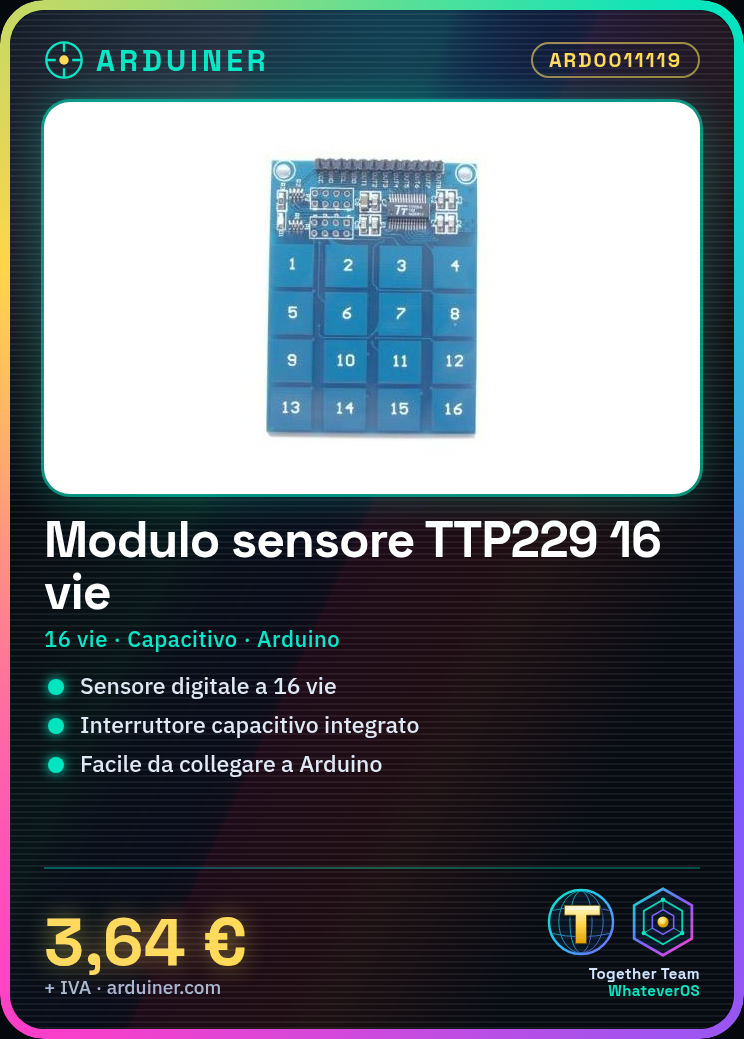
The TTP229 is a 16-channel digital touch sensor module designed for use with Arduino. This device includes integrated capacitive switches that detect the presence of objects through changes in capacitance, making it ideal for creating capacitive interfaces in various types of projects.
Features
- 16-channel digital touch sensor
- Integrated capacitive switch
- Compatible with Arduino and other compatible microcontrollers
What it is for
The TTP229 module is suitable for creating capacitive interfaces in interactive projects such as counters, games, and exhibits. It is particularly useful for beginners due to its ease of use and direct integration with Arduino.
Tutorial: How to use 16-channel TTP229 Module
The TTP229 module is a digital touch sensor that detects the presence of objects through capacitive changes. It is ideal for interactive projects such as touch interfaces, counters, and games. It is particularly suitable for Arduino beginners due to its ease of use and direct integration with the platform.
What you need
- Arduino Uno
- USB A-B cable
- Prototype board
Steps
- Connect the TTP229 module to the prototype board.
- Connect VCC and GND of the module to 5V and GND of the Arduino.
- Connect the following output pins (OUT0-OUT15) to the digital pins of the Arduino in ascending order.
- Download the example code from the official GitHub repository or create a custom sketch.
- Compile and run the program on the Arduino.
- Open the Serial Monitor section of the Arduino IDE to view the data received from the sensors.
- Test each touch switch by lightly pressing on each sensitive point of the module.
- Check that the switch changes the logical state (from 0 to 1) when pressed.
Example code
void setup() {
  Serial.begin(9600);
}

void loop() {
  for(int i=0; i<=15; i++) {
    int val = digitalRead(i);
    Serial.println(val);
  }
}
Mini project
Create a visitor counter for an interactive exhibit: every time someone touches the module, the Arduino records and displays the total number of visitors.
Common mistakes
- Do not verify the applied voltage to the module (5V or 3.3V).
- Ignore the internal pull-up resistor of the module.
- Connect the OUT pins to an analog pin instead of a digital pin.
- Omit the connection of the capacitors needed for interference attenuation.
Recommended accessories
- Arduino Uno R3
- USB A-B Cable 2m
- Prototype Kit
Frequently asked questions
Does the TTP229 module work with Arduino Mega?
Yes, but make sure the OUT pins are connected to the digital pins of the Arduino.
What are the dimensions of the TTP229 module?
Check the datasheet to obtain the exact dimensions of the module.




Reviews
There are no reviews yet.