 EN
 IT Italiano
 ES Español
 FR Français
 DE Deutsch

Description
What it is
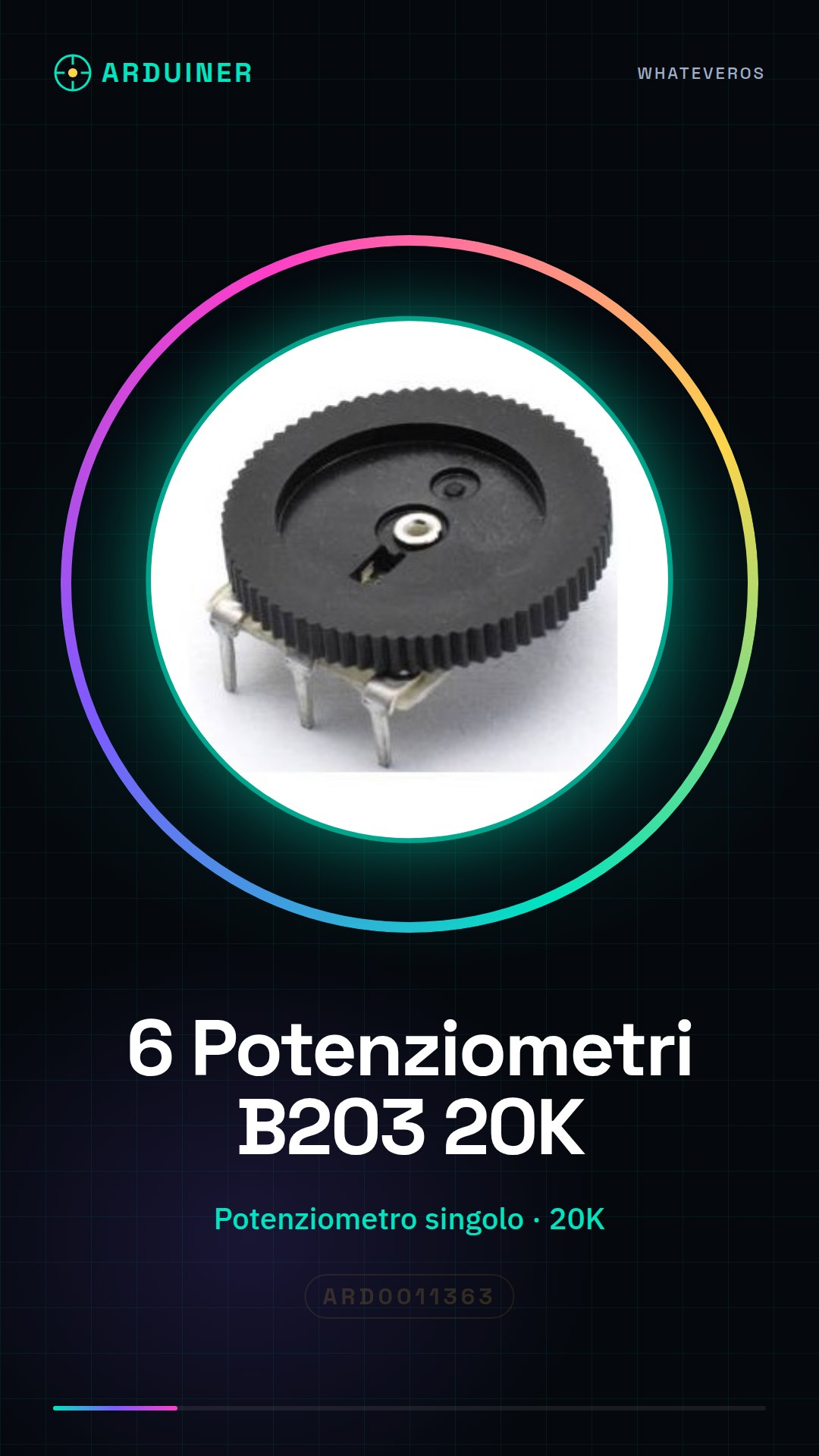
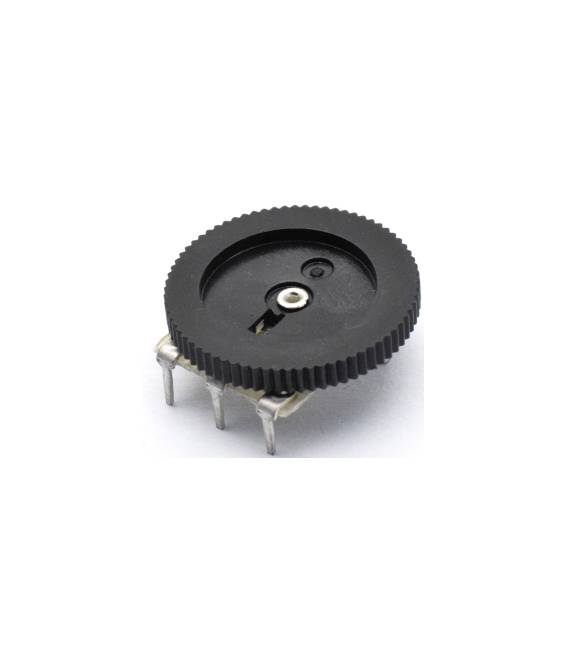
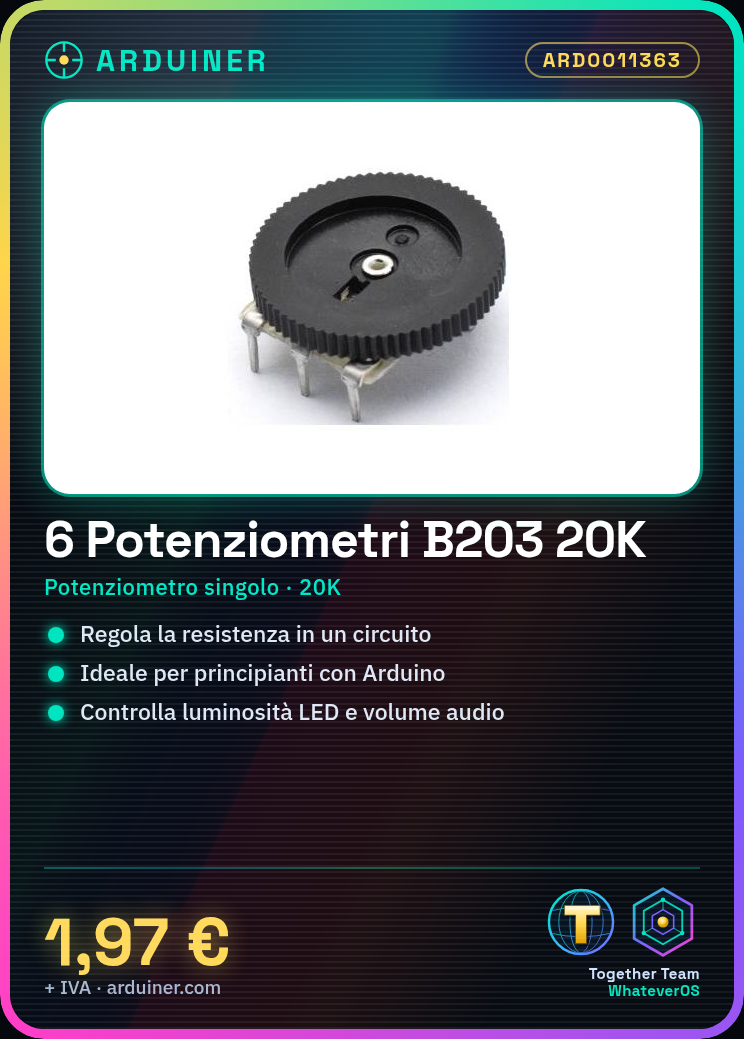
This product is a set of 6 single B203 20K potentiometers. They are electronic components used to adjust the resistance value in a circuit.
Features
- 6 pieces
- Type: single potentiometer
- Dimensions: 16 * 2 mm
- Pins: 3
- Resistance value: 20K (20 kilohm)
- Model: B203
What it is for
The B203 20K potentiometers are ideal for beginners learning to control variables in their Arduino projects. They can be used to adjust the brightness of an LED, the volume of audio, the speed of a motor, and much more.
Tutorial: How to use B203 20K Potentiometers
The B203 20K potentiometers are electronic components useful for adjusting the resistance value in a circuit. They are ideal for beginners learning to control variables in their Arduino projects.
What you need
- Arduino Uno
- Arduino IDE software interface
- USB A-Micro B cable
Steps
- Connect the potentiometer to pins 0 and 1 of the Arduino (or any other analog pin).
- Check the datasheet for the specific pin values of your potentiometer.
- Open Arduino IDE and create a new sketch.
- Add the following code to your sketch to read the variable resistance.
- Compile and upload the sketch to the connected Arduino.
- Obtain the reading values from the serial monitor of the IDE.
Example code
int potPin = 0; // pin del potenziometro int val; void setup() { Serial.begin(9600); } void loop() { val = analogRead(potPin); // leggi il valore del potenziometro Serial.println(val); // invia il valore al monitor seriale delay(100); // attendi un po' prima di rileggere}Mini project
Create an LED lamp controllable with the potentiometer. Connect an LED to 5V and GND, adjusting the brightness through the value of the potentiometer.
Common mistakes
- Connecting the pins incorrectly
- Not uploading the correct sketch to the Arduino
- Ignoring the datasheet specifications
Recommended accessories
- 5mm RGB LED
- Variable resistors 10K ohm
- 16×2 LCD display for monitoring
- Breadboard
Frequently asked questions
What is the resistance of this potentiometer?
Check the datasheet, but it is generally of the 20k ohm type.
How can I use multiple potentiometers in a project?
Connect each potentiometer to a different analog pin and read the values separately in the Arduino code.



Reviews
There are no reviews yet.