 EN
 IT Italiano
 ES Español
 FR Français
 DE Deutsch
Description
What it is
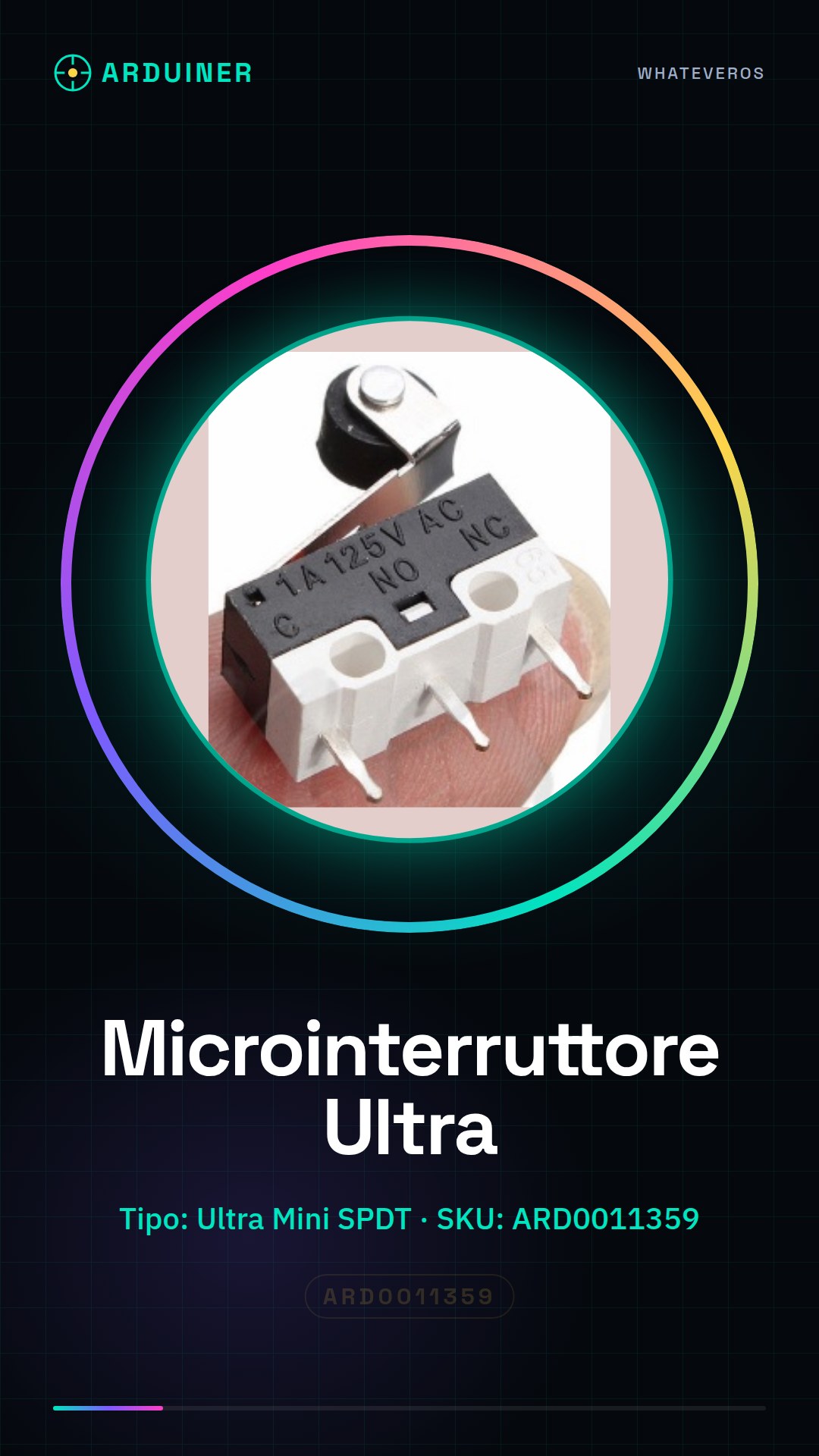
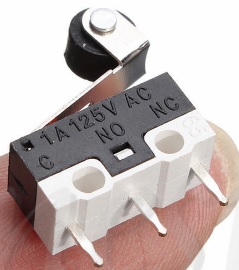
The Ultra Mini SPDT microswitch is a small but powerful electronic component, ideal for Arduino projects and prototypes where space is critical. This type of switch offers an economical and effective solution for controlling simple circuits.
Features
- Type: Ultra Mini SPDT Microswitch
- SKU: ARD0011359
What it is for
Ultra Mini SPDT microswitches are used to control simple electronic circuits. They are perfect for Arduino projects where space reduction is necessary. You can use it to create a home alarm system that activates a siren when triggered.
Tutorial: How to Use Ultra Mini SPDT Sub Miniature Microswitch
The Ultra Mini SPDT microswitch is a small but powerful component, ideal for Arduino projects and prototypes where space is critical. It’s perfect for beginner makers who want to control simple circuits.
What you need
- Arduino Uno or compatible
- jumper wire
- soldering iron
Steps
- Attach the switch to the PCB using the soldering iron and jumper wires. Check the datasheet for specific connections.
- Connect the common terminal (COM) of the switch to a digital pin on the Arduino.
- Connect the other circuit contact to GND or VCC, depending on your project requirements.
- Write and upload an Arduino sketch to read the state of the switch. Check the datasheet for correct resistance and voltage values.
- Test the circuit by pressing the switch lever and observe the LED or serial console output.
Mini project
Create a simple home alarm system that activates a siren when the switch is triggered. You can add a numeric keypad to disarm the system.
Common mistakes
- Incorrect connection between the switch contacts.
- Incorrect setup of the Arduino sketch.
- Do not test adequately before integrating it into the main project.
Recommended accessories
- Arduino Uno R3
- Jumper cable kit
- LED and resistor
Frequently asked questions
How can I check if the switch is working correctly?
Check the connection of the contacts when you press the switch lever.
Can I use this switch with a Raspberry Pi?
Yes, but you will need to adapt the sketch in Python or other languages supported by the Raspberry Pi.



Reviews
There are no reviews yet.