 EN
 IT Italiano
 ES Español
 FR Français
 DE Deutsch
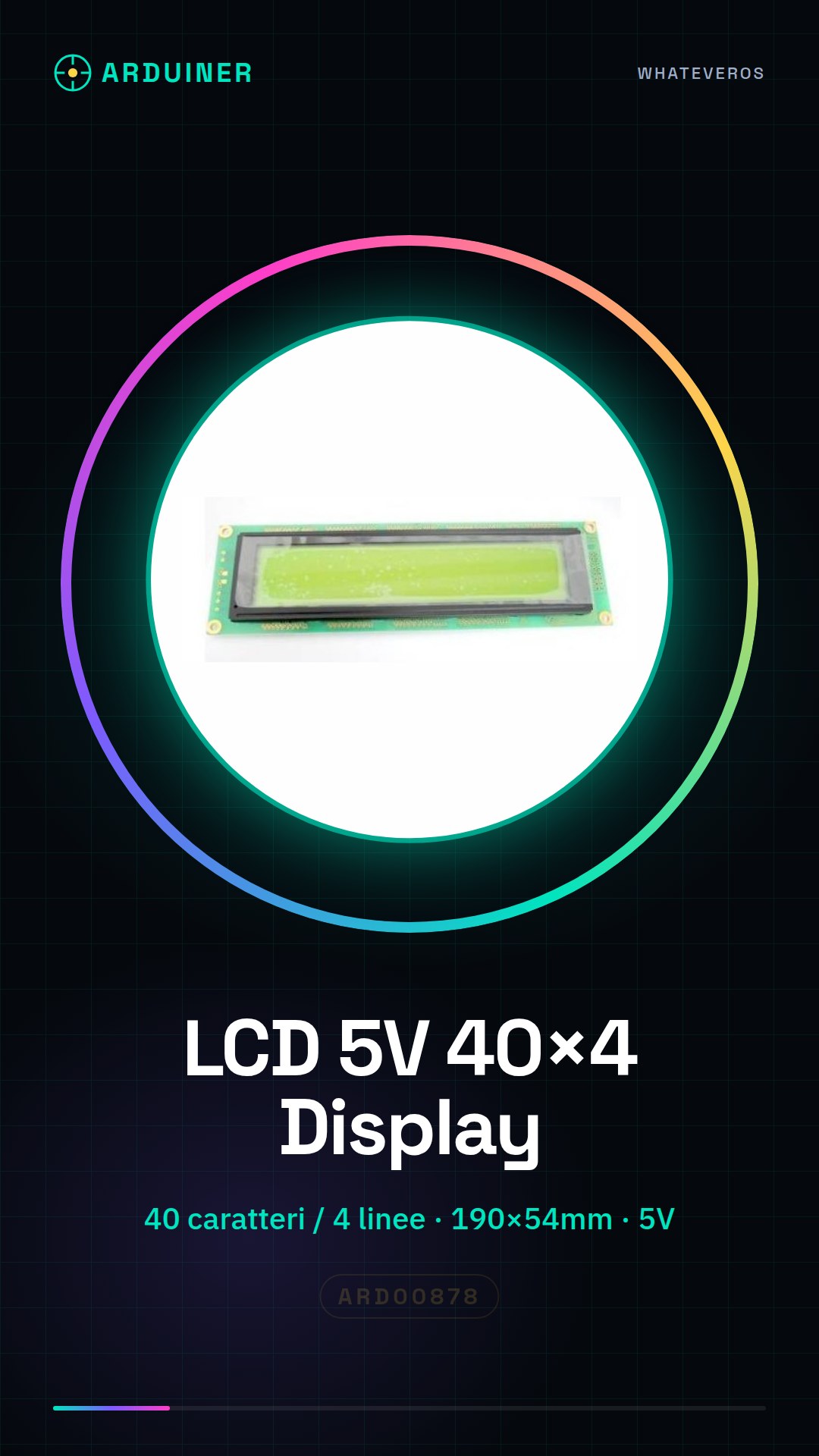
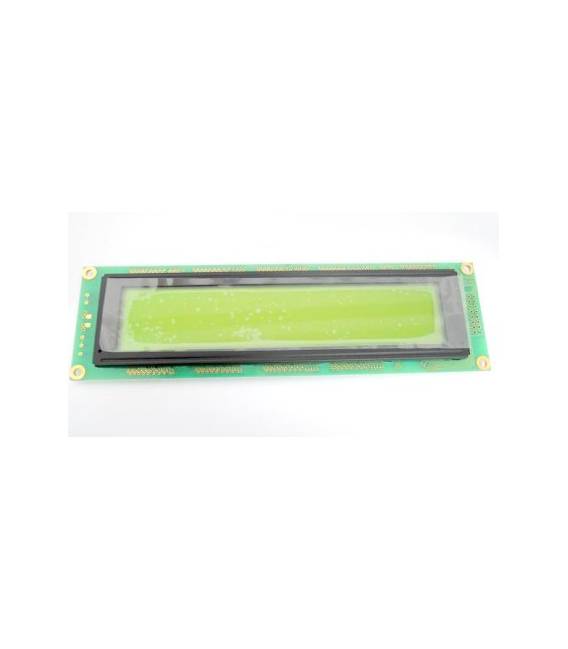
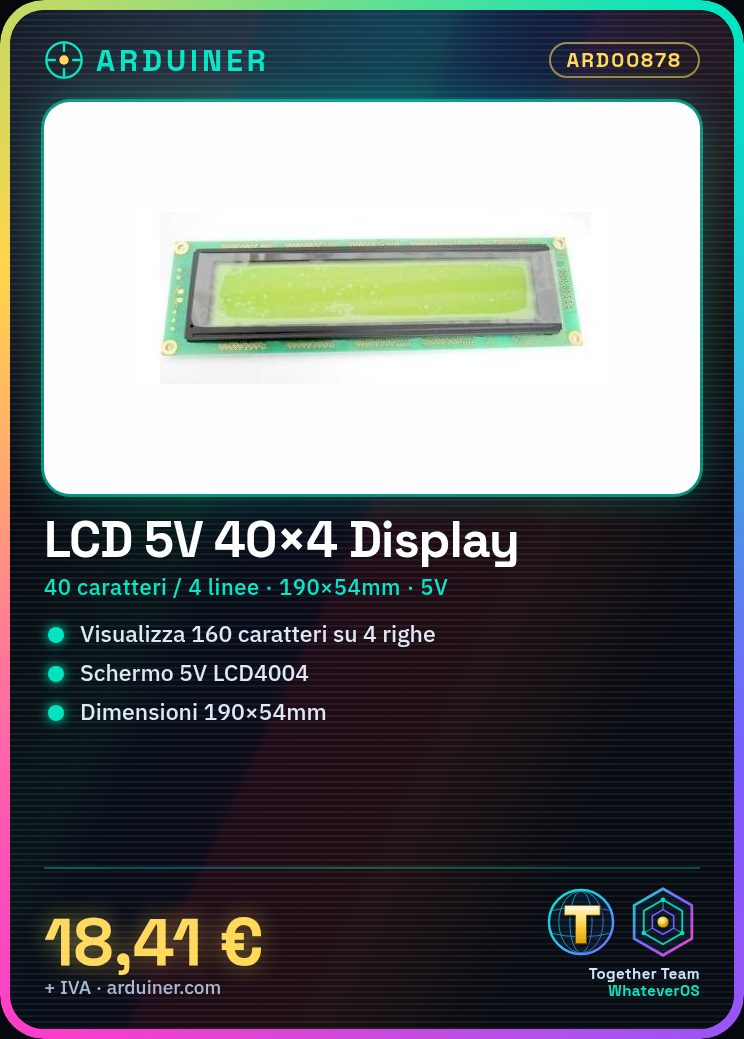
Description
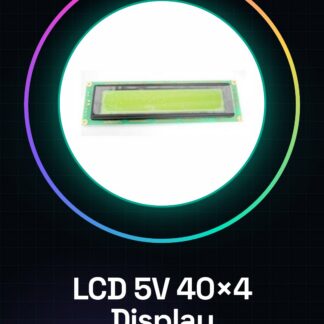
LCD Display Module 5V LCD4004 40×4 for Arduino 40 characters 4 lines
Specifications
Lcd4004 screen, characters 40 4 lines.
Dimensions: 190×54.0x9.2 / 3.5
window dimensions: 147×29.5
controller: o splc780c eqv
1. specifications
1.1 features
|
item |
standard value |
|
display type |
40 characters & acute; 4 lines |
|
lcd type |
stn , positive ( yg ) transflective |
|
Driver Conditions |
LCD Module : 1 / 16 duty , 1/ 5 bias |
|
Display Direction |
6 o & rsquo; clock |
|
backlight type |
Bottomy- |
|
interface |
8-bit mpu interface |
|
d River ic |
splc780 D |
1.2 Mechanical Specifications
|
voice |
Standard Value
| of |
|
Physical dimensions |
190( l ) * 54(w ) * max 13.3 ( t ) |
millimetres |
|
Display area |
149( l ) * 30 ( w) |
millimetres |
|
Dot size |
0.5 (w) & acute; 0.55 (h) |
millimetres |
|
Dot pitch |
0. 57 (w) & acute; 0.62 (h) |
millimetres |
|
Character size |
2.8 (w) & acute; 4.9 (h) |
millimetres |
1-8: db7- db0
9: e1
10: r / w
11: rs
12: vee
13: vss
14: vcc
15: e2
16: nc
17: led +
18: led-
dimensions: 190×54.0x9.2 / 3.5
window dimensions: 147×29.5
controller: o splc780c eqv
operating voltage: 5.0v
product specifications: stn
product category: character
We have technical specifications for all components available, if not present in the product download sheet, send us a message through the contact us form and we will publish it as soon as possible on our website.
Tutorial: How to use LCD Module 5V LCD4004 40×4
The LCD 40×4 module is a liquid crystal display that allows up to 160 characters to be displayed on four lines. Ideal for Arduino projects requiring high data visibility.
What you need
- Arduino Uno or compatible
- USB cable to connect Arduino to PC
- Solderable connections (for protoboard)
- Jumpers of various colors
Steps
- Connect the LCD module to the Arduino pins as specified in the datasheet.
- Install the LiquidCrystal_I2C library through the Arduino IDE Library Manager.
- Configure the display parameters in the sketch, verifying the correct settings for the module in the datasheet.
- Write a simple code that displays static text on all four lines.
- Test the reading of buttons (if present) by connecting them to the appropriate pins of the display.
- Customize the display output based on the project requirements.
Example code
// Includere la libreria LiquidCrystal_I2C
#include <LiquidCrystal_I2C.h>
// Creare un oggetto LCD
LiquidCrystal_I2C lcd(0x27,40,4);
void setup() {
 // Inizializzare il display
 lcd.begin();
 // Scrivere sul display
 lcd.print("Benvenuto!");
}
void loop() {}
Mini project
Create a digital clock that shows the time and date in real-time, updating the display every minute.
Common mistakes
- Use voltage different from 5V.
- Fail to configure the display parameters correctly in the library.
- Incorrectly connect the data lines between Arduino and LCD.
- Forget to install the necessary library for display control.
Recommended accessories
- Arduino Uno R3
- Multicolor jumpers
- Protoboard
- LiquidCrystal_I2C library
Frequently asked questions
How can I customize the characters displayed?
Use the lcd.print() function to write text or variable data to the display.
The LCD module is not responding. What to do?
Check all connections and verify that the voltage is correct, then try reinstalling the LiquidCrystal_I2C library.
Reviews
There are no reviews yet.