 EN
 IT Italiano
 ES Español
 FR Français
 DE Deutsch
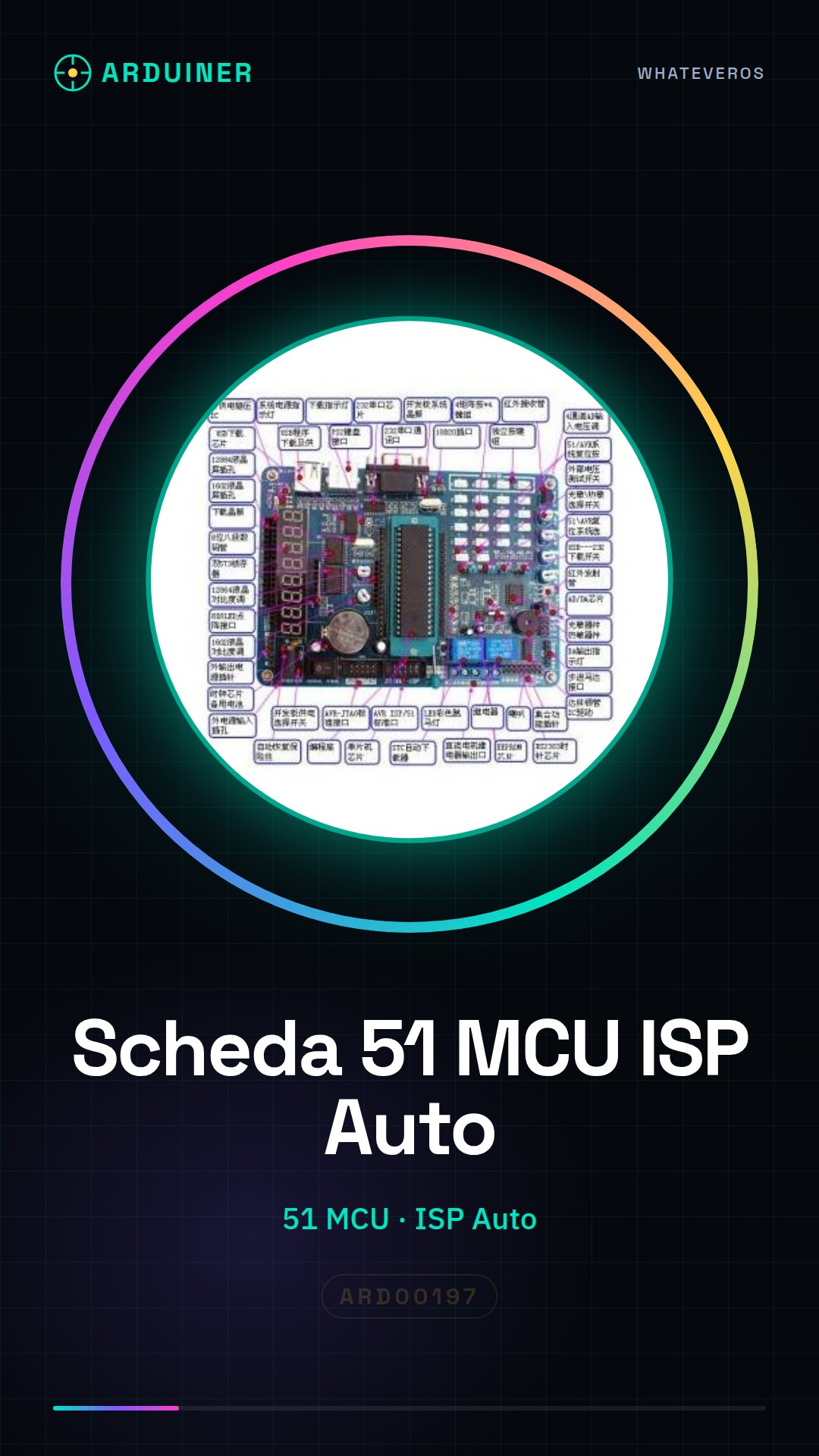
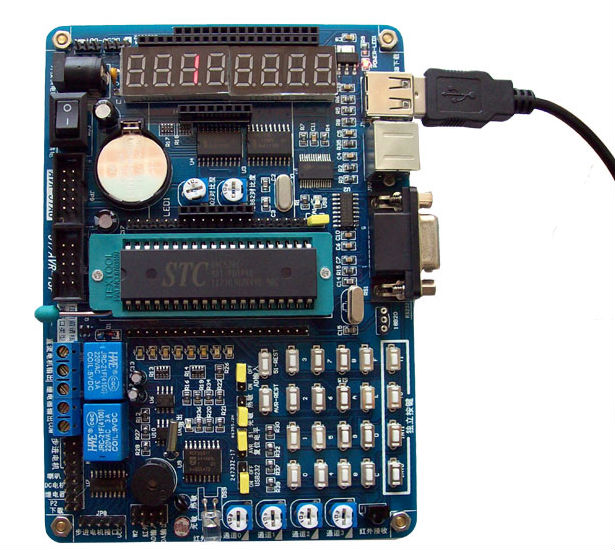
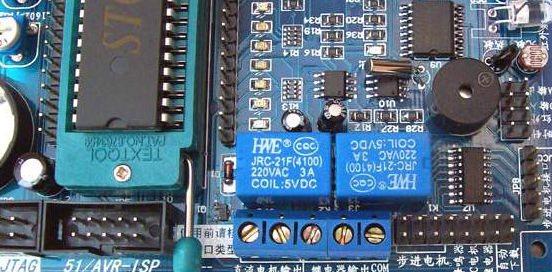
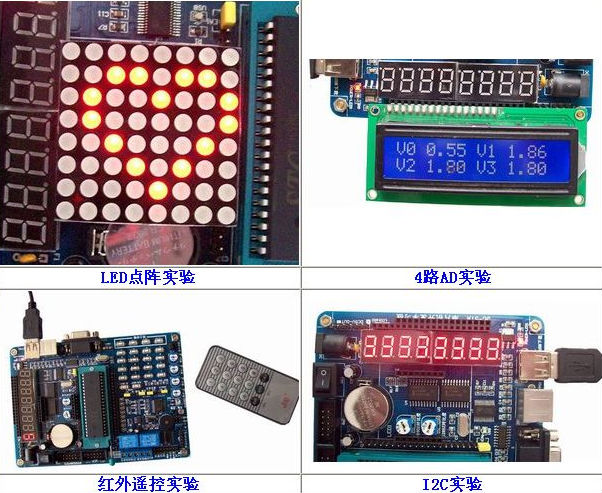
Description
What it is
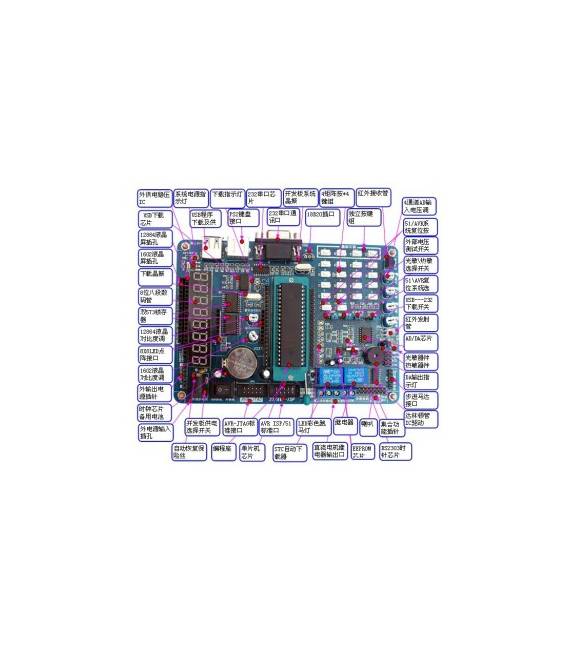
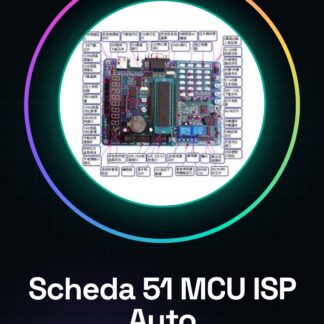
The 51 MCU Development Board with Automatic ISP Download is a development circuit based on a 51 microcontroller. It allows programming and testing of 51 microcontroller programs directly on the device.
Features
- 51 Microcontroller
- Automatic ISP download
What it is for
The board is suitable for electronics and programming projects that require the use of 51 microcontrollers. It is an excellent solution for beginners and intermediate users. Examples of use: create a simple button counter by connecting a button to a digital pin and counting presses in the loop().
Tutorial: How to Use the 51 MCU Development Board with Automatic ISP Download
This board allows you to develop and test 51 microcontroller programs directly on the device. Ideal for beginners and intermediates in electronics and Arduino programming.
What you need
- Arduino IDE
- USB A-B cable
- Compatible 51 Microcontroller
Steps
- 1. Download and install the Arduino IDE.
- 2. Connect the board to your computer with the USB cable.
- 3. Check the datasheet for the version of the microcontroller.
- 4. Create a new sketch in the Arduino IDE.
- 5. Insert the example code for the microcontroller 51.
- 6. Configure the sketch options for the board.
- 7. Compile and upload the code to the microcontroller.
- 8. Verify the functionality of the program.
Example code
void setup() {} void loop() {}Mini project
Create a simple button counter. Connect a button to a digital pin and count the presses in loop().
Common mistakes
- Do not configure the sketch options correctly.
- Forget to upload the correct code.
- Use an incompatible microcontroller.
- Do not verify the USB cable connection.
Recommended accessories
- Buttons
- Resistors
- Prototype breadboards
- USB A-A cable for direct connection
Frequently asked questions
How do I configure the sketch options?
Go to Tools > Board and select the 51 MCU board. Then go to Tools > Programmer and select ISP.
Which 51 microcontrollers are compatible?
Check the datasheet for the full list of supported microcontrollers.
Does automatic ISP download work with all 51 microcontrollers?
Check the datasheet to confirm compatibility.
Can I use this board with microcontrollers other than 51?
Only 51 microcontrollers are supported. Check the datasheet.
Reviews
There are no reviews yet.