 EN
 IT Italiano
 ES Español
 FR Français
 DE Deutsch
Description
What it is
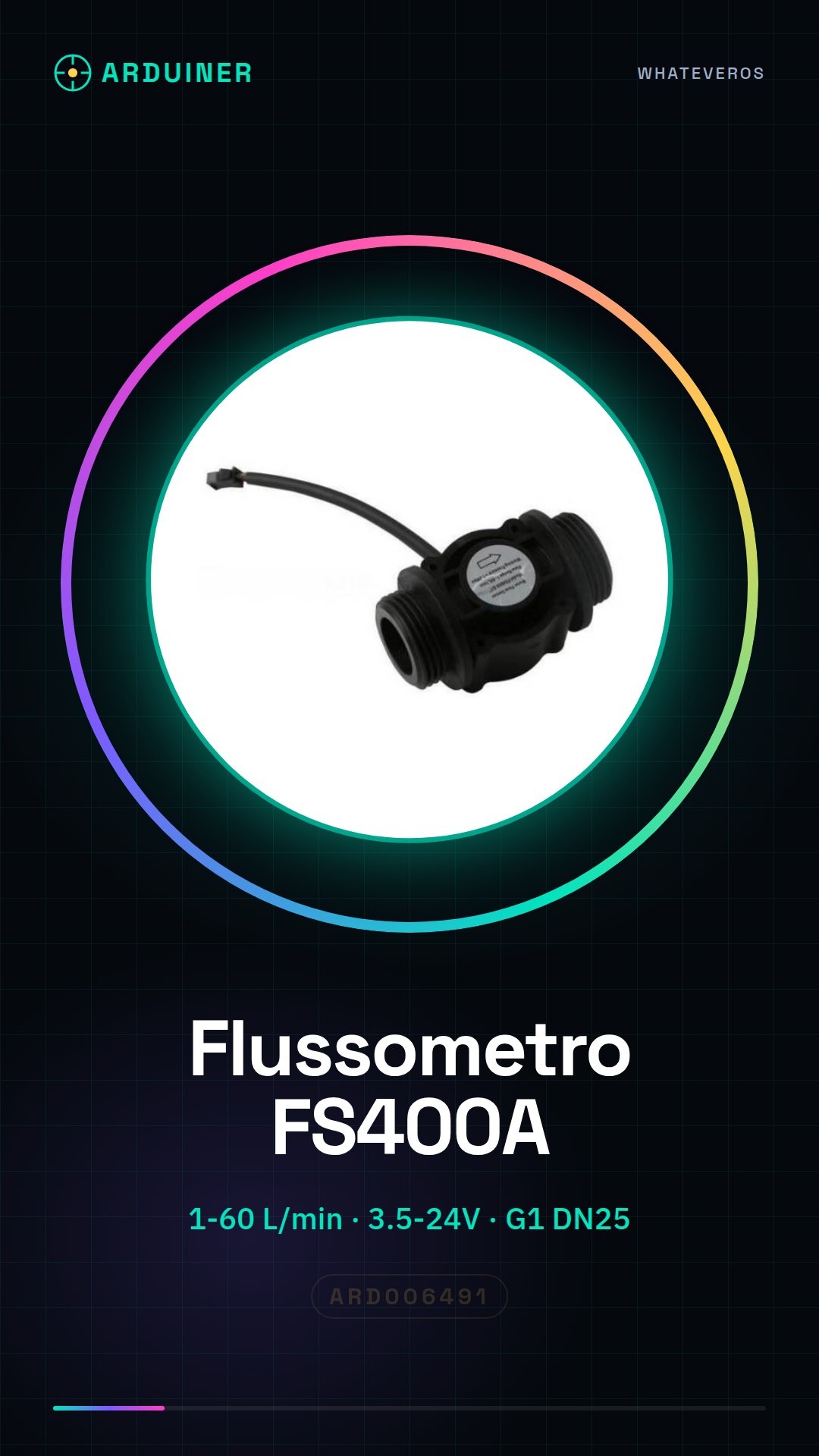
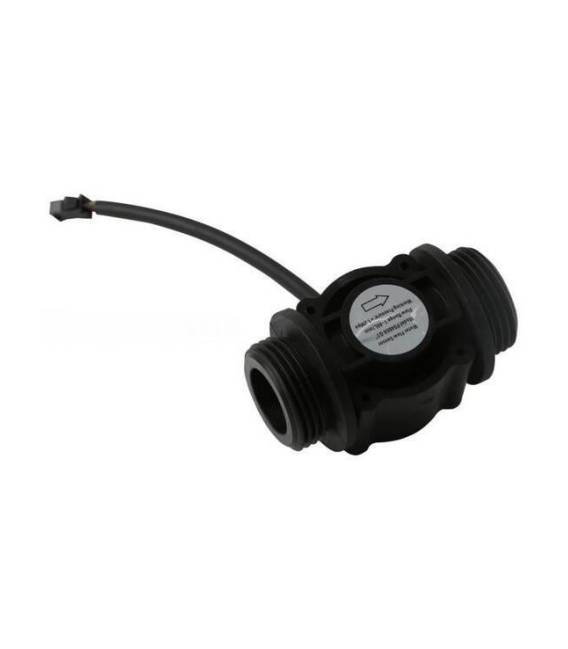
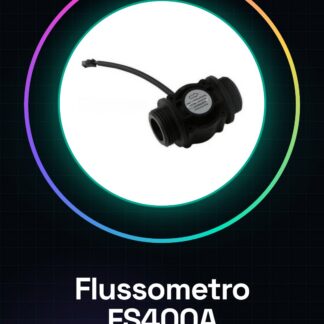
The FS400A flow meter is a water flow sensor that measures the amount of water passing through a pipe.
Features
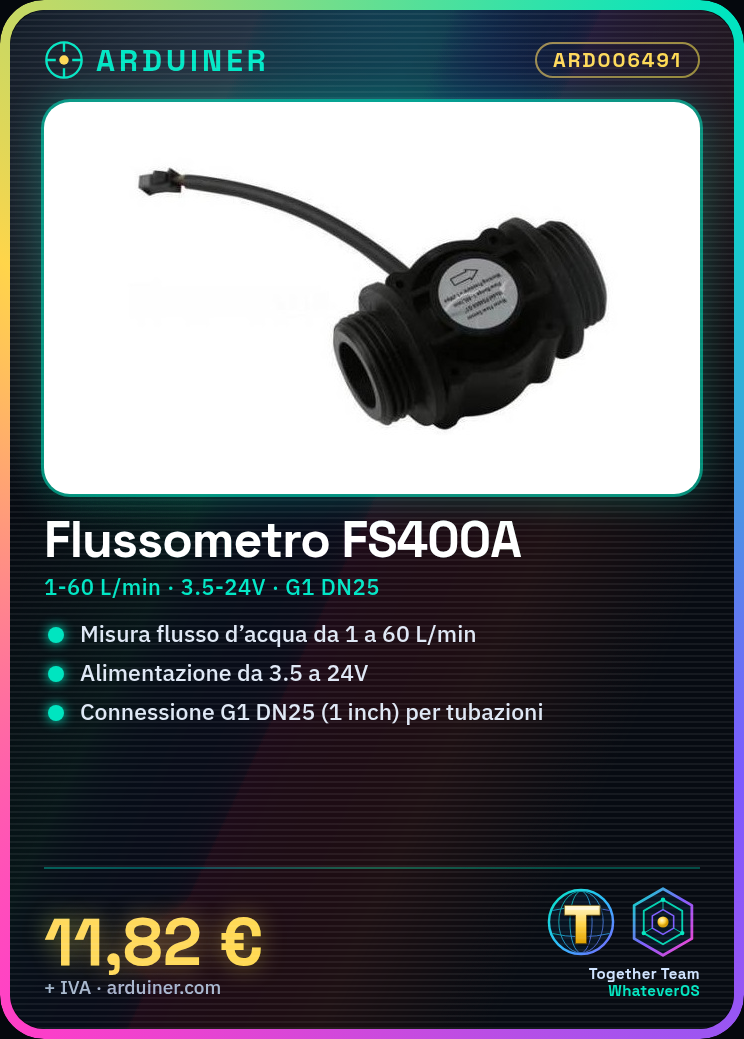
- Measurement range: 1-60 L/min
- Operating pressure: check the datasheet
- Supply voltage: 3.5-24V
- Connection: G1 DN25 (1 inch)
What it is for
The FS400A flow meter is ideal for monitoring water flow in plumbing systems and for home automation. It can be used in DIY projects such as water counters, automatic irrigation systems, and environmental monitoring.
Tutorial: How to use FS400A Flow Meter
The FS400A flow meter is a water flow sensor ideal for monitoring the amount of water passing through a pipe. It is suitable for DIY projects such as water counters, automatic irrigation systems, and environmental monitoring.
What you need
- Arduino
- USB cable
- LCD screen (optional)
- Arduino IDE development program
Steps
- Check the compatibility of the FS400A flow meter with your power supply. The sensor operates within a voltage range of 3.5 to 24V.
- Connect the pins of the FS400A flow meter to the digital pins of the Arduino as indicated in the datasheet.
- Download or create an Arduino sketch that reads the signal from the sensor and converts it into a water flow value (L/min).
- Upload the sketch to the microcontroller.
- Open the Serial Monitor section of the Arduino IDE to view the water flow data.
- If necessary, connect an LCD screen to one of the digital pins of the Arduino for direct data display.
- Ensure that the FS400A sensor is correctly installed in the pipe and that water flows through the sensor.
- Record the water flow data in a database or text file for further analysis.
Example code
void setup() {
  Serial.begin(9600);
}

void loop() {
  int val = analogRead(A0); // Leggi il segnale dal sensore e verifica sul datasheet la corretta pinout.
  float flowRate = map(val, minVal, maxVal, 1.0, 60.0); // Verifica i valori massimi e minimi del flusso nel datasheet
  Serial.print(flowRate);
}
Mini project
Create a water monitoring system for your garden or an automatic laundry that sends email notifications when water consumption exceeds a certain limit.
Common mistakes
- Connect the FS400A sensor with reversed polarity
- Fail to read the flow values correctly from the sensor’s datasheet
- Insert the FS400A sensor without first checking the electrical voltage compatibility.
- Omit to configure the serial port correctly to display the data.
Recommended accessories
- Arduino Uno R3 (SKU: ARD001234)
- USB A-MicroB cable (SKU: ARD005678)
- 16×2 LCD with I2C (SKU: ARD009101)
- SD Shield Module for Arduino (SKU: ARD001122)
Frequently asked questions
Does the FS400A flowmeter work only with cold water?
No, the sensor can be used with both cold and hot water.
Can I connect more than one FS400A sensor to Arduino?
Yes, but make sure to use the correct and separate digital pins for each sensor.
What is the precision of the FS400A flowmeter?
The precision may vary. Check the specifications on the datasheet.
Reviews
There are no reviews yet.