 EN
 IT Italiano
 ES Español
 FR Français
 DE Deutsch
Description
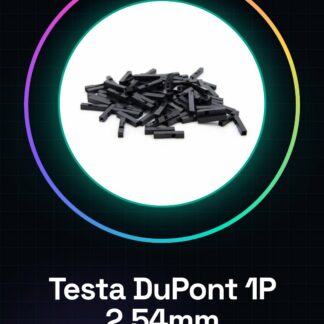
Tutorial: How to Use 1P Spacing 2.54mm Dupont Heads
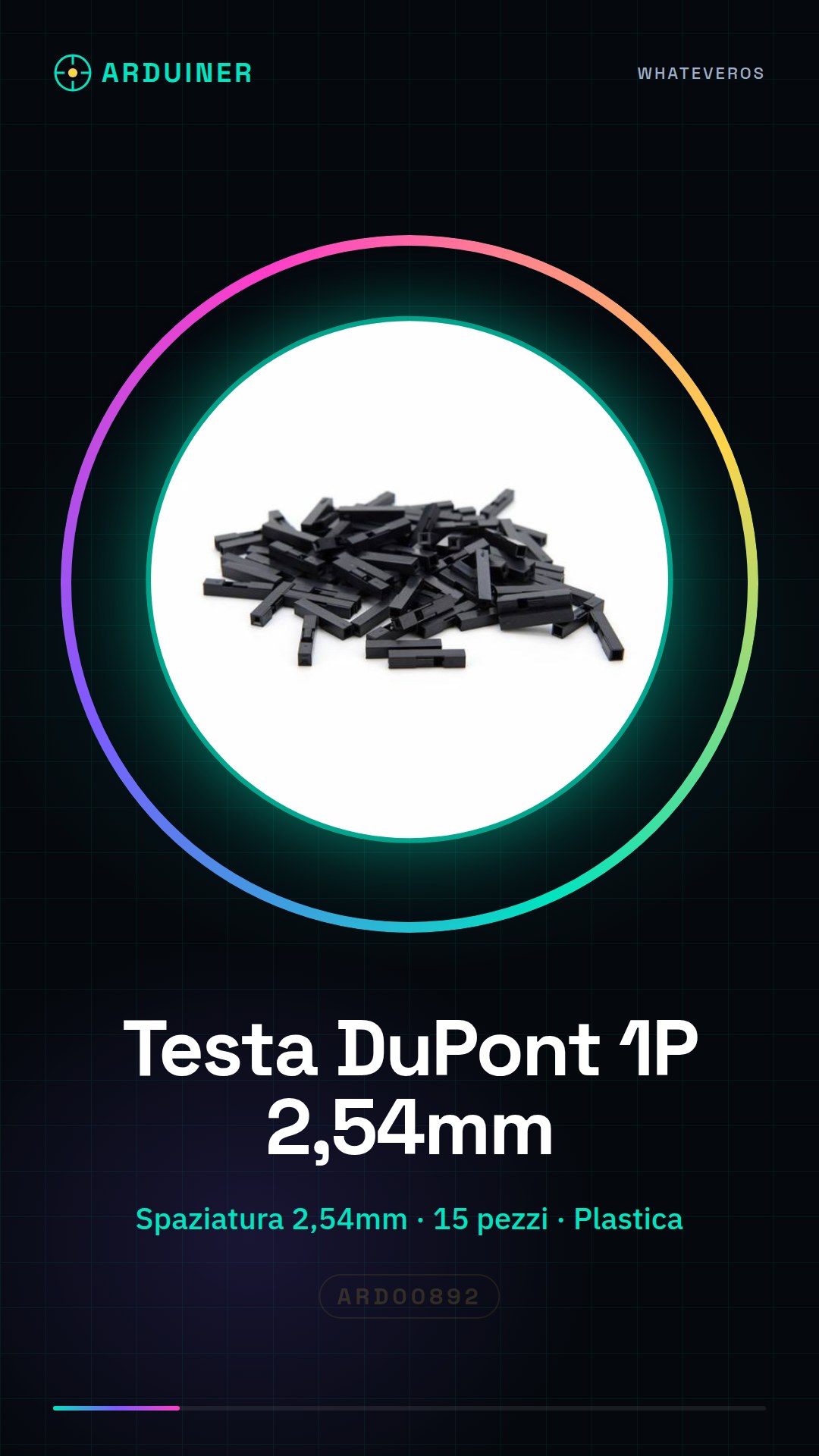
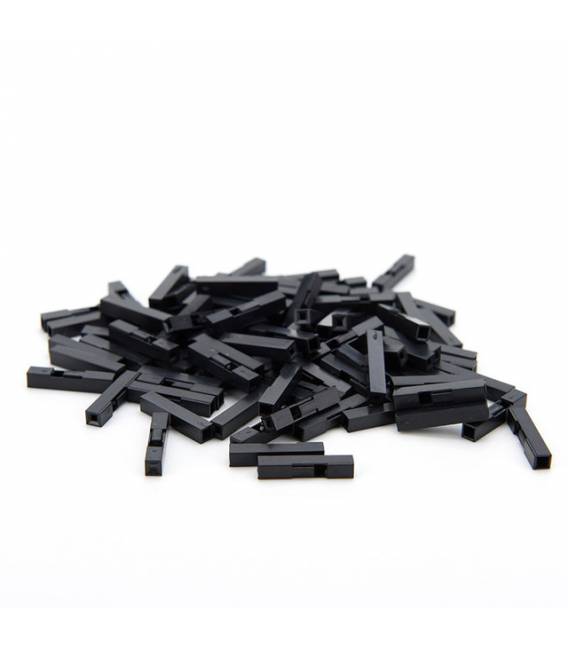
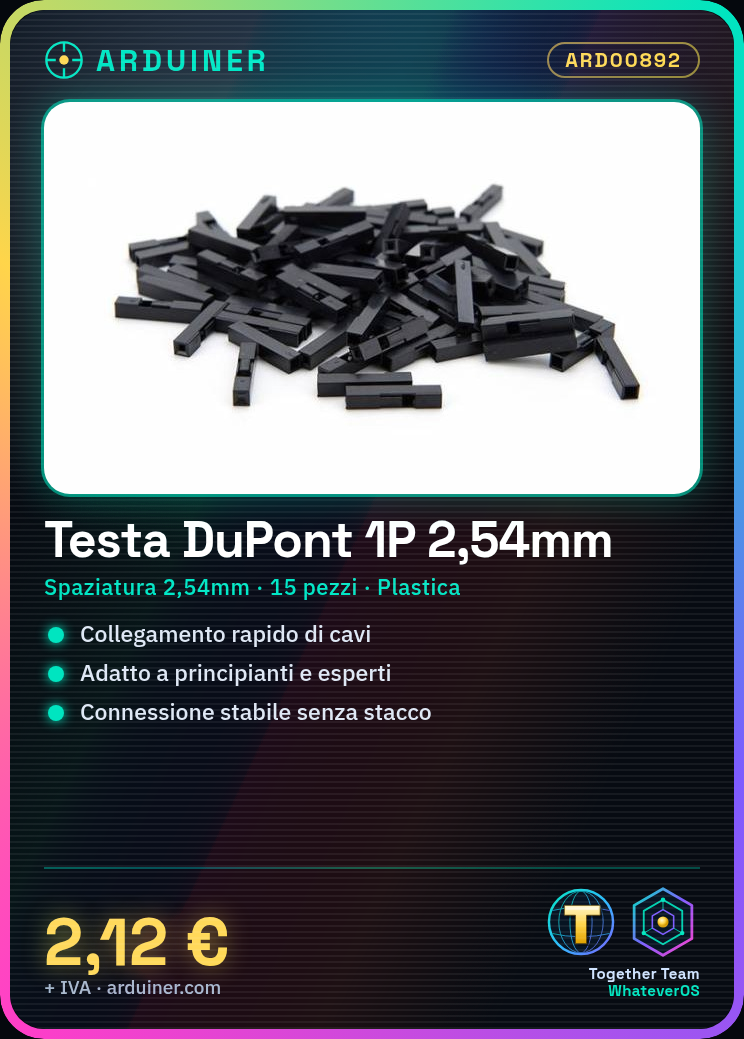
Dupont connector heads are useful for quickly and easily connecting wires to various pins on Arduino boards or other circuits. They are ideal for both beginner and more experienced hobbyists.
What you need
- Arduino
- Dupont wire
- small screwdrivers
Steps
- Check the compatibility of the Dupont head with the destination connector (2.54mm).
- Gently insert the Dupont head into the Dupont wire connector.
- Connect the opposite end of the Dupont wire to a pin on the Arduino or another electronic component.
- Ensure that the connection is secure and does not come loose during circuit manipulation.
Mini project
Connect a series of LEDs to various pins on the Arduino using Dupont heads to create a simple light projector.
Common mistakes
- Forced insertion of the Dupont head into the connector.
- Use of Dupont heads incompatible with the connector.
- Connecting too hastily, causing damage to the cable or the board.
- Leaving connections open for an extended period, potentially damaging the Arduino or other components.
Recommended accessories
- DuPont Connectors cables
- Small screwdrivers
- Electronic test kit
- 3D printing for custom cases
Frequently asked questions
Q: Can I use DuPont tips with any connector?
R: Always check the pin spacing compatibility (in this case, 2.54mm).
Q: How can I avoid damaging the connection?
R: Insert the connectors gently and ensure they are securely fastened.
Q: What is the difference between a DuPont cable and a DuPont tip?
R: A DuPont cable has two tips, while a DuPont tip is just the end of a connector.

Reviews
There are no reviews yet.