 EN
 IT Italiano
 ES Español
 FR Français
 DE Deutsch
Description
Technical Description
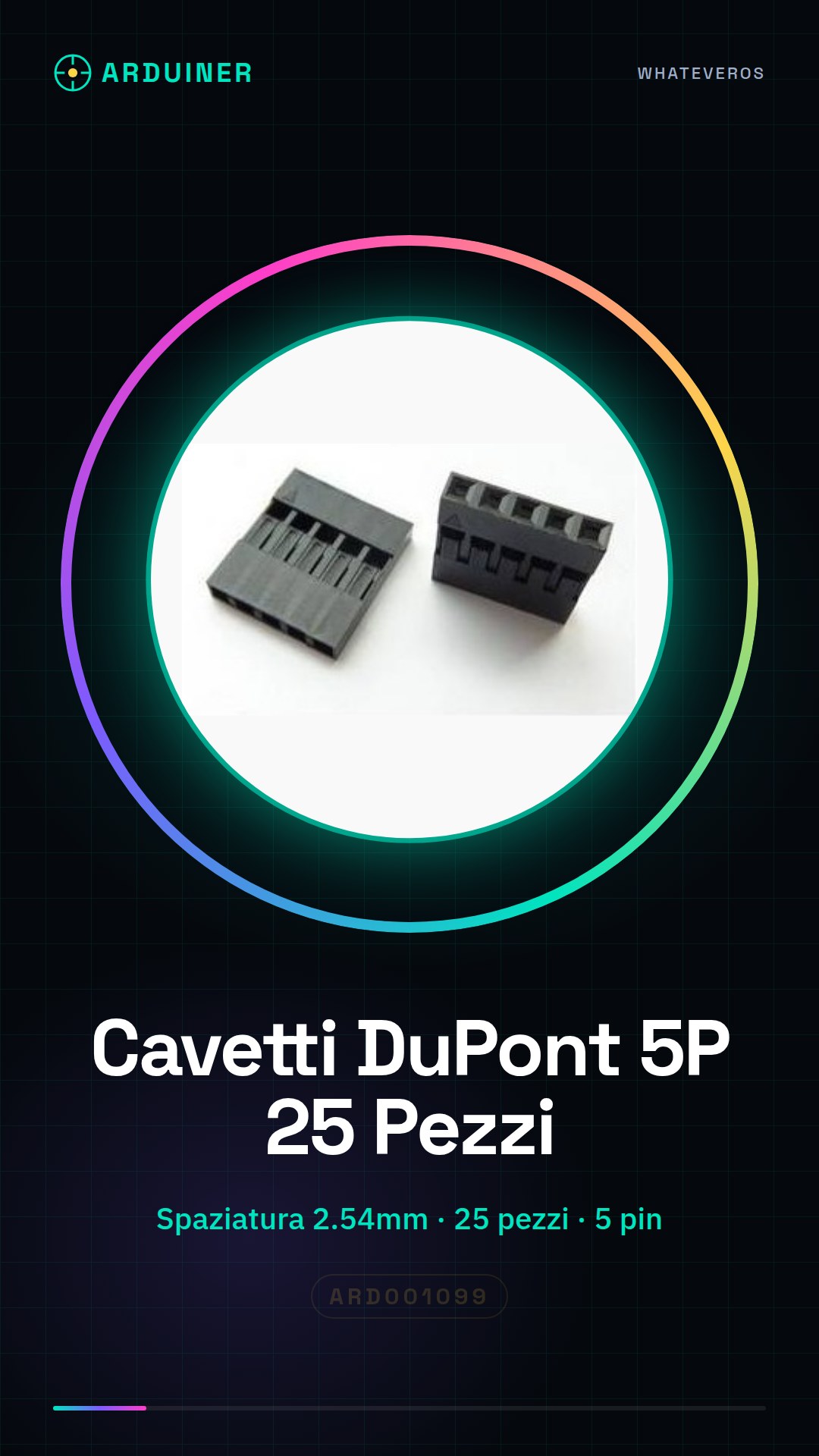
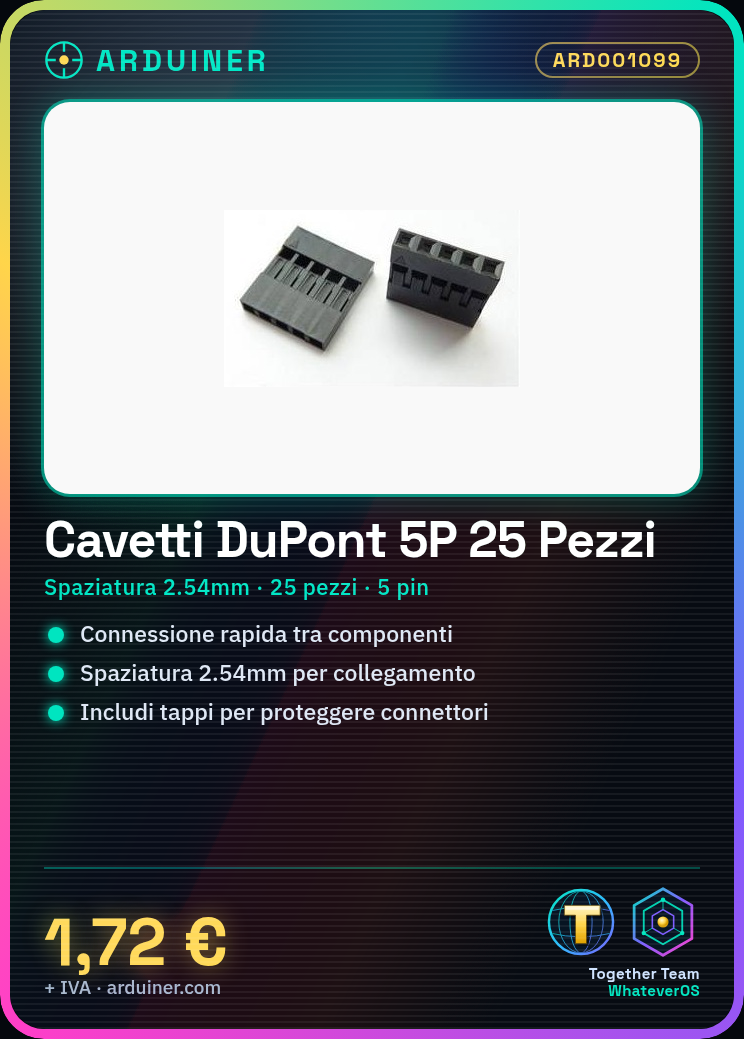
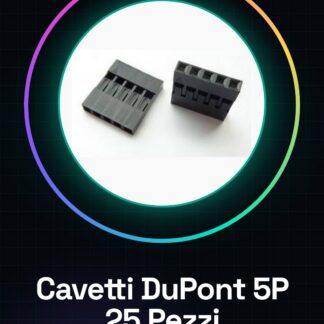
The Dupont 5P wires are electronic connectors used to quickly connect electronic components to each other. These wires have a spacing of 2.54 mm, allowing for easy connection with standard connectors. Dupont wires are equipped with a Dupont plastic housing and caps to protect the connectors when not in use.
These wires are suitable for electronic prototyping, maintenance and repair of electronic devices. They can be used with Arduino, Raspberry Pi and other electronic modules that use standard connectors.
During installation, it is important to verify that the connectors are inserted correctly and that the connection is stable before powering the circuit.
Key Specifications
| Parameter | Value |
| Model | 5P Dupont head |
| Spacing | 2.54 mm |
| Quantity | 25 pieces |
| Housing | in Dupont plastic |
| Caps | present |
| Interface | 5 pin |
| Container | N/D (see manufacturer’s technical sheet) |
Installation and Usage
- Check the type of connector needed (male-male, male-female, or female-female).
- Insert the wires into the connector of the component.
- Connect the other end of the wire to the connector of the Arduino or other module.
- Use the provided caps to protect the connectors when not in use.
- Check the stability of the connection before powering the circuit.
Compatibility and Requirements
- The DuPont 5P wires are compatible with Arduino and other electronic modules that use standard connectors.
- To use these wires, a compatible connector is required on the electronic component.
- The wires can be used with Raspberry Pi and other systems that use standard connectors.
Limitations and Important Notes
- The DuPont 5P wires are not designed for permanent or long-term connections.
- It is important to verify that the connectors are inserted correctly to avoid short circuits.
- The cables are not designed to withstand extreme temperature or humidity conditions.
- It is recommended to use caps to protect the connectors when they are not in use.
Troubleshooting
Damaged connector
Probable cause: Forced insertion or incorrect connection
Solution: Replace the damaged connector.
Damaged cables
Probable cause: Use in extreme conditions or inadequate maintenance
Solution: Replace the damaged cables.
Incorrect connection
Probable cause: Use of incorrect cables or incompatible connectors
Solution: Check the compatibility of the connectors and replace the cables if necessary.
Short circuit
Probable cause: Damaged connector or incorrect insertion
Solution: Check the connection and replace the connector if necessary.
Use cases
Prototype Lab
Objective: Quickly connect various electronic components
What’s needed: DuPont 5P cables
Steps: 1) Check connector compatibility 2) Insert cables 3) Connect components
Expected result: Stable and quick connection between components.
Electronic Device Maintenance
Objective: Replace damaged connectors
What’s needed: DuPont 5P cables
Steps: 1) Check connector compatibility 2) Replace damaged connectors 3) Check connection
Expected result: Restoration of device functionality.
Arduino Repair
Objective: Connect sensors and other modules
What’s needed: DuPont 5P cables
Steps: 1) Check connector compatibility 2) Insert cables 3) Connect sensors
Expected result: Arduino working with sensors connected.
Home Automation
Objective: Connect temperature and humidity sensors
What’s needed: Dupont 5P wires
Steps: 1) Check connector compatibility 2) Insert wires 3) Connect sensors
Expected outcome: Functional automation system.
Electronic component testing
Objective: Verify connector compatibility
What’s needed: Dupont 5P wires
Steps: 1) Check connector compatibility 2) Insert wires 3) Verify connection
Expected outcome: Compatibility verification completed.
Electronic circuit prototyping
Objective: Quickly connect various components
What’s needed: Dupont 5P wires
Steps: 1) Check connector compatibility 2) Insert wires 3) Connect components
Expected outcome: Stable connection between components.
Electronic system maintenance
Objective: Replace damaged connectors
What’s needed: Dupont 5P wires
Steps: 1) Check connector compatibility 2) Replace damaged connectors 3) Verify connection
Expected outcome: Working system.
Electronic device repair
Objective: Connect sensors and other modules
What’s needed: 5P Dupont cables
Steps: 1) Check connector compatibility 2) Insert cables 3) Connect sensors
Expected outcome: Device working with sensors connected.
In the package
- 25 pieces
Complete the project
- 25 pieces Dupont 4p Dupont head, Spacing 2.54MM, Dupont plastic housing, plugs: For quickly connecting various electronic components with standard connectors.
- 25 Pieces 3P Dupont head, Spacing 2.54MM, Dupont plastic housing, plugs: To protect connectors when not in use.
- 20 Pieces 7P Dupont head, Spacing 2.54MM Dupont plastic housing, plugs: For quickly connecting various electronic components with standard connectors.
- 20 Pieces 6P DuPont head, DuPont plastic housing 2.54MM Spacing, plastic caps: For quickly connecting various electronic components with standard connectors.
- 20 Pieces 8P DuPont head, 2.54MM Spacing plastic cap: For quickly connecting various electronic components with standard connectors.
Technical FAQs
Are DuPont wires interchangeable between Arduino and Raspberry Pi?
Yes, DuPont wires can be used with both hardware.
How can I protect my DuPont wires from damage?
Use protective caps provided or wrap the ends of the wires in electrical tape.
What are the limitations of using DuPont wires?
DuPont Connectors wires are not designed for permanent or long-term connections and are not designed to withstand extreme temperature or humidity conditions.
What are the common issues associated with using Dupont wires?
Common issues include damaged connectors, damaged wires, and incorrect connections.
Tutorial: How to Use 5P Dupont Wires
Dupont wires are essential for quick connections between various electronic components. Ideal for Arduino, sensors, and other modules.
What you need
- Arduino
- sensors
- power supply
Steps
- Check the type of Dupont wire needed (male-male, male-female, or female-female).
- Insert the wires into the connector of the component.
- Connect the other end of the wire to the connector of the Arduino or other module.
- Remember to use a cap to protect the connector when not in use.
- Check the stability of the connection before powering the circuit.
Mini project
Create a simple weather station with Arduino that measures temperature, humidity, and light. Connect the sensors using Dupont wires.
Common mistakes
- Damaged or stuck connectors.
- Incorrect cable usage (e.g., male-female for female-male connectors).
- Incorrect connection between the component pins and those of the Arduino.
Recommended accessories
- Temperature and humidity sensors DHT11
- RGB LED lamp
- 16×2 LCD display
Frequently asked questions
Can DuPont cables be interchangeable between Arduino and Raspberry Pi?
Yes, DuPont cables can be used with both hardware.
How can I protect my DuPont cables from damage?
Use protective caps provided or wrap the ends of the cables in electrical tape.
Reviews
There are no reviews yet.