 EN
 IT Italiano
 ES Español
 FR Français
 DE Deutsch
Description
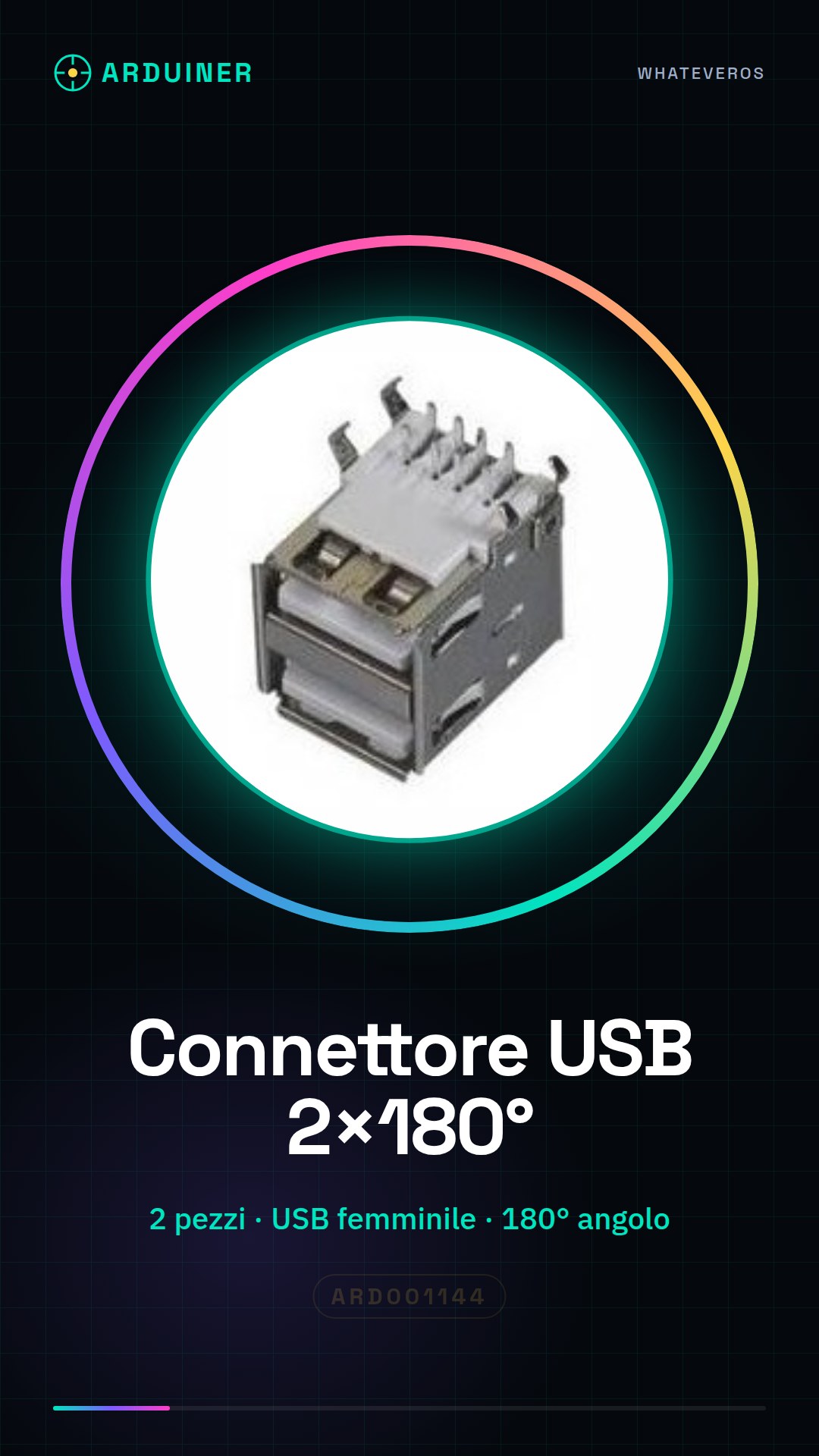
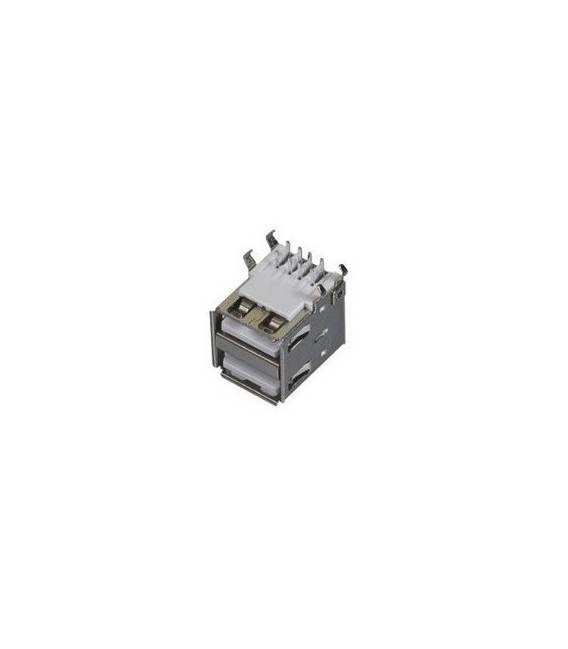
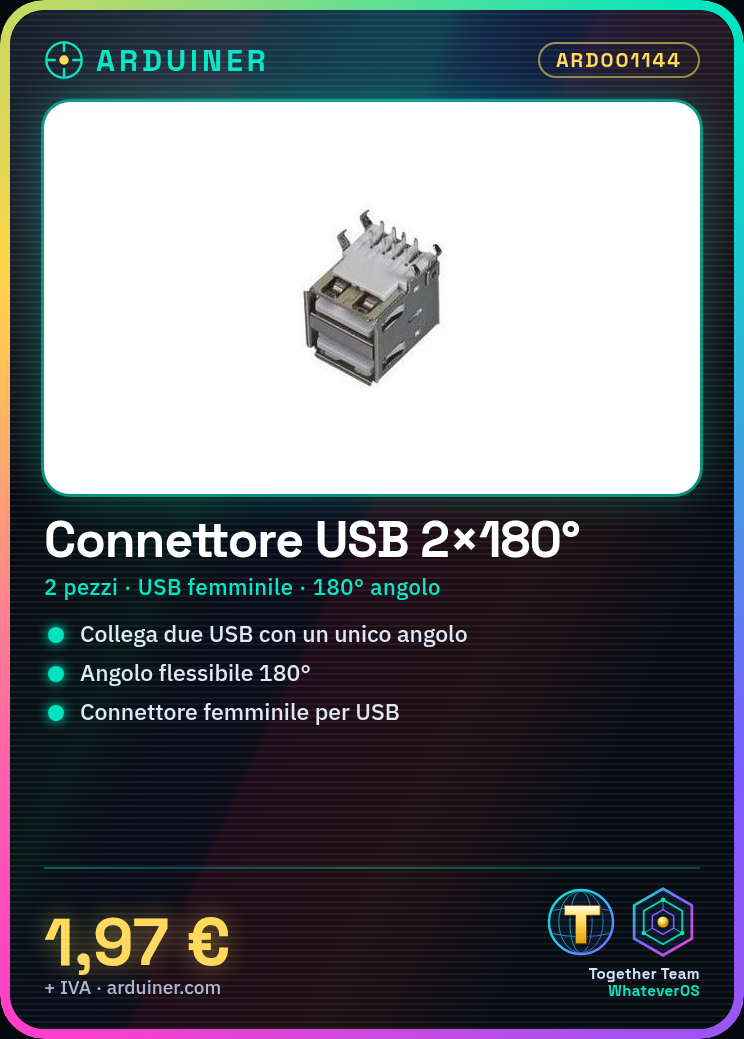
Tutorial: How to Use 180° Double Female USB Connector
This USB connector allows you to connect two USB devices in a more flexible way, ideal for projects that require multiple USB connectors.
What you need
- 2 pieces 180° Double Female USB Connector
- USB Devices to Connect
Steps
- 1. Check that both USB devices have a female cable.
- 2. Take a connector and insert the female USB cable into one of the two slots.
- 3. Repeat the same procedure with the other connector and the second USB cable.
- 4. Connect to a computer or another power source.
- 5. Connect the two connectors to each other so that the USB cables form a 180° angle.
- 6. Make sure the cables are well inserted and are not entangled too much.
- 7. Check the datasheet if necessary for the compatible connector type.
- 8. Experiment by connecting various USB devices.
Mini project
Build a small USB network to connect an Arduino with an LCD display.
Common mistakes
- Do not insert cables too quickly, they may slip out.
- Do not bend cables too much, they may break.
- Do not connect connectors to different voltages.
- Check that the cables are properly inserted before connecting them.
Recommended accessories
- Female USB cables
- Arduino
- LCD display
Frequently asked questions
My USB cables do not connect?
Check that the cables are inserted correctly and that they are not damaged.
Can I connect more than two devices?
These connectors are designed to connect only two devices.
Do the connectors work with USB 3.0?
Check the datasheet to confirm compatibility.
Can I use them with non-USB devices?
These connectors are designed only for USB devices.
Reviews
There are no reviews yet.