 EN
 IT Italiano
 ES Español
 FR Français
 DE Deutsch
Description
What it is
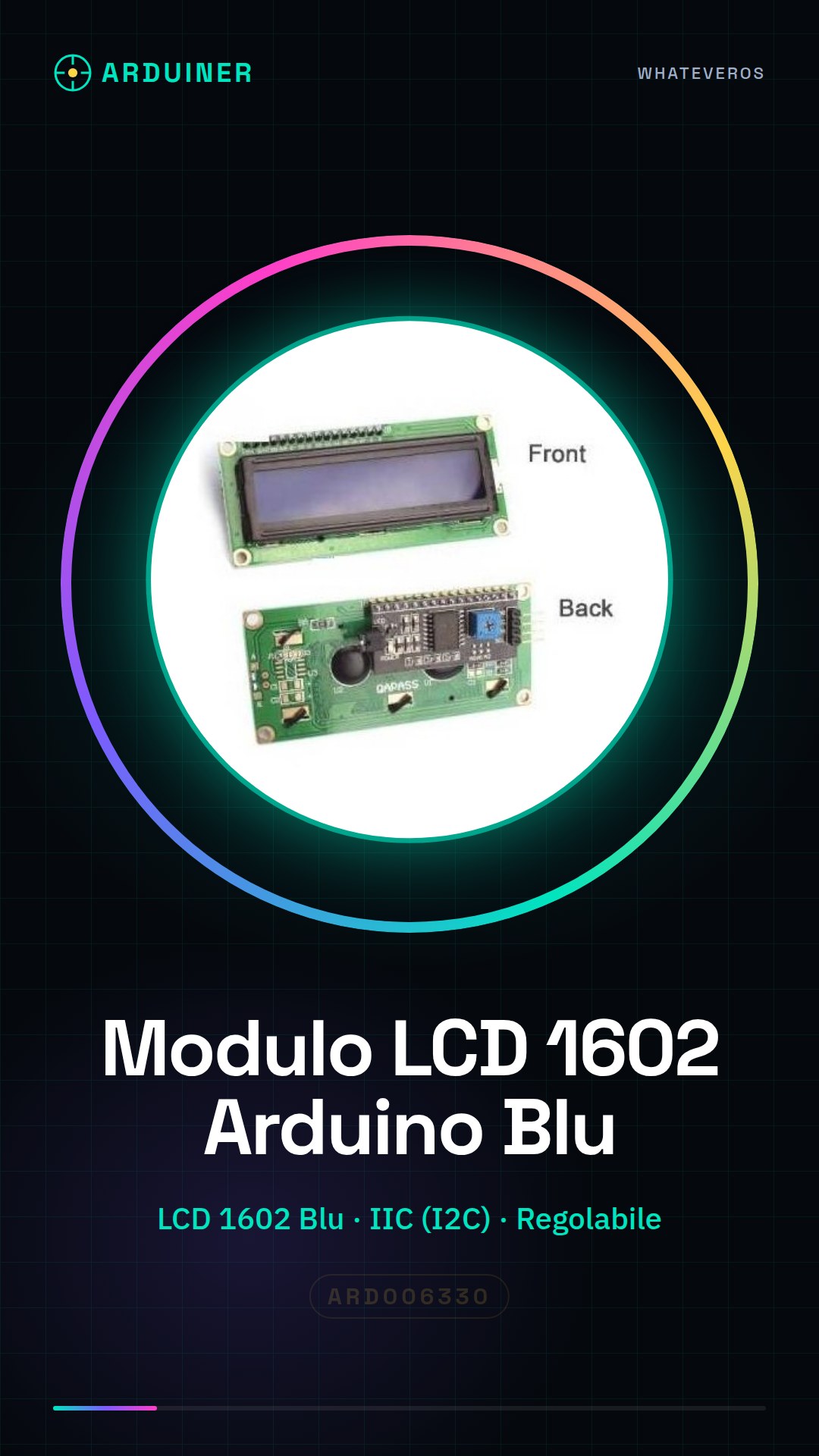
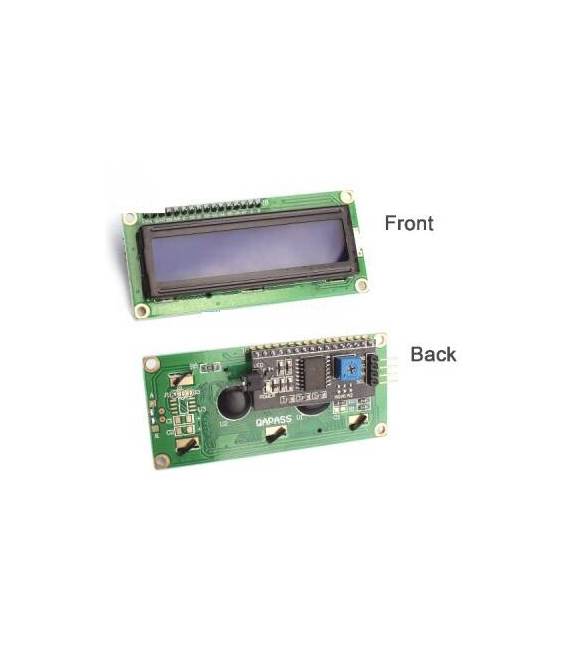
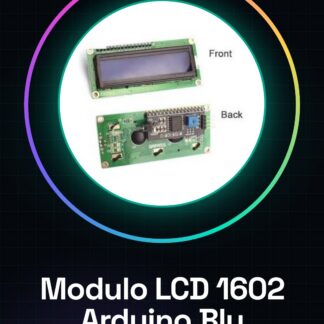
The LCD 1602 Arduino Blue with IIC I2C adjustable module is an electronic component designed for data and message display on screen. This module offers easy integration into various types of projects, such as parameter monitoring or user interface creation.
Features
- Display Type: LCD 1602 Blue
- Connection: IIC (I2C)
- Adjustable to fit different configurations
What it is for
LCD modules are useful for both beginners and experts, offering a visual display of data collected from sensors or general information. You can use this module to create a button counter with display, connecting a button to pin D2 and displaying the count on the LCD module. Additionally, it is compatible with Arduino and ESP32.
Tutorial: How to use LCD 1602 Arduino Blue Module with I2C
The Blue 1602 LCD Module with I2C for Arduino allows you to display information on screen, ideal for monitoring projects or user interfaces. Useful for beginners and those who want to add a visual dimension to their projects.
What you need
- Arduino board
- Jumper wire
- Pull-up resistor (10kΩ)
- USB cable for power supply
Steps
- 1. Connect the LCD module to your Arduino using the jumpers.
- 2. Connect the pull-up resistor between SDA and VCC.
- 3. Charge the module with a USB cable.
- 4. Install the LiquidCrystal_I2C library.
- 5. Write the code to initialize the display.
- 6. Display a welcome message.
- 7. Add functions to update the display.
- 8. Test the module with a simple sketch.
Example code
```
#include <LiquidCrystal_I2C.h>
LiquidCrystal_I2C lcd(0x27, 16, 2);

void setup() {
  lcd.init();
  lcd.backlight();
  lcd.setCursor(0, 0);
  lcd.print("Benvenuto su Arduino");
}

void loop() {
  // Aggiungi funzioni per aggiornare il display
}
```
Mini project
Create a button counter with display. Connect a button to pin D2 and display the count on the LCD module.
Common mistakes
- Forget the pull-up resistor.
- Incorrectly connect the jumpers.
- Do not install the LiquidCrystal_I2C library.
- Omit initialization of the display.
Recommended accessories
- Buttons
- 10kΩ resistor
- Sensors
- Buttons
Frequently asked questions
How can I update the display?
Use the functions `lcd.setCursor()` and `lcd.print()` to update the display content.
What is the difference between SDA and SCL?
SDA is the data signal, SCL is the clock signal.
Does the module require specific power?
Check the datasheet: the module works with 5V.
Can I use an Arduino Uno?
Yes, the module is compatible with Arduino Uno.
Reviews
There are no reviews yet.