 EN
 IT Italiano
 ES Español
 FR Français
 DE Deutsch
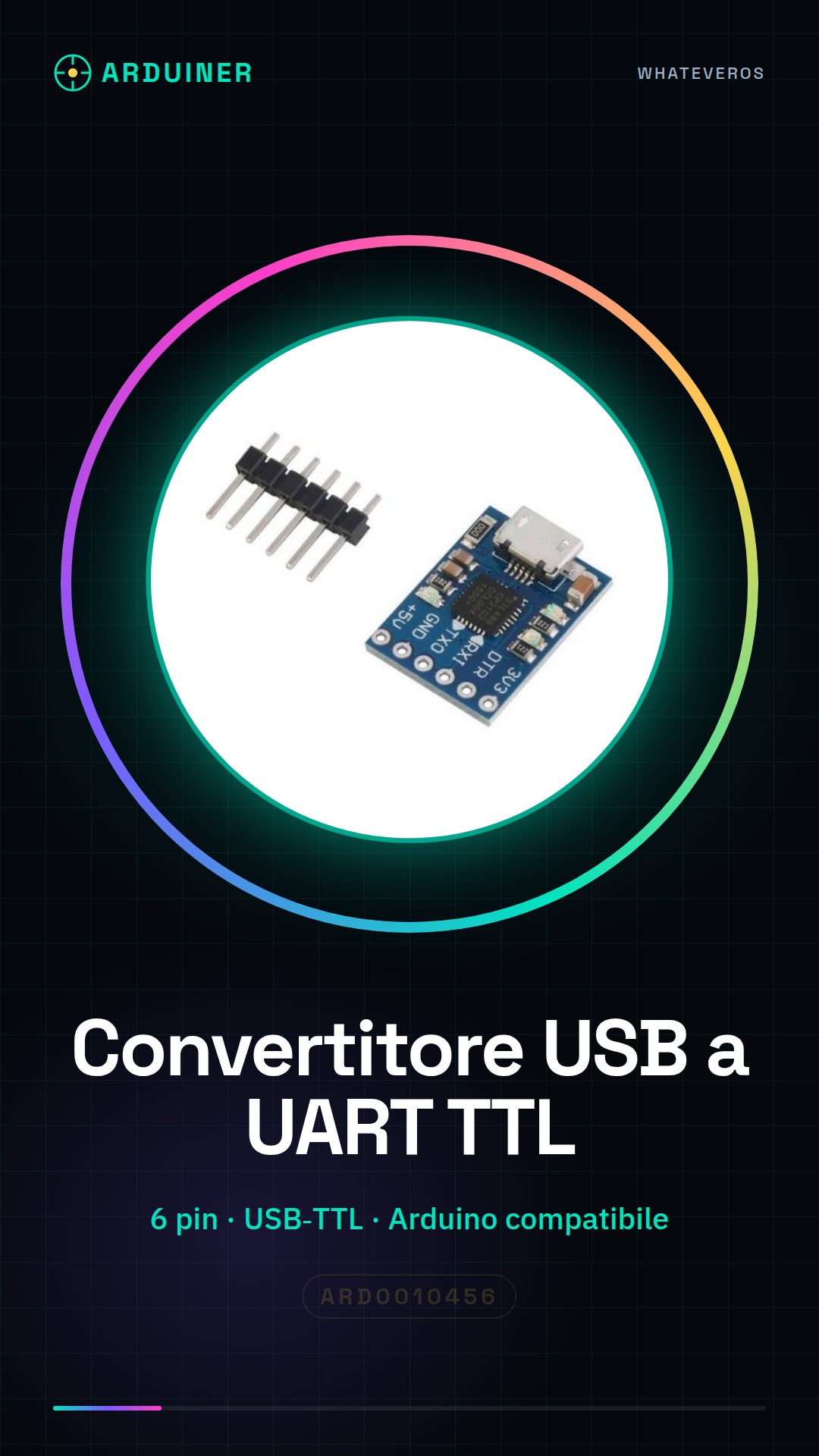
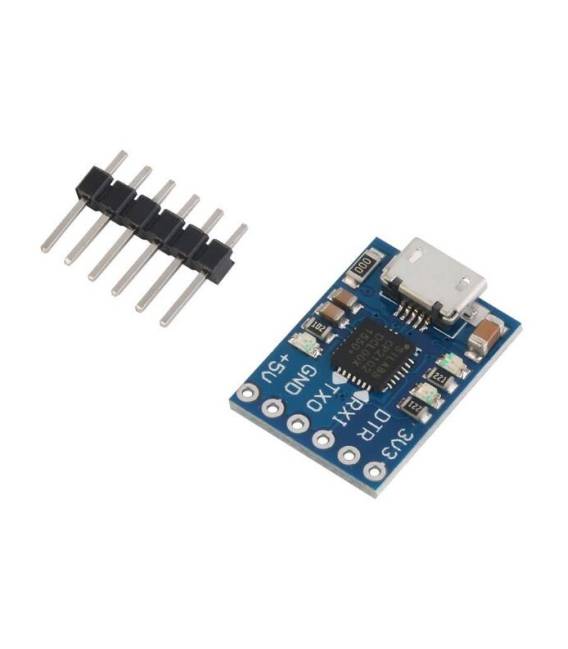
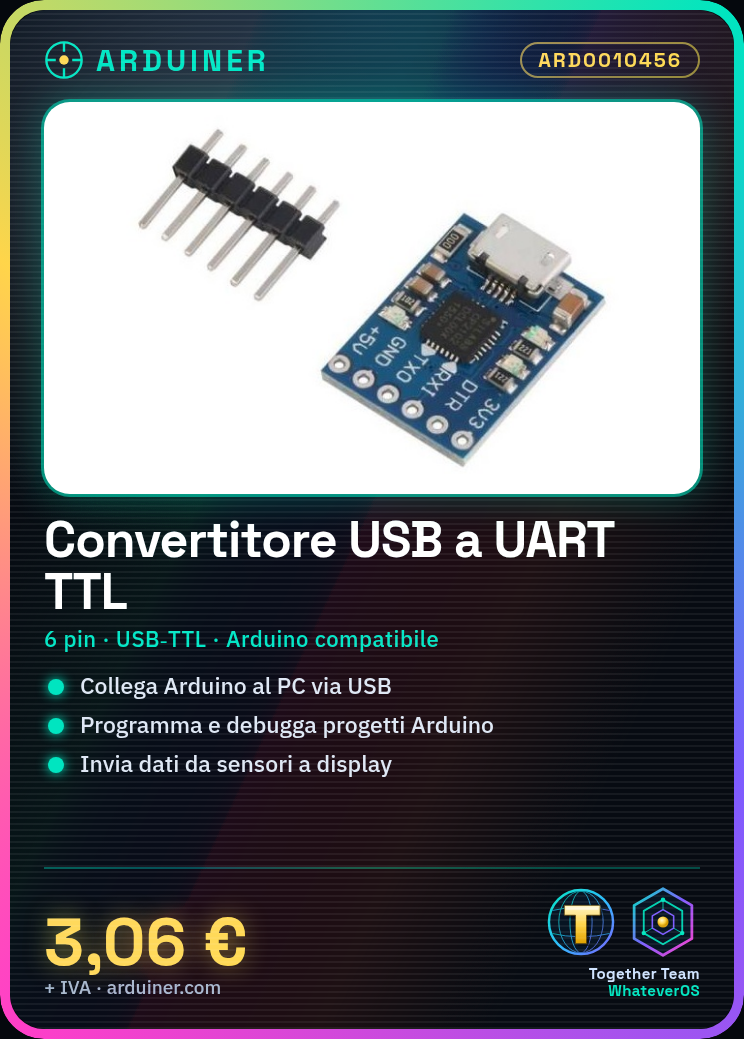
Description
What it is
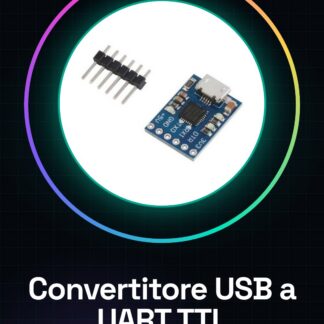
The CJMCU CP2102 module is a 6-pin USB to UART TTL converter that enables serial communication between computers and microcontrollers. It allows connecting serial devices such as Arduino to computers via the USB connector.
Features
- USB-TTL converter compatible with Arduino
- 6 pins
What it is for
It is used to program and debug Arduino projects. It is ideal for sending data from a DHT11 sensor to an LCD display via the CP2102 module.
Tutorial: How to use the CP2102 USB to UART TTL Serial Module
The CJMCU CP2102 module is a USB-TTL converter that allows connecting serial devices such as Arduino to computers via the USB connector. It is ideal for anyone who wants to program and debug their projects.
What you need
- Computer with USB port
- Arduino or UART device
- USB A-Micro B cable
- Compatible development software (e.g., Arduino IDE)
Steps
- Connect the CP2102 module to the computer via USB A-Micro B cable.
- Connect the TX pin of the module to the RX pin of the Arduino and vice versa, using a pull-up connection to prevent short circuits.
- Check that the power supply is correct (5V or 3.3V) between the computer and Arduino.
- Open the ‘Tools > Serial Ports’ section in the development software to identify the USB port associated with the CP2102 module.
- Select the correct port in the Arduino IDE or other development software.
- Program the Arduino via the CP2102 module by loading a simple sketch that sends serial data.
- Check the module’s datasheet for any additional settings that may be necessary.
- Remember to disconnect the TX and RX pins before physically removing the USB or UART connections.
Example code
void setup() {
  Serial.begin(9600);
}

void loop() {
  Serial.println("Messaggio da Arduino");
}
Mini project
Create an LCD display that shows the temperature and humidity read from a DHT11 sensor, using the CP2102 module to send the data to the computer.
Common mistakes
- Inverted TX-RX connection
- Incorrect USB port settings in development software
- Incompatible power supply between device and computer
- Serial data not visible due to different baud rate
Recommended accessories
- DHT11 Sensor – SKU: ARD0010457
- 16×2 LCD Display – SKU: ARD0010458
- USB A-Micro B Cable – SKU: ARD0010459
- LiPo Battery for Arduino – SKU: ARD0010460
Frequently asked questions
Is the CP2102 module compatible with Windows?
Yes, the CP2102 module has drivers available for Windows, making it easy to use.
Can I use the module without connecting it to an Arduino?
Yes, the module can be used as a bridge between serial devices and computers, but a UART device is required at the other end of the connector.
Reviews
There are no reviews yet.