 EN
 IT Italiano
 ES Español
 FR Français
 DE Deutsch
Description
What it is
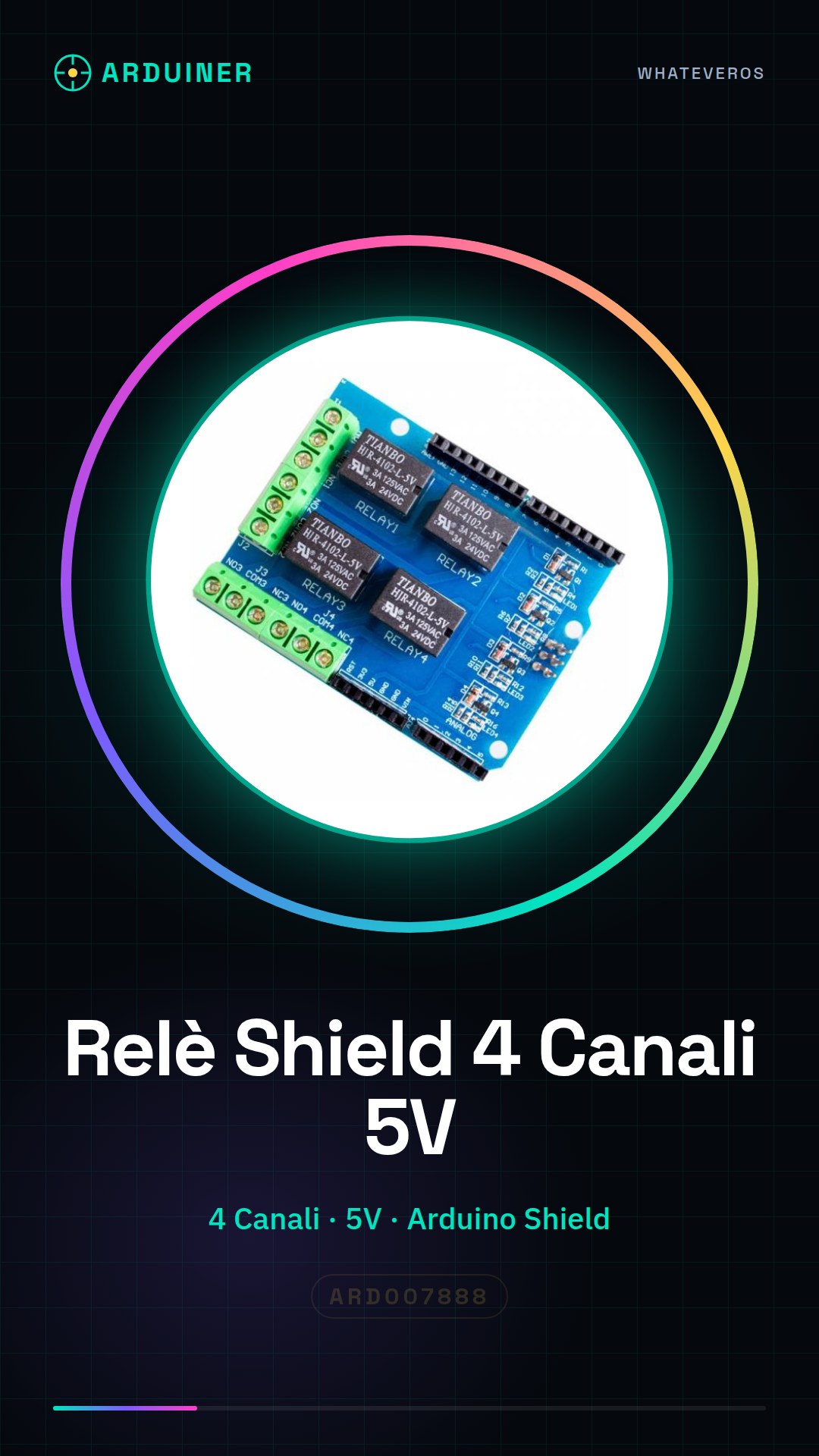
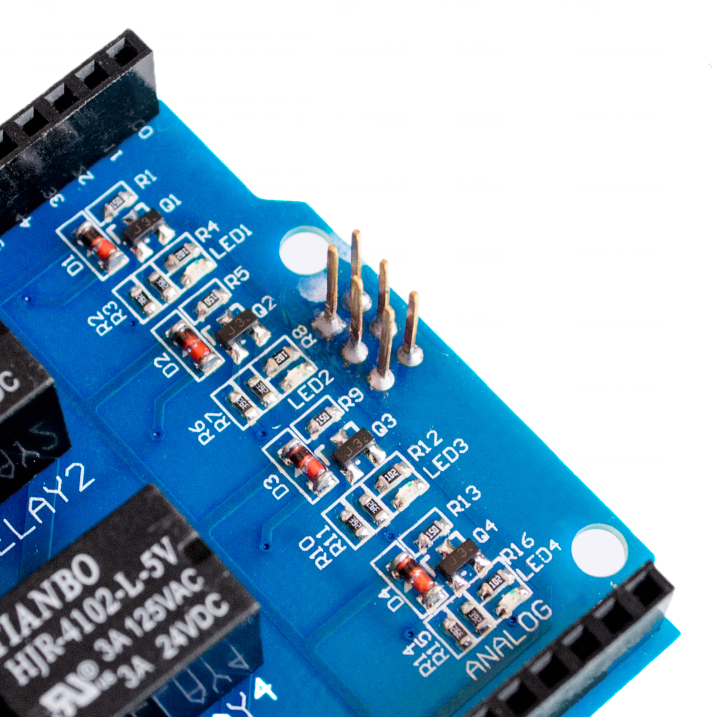
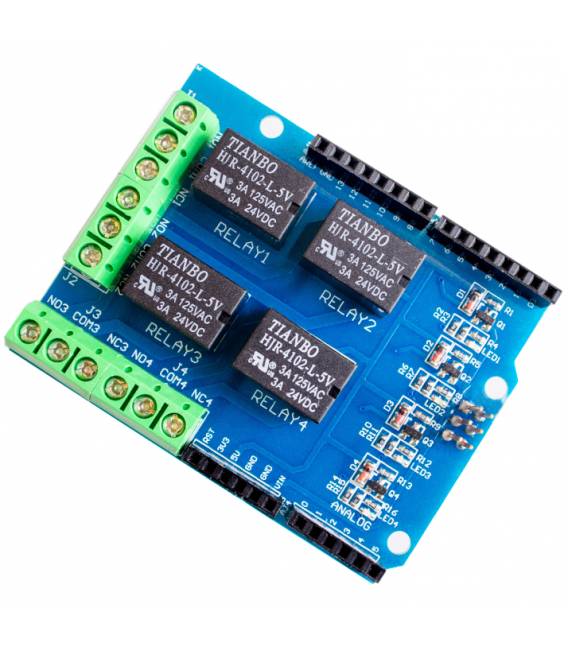
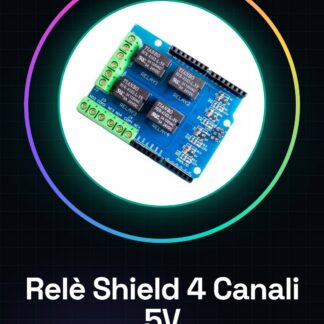
The Four Channel Relay Shield is an Arduino module that allows you to control up to four electrical devices remotely. This shield can be used in various DIY projects, such as automatic lighting systems or other types of automation.
Features
- Operating voltage: 5V
- Number of relay channels: 4
What it is for
The four relay channels can be used to control electrical devices that require a current higher than what is provided by Arduino pins. It is ideal for home or industrial automation projects, such as automatic lighting management.
Tutorial: How to use Four Channel Relay Shield 5V 4CH
The Four Channel Relay Shield 5V 4CH is ideal for controlling electrical devices that require a current higher than what is produced by Arduino pins. Useful for home or industrial automation projects.
What you need
- Arduino
- 5V power supply cable
- Four relays
- Electrical components to control (e.g. lights, motors)
Steps
- 1. Mount the shield on the Arduino.
- 2. Connect the relay pins to those of the shield (check the datasheet).
- 3. Power the shield with a 5V cable.
- 4. Load the Arduino code to control the relays.
- 5. Configure the Arduino pins for the desired relays.
- 6. Run the code and check that the relays activate correctly.
- 7. Test the relays with a resistor for protection.
- 8. Connect the electrical components to the relays.
Example code
void setup() { pinMode(2, OUTPUT); pinMode(3, OUTPUT); pinMode(4, OUTPUT); pinMode(5, OUTPUT);}void loop() { digitalWrite(2, HIGH); delay(1000); digitalWrite(2, LOW); delay(1000); // Ripeti per i pin 3, 4, 5}Mini project
Build an automatic lighting system. Connect the relays to lights and program a sketch to turn the lights on/off based on the time of day.
Common mistakes
- Connect relays to non-dedicated Arduino pins.
- Omit shield power supply.
- Forget to protect relays with resistors.
- Fail to verify the correct pin configuration.
Recommended accessories
- Relays
- Resistors
- 5V power supply cable
- Arduino
Frequently asked questions
How can I protect the relays?
Connect a resistor between the relay and the Arduino pin.
Can I use this shield with Arduino Uno?
Yes, the Four Channels Relay Shield 5V 4CH is compatible with Arduino Uno.
How long can a relay stay on?
Check the datasheet for the maximum activation and deactivation times.
Reviews
There are no reviews yet.