 EN
 IT Italiano
 ES Español
 FR Français
 DE Deutsch
Description
What it is
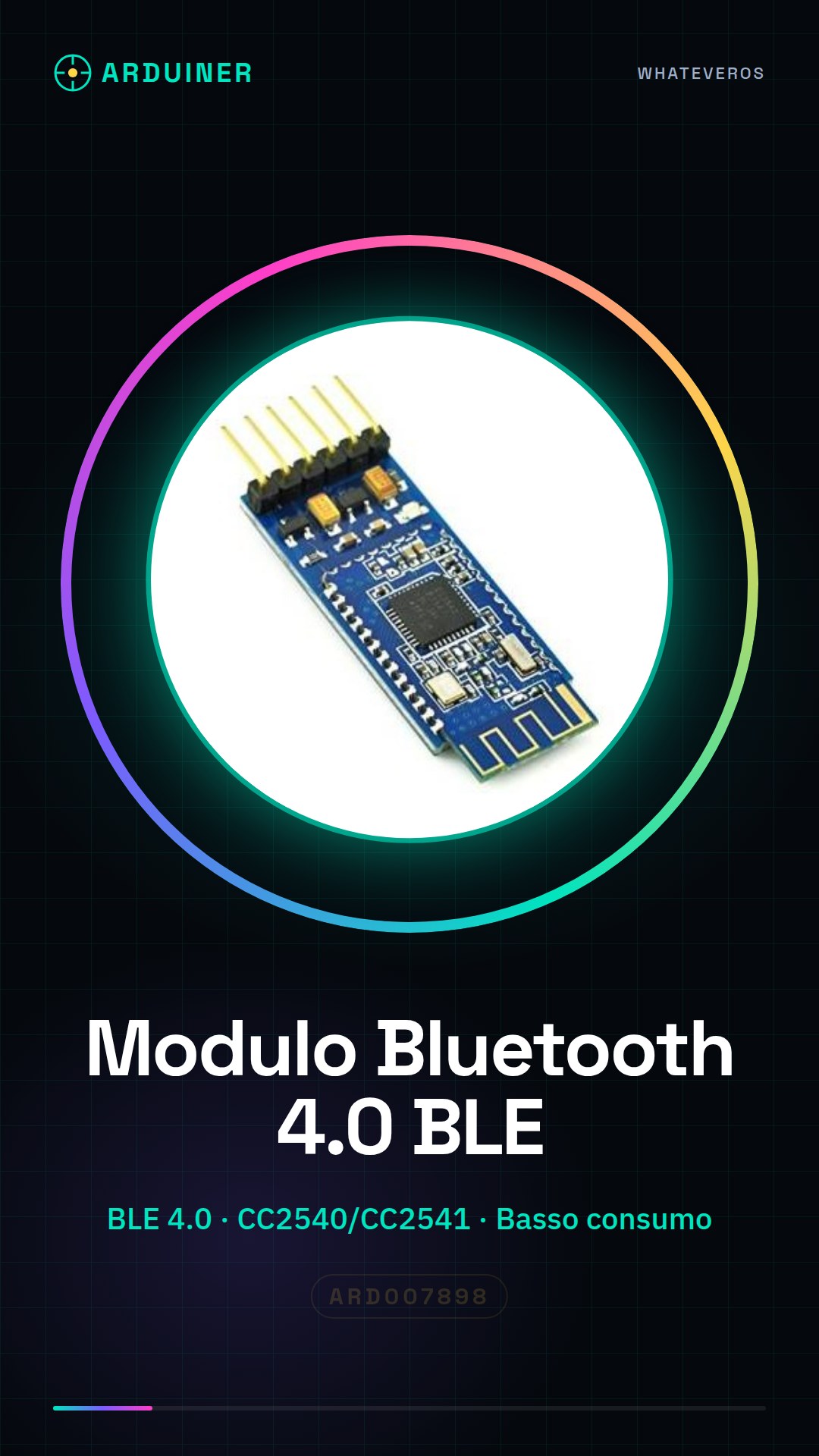
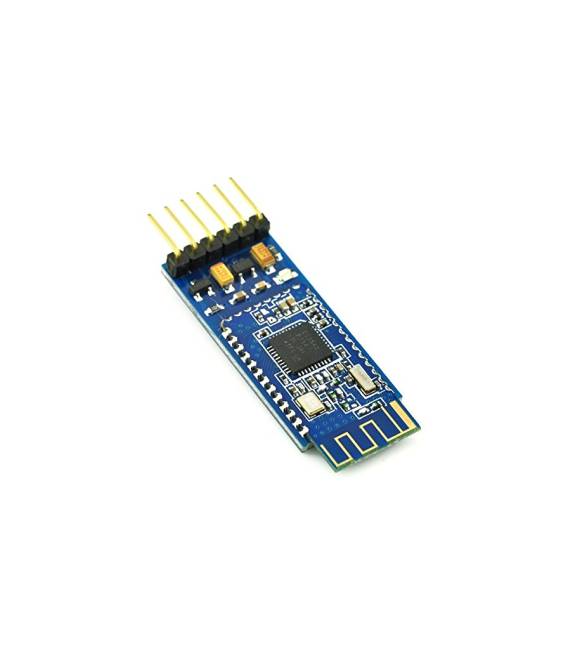
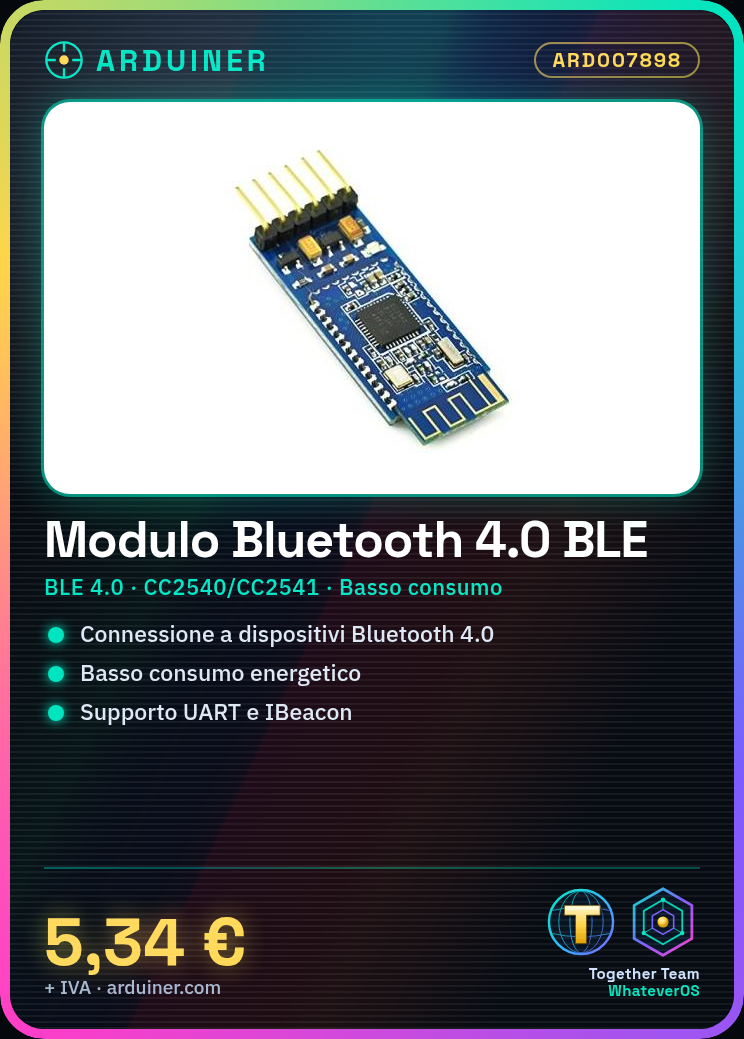
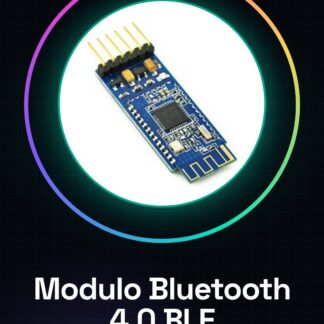
Bluetooth 4.0 BLE module based on the CC2540/CC2541 chip, designed for low power consumption. Enables wireless connection to Bluetooth 4.0 compatible devices.
Features
- Bluetooth 4.0 BLE
- CC2540/CC2541 chip
- Low power consumption
- UART support
- iBeacon support
What it is for
This Bluetooth module is ideal for Arduino projects requiring wireless connectivity and low power consumption. It can be used to create remote control devices, wireless sensors, and IoT applications. Example use: connect a relay to an Arduino and control the light via the Bluetooth module.
Tutorial: How to use the Bluetooth 4.0 BLE Module CC2540 CC2541
This Bluetooth 4.0 BLE module is ideal for projects requiring wireless connectivity and low power consumption. Useful for beginner and intermediate makers.
What you need
- Arduino IDE
- Arduino UNO or compatible
- USB cable
- 10kΩ resistor
Steps
- 1. Install Arduino IDE.
- 2. Connect the Bluetooth module to the Arduino UNO via the specified pins.
- 3. Add the BluetoothSerial library.
- 4. Write the code to initialize the module.
- 5. Configure the module settings (name, password).
- 6. Start sending data via Bluetooth.
- 7. Test the connection with a smartphone.
- 8. (Optional) Configure the module as an IBeacon.
Example code
```
#include <BluetoothSerial.h>

BluetoothSerial BT;

void setup() {
  BT.begin(115200);
  Serial.begin(115200);
}

void loop() {
  if (BT.available()) {
    Serial.write(BT.read());
  }
}```
Mini project
Create a simple remote control device for a light. Connect a relay to the Arduino and control the light via the Bluetooth module.
Common mistakes
- Do not connect the module to VCC without a resistor.
- Check the datasheet for power supply specifications.
- Set the module name and password correctly.
- Verify the pinout compatibility with your Arduino.
Recommended accessories
- Relay
- LED Light
- 5V power supply cable
- Bluetooth antenna
Frequently asked questions
How to set the module name?
Configure it in the Arduino code using `BT.setDeviceName(“Name”)`.
What are the power supply specifications?
Check the datasheet. Generally requires 3.0V – 3.6V.
Can it work with an Arduino Nano?
Yes, but check the compatible pinout.
How can I test the connection?
Use a smartphone with a Bluetooth app to connect and send messages.

Reviews
There are no reviews yet.