 EN
 IT Italiano
 ES Español
 FR Français
 DE Deutsch
Description
What it is
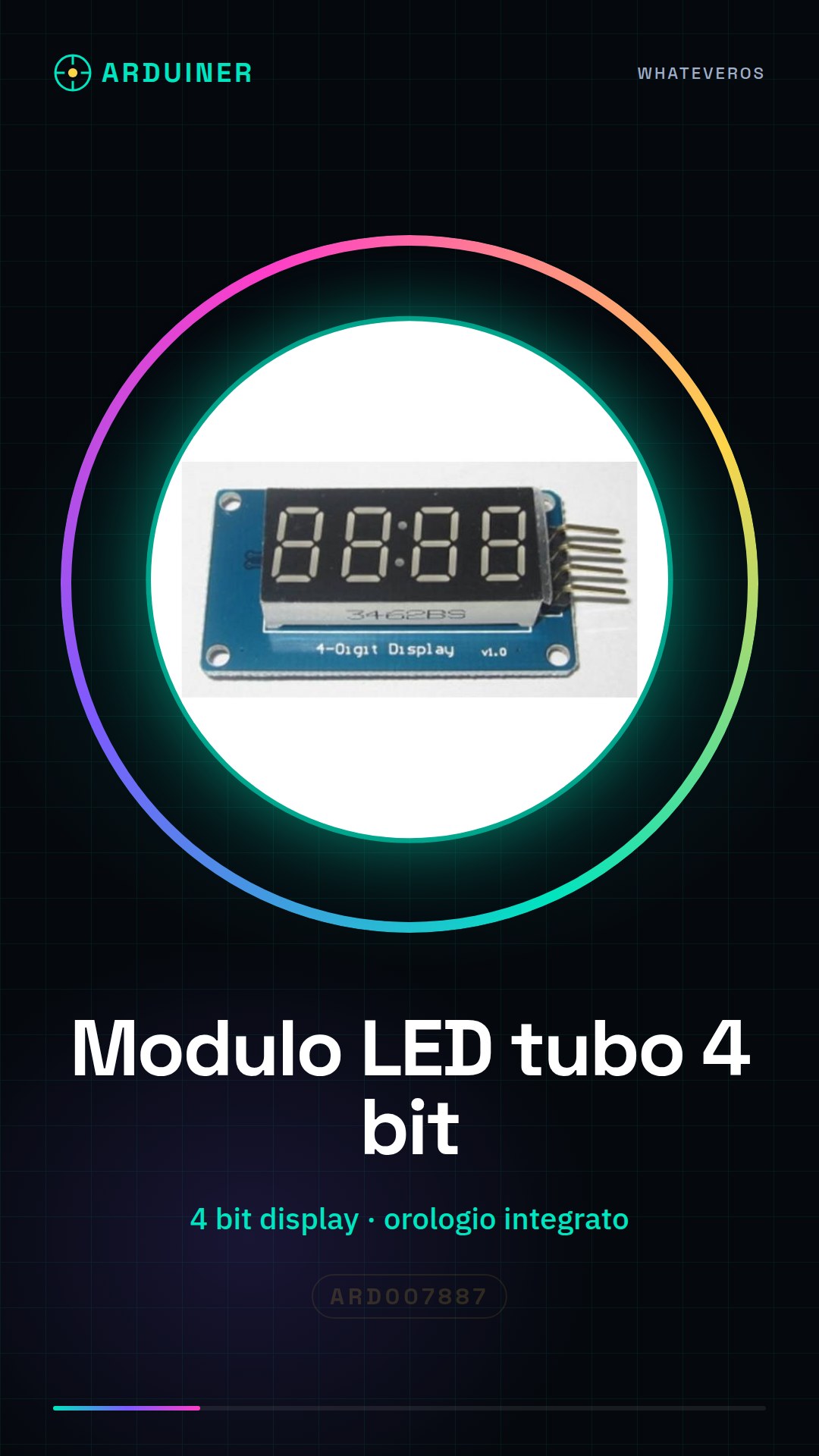
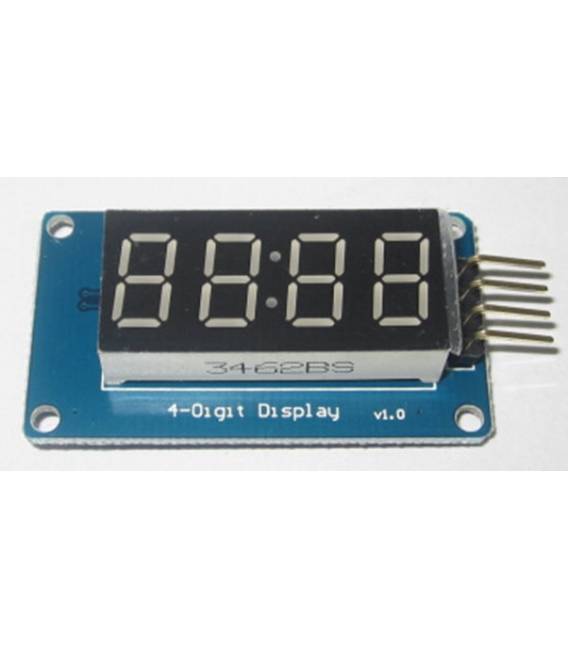
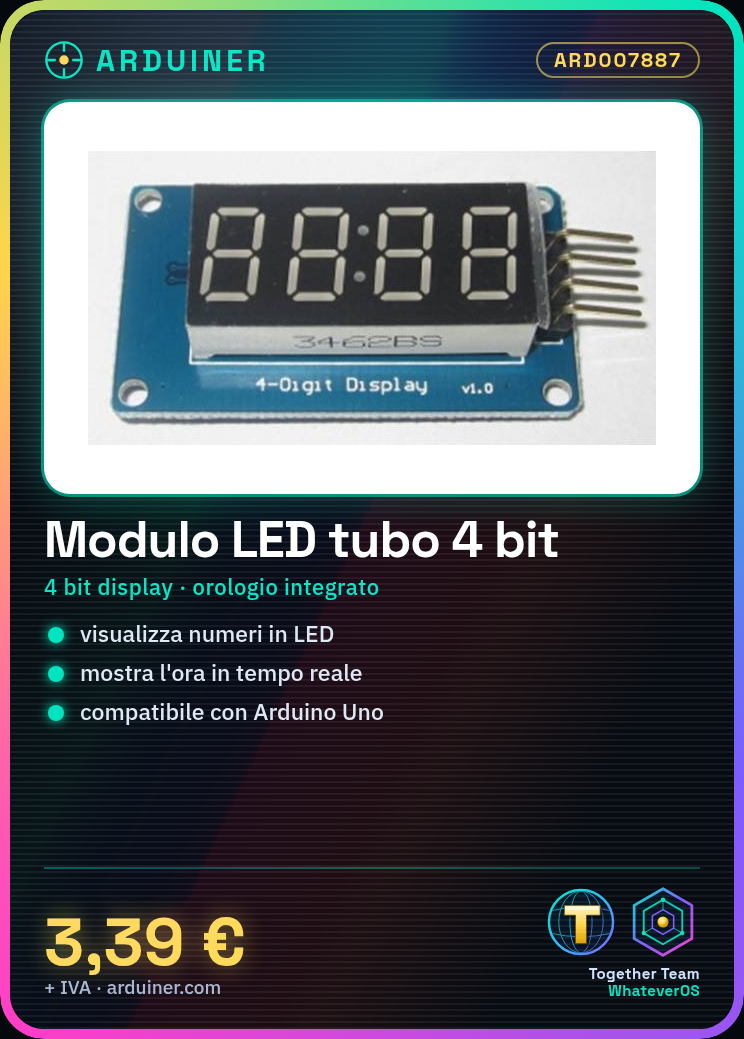
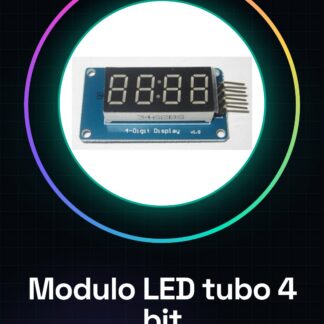
4-bit digital tube LED module with integrated clock display for Arduino. Allows displaying numbers and time on an LED display.
Features
- Compatible with Arduino
- 4 bit
- Integrated clock display
What it is for
Ideal for projects requiring a numeric display with clock functionality. For example, you can create a simple digital clock that displays the current time.
Tutorial: How to use the 4-bit digital tube LED module
This 4-bit digital tube LED module is ideal for projects requiring a numeric display with clock functionality. Perfect for beginners and intermediates in electronics.
What you need
- Arduino
- Power supply cable
- 220 ohm resistor
- Coin holder
Steps
- 1. Mount the module on the coin holder.
- 2. Connect the VCC and GND pins to the Arduino.
- 3. Connect the D4 pin to digital pin 4 of the Arduino.
- 4. Connect the GND pin to the GND pin of the Arduino.
- 5. Connect the resistor to VCC and pin D5 of the module.
- 6. Connect the other end of the resistor to pin GND.
- 7. Load the provided Arduino code.
- 8. Check that the display works correctly.
Example code
```void setup() { pinMode(4, OUTPUT);}void loop() { for (int i = 0; i < 10; i++) { displayNumber(i); delay(1000); }}void displayNumber(int num) { digitalWrite(4, num);}```Mini project
Create a simple digital clock that displays the current time.
Common mistakes
- Connect VCC and GND correctly.
- Make sure the resistor is correct.
- Check that pin D4 is correctly connected to Arduino.
- Check the datasheet if unsure about the pins.
Recommended accessories
- 16×2 LCD Display
- Buttons for interaction
- Protection panel
- 5V power supply cable
Frequently asked questions
How can I customize the display?
Use the `displayNumber()` function with the desired values.
Does the module work with Arduino Uno?
Yes, it works with Arduino Uno.
Which pins of the module to use?
Use pin D4 for control.
Does the module have clock functionality?
Yes, it can display the time.
Reviews
There are no reviews yet.