 EN
 IT Italiano
 ES Español
 FR Français
 DE Deutsch
Description
What it is
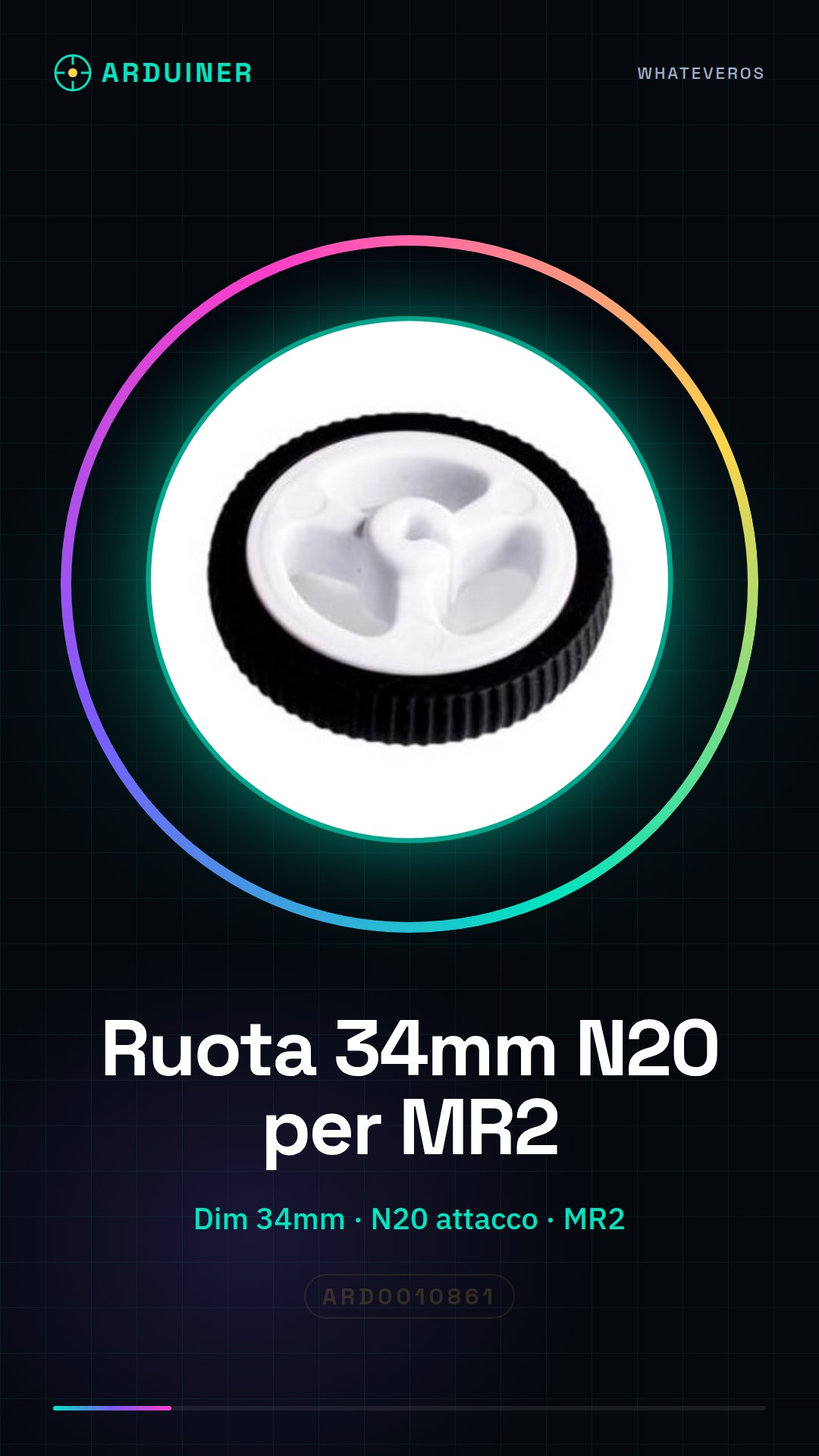
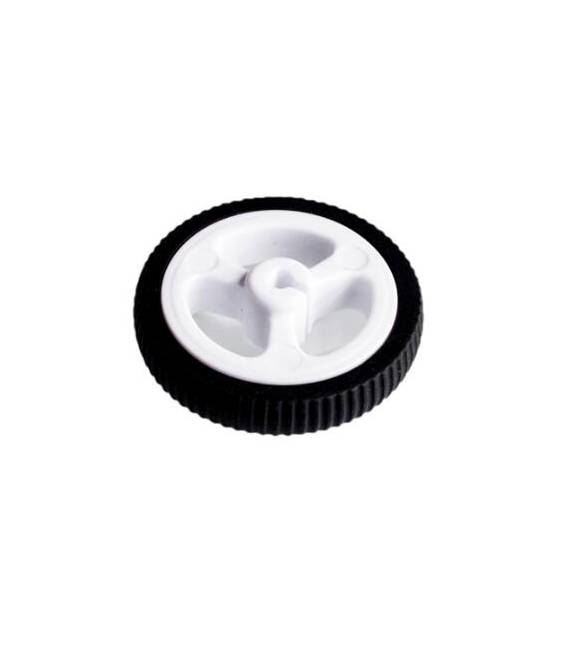
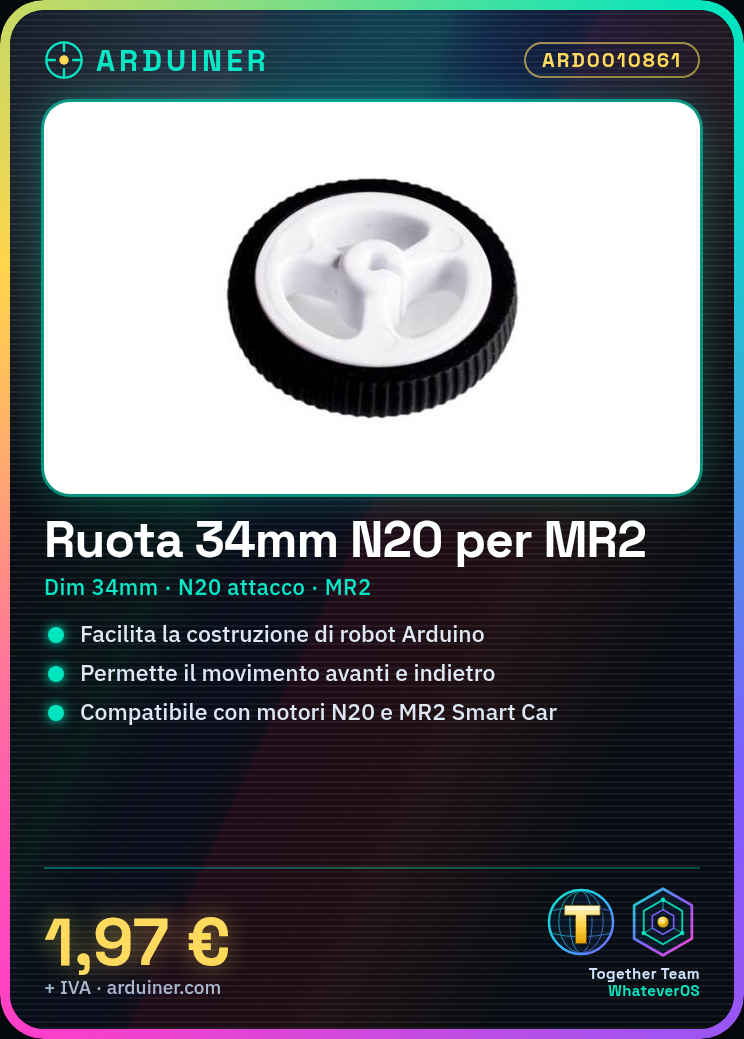
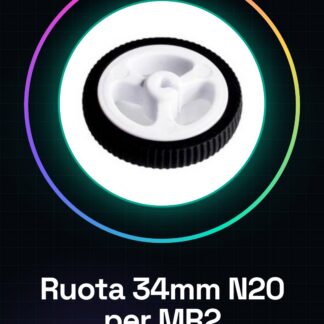
34MM Wheel with N20 Motor Mount, designed for the MR2 Smart Car Robot Arduino.
Features
- Wheel Size: 34mm
- Motors Mount: N20
- Compatible with: MR2 Smart Car
What it is for
Ideal for Arduino-based robotics and automation projects. Can be used to build a simple robot that moves forward and backward.
Tutorial: How to Use 34MM N20 Wheel
This wheel is ideal for Arduino-based robotics and automation projects. Suitable for beginners and intermediates.
What you need
- 34MM N20 Wheel
- N20 Motors
- Arduino
- Electrical Cords
Steps
- Check the datasheet specifications for N20 motors.
- Connect the N20 motors to the 34MM wheel using electrical cords.
- Install a motor driver (L298N or similar) between the motors and the Arduino.
- Connect the motors to the motor driver.
- Connect the motor driver to the Arduino.
- Write a simple Arduino code to control the motors.
- Upload the code to the Arduino.
- Check that the wheel rotates correctly.
Mini project
Build a simple robot that moves forward and backward.
Common mistakes
- Connect the motors directly to the Arduino without a motor driver.
- Use electrical cords of insufficient size.
- Omit uploading the code to the Arduino.
- Do not verify the correct connection before uploading the code.
Recommended accessories
- Motors N20
- Motors driver L298N
- Arduino UNO
- Electrical cords
Frequently asked questions
How can I control the speed of the motors?
Use the analogWrite() function in the Arduino code.
Can I use another type of wheel?
Check compatibility in size and attachment with the N20 motors.
What other components can I add to my robot?
Distance sensor, webcam, or other sensors.
How can I control the motors with a button?
Add a digital pin to the Arduino and use the digitalWrite() function.
Reviews
There are no reviews yet.