 EN
 IT Italiano
 ES Español
 FR Français
 DE Deutsch
Description
What it is
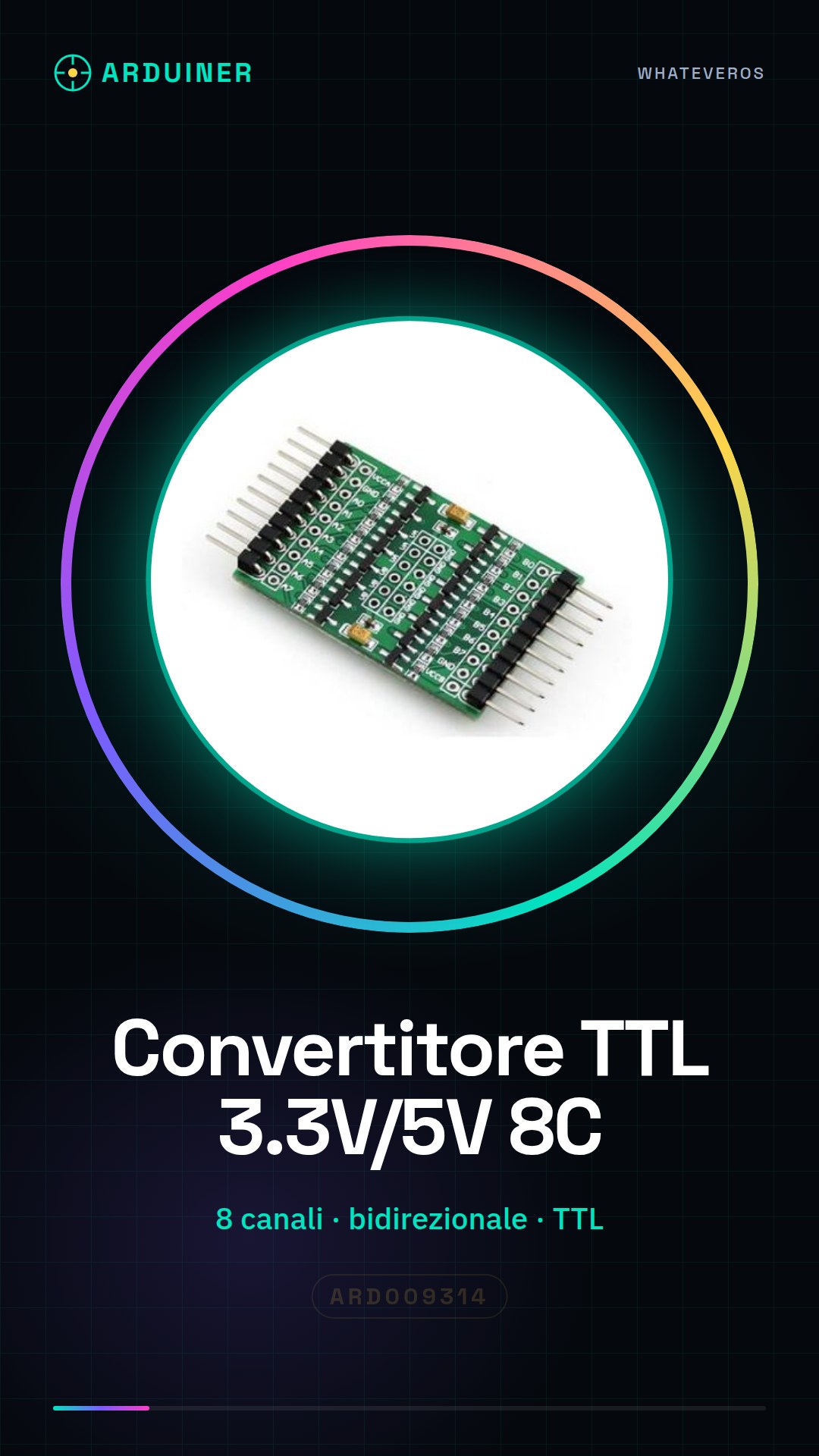
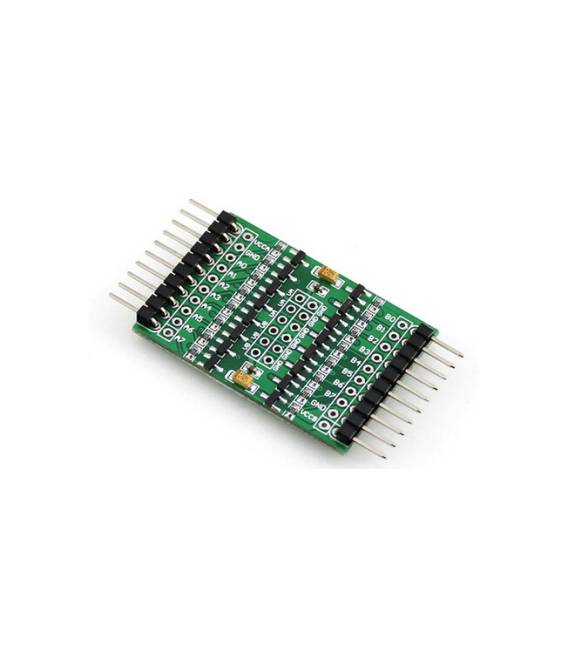
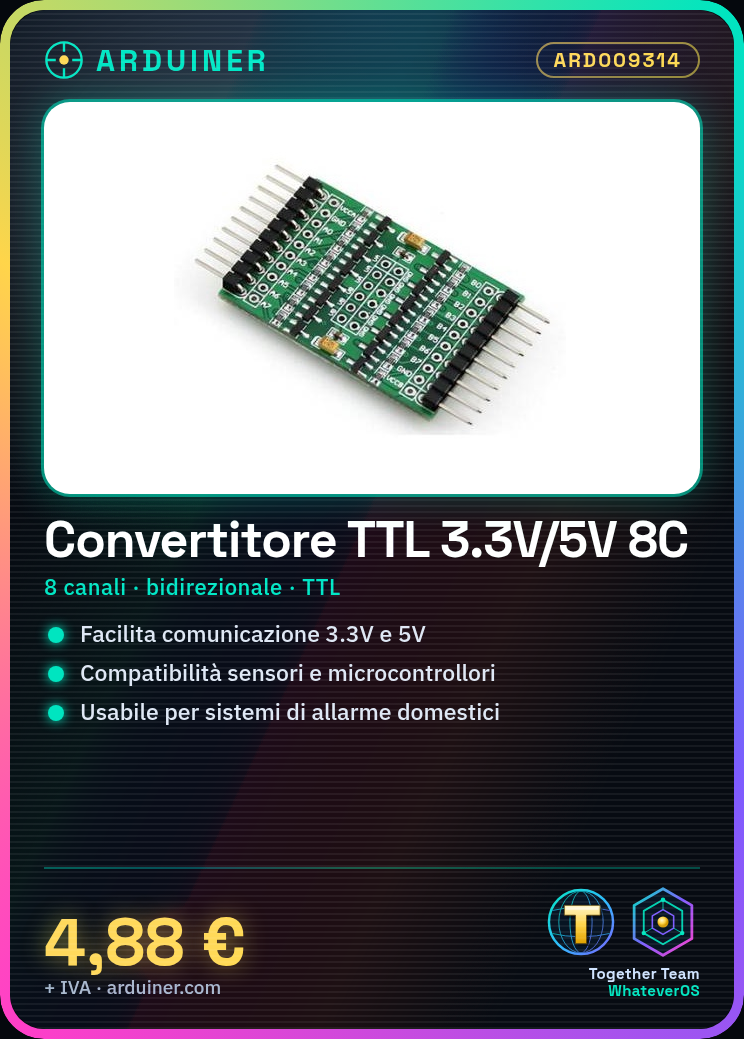
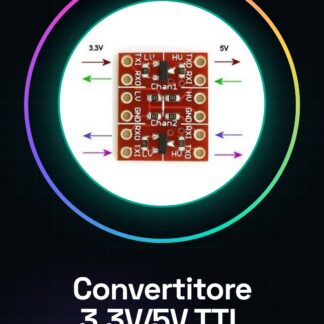
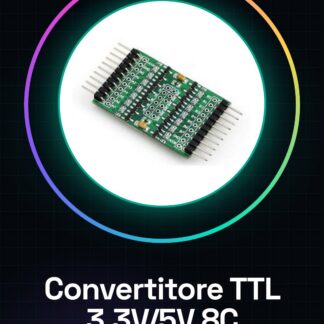
The bidirectional logic level converter for Arduino is a component that facilitates communication between devices with different logic voltages, such as 3.3V and 5V.
Features
- Bidirectional TTL Converter
- 8 channels of conversion
- Compatible with Arduino
What it is for
It ensures electrical compatibility between components such as sensors, microcontrollers, and other modules that operate on different logic voltages. It can be used to create home alarm systems or any other project where it is necessary to connect devices with different logic levels.
Tutorial: How to use Bidirectional TTL Logic Level Converter
The logic level converter is a fundamental component for Arduino projects that require interconnection between devices with different logic voltage levels. It primarily ensures electrical compatibility between components such as sensors, microcontrollers, and other modules.
What you need
- Arduino
- USB cable
- Connections for the circuit
Steps
- Connect the 5V or 3.3V output of the Arduino to the converter based on the project requirements
- Check the datasheet for the correct input and output pins to connect devices with different voltage levels
- Connect the device operating at 3.3V (or vice versa) to the appropriate output of the converter
- Connect the converter power supply to the Arduino VCC bus
- Verify the correct data pin connection between Arduino and the external device
- Upload a test sketch to the Arduino to check the connections
- Monitor the output through Serial Monitor or other debugging tools
- If everything works, proceed with the final project configuration
Example code
void setup() {
  Serial.begin(9600);
}

void loop() {
  Serial.println("Test Logica Convertita");
}
Mini project
Create a home alarm system with low-level logic sensors. Connect the sensors to the converter and the converter to Arduino to send notifications when they are triggered.
Common mistakes
- Connecting the wrong voltage (5V instead of 3.3V)
- Omitting the converter power supply
- Connecting the data pins incorrectly
Recommended accessories
- Low-level logic sensors
- Wireless communication modules
- 5V powered LCD display
Frequently asked questions
Why doesn’t my device work?
Check the voltage and connected pins. Also verify if the converter is correctly powered.
Can it be used for multiple devices?
Yes, but make sure to check the datasheet specifications for each channel.
Reviews
There are no reviews yet.