 EN
 IT Italiano
 ES Español
 FR Français
 DE Deutsch
Description
What it is
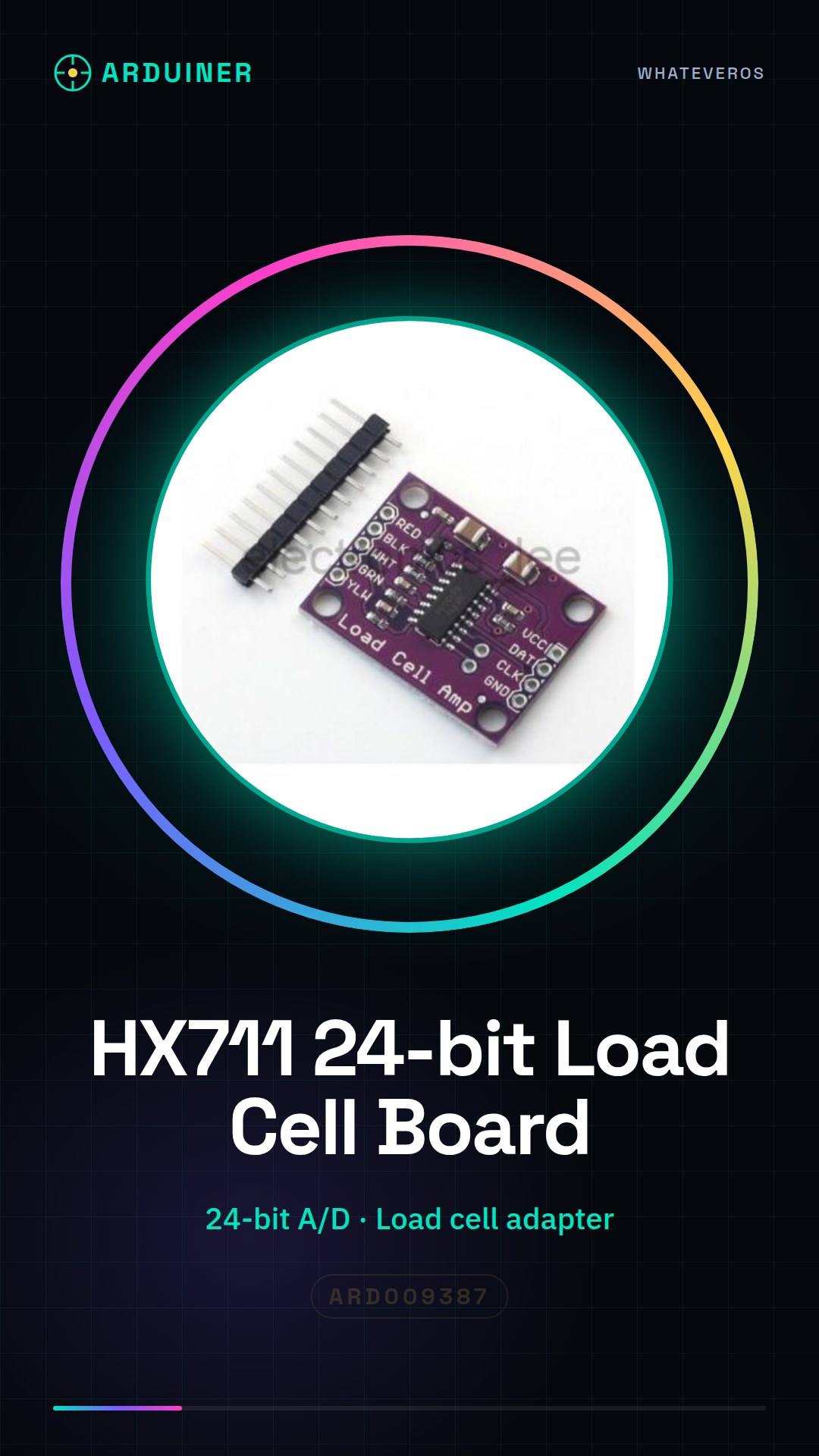
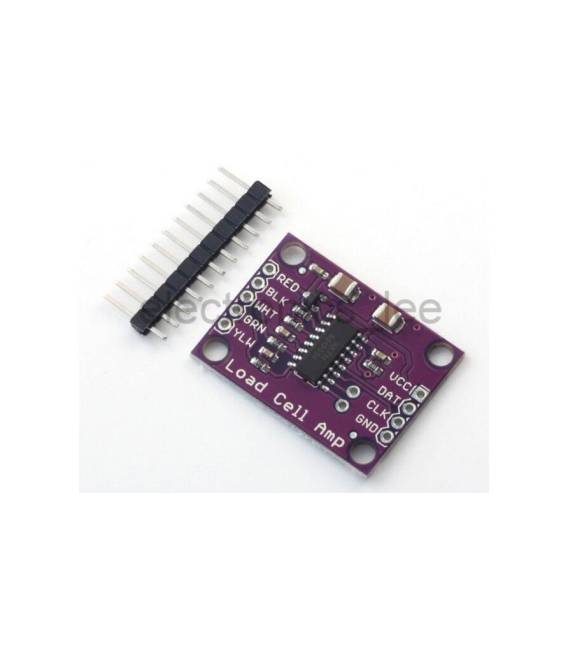
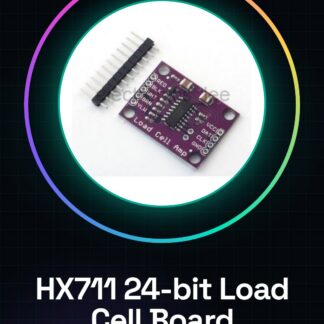
The HX711 is an amplification board for load cells that includes a 24-bit A/D conversion adapter. This weighing sensor allows for precise weight reading in Arduino projects.
Features
- HX711 Sensor with 24-bit A/D Conversion
- Optimized for connection with load cells
- Easy to use in Arduino projects
What it is for
The HX711 is ideal for creating digital scales and other devices that require accurate weight readings. It is compatible with Arduino and suitable for both beginners and intermediate developers.
Tutorial: How to Use HX711 Weighing Sensor
The HX711 sensor is ideal for projects that require precise weight readings. It is perfect for beginners and intermediates due to its ease of use with Arduino.
What you need
- Arduino Uno or compatible
- HX711 Weighing Sensor
- USB cable
- Screen printer
Steps
- Connect the HX711 SCK pin to Arduino pin 7 and DOUT to pin 8.
- Power the sensor through VCC (3.3V-5V) and GND with Arduino.
- Install the Adafruit_HX711 library in Arduino IDE: visit https://github.com/adafruit/Adafruit_HX711
- Upload the example sketch provided by the library to your Arduino.
- Open Serial Monitor and verify the weight data received.
- Check the datasheet for the measurement range of the sensor to calibrate it correctly.
- Modify the sketch with your specific configuration (e.g., offset, gain).
- Test additional functions such as continuous reading or data conversion to kg.
Example code
// Includi la libreria
#include <Adafruit_HX711.h>
// Definisci i pin di Arduino
#define HX711_DOUT 8
#define HX711_SCK 7
// Crea un oggetto HX711
Adafruit_HX711 scale = Adafruit_HX711(HX711_DOUT, HX711_SCK);
void setup() {
scale.begin();
scale.set_scale(1L); // Verifica sul datasheet per impostare il valore corretto
scale.tare();}
void loop() {
Serial.print(scale.get_units()); Serial.println("g"); delay(500);}
Mini project
Build a digital scale in 30 minutes with Arduino and HX711. Connect the sensor, upload the example sketch, calibrate the device, and display the data on the serial monitor.
Common mistakes
- Do not verify the correct power supply of the sensor.
- Set an incorrect value for the offset or gain during calibration.
- Use an outdated library.
- Do not install the necessary libraries in the Arduino IDE.
Recommended accessories
- Arduino Uno
- USB A-MicroB cable
- Screen printer
- Electronic prototyping kit
Frequently asked questions
Does this library work with other HX711 sensor?
Yes, the library is compatible with all HX711 models.
How can I calibrate the sensor?
Use scale.set_scale(value) and refer to the datasheet to correctly set the offset and gain.
Reviews
There are no reviews yet.