 EN
 IT Italiano
 ES Español
 FR Français
 DE Deutsch
Description
What it is
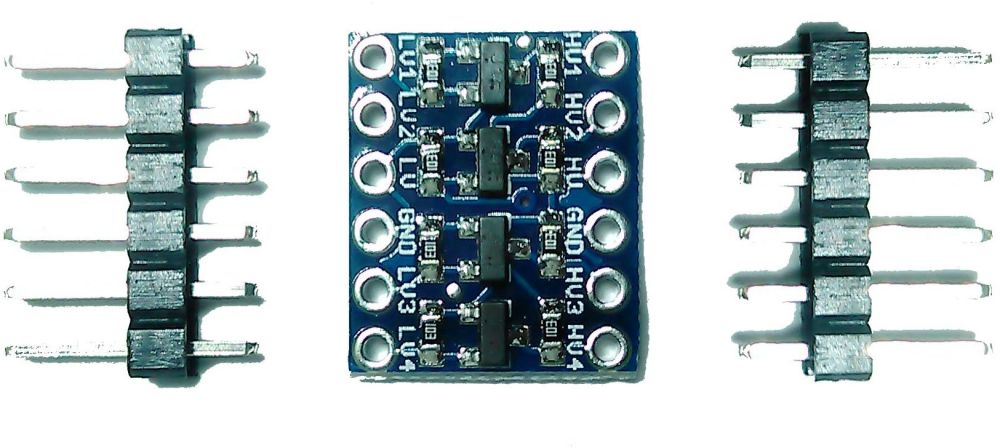
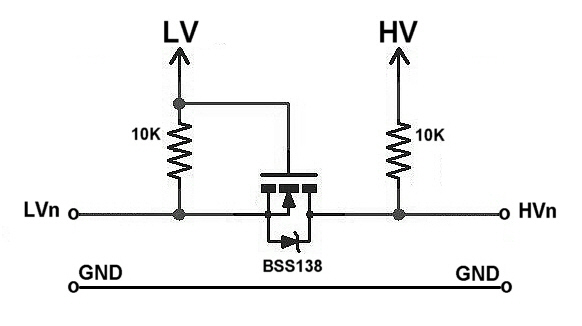
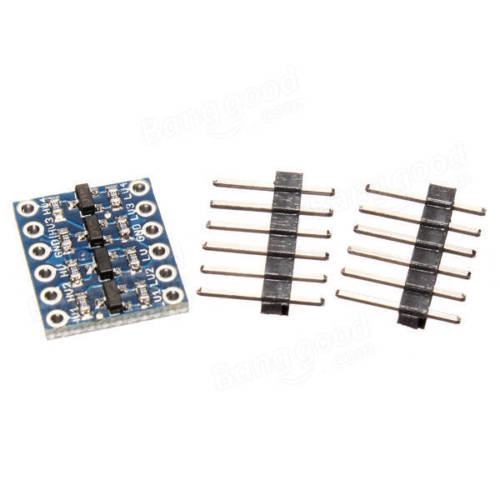
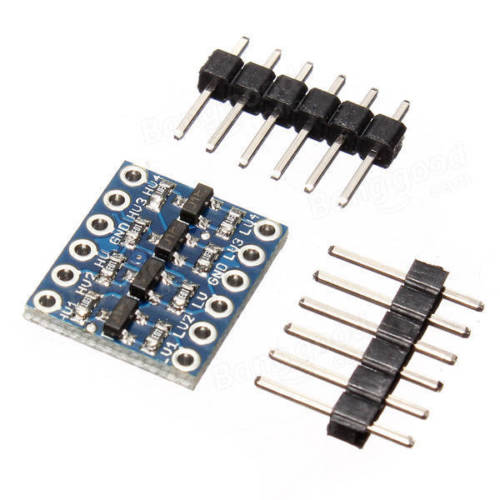
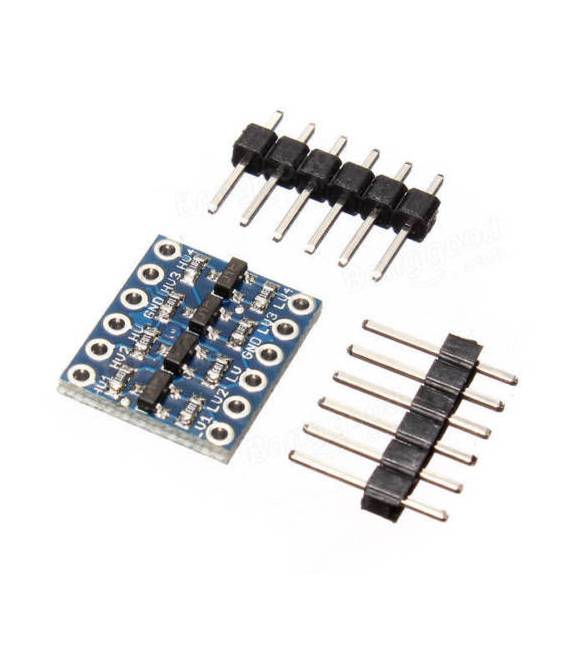
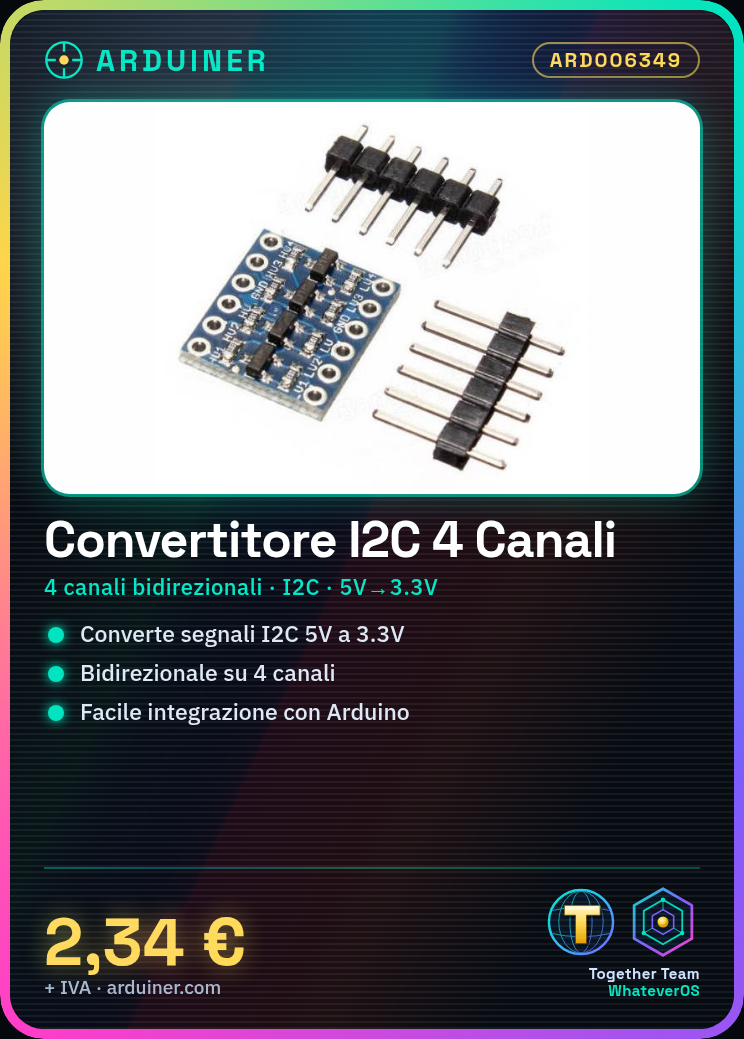
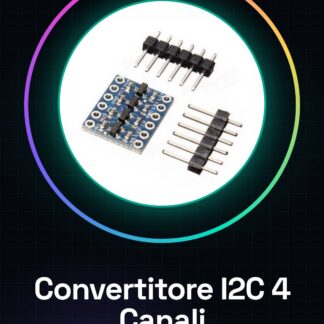
The 4-channel Bidirectional I2C Level Shifter from 5V to 3.3V is a module that allows interfacing between 3.3V electronic devices and 5V platforms, such as Arduino.
Features
- 4 channels of bidirectional I2C conversion
- Conversion from 5V to 3.3V
- Compatible with Arduino
What it is for
This level shifter is ideal for connecting 5V I2C devices to 3.3V ones, ensuring compatibility between different circuits. Useful for Arduino projects and other electronic components. For example, it can be used to control 3.3V relays from a 5V circuit.
Tutorial: How to use the 4-channel Bidirectional I2C Level Shifter from 5V to 3.3V
This level shifter is ideal for connecting 5V I2C devices to 3.3V ones, ensuring compatibility between different circuits. Useful for Arduino projects and other electronic components.
What you need
- 1x Bidirectional 4-channel I2C Level Shifter from 5V to 3.3V
- Arduino or compatible
- 5V and 3.3V I2C devices
- Electrical wires
Steps
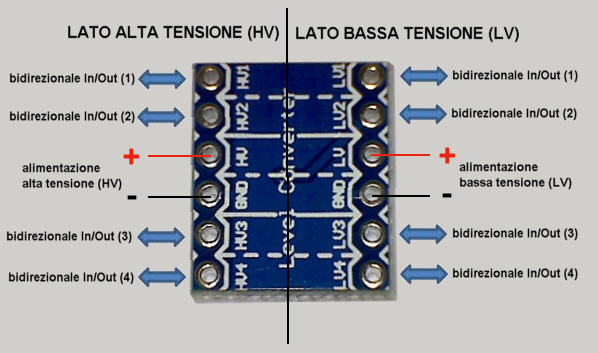
- 1. Assemble the level shifter on your circuit, making sure the pins match.
- 2. Connect the SDA and SCL pins of the level shifter to the respective I2C pins of the Arduino.
- 3. Connect the VCC of the level shifter to the 5V of the Arduino and GND to GND.
- 4. Connect the 5V I2C devices to the level shifter.
- 5. Connect the 3.3V I2C devices to the level shifter.
- 6. Load the provided Arduino code.
- 7. Verify communication between devices.
- 8. Test the bidirectional functionality of the level shifter.
- 9. Check the datasheet for further details.
Example code
```cpp
#include <Wire.h>

void setup() {
  Wire.begin();
}

void loop() {
  Wire.beginTransmission(0x3C);
  Wire.write(0x00);
  Wire.endTransmission();
  delay(1000);
}
```
Mini project
Create a simple remote light control system using a button and a level shifter. Connect a button to 5V to the level shifter and a relay to 3.3V. Program the Arduino to control the relay.
Common mistakes
- Connect a 5V I2C device directly to a 3.3V device without a level shifter.
- Skip pin verification before assembly.
- Do not use the provided code as an example script.
- Ignore the datasheet verification.
Recommended accessories
- 3.3V relay
- 5V button
- I2C display
- Arduino Nano
Frequently asked questions
How can I verify communication between devices?
Use the serial monitor to send and receive data between I2C devices.
Can I use this level shifter with non-I2C devices?
No, make sure the devices are I2C compatible.
Which pins to use for VCC and GND?
Connect VCC to 5V and GND to GND of the Arduino.
Can I use this level shifter with Arduino Uno?
Yes, the level shifter is compatible with Arduino Uno.
Reviews
There are no reviews yet.