 EN
 IT Italiano
 ES Español
 FR Français
 DE Deutsch
Description
What it is
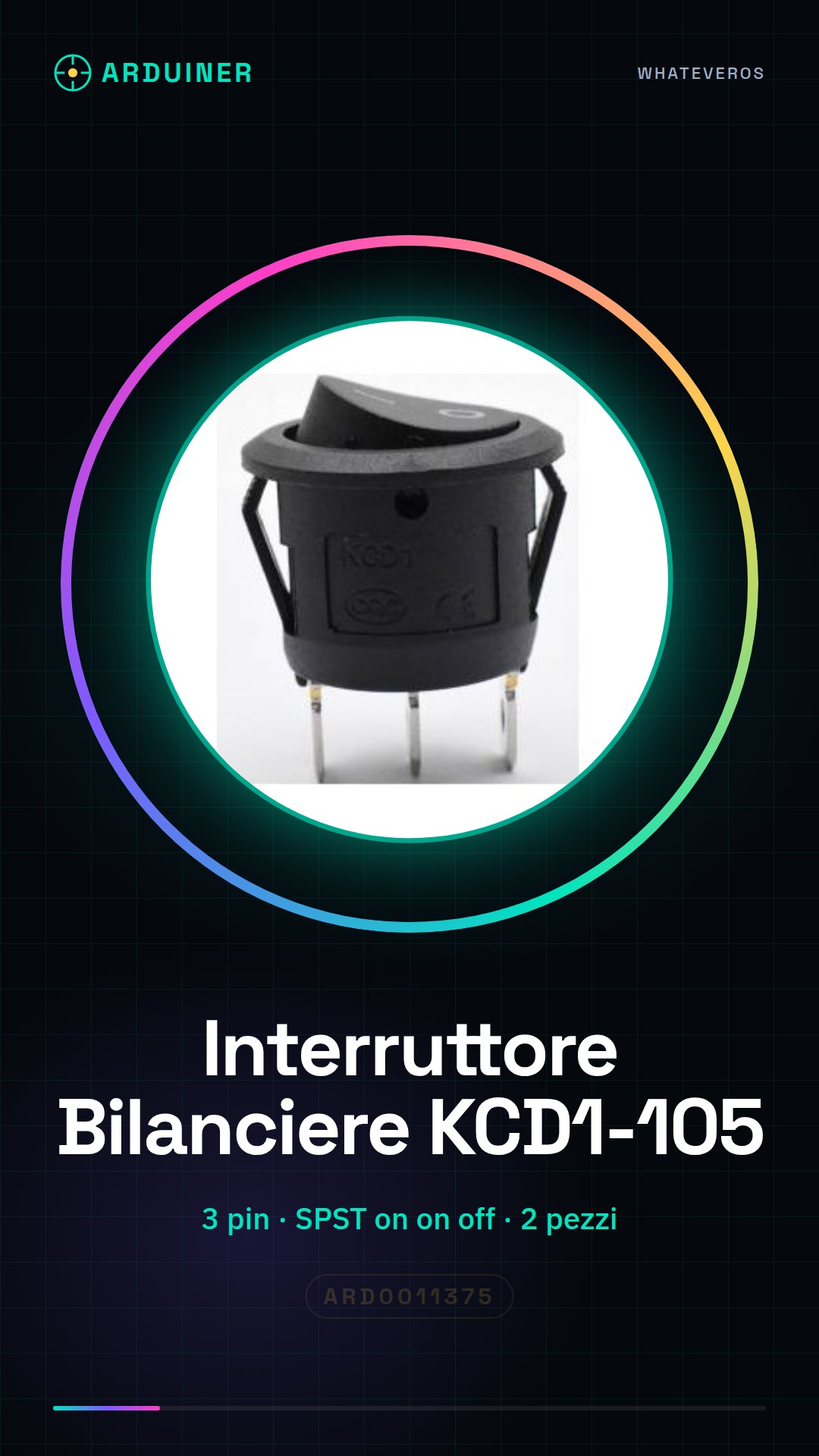
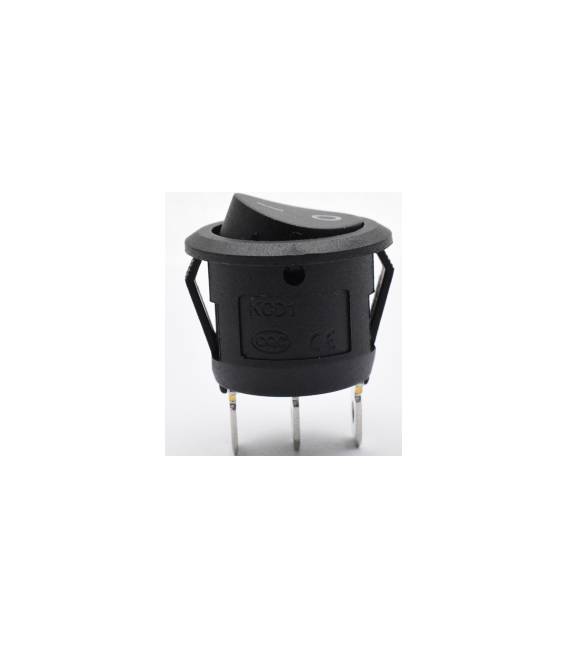
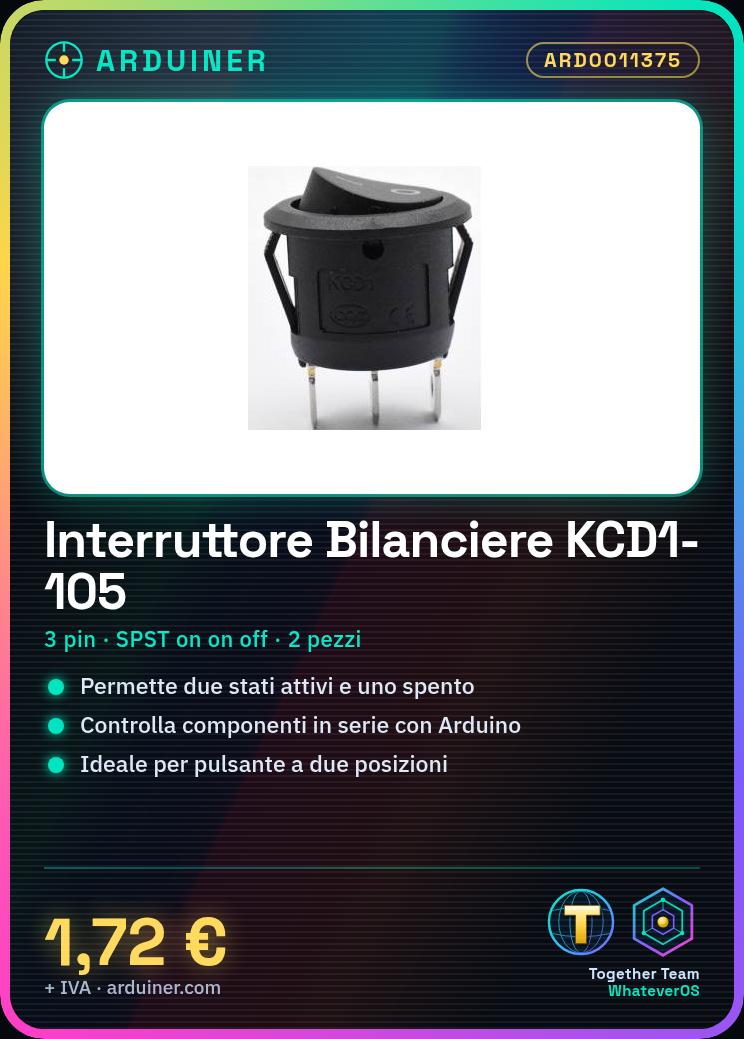
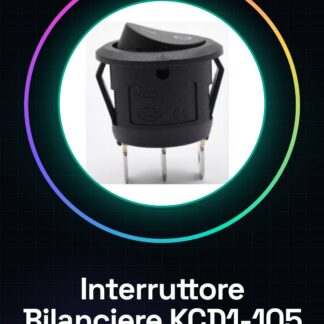
This product includes 2 KCD1-105 3-pin SPST on on off toggle switches. These switches allow selection between two active states and one off state.
Features
- 2 pieces
- Type: toggle switch
- Pins: 3
- Switch type: SPST on on off
- Model: KCD1-105
What it is for
These switches are ideal for Arduino and electronic projects, allowing control of series components. They are perfect for projects requiring a button with two active positions. Examples of use: create a simple light timer using the switch as a button to turn an LED on and off.
Tutorial: How to use the KCD1-105 Toggle Switch
This toggle switch is ideal for projects requiring a button with two active positions. Perfect for beginners and intermediate makers.
What you need
- 2 pieces of KCD1-105 toggle switch
- Arduino
- Connection cable
- Resistor
Steps
- 1. Remove the switch from the packaging.
- 2. Identify the pins: GND, VCC and SW.
- 3. Connect the GND pin to the GND pin of the Arduino.
- 4. Connect the VCC pin to the 5V pin of the Arduino.
- 5. Connect the SW pin to an available digital pin of the Arduino.
- 6. Add a 10kΩ resistor between the SW pin and VCC for protection.
- 7. Load the example Sketch code.
- 8. Test the switch.
Example code
int buttonPin = 2; int buttonState; void setup() { pinMode(buttonPin, INPUT); } void loop() { buttonState = digitalRead(buttonPin); if (buttonState == HIGH) { Serial.println("Pulsante premuto"); } }Mini project
Create a simple light timer using the switch as a button to turn an LED on and off.
Common mistakes
- Connect GND to VCC
- Omit the protection with the resistor
- Do not use a specific Arduino library
- Do not verify the correct functioning of the switch
Recommended accessories
- LED
- Resistor for LED
- Power supply battery
- USB cable
Frequently asked questions
How can I verify if the switch works?
Connect the SW pin to a digital pin and verify that the value changes when you press the button.
Which Arduino pins can I use?
Any digital pin.
Can I use a different switch?
Yes, but check pin compatibility.



Reviews
There are no reviews yet.