 EN
 IT Italiano
 ES Español
 FR Français
 DE Deutsch
Description
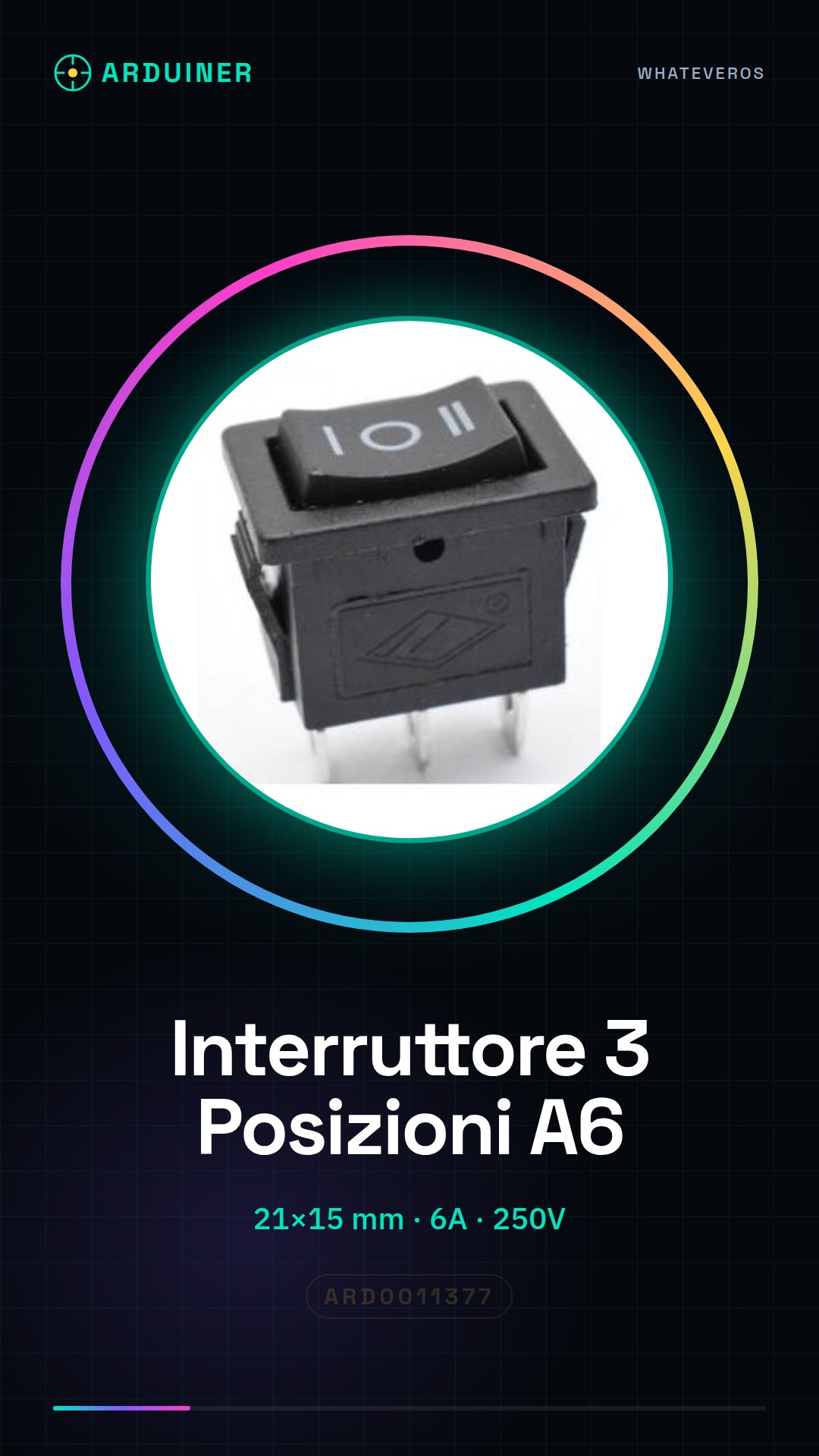
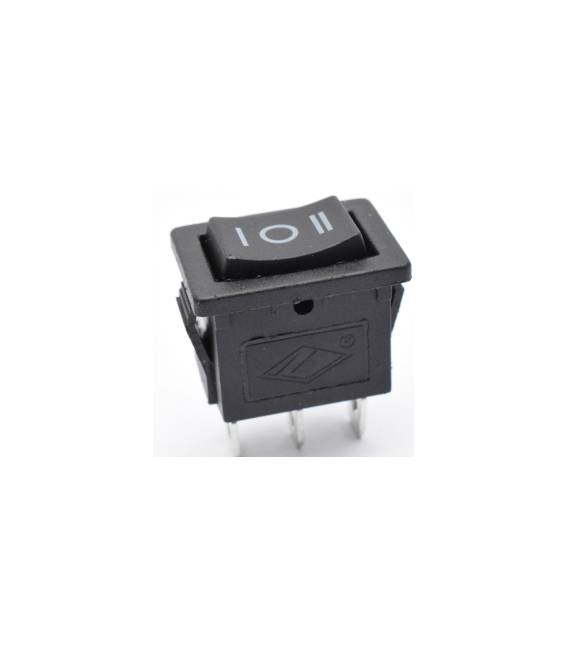
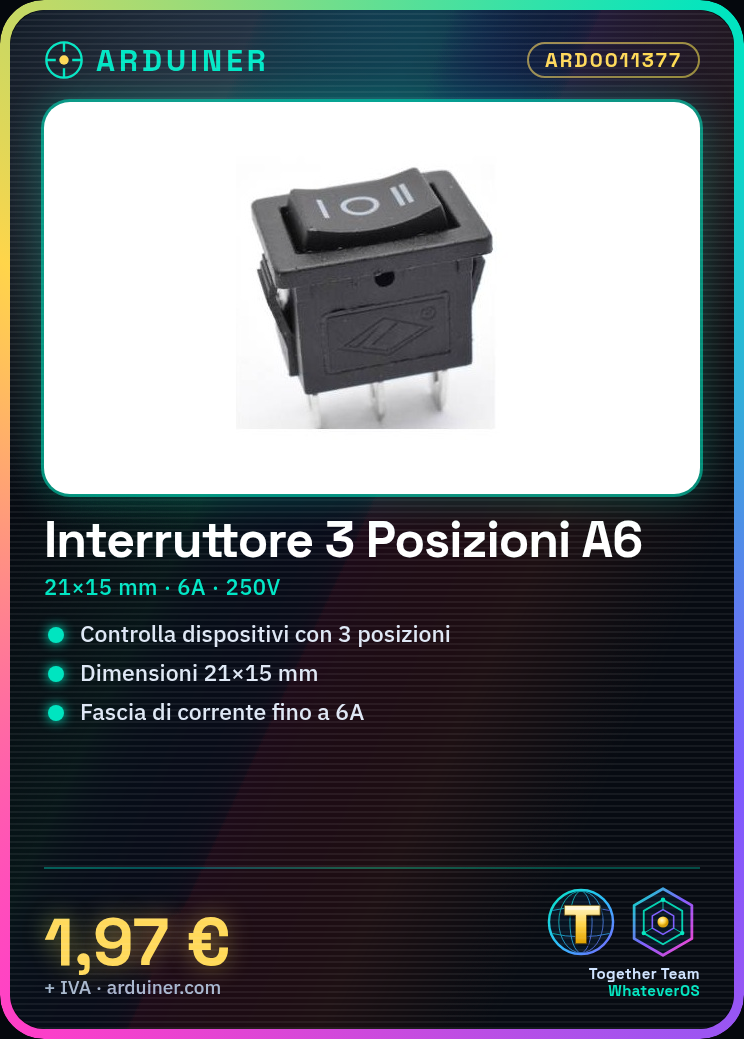
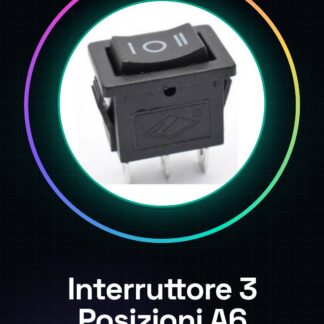
This product includes two 3-position switches of type A6. They are round switches with dimensions of 21x15mm. Features:
– 2 pieces
– Type: 3 Position Switch
– Dimensions: 21 * 15 mm
– Maximum Current: 6A
– Maximum Voltage: 250V
– Number of Pins: 3
What is it for? Three-position switches are useful for controlling devices that require binary or trinary commands. For example, they can be used to turn a light on/off or set different modes of operation for a device. Compatible with Arduino and other microcontrollers.
Tutorial: How to use the A6 3 Position Switch
The A6 3 position switch is ideal for controlling devices that require binary or trinary commands such as lights, motors, or other electronic components. Suitable for beginner and intermediate makers.
What you need:
– A6 3 Position Switch
– Arduino or microcontroller
– Connecting cable
– Resistor (optional)
Steps:
1. Check the specifications on the datasheet.
2. Prepare the microcontroller and connecting cable.
3. Connect the switch to the microcontroller using the correct pins.
4. Verify connector polarity.
5. Set pins as input or output according to function.
6. Write Arduino code to control the state of the switch.
7. Load the code onto the microcontroller.
8. Test different positions of the switch.
Mini-project: Create a light control system using the A6 switch and an Arduino. In 30 minutes, you can set the light status based on the position of the switch.
Common mistakes:
– Connecting the switch to an incorrect pin.
– Omitting polarity verification.
– Not checking specifications on the datasheet.
– Failing to use resistors when necessary.
Recommended accessories:
– Arduino Uno
– LED Lamp
– 220Ω Resistor (if needed)
Frequently Asked Questions:
How can I verify switch polarity? Check the arrows on the switch cable. The arrow points towards the central position.
Can I use this switch with a Raspberry Pi?
Yes, but you may need to use an adapter for pins or an interface circuit.
Which pins should I use for the switch?
Use digital pins, e.g., D2, D3 and D4.
Is a resistor necessary?
Only if directly connecting an electronic device to the microcontroller.



Reviews
There are no reviews yet.