 EN
 IT Italiano
 ES Español
 FR Français
 DE Deutsch
Description
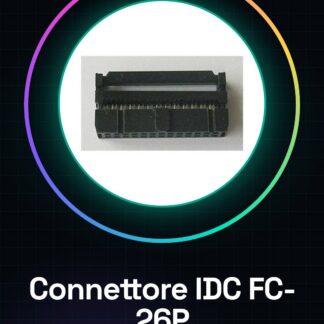
Tutorial: How to Use IDC 26-Pin FC-26P Connector
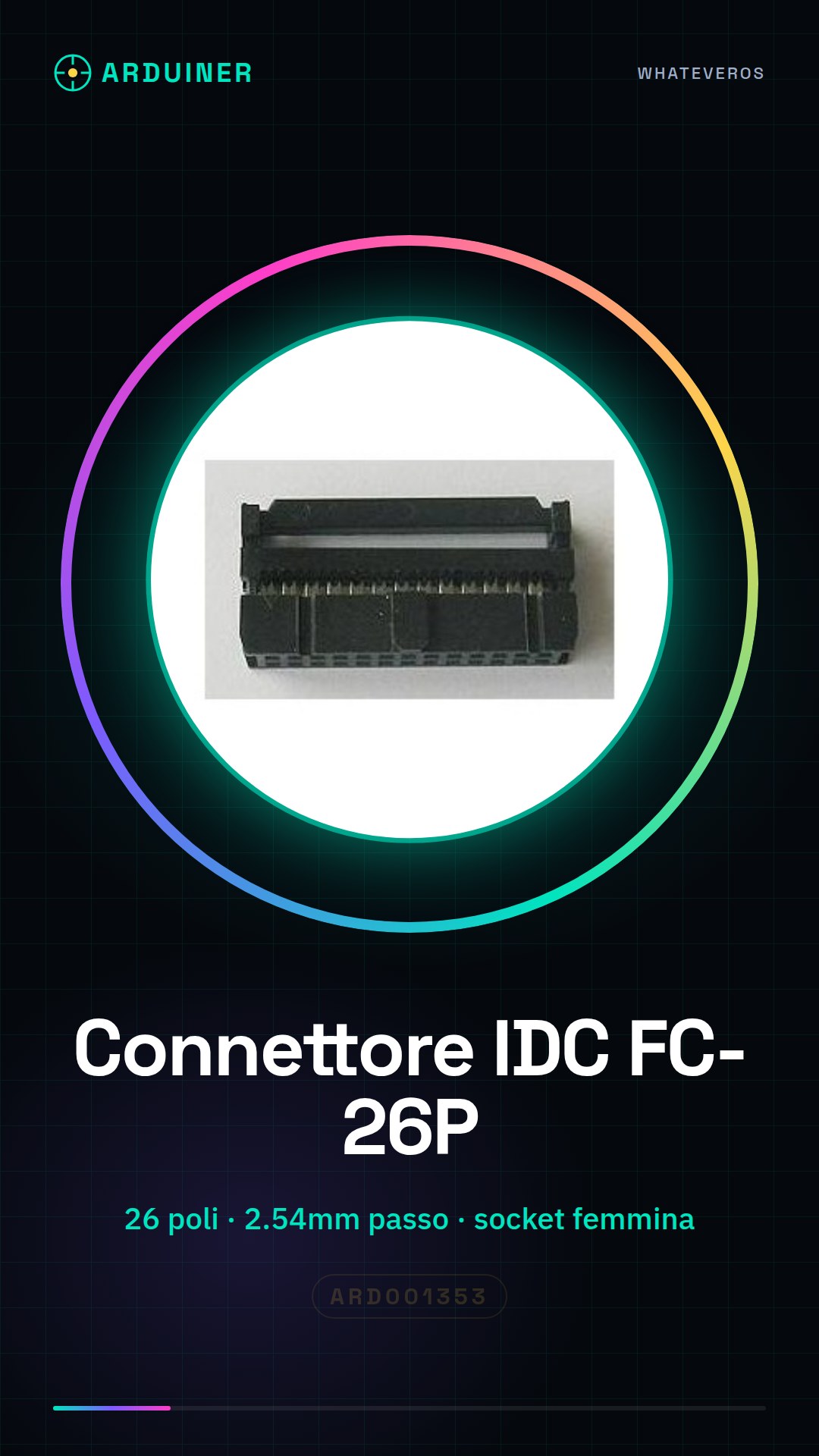
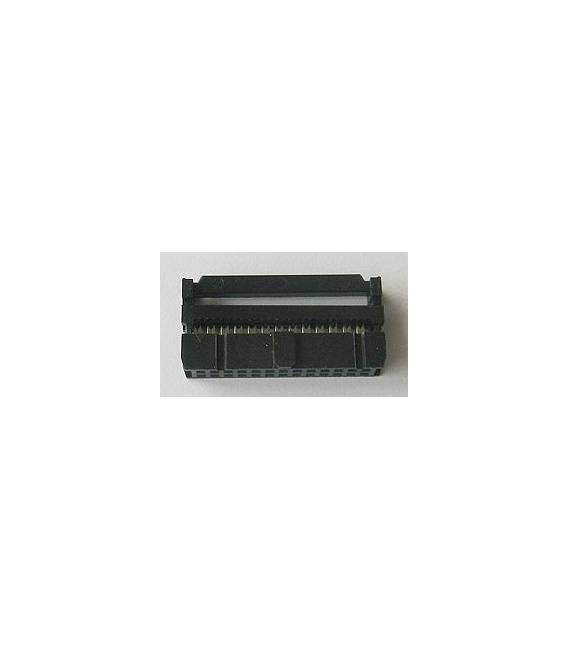
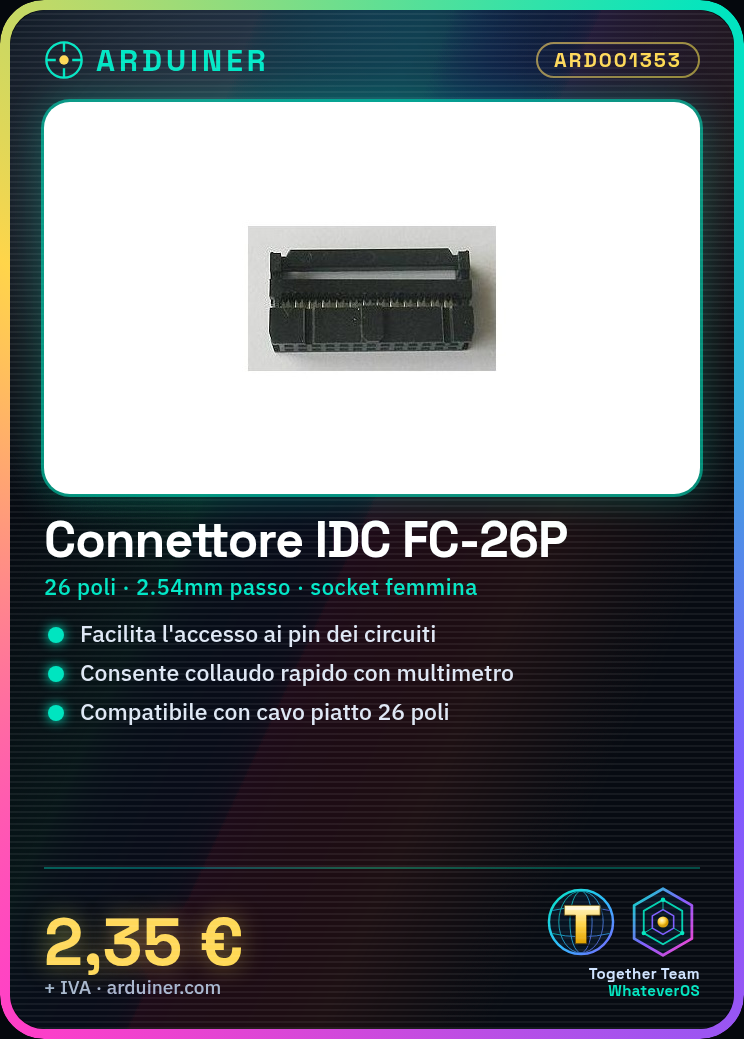
This connector is ideal for connecting flat cables to electronic circuits, facilitating connectivity and access to pins.
What you need
- IDC 26-Pin Connector Parts
- 26-Pin Flat Cable
- Tools for Cutting and Preparing the Cable
- Soldering Iron or Connection Tools
Steps
- 1. Check the connector specifications in the datasheet.
- 2. Cut the 26-Pin flat cable with a clean cut.
- 3. Prepare the cable ends for insertion into the connector.
- 4. Insert the cable into the connector, aligning the pins.
- 5. Close the connector with the internal cable.
- 6. Check the connection, ensure that the pins are properly inserted.
- 7. If necessary, solder the contacts for a more robust connection.
- 8. Test the connection with a multimeter or a simple circuit.
Mini project
Build a simple pin multiplexer for a 16×2 LCD display, using an IDC connector to connect various pins of a microcontroller to different pins of the display.
Common mistakes
- Insert the cable out of alignment.
- Omit checking the specifications on the datasheet.
- Do not solder the contacts, causing unstable connections.
- Do not test the connection before use.
Recommended accessories
- 26-Pin Flat Cable
- Cable Cutter
- Soldering Iron
- Multimeter
Frequently asked questions
How can I prepare the cable before inserting it into the connector?
Cut the 26-Pin cable, align the wires and tie them with an insulated wire before inserting it.
Is it necessary to solder the contacts?
It is not mandatory, but recommended for a more robust and stable connection.
Can I use this connector for cables other than 26-Pin?
No, check the datasheet to ensure the connector is compatible with the number of pins of the cable.
Reviews
There are no reviews yet.