 EN
 IT Italiano
 ES Español
 FR Français
 DE Deutsch
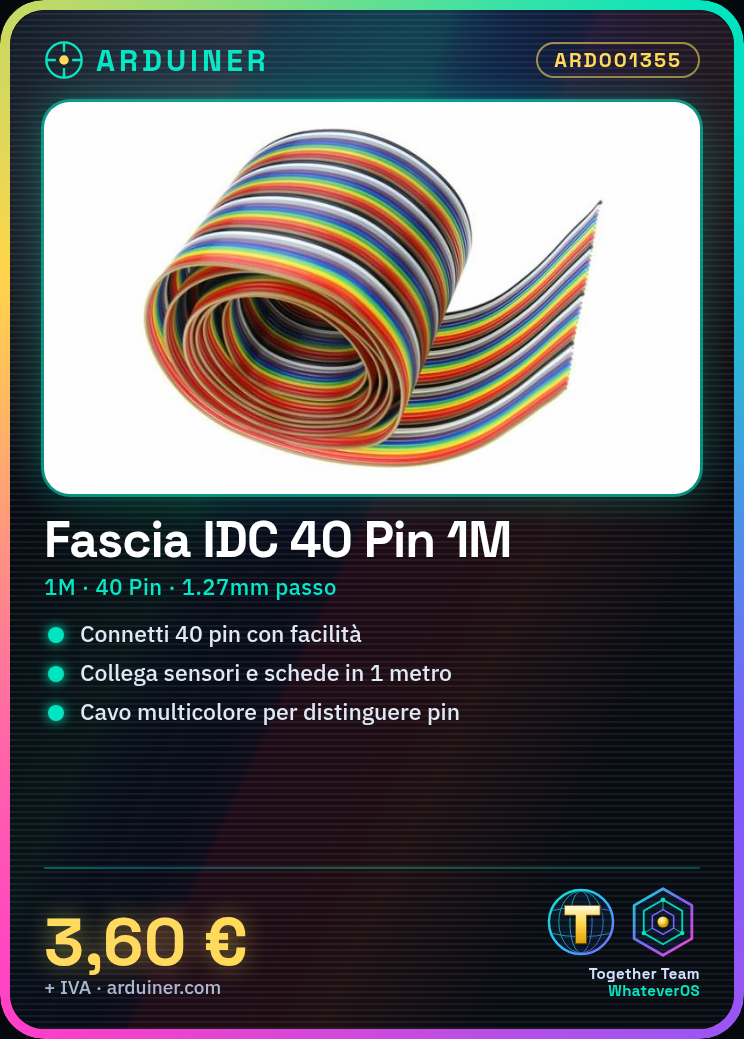
Description
Tutorial: How to Use the Multicolor IDC Ribbon
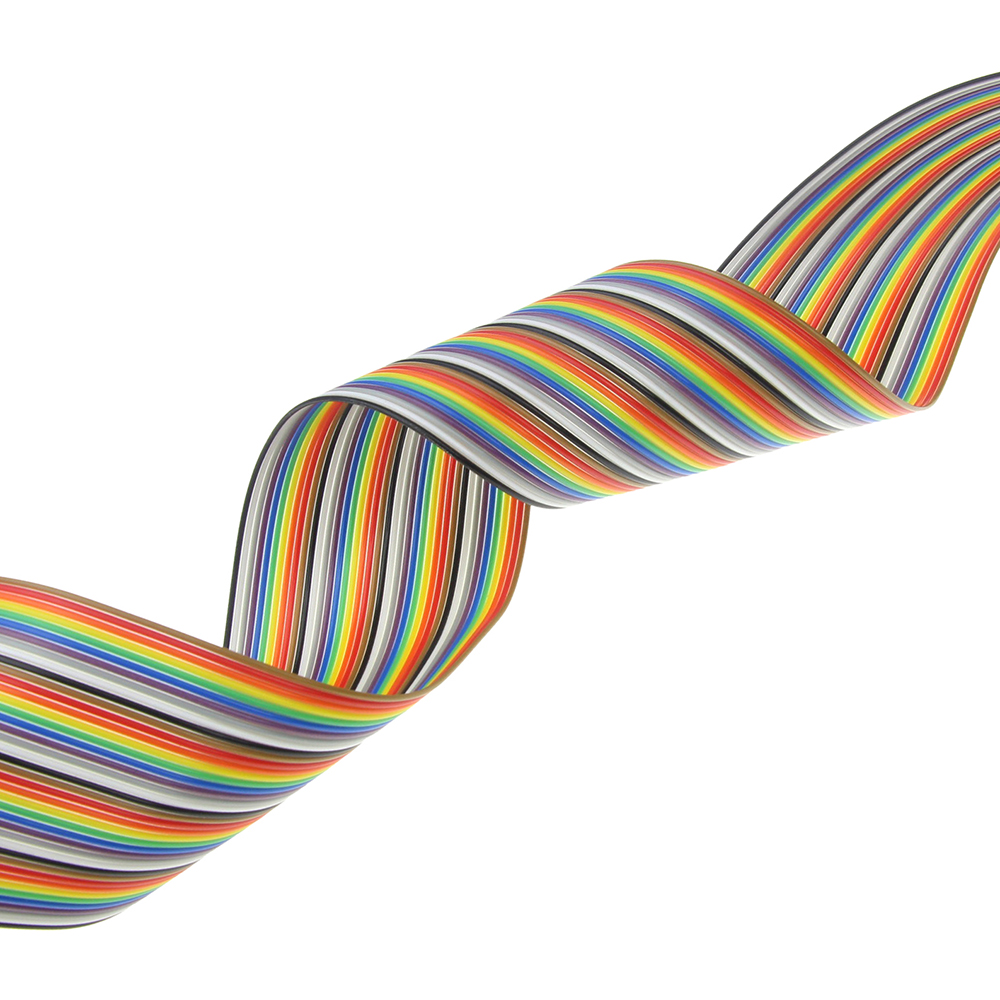
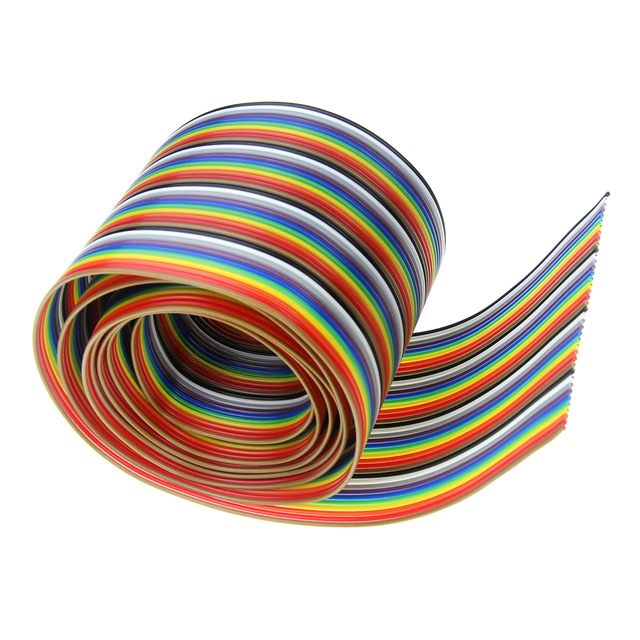
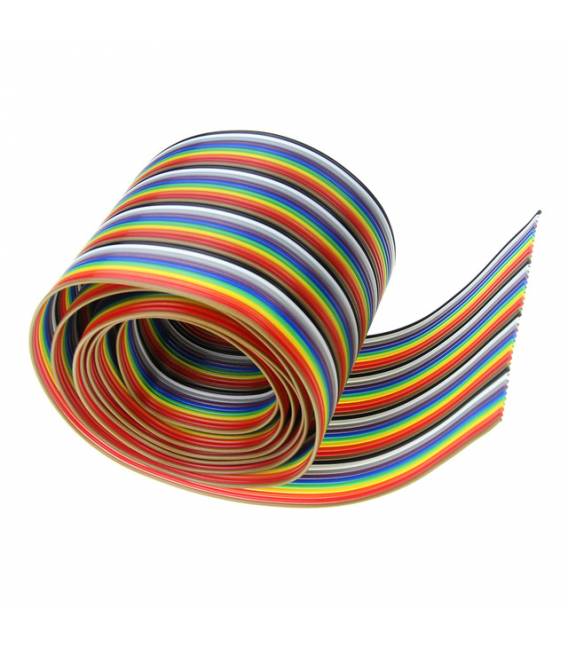
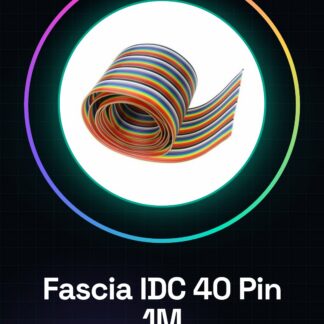
The multicolor IDC ribbon is a useful connector for electronic projects that require easy interconnection between boards. Ideal for both beginners and experts, this cable allows for quick and easy connection of components such as sensors or other boards.
What you need
- Arduino projects
- interface with IDC connectors
- quick and secure connection
Steps
- Check that the IDC ribbon is compatible with your connectors (40 pins, pitch 1.27mm).
- Position the cable on the destination connector.
- Gently press to fully insert the ribbon into the connector.
- Check that all contacts are properly aligned and there is no resistance during insertion.
- If necessary, use an IDC block connector to secure the cable to the project.
Mini project
Create a debug console with multi-color LEDs connected through the IDC ribbon cable. Connect each pin to a different LED and write an Arduino sketch that turns the LEDs on in sequence.
Common mistakes
- Forced insertion of cable into connector
- Partial or misaligned connection
- Use of incompatible connectors
Recommended accessories
- 40-pin IDC connector strip
- Tactile switch buttons
- Multi-color LEDs
Frequently asked questions
What is the length of the ribbon cable?
The length of the ribbon cable is 1 meter.
What is the pitch of this IDC ribbon cable?
The pitch of this ribbon cable is 1.27mm.
Reviews
There are no reviews yet.