 EN
 IT Italiano
 ES Español
 FR Français
 DE Deutsch
Description
What it is
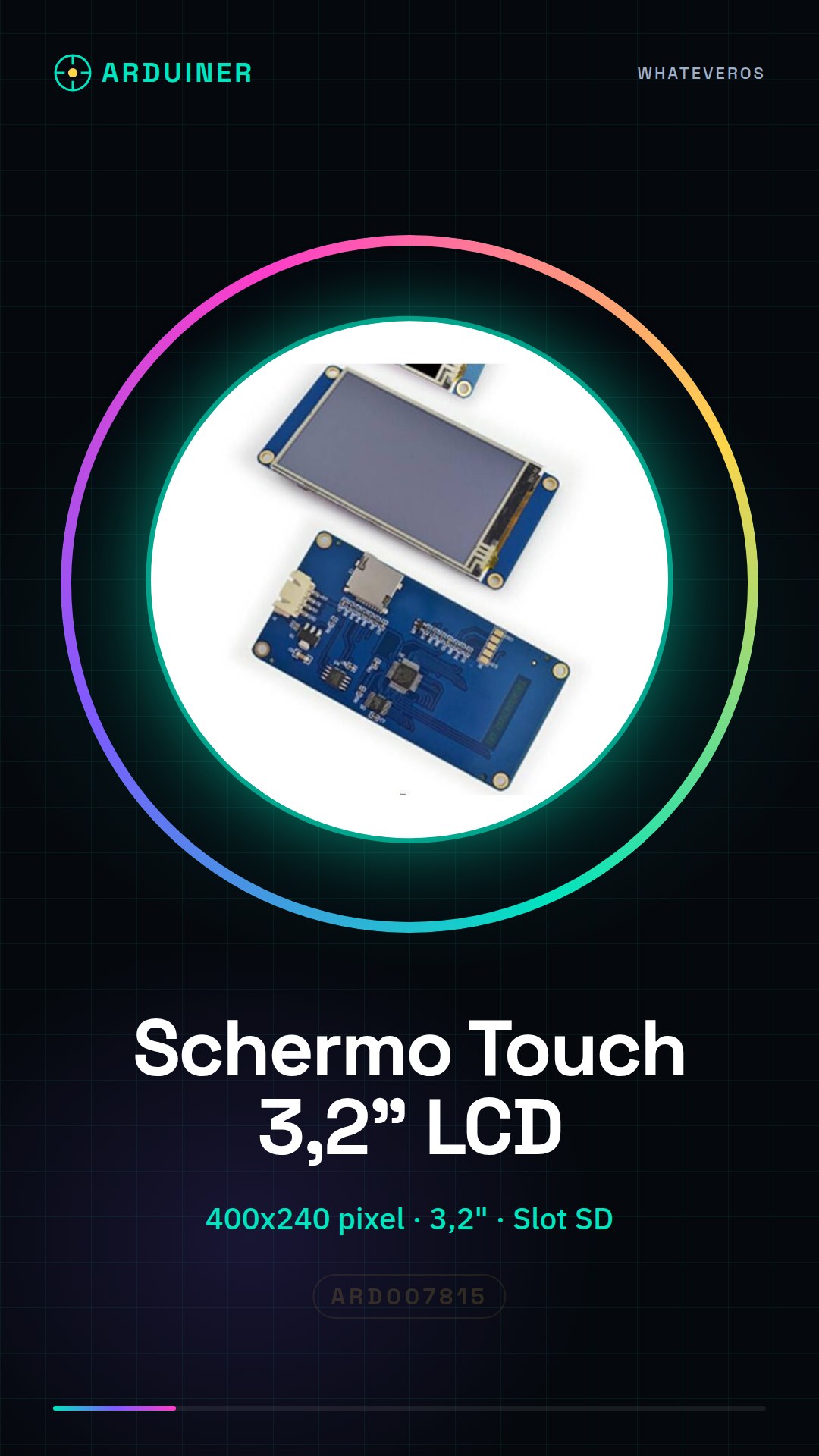
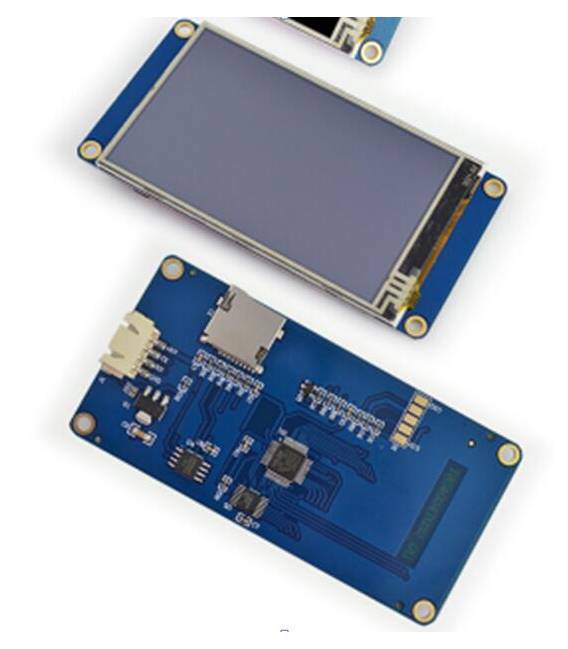
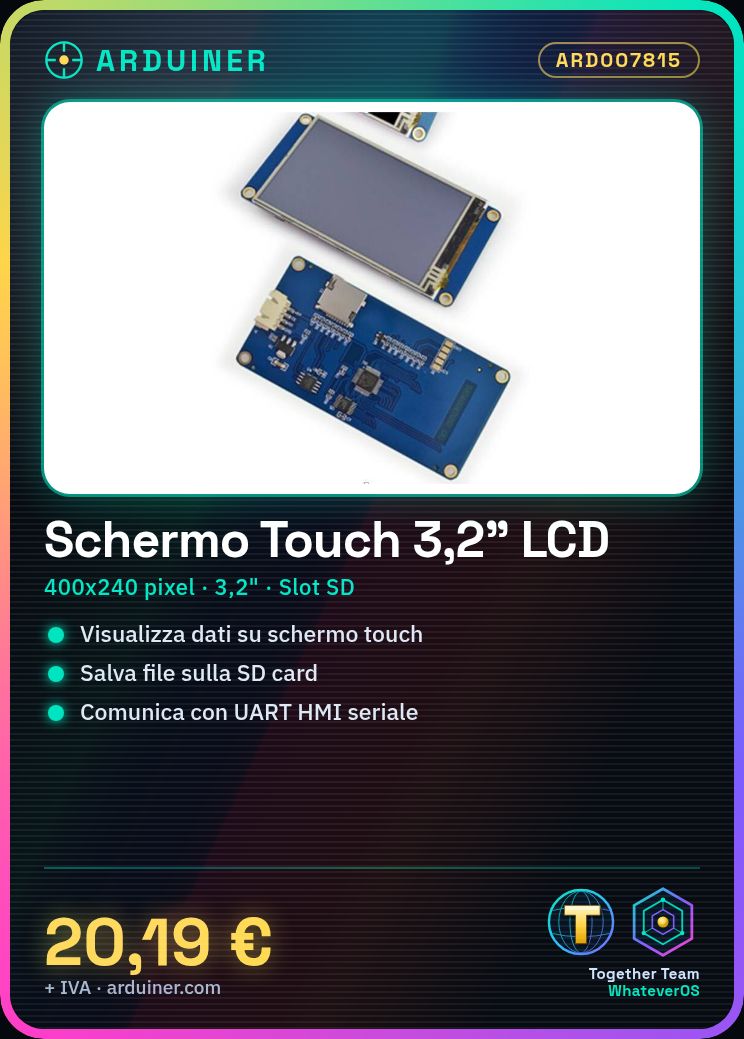
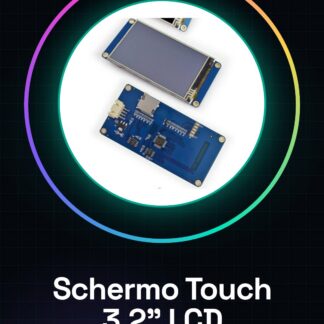
The 3.2 inch Touch TFT LCD screen with 400×240 resolution and SD Card slot is a useful component for Arduino projects requiring interactive graphical data display.
Features
- 3.2 inch Touch TFT LCD screen
- Resolution: 400×240 pixels
- Includes SD Card slot for data storage
- Compatible with Arduino and ESP32/ESP8266 (check datasheet)
What it is for
Ideal for projects requiring detailed data visualization, such as custom dashboards or interactive applications. Can be used with sensors and data storage devices to create integrated solutions.
Tutorial: How to use 3.2 inch Touch TFT LCD with SD Card slot
This high-resolution touch TFT LCD screen is ideal for Arduino projects requiring interactive and detailed data display. Perfect for beginners and intermediate makers.
What you need
- Arduino Uno or compatible
- USB micro-B cable
- SD card (check the datasheet)
- lab tools
Steps
- Connect the display to the Arduino USB connector using a micro-USB cable.
- Check the display voltage and configure it according to the requirements (5V or 3.3V).
- Install the necessary libraries to manage the display and the SD card on the Arduino IDE.
- Write the example sketch provided by the manufacturer to test the display features.
- Upload the sketch to the microcontroller.
- Verify that the display turns on correctly and displays the shown data.
- Configure the read/write from the SD card (check the datasheet).
- Test the interactivity of the touch screen.
Example code
// Includi le librerie necessarie
#include <TFT_eSPI.h>
// Definizione delle variabili e configurazione del display
TFT_eSPI tft = TFT_eSPI();
tft.initLCD(true); // Configura il display
// Aggiungi qui lo sketch per testare la funzionalità della SD card
Mini project
Create a small dashboard that displays data from the DHT11 temperature and humidity sensor, stored on an SD card.
Common mistakes
- Incorrect display voltage connection
- Misalignment of installed libraries
- Incorrect SD card configuration
- Touch Screen Interaction Issues
Recommended accessories
- DHT11 Sensor
- 4GB SD Card
- 3D Print Case for the Project
- LiPo Battery with USB Charger
Frequently asked questions
How can I configure the display voltage?
Check the product datasheet and connect the display to the correct voltage (5V or 3.3V).
Which libraries should I install?
Use the TFT_eSPI library to manage the display and SD.h for the SD card.
How can I test the touch screen interaction?
Load a sample sketch that includes touch screen interaction functions.
Reviews
There are no reviews yet.