 EN
 IT Italiano
 ES Español
 FR Français
 DE Deutsch
Description
What it is
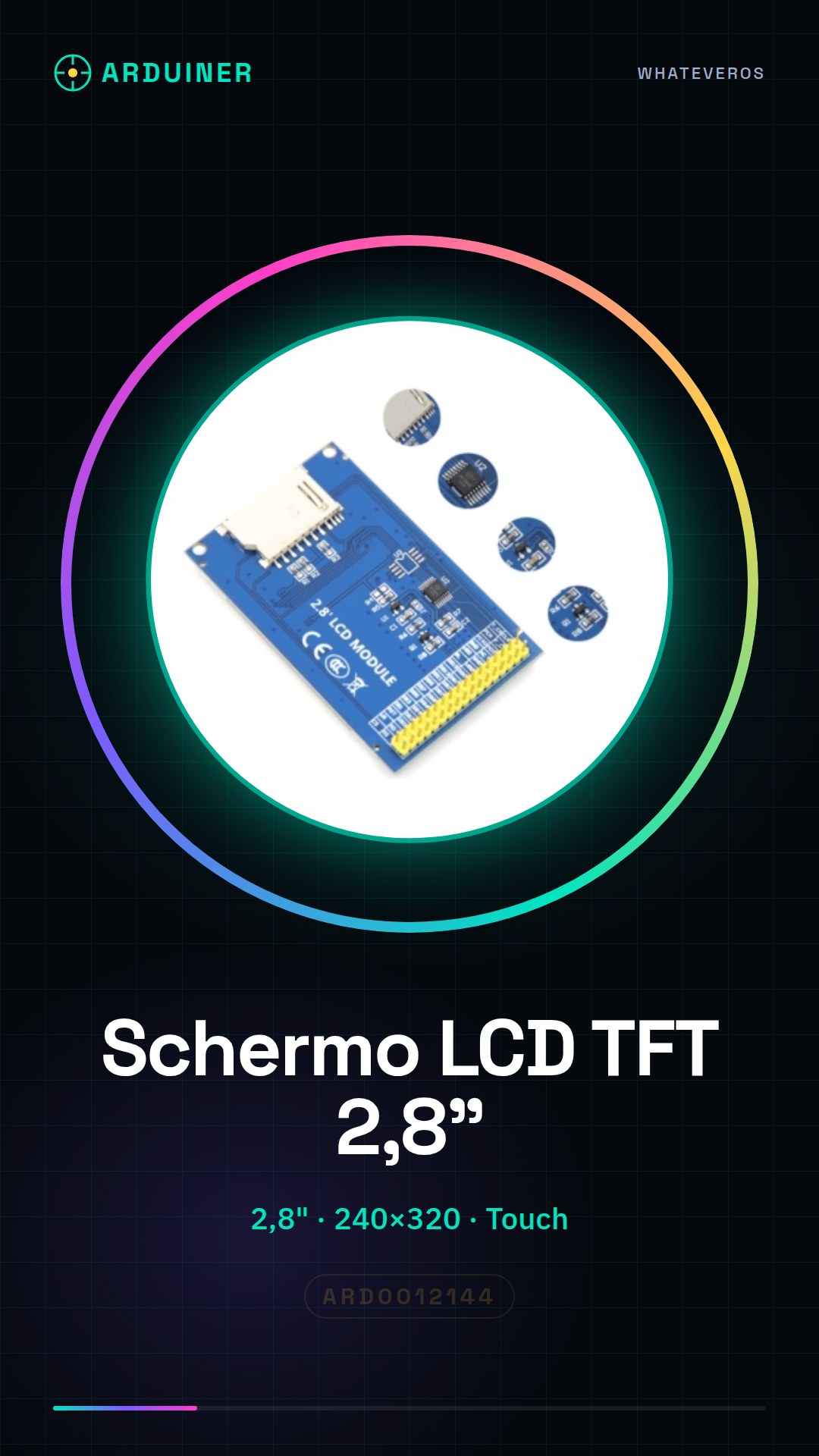
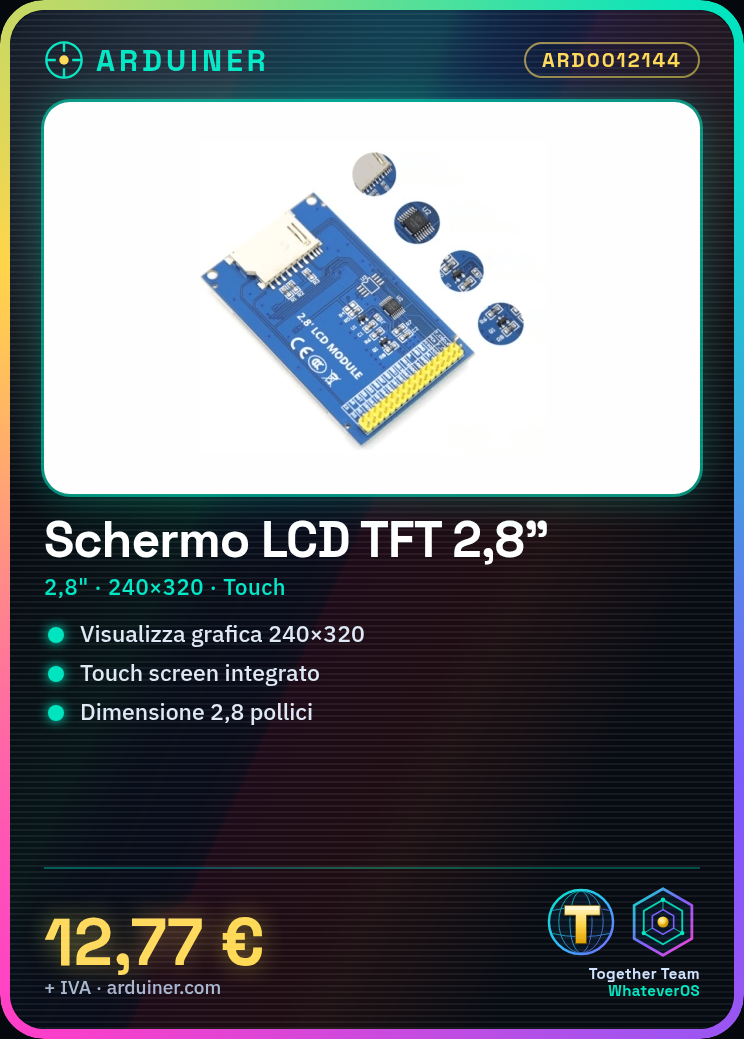
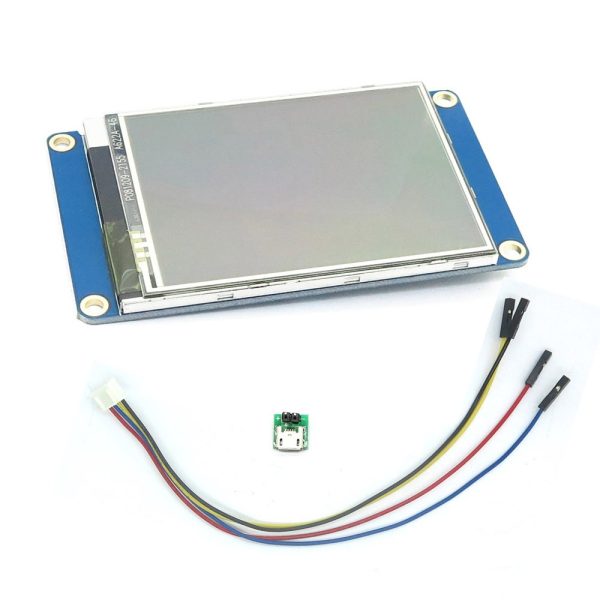
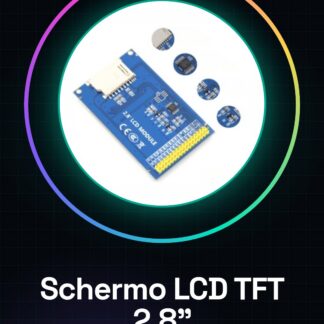
This 2.8-inch TFT LCD screen with touch screen module is an ideal display for electronic projects that require graphical visualization.
Features
- Dimensions: 2.8 inches
- Resolution: 240×320
- Touch screen: yes
What it is for
This 2.8-inch TFT LCD screen is perfect for Arduino projects that require a graphical user interface. You can use it to create digital clocks with graphical displays, menus to set the time and date, and much more. Compatibility with Arduino and ESP needs to be verified in the datasheet.
Tutorial: How to use 2.8-inch TFT LCD screen with touch screen
This 2.8-inch TFT LCD screen with touch screen module is perfect for Arduino projects that require graphical visualization. Ideal for programming and electronics enthusiasts who want to add an intuitive user interface to their devices.
What you need
- Arduino Uno or compatible
- USB cable to connect Arduino to the computer
- Required Arduino libraries
- Arduino development software
- Head or breadboard connections
- Power supply for Arduino
Steps
- Connect the LCD TFT display to the breadboard or head circuit.
- Connect the display pins to the Arduino pins: check the datasheet for specific details.
- Install the necessary libraries for the display and touch screen in Arduino.
- Write an Arduino sketch that initializes the display and tests the touch screen function.
- Upload the sketch to the microcontroller.
- Verify that the display shows the correct text or image.
- Test the touch screen to ensure it works properly.
- Customize the sketch to integrate the display and touch screen into the project.
Example code
/*
  Sketch di esempio per il display LCD TFT 2,8 pollici con touch screen
*/
#include <Adafruit_GFX.h>
#include <Adafruit_ST7735.h>

// Inizializza il display
Adafruit_ST7735 tft = Adafruit_ST7735(TFT_CS, TFT_DC, TFT_MOSI, TFT_SCLK, TFT_RST);

void setup() {
  tft.begin();
  tft.fillScreen(ST7735_BLACK);
  tft.setCursor(0,0);
  tft.setTextColor(ST7735_WHITE);
  tft.setTextSize(2);
  tft.println("Benvenuto!");
}

void loop() {
  // Aggiungi qui il codice per il touch screen
}
Mini project
Create a digital clock with a graphical interface that displays the time and date. Add a menu to set the time and date.
Common mistakes
- Connection error between the display and Arduino pins.
- Forgetting to install the necessary libraries.
- Insufficient power supply issues.
- Difficulty in correctly configuring the touch screen.
Recommended accessories
- Arduino Uno
- Arduino Libraries
- Arduino Development Software
- Head connections or breadboard
Frequently asked questions
Which libraries should I install?
Install Adafruit_GFX and Adafruit_ST7735.
How can I customize the background color?
Modify the background color in the fillScreen() method with a valid RGB value.
The touch screen does not work.
Check the pin connections and touch screen drivers.
Reviews
There are no reviews yet.