 EN
 IT Italiano
 ES Español
 FR Français
 DE Deutsch
Description
What it is
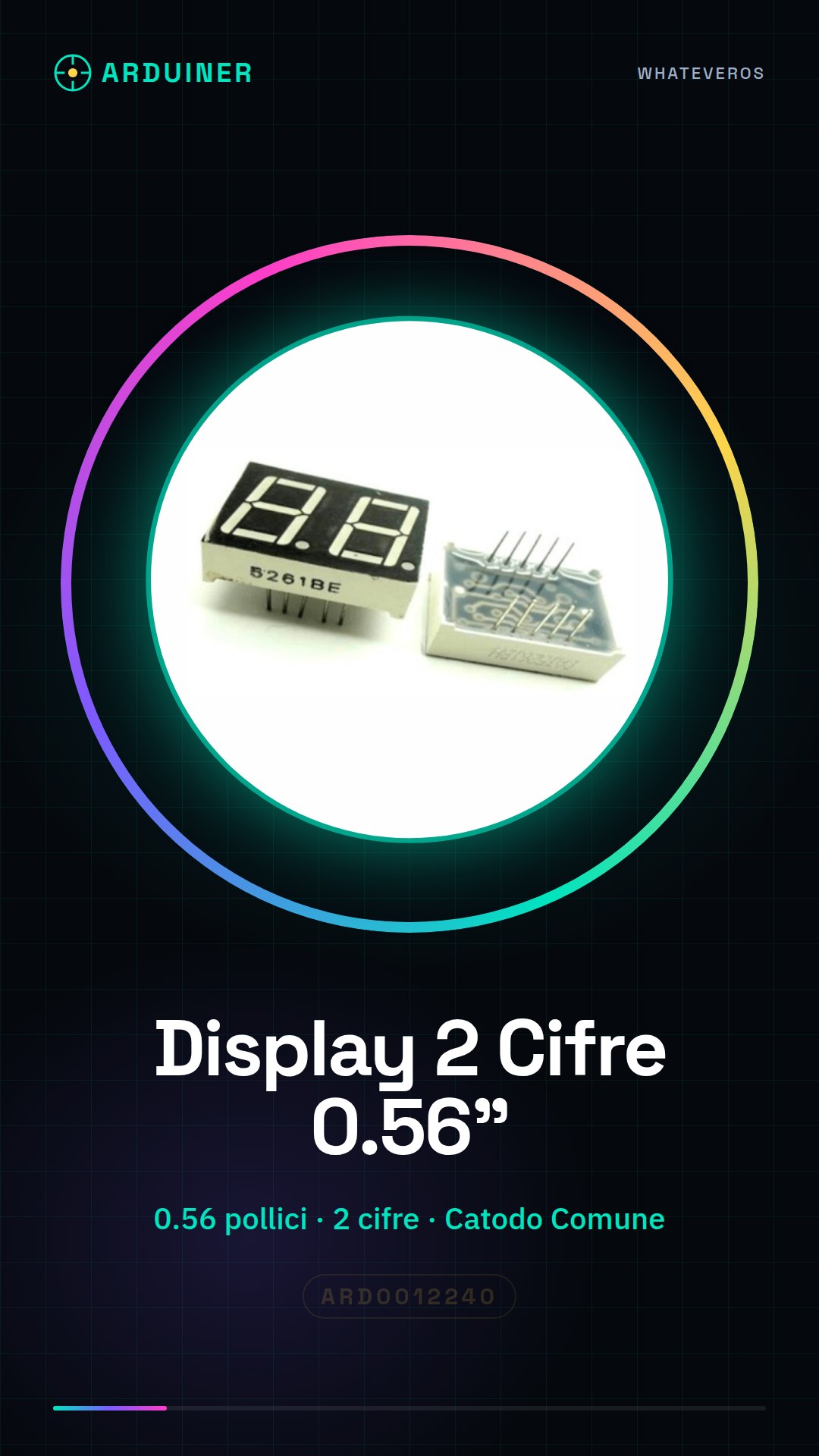
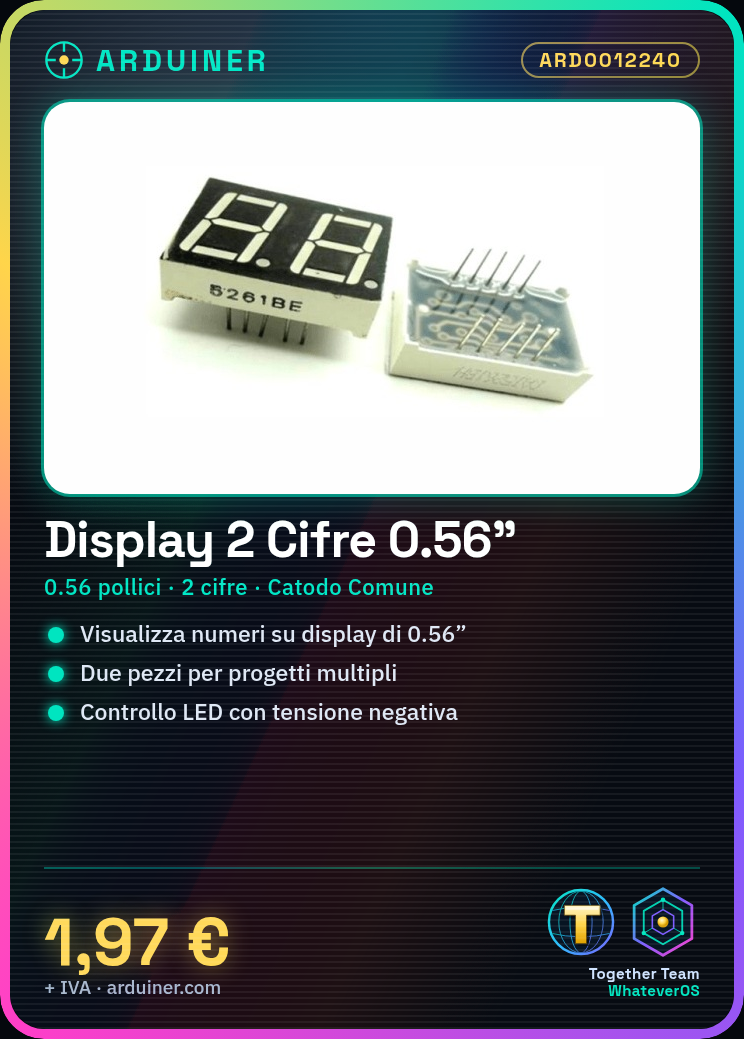
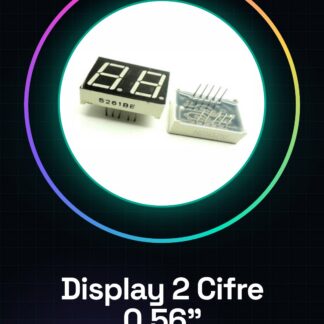
The 2-Digit 0.56″ Common Cathode Digital Display – 5261AS is a 2-digit digital display with a display height of 0.56 inches. It is a common cathode display, meaning the LEDs are controlled via negative voltage. The display is sold in packs of 2 pieces.
Features
- Display Size: 0.56 inches
- Display Type: 2 digits
- Technology Type: Common Cathode
- Quantity: 2 pieces
What it is for
This display is ideal for Arduino projects, sensor applications, and small monitoring devices. You can use it to display numbers and data in a simple and visible manner. Some examples of usage include creating a simple thermometer that shows the outside temperature, a timer or a scoreboard for a game.
Tutorial: How to Use 2-Digit 0.56″ Common Cathode Digital Display – 5261AS
This common cathode digital display is ideal for displaying numbers and data in a simple and visible manner. It is perfect for Arduino projects, sensors, and small monitoring devices.
What you need
- Arduino Uno
- USB Cable
- Jumper Wire
- Pull-up Resistors
Steps
- Connect the display pins to the Arduino digital pins using jumper wires.
- Check the datasheet for the pinout of the display and connect the signals correctly.
- Install the LiquidCrystal library on Arduino.
- Write a simple sketch to test the display.
- Configure the display with the commands from the LiquidCrystal library.
- Test the display by showing numbers and characters.
- Check the correct illumination of the digits.
- Add additional features such as sensor control with the display.
Example code
LiquidCrystal lcd(12, 11, 5, 4, 3, 2);
void setup() {
  lcd.begin(16, 2);
  lcd.print("Hello, World!");
}
void loop() {
}
Mini project
Create a simple thermometer that displays the external temperature on the digital display.
Common mistakes
- Connect the display pins incorrectly.
- Use an inappropriate value for pull-up resistors.
- Do not configure the display correctly in the library.
- Do not update the display with new data in the loop().
Recommended accessories
- Arduino Uno
- USB cable
- Jumper wire
- DS18B20 temperature sensor
Frequently asked questions
How can I change the display brightness?
Modify the control pin value for brightness in the datasheet.
Which characters can I display?
Check the datasheet for available characters.
Can I connect multiple displays?
Yes, but you need to manage the pins and library correctly.
Reviews
There are no reviews yet.