 EN
 IT Italiano
 ES Español
 FR Français
 DE Deutsch
Description
What it is
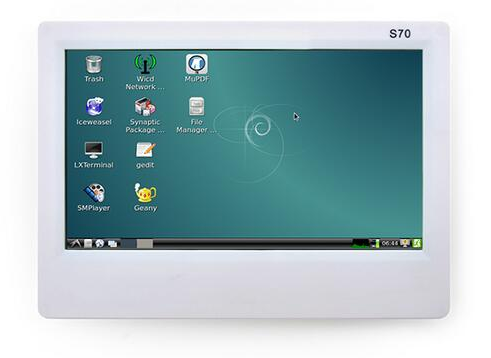
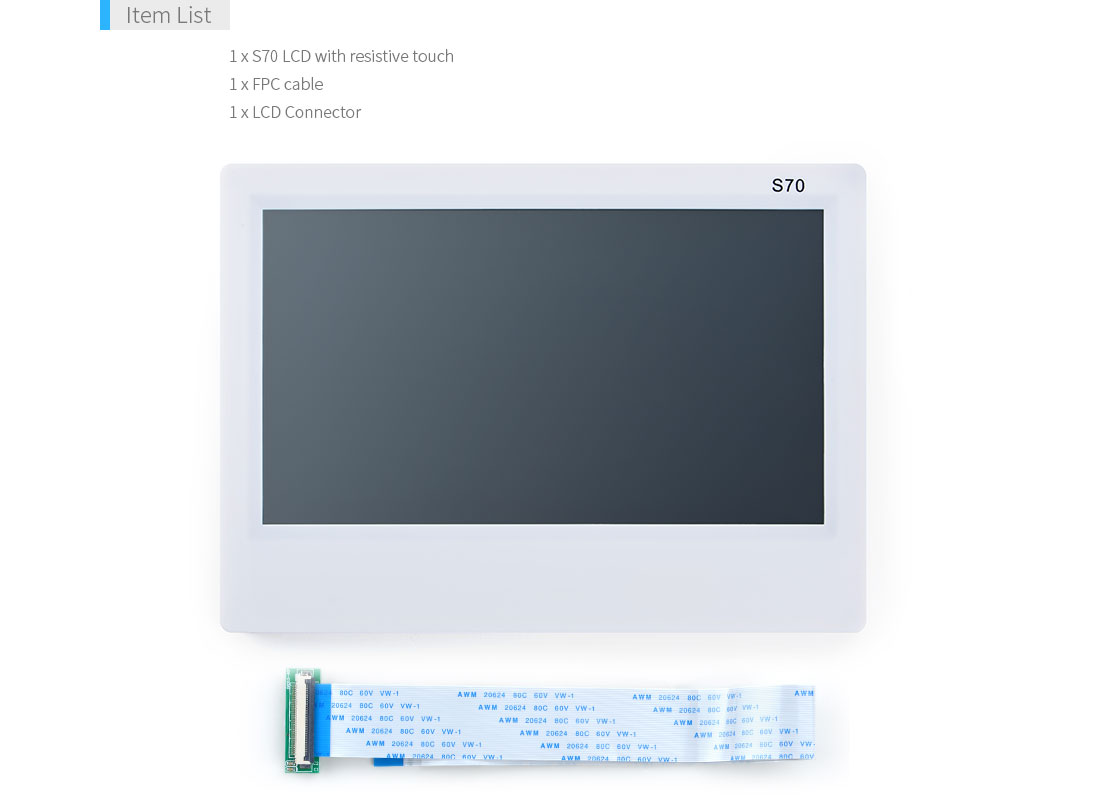
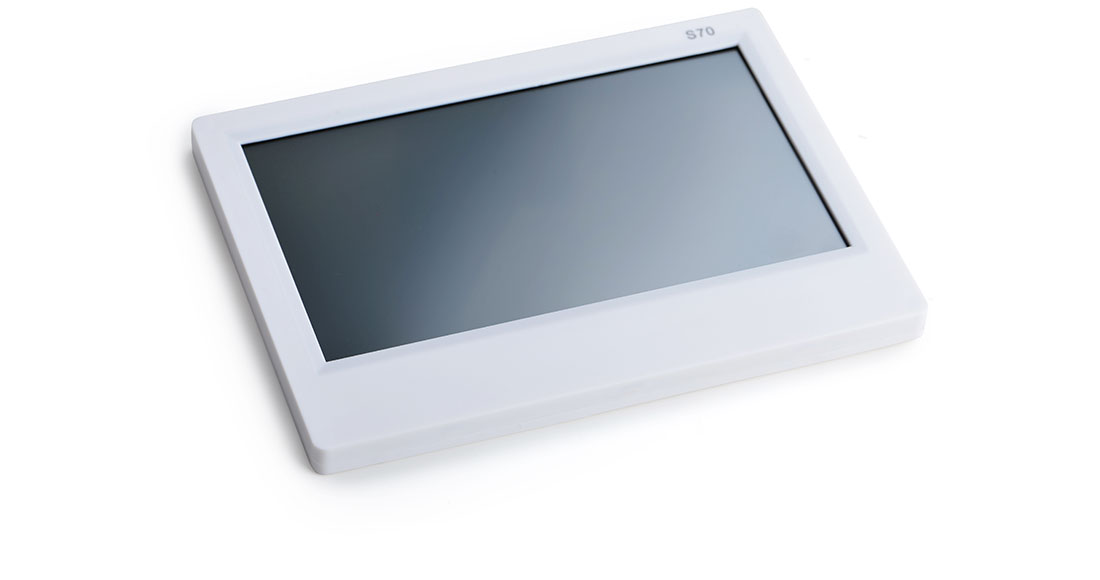
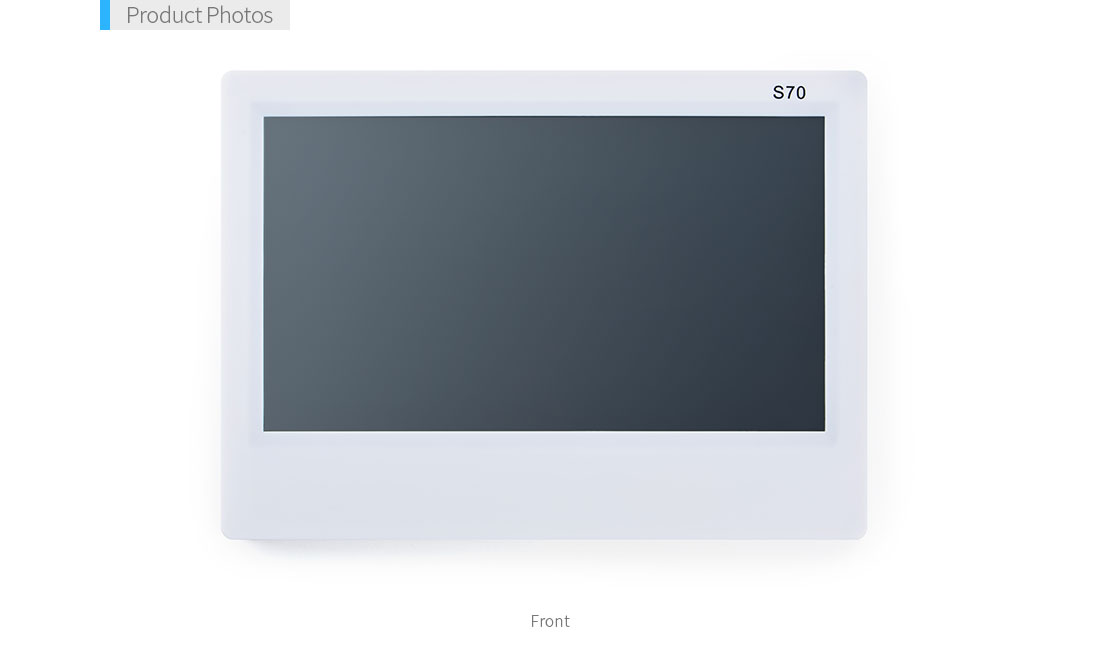
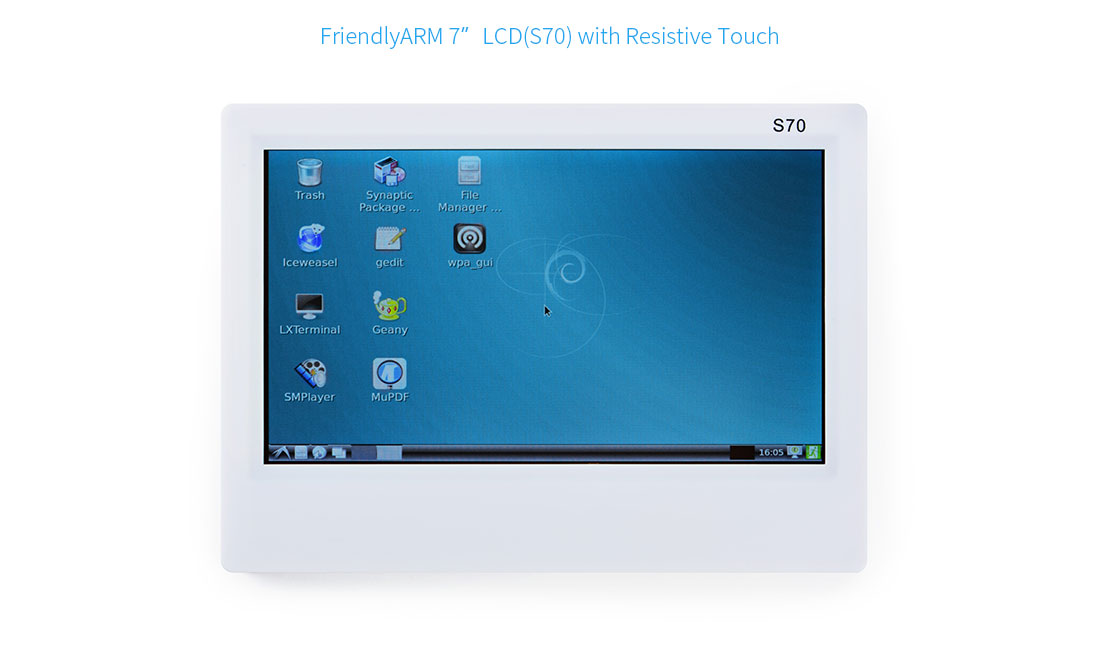
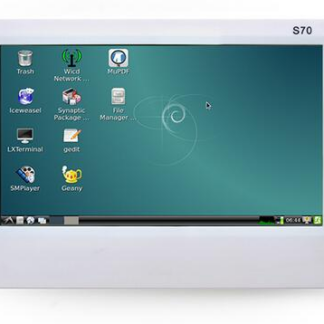
The 7-inch S70 LCD touchscreen display is an electronic component that allows for the visualization of information and interaction with a touch interface on an LCD display.
Features
- Screen size: 7 inches
- Resolution: 800 x 400 pixels
- Touchscreen type: Resistive
- SKU: ARD0010114
- Price: 52.32 €
What it is for
The S70 LCD touchscreen display is ideal for Arduino projects that require a visually appealing and interactive user interface. It can be used to create dashboards that display sensor data, navigation menus, or simple control interfaces. Compatibility with Arduino simplifies integration into DIY electronics projects.
Tutorial: How to use 7-inch resistive LCD touchscreen
The S70 LCD touchscreen display is an ideal component for projects requiring an interactive and visually appealing screen. It is perfect for both beginners and more experienced makers, offering easy integration with Arduino.
What you need
- Arduino Uno or compatible
- USB A-MicroB cable
- Additional libraries (check the datasheet)
- Power conditioning
Steps
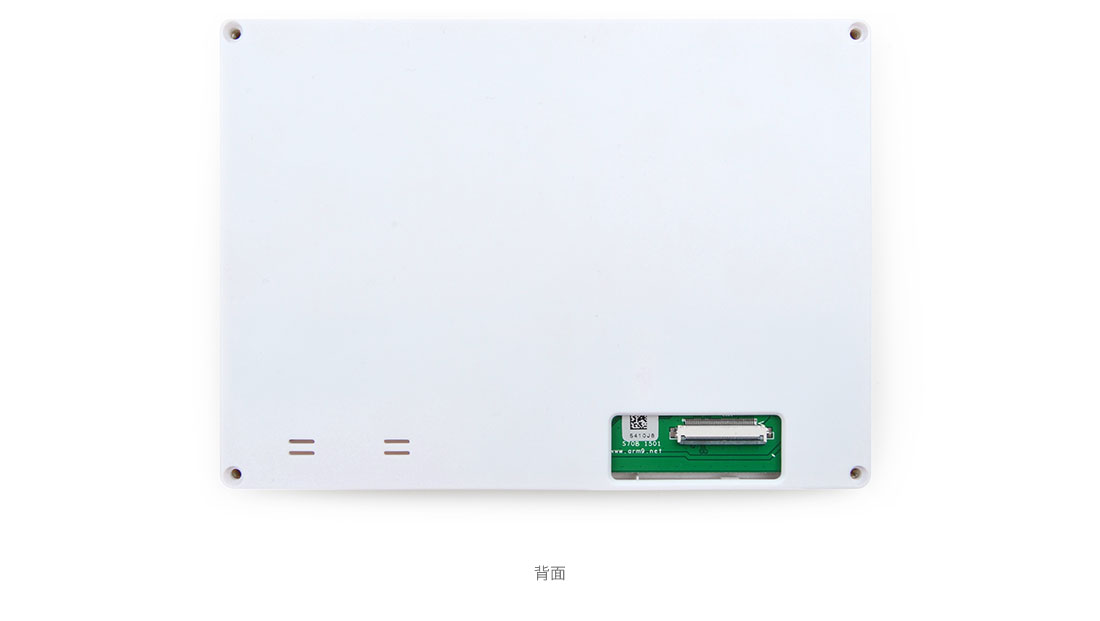
- Connect the display to the microcontroller via the appropriate connectors.
- Install the necessary libraries to interface with the display (check the datasheet).
- Configure the display power according to the product specifications.
- Initialize communication between Arduino and the display in the code.
- Test basic text and image display.
- Further customize the display with touch interactions (check the datasheet).
- Add advanced features such as screen rotation or the use of custom colors.
- Implement a practical application that utilizes all the features of the display.
Example code
//Esempio base per inizializzare il display
#include <LiquidCrystal.h>
//Verifica sul datasheet per specifiche
void setup() {
  lcd.begin(16,2); //inizializzazione schermo
}
void loop() {}
Mini project
Create a small dashboard with Arduino that displays sensor data such as temperature and humidity. Add touch interactions to navigate between dashboard pages.
Common mistakes
- Insufficient power supply issues.
- Incorrect serial communication configuration.
- Missing installation of necessary libraries.
- Non-responsive interface due to a connection error.
Recommended accessories
- Arduino Uno
- Temperature and humidity sensors
- Batteries for portable power supply
Frequently asked questions
Which libraries are necessary?
Check the product datasheet for exact specifications, but commonly used libraries include Adafruit GFX Library.
How can I resolve lighting issues?
Check the power conditioning and verify that the connections are correct.
Reviews
There are no reviews yet.