 EN
 IT Italiano
 ES Español
 FR Français
 DE Deutsch
Description
What it is
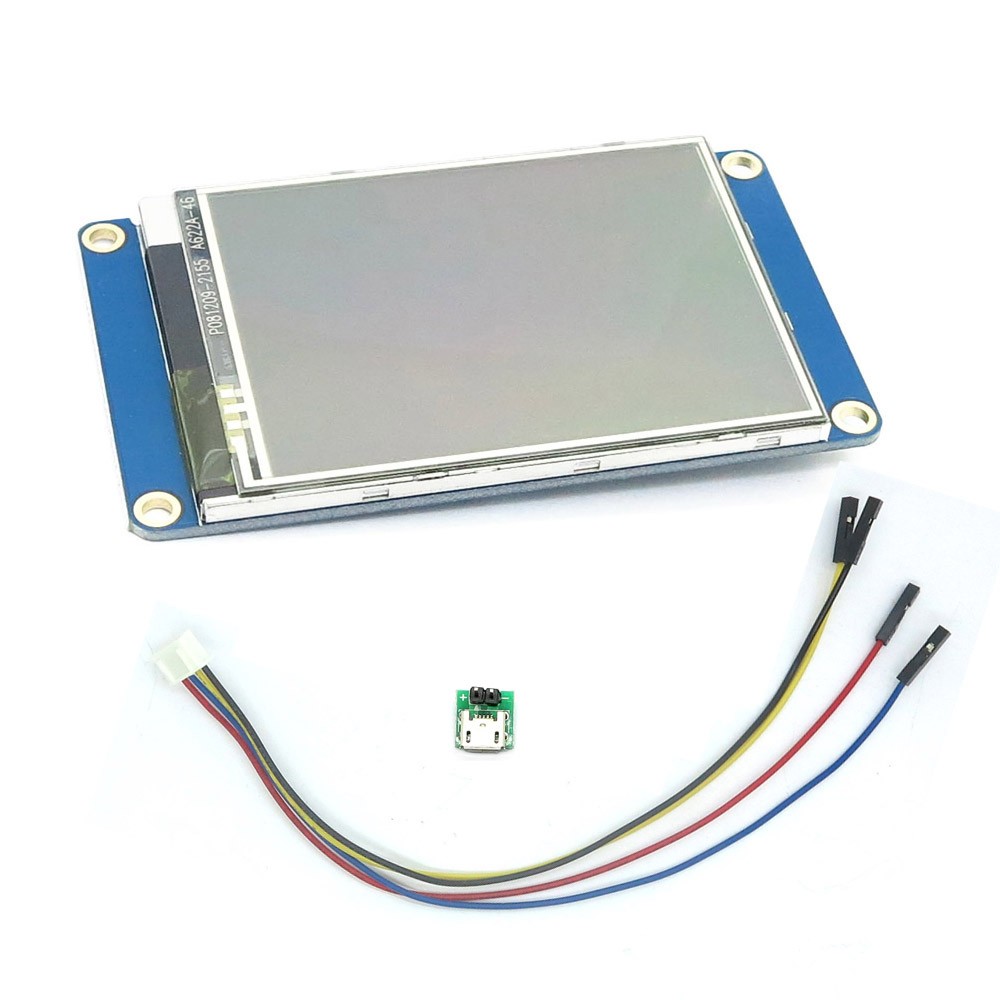
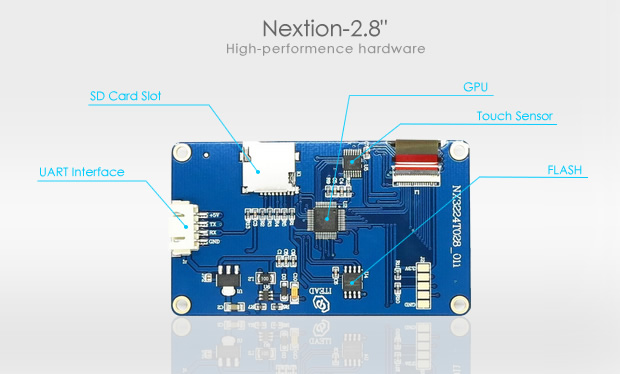
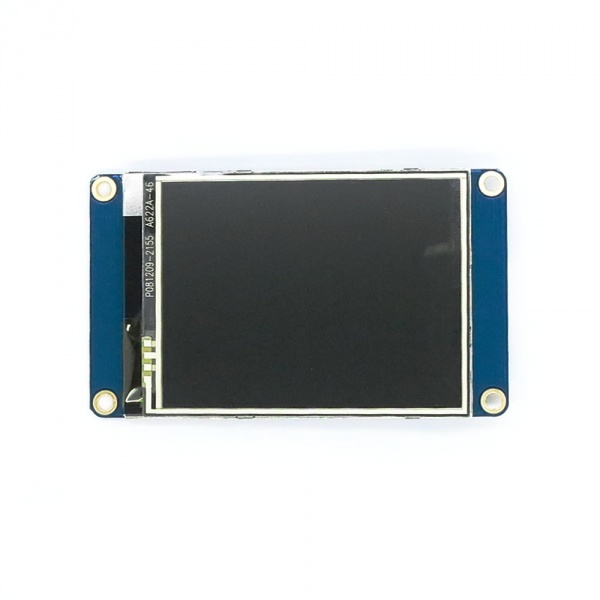
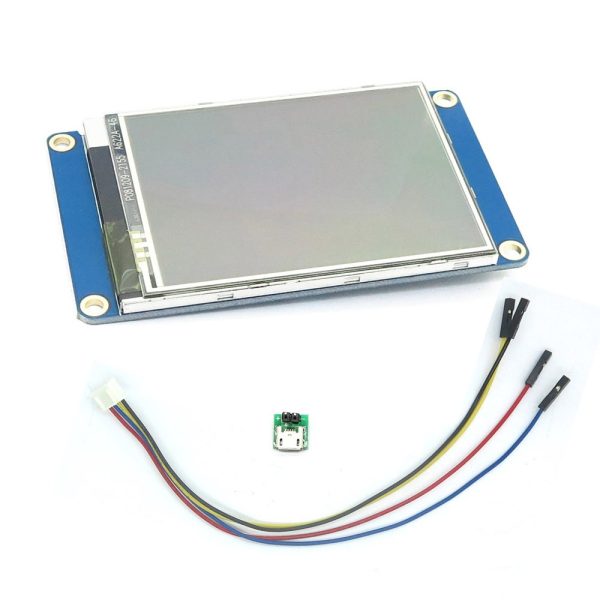
The Nextion NX3224T028 is a 2.8-inch TFT LCD screen suitable for projects with Raspberry Pi and Arduino. It allows for the creation of custom and interactive user interfaces.
Features
- Size: 2.8 inches
- Type: LCD TFT
- Compatibility: Raspberry Pi, Arduino
- Resolution: check the datasheet
What it is for
This Nextion LCD screen is ideal for projects requiring an interactive display. It can be used to create custom user interfaces, display real-time data, and manage buttons and switches. It is compatible with Arduino and Raspberry Pi.
Tutorial: How to use Nextion LCD NX3224T028 Screen
This Nextion LCD screen allows you to create custom user interfaces for your Raspberry Pi and Arduino projects. Ideal for projects that require an interactive display.
What you need
- Nextion LCD NX3224T028 Screen
- Arduino or Raspberry Pi
- FPC Cable
- Pull-up Resistor
Steps
- 1. Connect the FPC cable to the Nextion LCD screen.
- 2. Connect the FPC cable to the Raspberry Pi or Arduino.
- 3. Add a 4.7kΩ pull-up resistor between VCC and GND on the display.
- 4. Download the Nextion driver for Arduino or Raspberry Pi.
- 5. Create a .nxu file with your interactive layout.
- 6. Load the .nxu file onto the display.
- 7. Write an Arduino sketch to initialize the display.
- 8. Test your project.
Example code
```cpp
#include <Nextion.h>

Nextion tft;

void setup() {
  tft.begin();
}

void loop() {
  tft.display();
}
```
Mini project
Create a simple button counter with the Nextion display on an Arduino.
Common mistakes
- Forget to connect the pull-up resistor.
- Connect the FPC cable to the wrong pin on the Raspberry Pi or Arduino.
- Fail to load the .nxu file correctly onto the display.
- Omit the display initialization in the Arduino sketch.
Recommended accessories
- Screen protector for LCD screen
- ESD protection kit
- Adhesive tape for securing the FPC cable
- USB cable for charging
Frequently asked questions
How can I protect my Nextion LCD display?
Use a screen LCD protective board to prevent physical damage.
Which pins of my Raspberry Pi should I use?
Use the appropriate GPIO pins for the FPC cable, check the datasheet.
Can I use this display with an Arduino Uno?
Yes, but check the pin compatibility with Arduino Uno.
How can I update the .nxu file on the display?
Remove the FPC cable, load the new .nxu file, then reattach the cable.
Reviews
There are no reviews yet.